How To Check Java Ee Version Download Java 11 Offline Installers For All Operating Systems How To Check Java Version In Cmd In Mac Java For Learn How To Check Java Version In Windows 10 In Just Two Steps Pricebaba How To Check Java Version In Linux Fozgreen Windows How To Check What Version Of Java I Have Installed Unix Web Nov 18 2019 nbsp 0183 32 Your version is compliant with Java EE 7 and has been certified by Oracle You can see that at http www oracle technetwork java javaee overview compatibility jsp 136984 html which lists all Java EE certified servers
Web Feb 28 2018 nbsp 0183 32 The versions of the Facets you choose will determine which Java EE spec version it aligns with Choose your application server I personally recommend Wildfly http wildfly but the built in Java EE Preview Server can run Servlets on its own And you are ready to go Web Mar 23 2021 nbsp 0183 32 You can check which version of Java you have installed using a graphical tool or via the command line Check Your Java Version Graphically If you prefer to avoid the command line you can use the About Java utility to find the installed Java version
Windows How To Check What Version Of Java I Have Installed Unix How To Check Java Version Howto How To Check Java Version In Linux Coolxfiles Linux Show Java Version How To Check Java Version In Cmd In Windows 10 Java For Learn Command Prompt Check Java Version How To Check Java Version HowTech Check Java Ver Armyver Check Java Version LinuxConfig
How To Check Java Ee Version
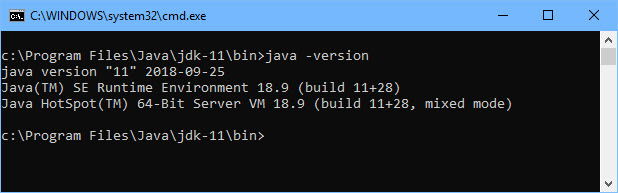 How To Check Java Ee Version
https://www.itechtics.com/wp-content/uploads/2018/10/Java-11-version-check.jpg
Web Technologies Java EE at a Glance Java EE at a Glance Java Platform Enterprise Edition Java EE is the standard in community driven enterprise software Java EE is developed using the Java Community Process with contributions from industry experts commercial and open source organizations Java User Groups and countless individuals
Templates are pre-designed files or files that can be used for numerous functions. They can conserve time and effort by offering a ready-made format and design for producing different sort of content. Templates can be used for individual or professional tasks, such as resumes, invites, leaflets, newsletters, reports, presentations, and more.
How To Check Java Ee Version
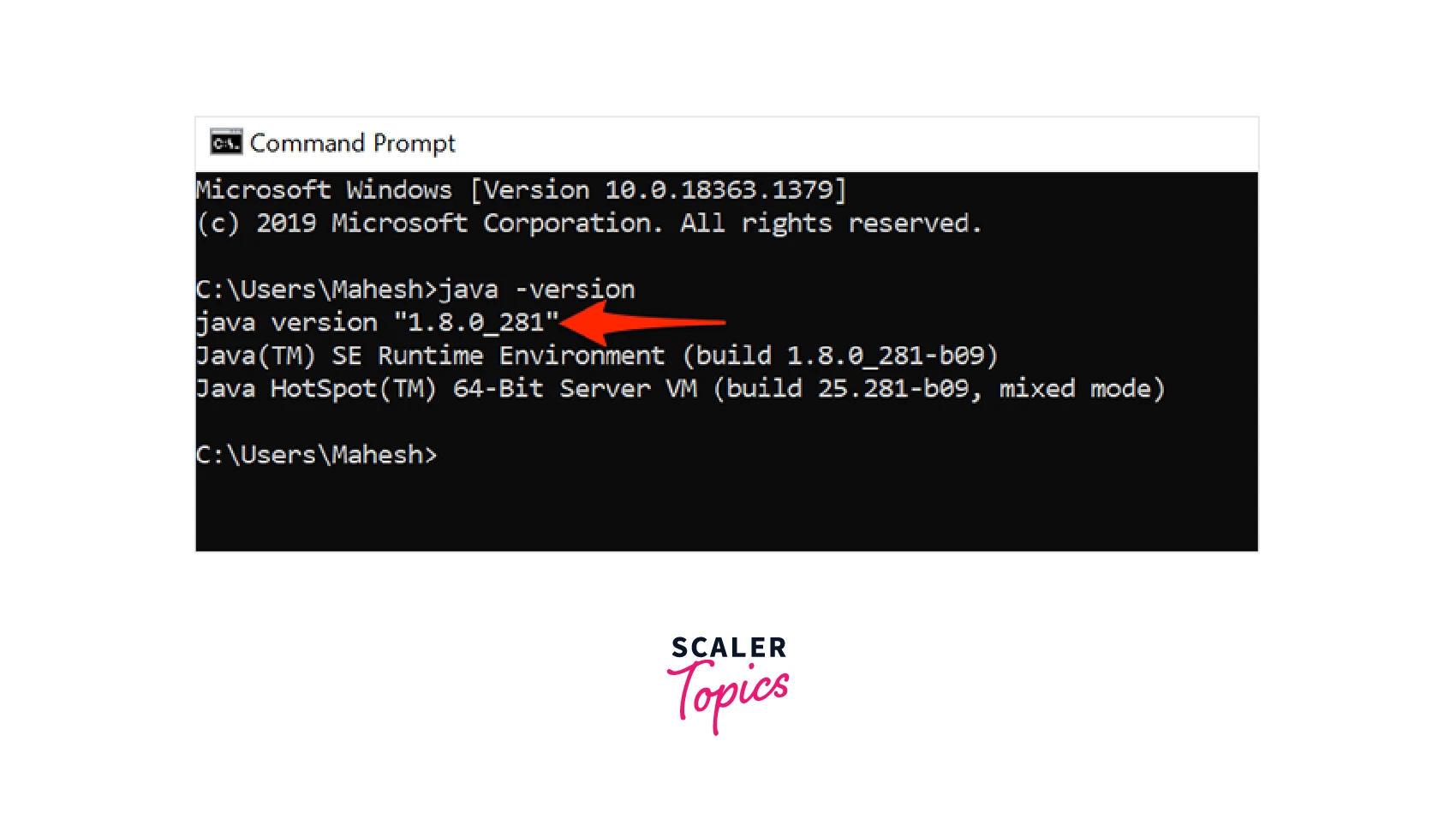
How To Check Java Version Scaler Topics

How To Check Java Version Howto

How To Check Java Version In Linux Coolxfiles
Linux Show Java Version
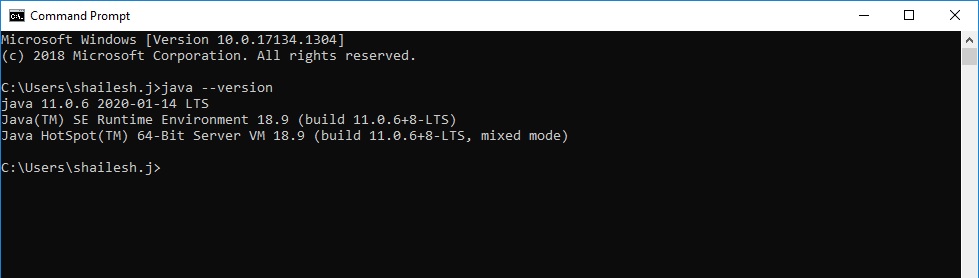
Command Prompt Check Java Version
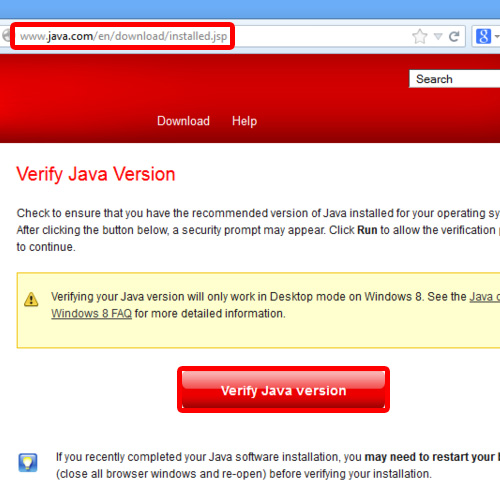
How To Check Java Version HowTech
Web Jul 5 2021 nbsp 0183 32 Please It s quot Jakarta quot not quot Jackarta quot As to supported JEE version of your server just check its docs as stated by Paul openliberty io docs 21 0 0 4 reference feature javaee 8 0 html

Web Mar 4 2014 nbsp 0183 32 If you do you mean the JDK version see my answer EE compliance is another matter you should check for what application server version it was packaged then see to what spec version that AS is compliant

Web The Java EE you linked installs the Glassfish server that particular bundle has its own JDK an older one in fact So wherever you put it if you go to the glassfish3 jdk7 directory and run bin java version it will report java version quot 1 7 0 10 quot not 45 Note that the quot core quot runtime is in jdk7 jre lib rt jar
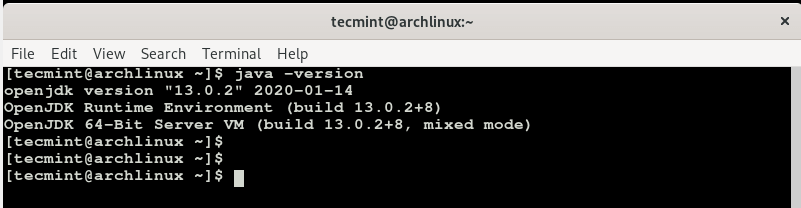
Web Nov 29 2013 nbsp 0183 32 java version java version quot 1 7 0 45 quot Java TM SE Runtime Environment build 1 7 0 45 b18 Java HotSpot TM 64 Bit Server VM build 24 45 b08 mixed mode By reading all these outputs I never find anything mentioning any quot Java EE quot version

Web Oct 14 2018 nbsp 0183 32 2 It depends on the artifact you have at hand If you have the source projects you can see the dependencies If you have the binaries then you can look at the manifest in jar files to see at least the JDK that built it
Web The Java version can be found in the Java Control Panel Find the Java Control Panel on Windows Find the Java Control Panel on Mac Under the General tab in the Java Control Panel the version is available through the About section A dialog appears after clicking About showing the Java version Web Aug 16 2023 nbsp 0183 32 IntelliJ IDEA supports Jakarta EE up to version 10 In terms of functionality Jakarta EE 9 is essentially the same as Jakarta EE 8 fully compatible with Java EE 8 with the difference being in internal naming the API namespace was renamed from javax to jakarta So all features in IntelliJ IDEA that provide Java EE support also apply to
Web Jan 10 2010 nbsp 0183 32 You apparenly have an older version of Netbeans and installed Glassfish v3 separately You need at least Netbeans 6 8 for this In the 2nd link which you have posted yourself there s even a download button in the top to get Netbeans 6 8 with Glassfish v3 a Java EE 6 implementation bundled Share