How To Check Google Maps Api Key Whats The Api Key For In Google Maps Api V3 Stack Overflow Riset Google Maps API Key The Social Collective Google Maps API Key WP Sunshine Add A Google Maps API Key Looker Studio Help Google Maps API Webvalue If your client application does not use OAuth 2 0 then it must include an API key when it calls an API that s enabled within a Google Cloud Platform project The application
Google Maps API key is used to access Google Maps API Some applications or plugins using the capabilities of Google Maps require getting and adding an individual token If you have one of these plugins 1 Question Is there any way to check that whether google maps has been integrated with correct api key Description I am using Google maps in my project
Google Maps API Webvalue How To Create Google Maps API Key Add Your Google Maps API Key Video Astoundify Knowledge Base How To Get Google Maps API Key Magetop Blog Creating A Google Maps API Key MyWorks Help Center Obtaining A Google Maps API Key Member Clicks Trade How To Get Google Maps Api Key In 1 Minute Tutorial Google Maps API Key Setting Up A Google Maps API Key Pano2VR 7 Garden Gnome
How To Check Google Maps Api Key
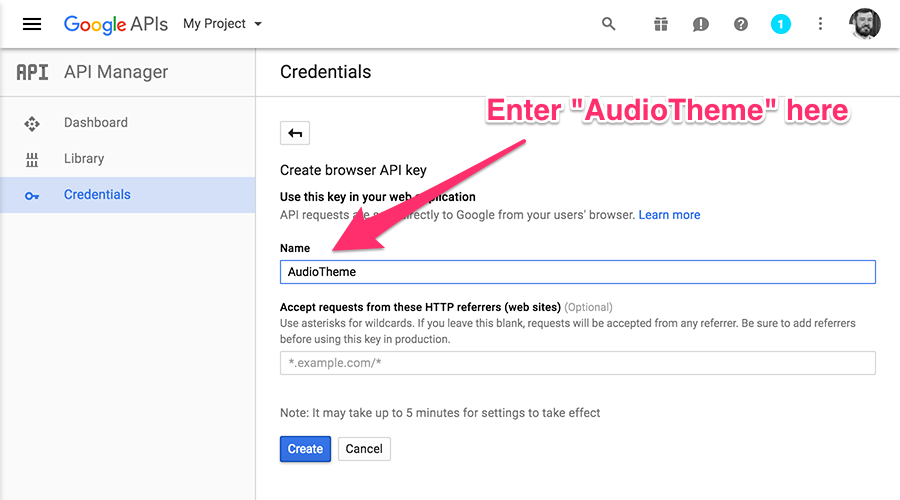 How To Check Google Maps Api Key
https://audiotheme.com/content/uploads/google-api-create-browser-key.png
Yoast Local SEO How to generate and set a Google Maps API key Warning You must have a Google account with billing enabled to generate a key for Google Maps API
Pre-crafted templates offer a time-saving solution for creating a varied variety of documents and files. These pre-designed formats and layouts can be made use of for various personal and professional projects, including resumes, invites, flyers, newsletters, reports, discussions, and more, enhancing the content production process.
How To Check Google Maps Api Key
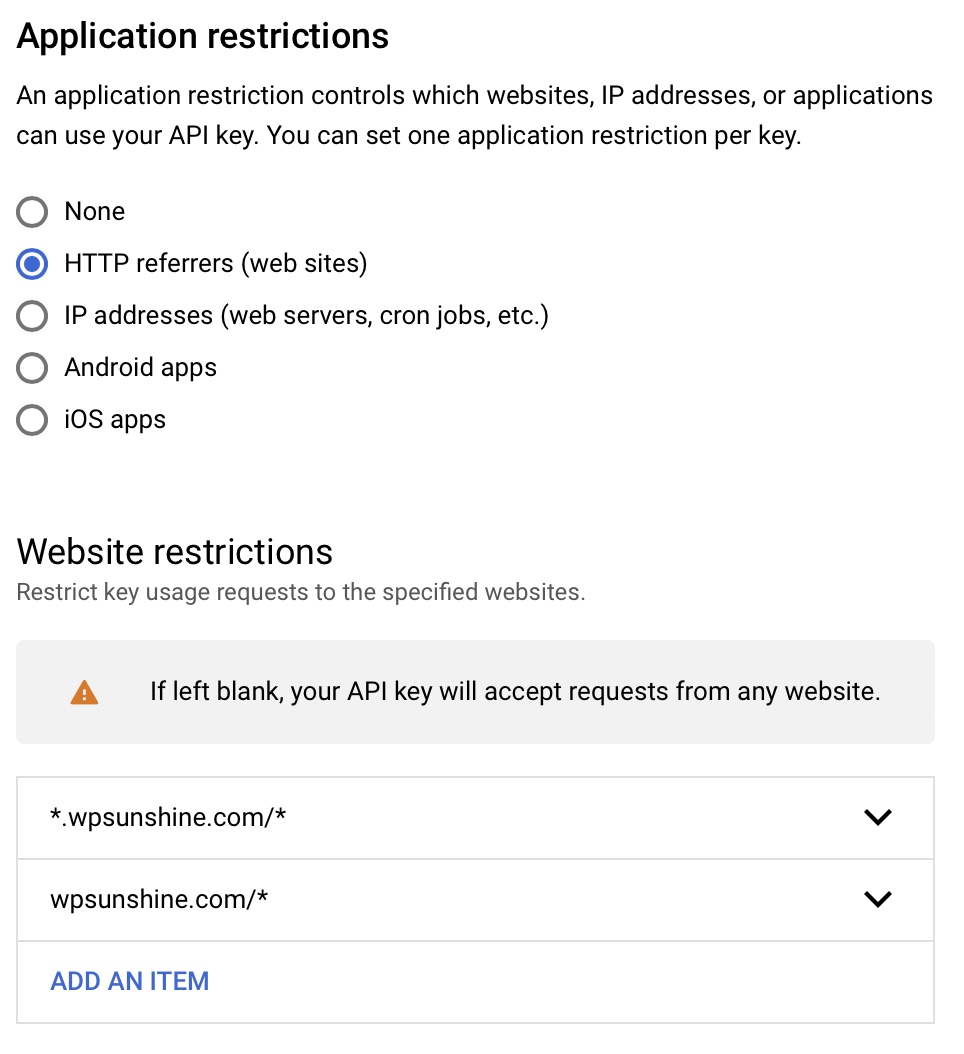
Google Maps API Key WP Sunshine
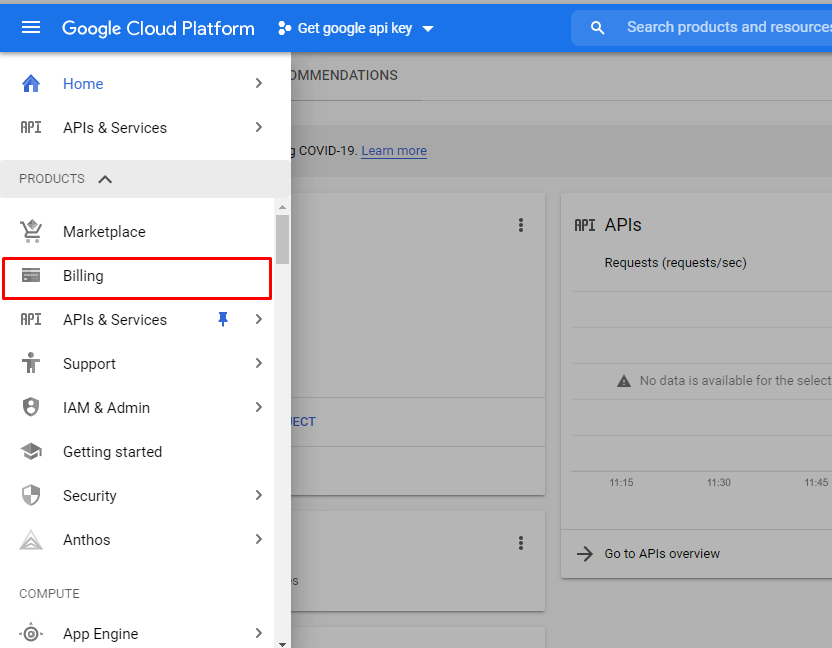
How To Create Google Maps API Key
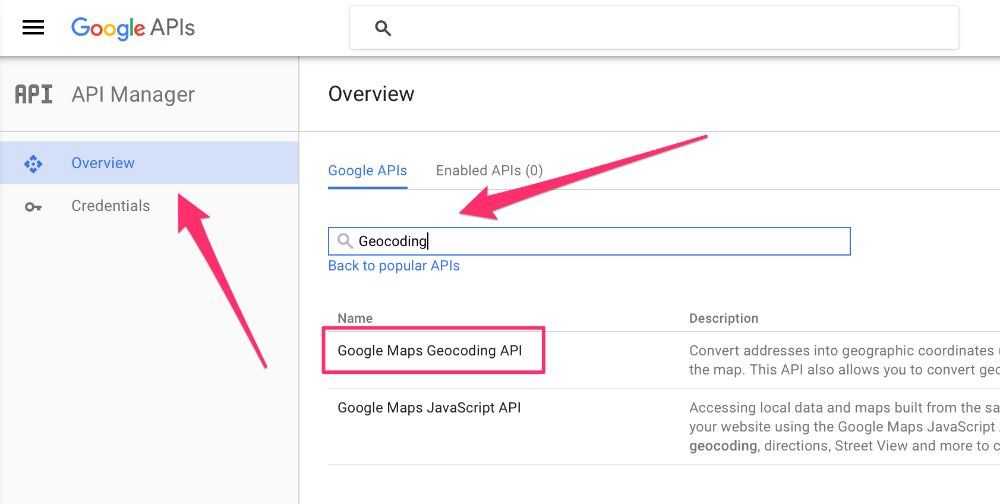
Add Your Google Maps API Key Video Astoundify Knowledge Base

How To Get Google Maps API Key Magetop Blog

Obtaining A Google Maps API Key Member Clicks Trade
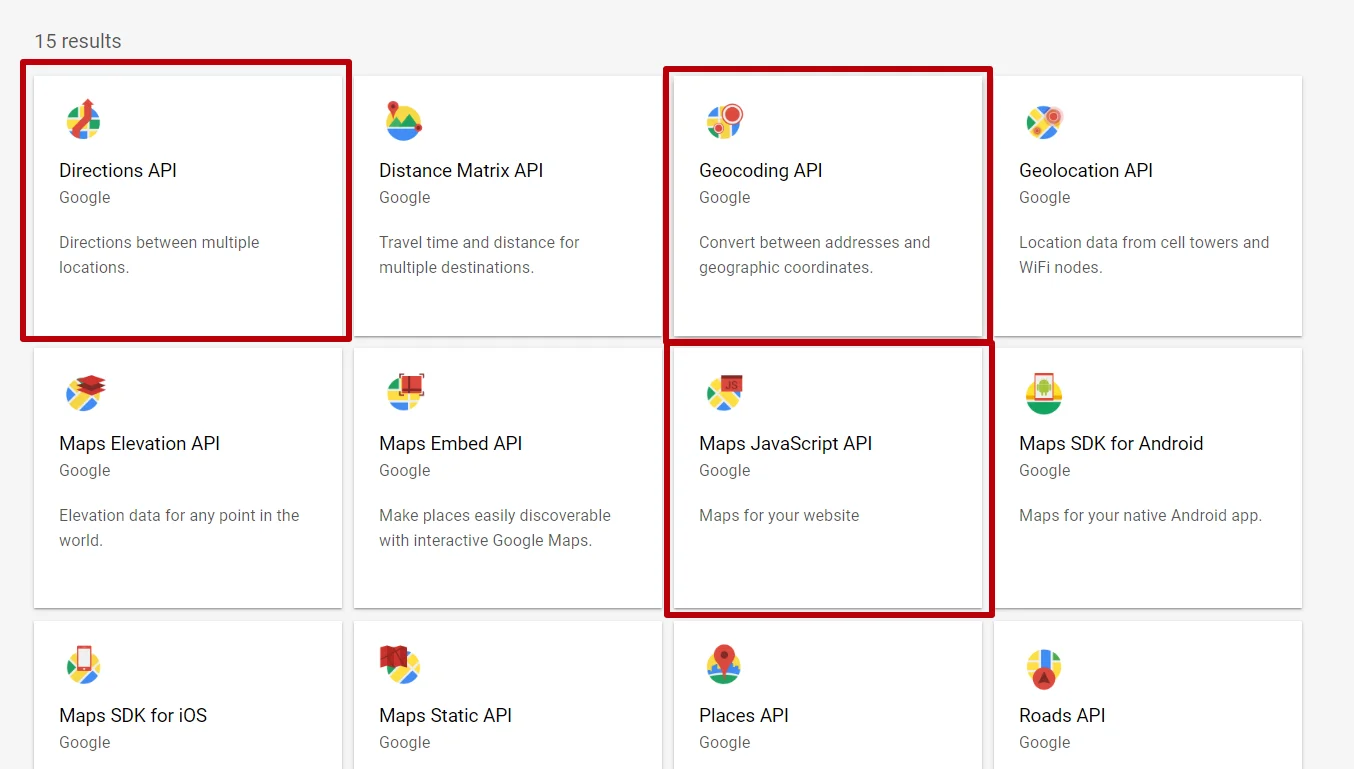
How To Get Google Maps Api Key In 1 Minute Tutorial
This help content information General Help Center experience Search Clear search

It is still possible to enable Maps API without billing but it has to be done through the Cloud SDK console Details of how this is done is given
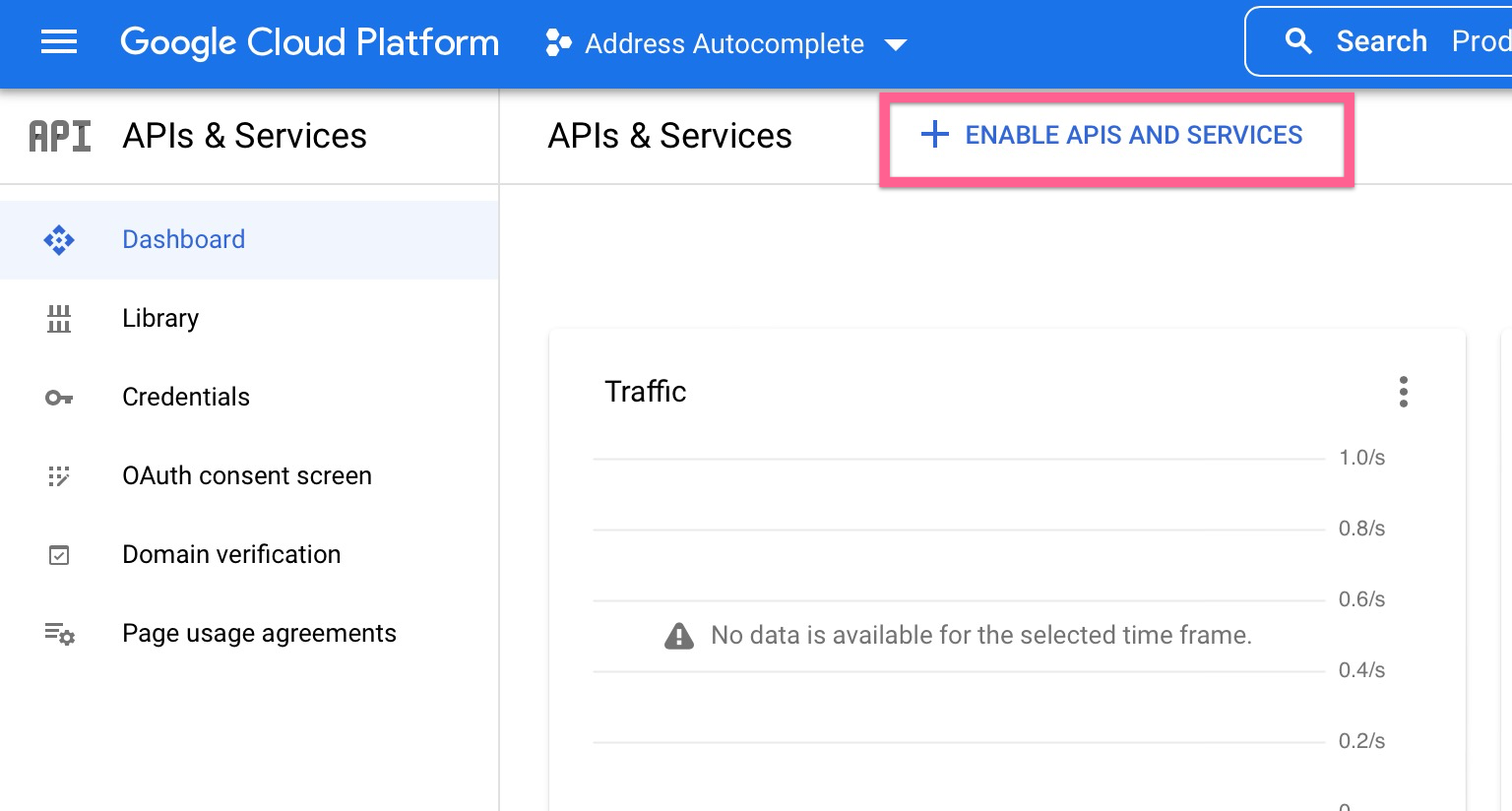
Enable Google Maps Platform APIs and SDKs for your project Generate an API key for your project Once you have generated an API key provide it to your
The API key is a unique identifier that authenticates requests associated with your project for usage and billing purposes You must have at least one API

Learn how to enable Google Maps Platform APIs and SDKs in the Google Cloud console APIs and SDKs are available for Maps Routes and Places across web and mobile platforms
1 Go to Google Maps Platform 2 Press the Get Started button In the window that opens tick both Maps and Places Press Continue At this stage you will be asked to create a Browse the Best Free APIs List What is the Google Maps API platform The Google Maps API platform offers SDKs for both Android and iOS as well as APIs
Google API key checker Google API key Notes 1 If you see the message Geocoding service ok and a Map of NY with 3 markers it means the Google API key is ready to be