How To Check Aws Cli Version In Windows Cmd How To Install Aws Cli For Windows Financeamela How To Install Aws Cli For Windows Daysbap Learn AWS CLI An Overview Of AWS CLI AWS Command Line Interface Amazon Web Services AWS Configure Issue On Windows Cmd Stack Overflow Processing AWS CLI Output With Jq And Yq By Eden Hare AWS Tip Verkkotulos By default the AWS CLI sends requests to AWS services by using HTTPS on TCP port 443 To use the AWS CLI successfully you must be able to make outbound
Verkkotulos 26 hein 228 k 2019 nbsp 0183 32 First you need to download the AWS CLI Depending on your operating system it will require a different method Linux macOS Unix Prerequisites You must ensure Verkkotulos To install the AWS CLI on a Windows instance see Install or update the latest version of the AWS CLI Important If you already installed AWS CLI version 1
Processing AWS CLI Output With Jq And Yq By Eden Hare AWS Tip How To Install AWS CLI A Step By Step Guide Whizlabs Blog AWS CLI For Beginners The Complete Guide YouTube How To Configure Install AWS CLI 2023 C mo Verificar La Versi n Angular aplicaci n CLI Linuxteaching CLI CLI JapaneseClass jp How To Check Your Windows Version Using A Shortcut Or CMD IONOS How To Install AWS CLI On MAC OS 2 Steps How To Check Your Windows Version Using CMD YouTube
How To Check Aws Cli Version In Windows Cmd
 How To Check Aws Cli Version In Windows Cmd
https://i.stack.imgur.com/ipRlf.png
Verkkotulos For uninstall instructions see Uninstall the Amazon CLI version 2 Important Amazon CLI versions 1 and 2 use the same aws command name If you
Templates are pre-designed files or files that can be utilized for various purposes. They can conserve effort and time by supplying a ready-made format and design for creating various kinds of material. Templates can be utilized for individual or expert tasks, such as resumes, invitations, leaflets, newsletters, reports, presentations, and more.
How To Check Aws Cli Version In Windows Cmd
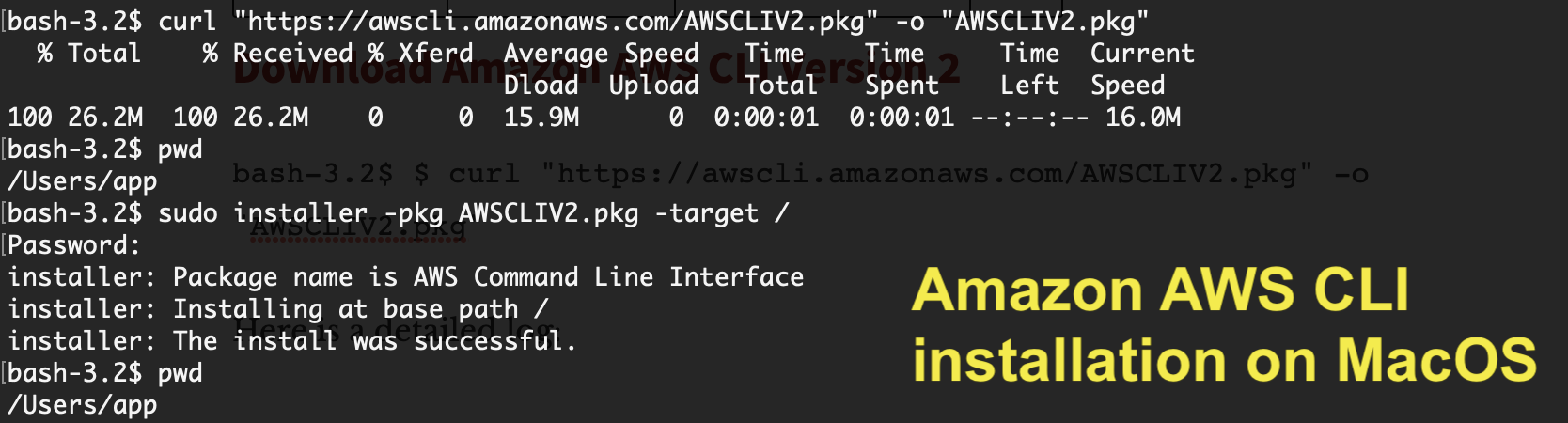
How To Setup Amazon AWS CLI Command Line Interface On MacOS Or Linux
How To Install AWS CLI A Step By Step Guide Whizlabs Blog
AWS CLI For Beginners The Complete Guide YouTube
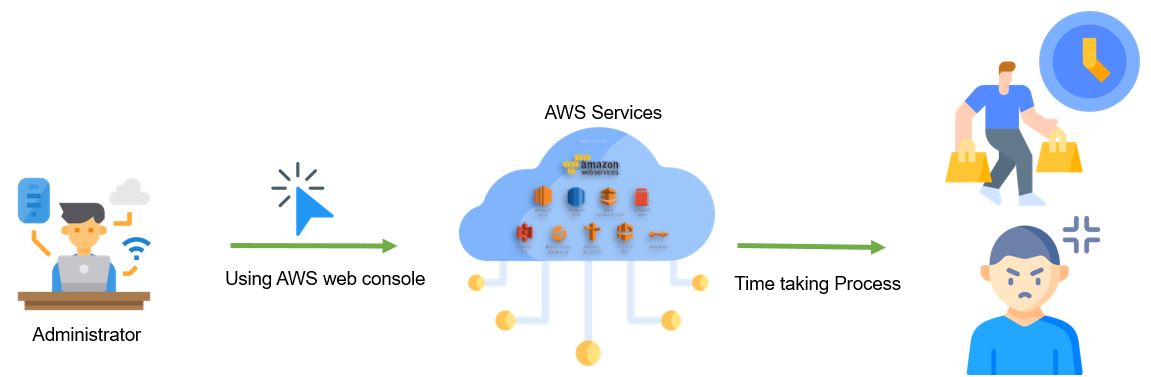
How To Configure Install AWS CLI 2023
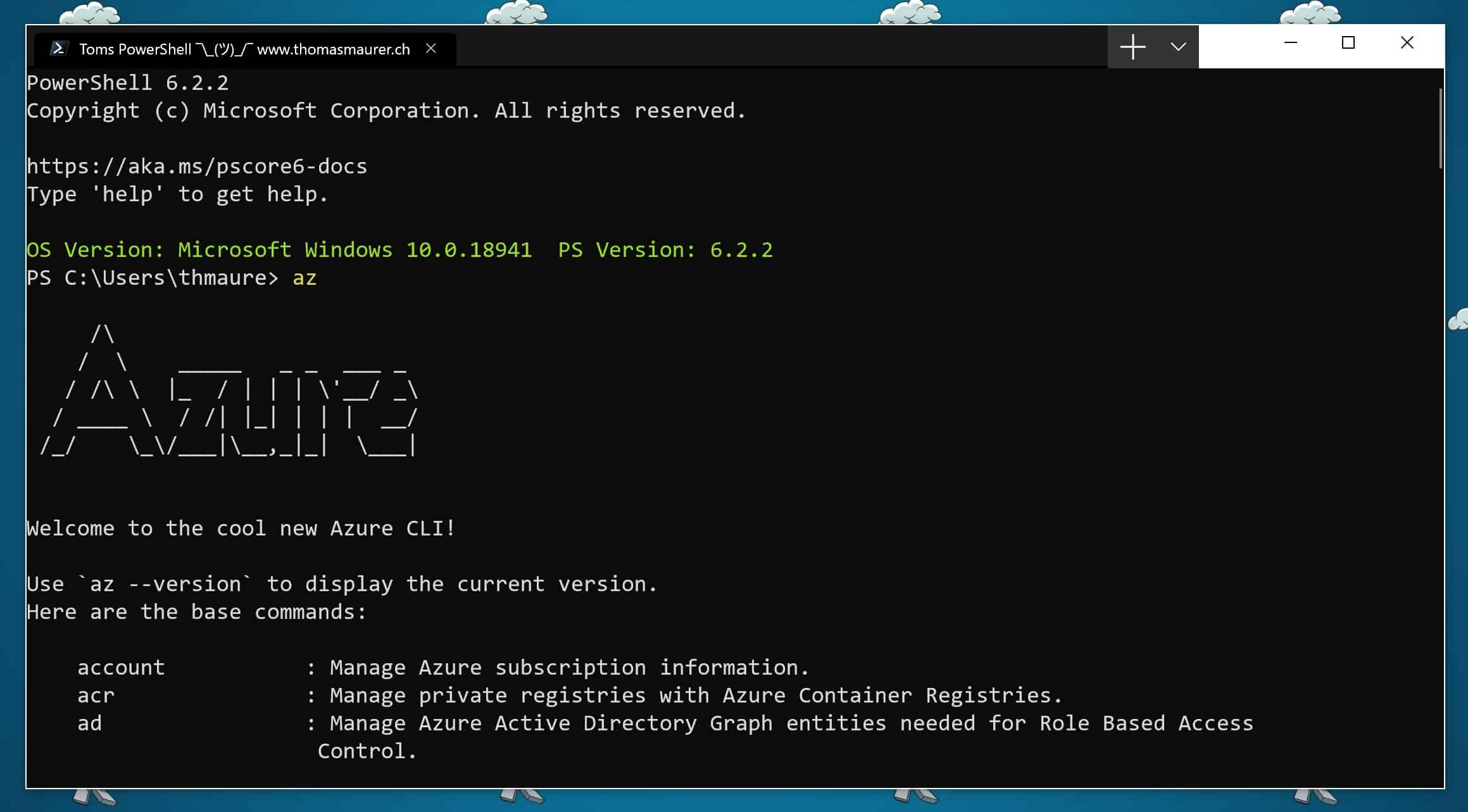
CLI CLI JapaneseClass jp
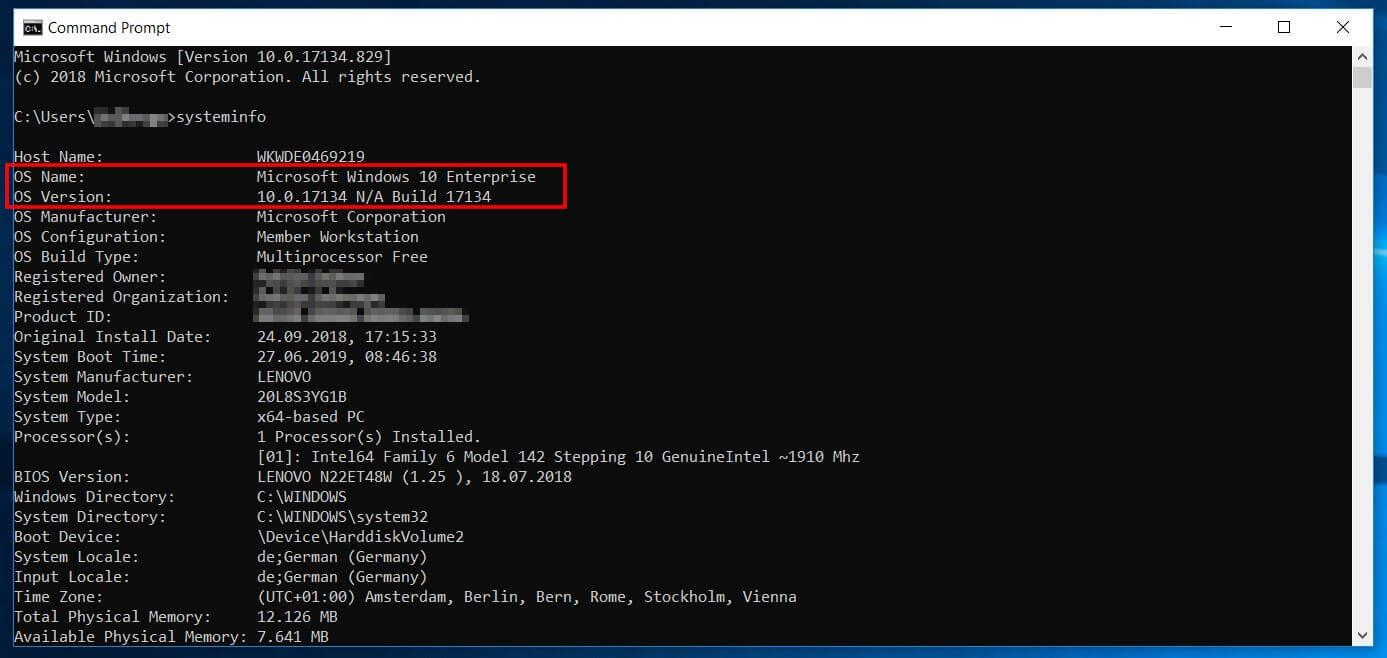
How To Check Your Windows Version Using A Shortcut Or CMD IONOS

Verkkotulos The AWS Command Line Interface AWS CLI is a unified tool to manage your AWS services With just one tool to download and configure you can control multiple
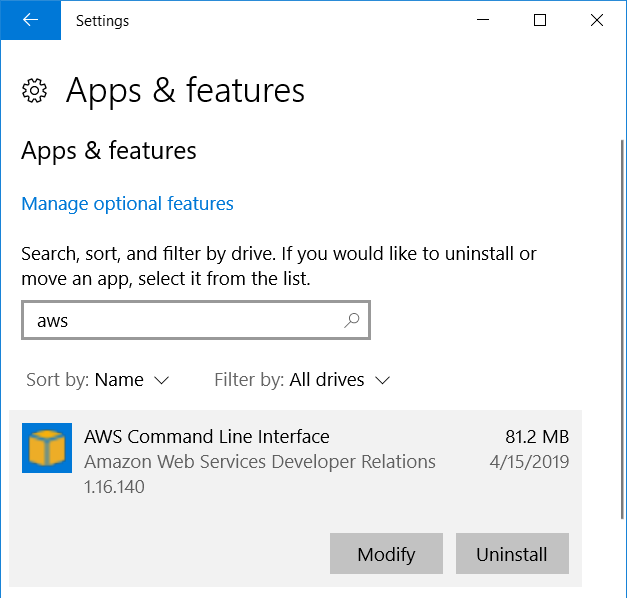
Verkkotulos Is there a way to check the specific version of angular cli that s installed globally on my machine I m in a Windows environment npm v and node v only gives

Verkkotulos 4 elok 2023 nbsp 0183 32 You can check which version you are currently running by using the following command in your terminal aws version This will return the current

Verkkotulos 5 toukok 2015 nbsp 0183 32 To confirm the installation use the aws version command at a command prompt open the START menu and search for cmd if you re not sure how to find the command prompt 64
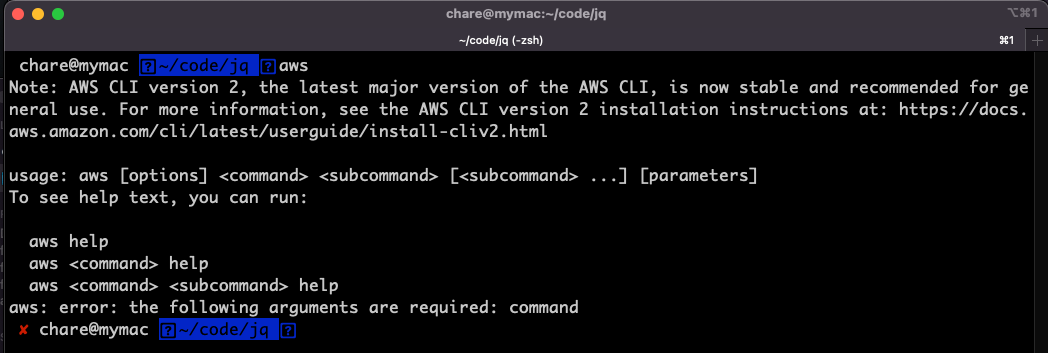
Verkkotulos 15 elok 2021 nbsp 0183 32 Step 1 Download the AWS CLI Once you are on your PC open your browser and search for the term AWS CLI windows in your Google
Verkkotulos 29 huhtik 2020 nbsp 0183 32 The AWS CLI runs on Python so you ll need it installed along with its associated package manager pip There is a version for Python 2 6 5 and Verkkotulos 5 lokak 2023 nbsp 0183 32 AWS CLI installed on your Windows machine You can download and install it from here An AWS account with appropriate permissions Step 1
Verkkotulos Access the AWS CLI version 2 in the AWS console from your browser using AWS CloudShell For more information see the AWS CloudShell User Guide After