How To Check Apache Version Linux Redhat Grep Usage In Linux Nipodsinc How To Become Legally Married Behalfessay9 How To Check The Apache Struts Version In Linux CertSimple How To Check Version Apache Braincycle1 How To Check Apache Version On Linux Linux Tutorials Learn Linux Configuration Web The Apache HTTP Server httpd is an open source web server developed by the Apache Software Foundation If you are upgrading from a previous release of Red Hat Enterprise Linux you have to update the httpd service configuration accordingly
Web The above check only includes the primary version number not including the extended backport patches If you installed with yum you can yum list httpd and get the full version note the 31 47 Installed Packages httpd x86 64 2 2 15 31 el6 centos Available Packages httpd x86 64 2 2 15 47 el6 centos Share Web How to check the Apache Tomcat and Apache Httpd version Solution Verified Updated June 4 2021 at 7 56 PM English Issue How to find the tomcat and httpd version updated each update of JBoss Web Server How can I check tomcat version How can I check my httpd version How to check the JBoss Web server version installed
How To Check Apache Version On Linux Linux Tutorials Learn Linux Configuration How To Sell Short A Stock Behalfessay9 How To Check Apache Loaded Modules Employerrail Eslowtravel How To Check Apache Modules Battlepriority6 Apache Version Laborersuppo How To Find The Process ID Of Tomcat In Linux Systran Box How To Clean A Wound With Stitches Behalfessay9 How To Check Invites On Facebook Behalfessay9 Enhaunce Apache Performance By 5 Tips Rajatrajput
How To Check Apache Version Linux Redhat
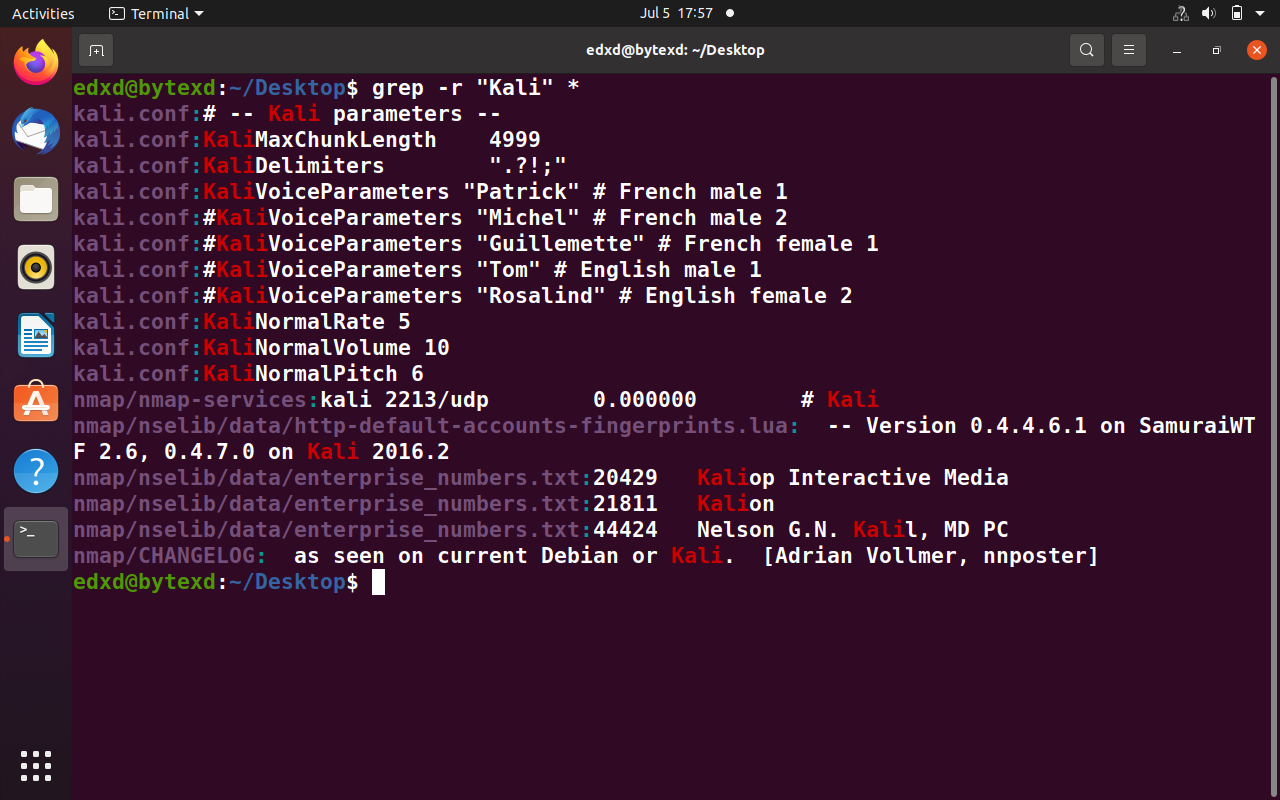 How To Check Apache Version Linux Redhat
https://bytexd.com/wp-content/uploads/2021/07/text-description-automatically-generated-11.png
Web In Red Hat Enterprise Linux the httpd package provides the Apache HTTP Server Run the rpm q httpd command to see if the httpd package is installed If it is not installed and you want to use the Apache HTTP Server run the following command as the root user to install it
Templates are pre-designed files or files that can be used for different functions. They can conserve effort and time by providing a ready-made format and layout for creating various sort of material. Templates can be utilized for individual or professional tasks, such as resumes, invitations, leaflets, newsletters, reports, presentations, and more.
How To Check Apache Version Linux Redhat

Centos Redhat How To Check Apache Version On Linux

How To Sell Short A Stock Behalfessay9

How To Check Apache Loaded Modules Employerrail Eslowtravel
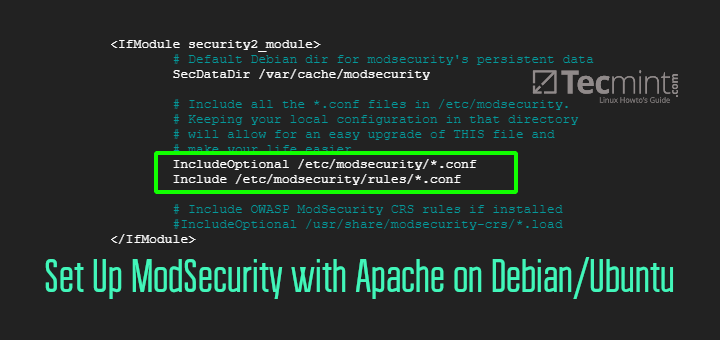
How To Check Apache Modules Battlepriority6

How To Find The Process ID Of Tomcat In Linux Systran Box

How To Clean A Wound With Stitches Behalfessay9
Web Which versions of Apache are available for my version of Red Hat Enterprise Linux It is necessary to install a specific version of Apache does the installed version of Red Hat Enterprise Linux supports it We need to know which is latest Apache httpd version that Redhat support Does Apache 2 2 31 Unix support in RHEL6 or RHEL7

Web Jan 9 2018 nbsp 0183 32 You can check Apache Version in Ubuntu by using this Command apachectl v The Result will be like this vishal vishal apachectl v Server version Apache 2 4 41 Ubuntu Server built 2020 08 12T19 46 17

Web Jul 5 2021 nbsp 0183 32 1 Checking the Apache Version Using WebHost Manager Find the Server Status section and click Apache Status You can start typing apache in the search menu to quickly The current version of Apache appears next to the server version on the Apache status page In this case it is version

Web The apachectl command which available in both Debian and RedHat based Linux distributions have v option which prints the Apache version apachectl v The command displays the version number build date and time and Linux version In CentOS and Fedora Linux to check the apache version type the following on the command line

Web Jul 24 2023 nbsp 0183 32 1 Checking the Apache Version from Terminal There are multiple ways to check for Apache versions installed on your VPS Cloud Dedicated Servers and Dedicated Servers Below are some of the most popular methods The output of the following command will display the current version of Apache installed on your system
Web Install the EPEL repository Follow this guide for you to install the EPEL repository See Install EPEL and IUS repositories on CentOS and Red Hat for follow steps Note This step only applies for CentOS and RedHat based distributions Update Apache Version Run the following command in order to update Apache Web Dec 20 2008 nbsp 0183 32 Open terminal application on your Linux Windows WSL or macOS desktop Login to remote server using the ssh command To see Apache version on a Debian Ubuntu Linux run apache2 v For CentOS RHEL Fedora Linux server type command httpd v You can locate apache2 or httpd path using the type command or
Web The general steps for configuring the Apache HTTP Server using the HTTP Configuration Tool are as follows Configure the basic settings under the Main tab Click on the Virtual Hosts tab and configure the default settings Under the Virtual Hosts tab configure the Default Virtual Host To serve more than one URL or virtual host add any