How To Change Python In Vscode VSCode Setting Python Interpreter YouTube Useful VSCode Extensions Python Indentation Issue In VS Code Vscode VS Code Gives Error There Is No Interpreter Selected Issue 3326 Vscode Python Class Diagram Tabitomo Edit Python testing in Visual Studio Code The Python extension supports testing with Python s built in unittest framework and pytest A little background on unit testing If you re already familiar with unit testing you can skip to the walkthroughs A unit is a specific piece of code to be tested such as a function or a class
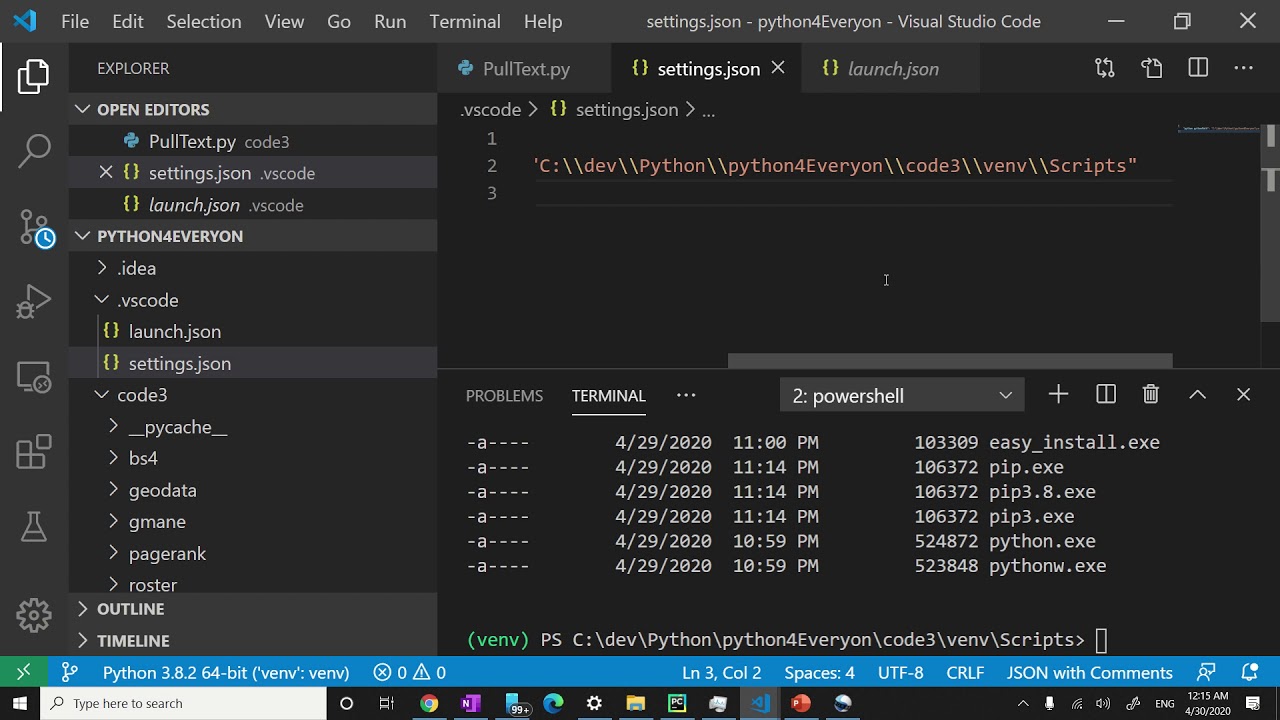
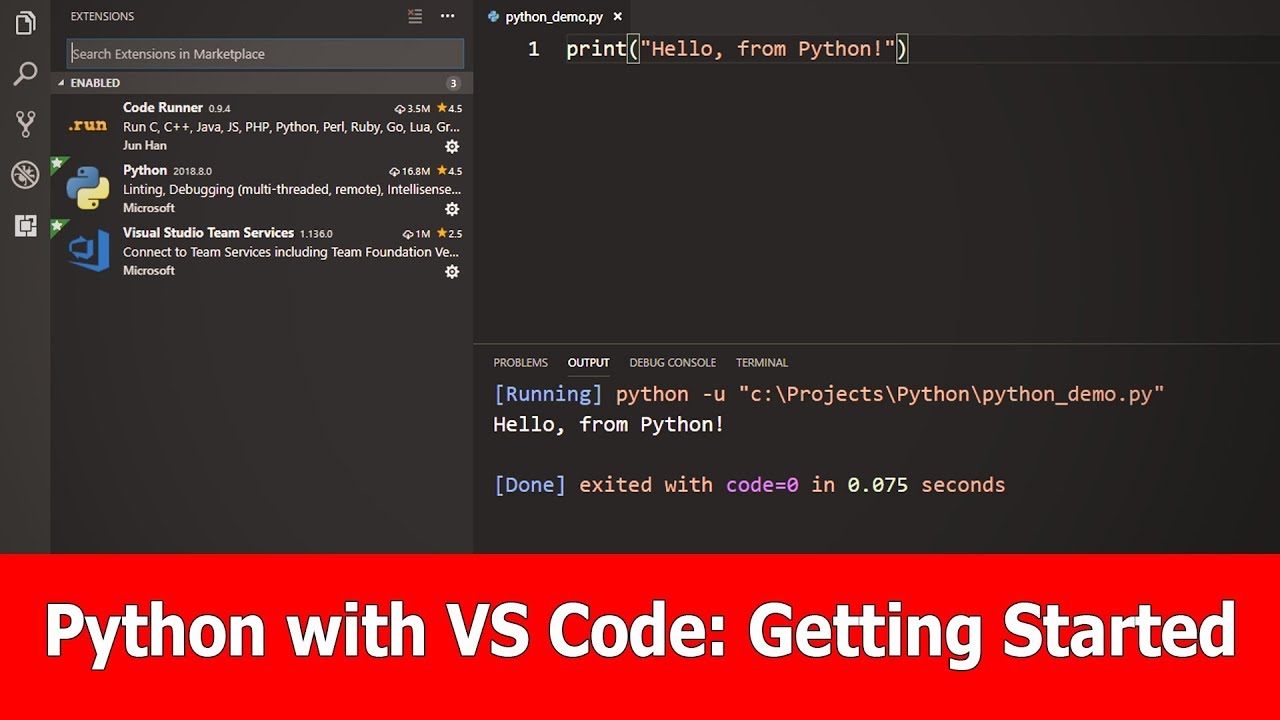
To activate the Python extension save the file by selecting File Save from the menu File Save File from the Command Palette or just using Ctrl S as sieve py VS Code will see the py extension and correctly interpret the file as Python code Now your window should look like this To change your Python version and select the correct Python interpreter in VS Code Press Ctrl Shift P on Windows and Linux Command Shift P on macOS Note you can also press F1 to open the Command Palette Type python interpreter and click on Python Select Interpreter A list of versions and Python interpreters is displayed
Vscode Python Class Diagram Tabitomo Visual Studio Code VSCode Issue With Python Versions And Environments Python VSCode I Cannot Start Debugging And Run Without Debugging Python With VSCode Tutorial Getting Started YouTube Include Path Setting In Vscode Vscode Www vrogue co How To Change VSCode Default Settings UI To Settings json Techstacker How To Change Python Version In Visual Studio Code Simple Way To Getting Started With Python In Visual Studio Code Python With Vscode Vscode Intro For Python Justin Williams Personal Website
How To Change Python In Vscode
 How To Change Python In Vscode
https://i.ytimg.com/vi/_Or0HqS85Ac/maxresdefault.jpg
How can I change the Python version in Visual Studio Code How do you get Visual Studio Code to use different Python interpreter VSCode Python Select interpreter add a custom path Set python interpreter for project in VSCode My Visual Studio Code is not using the Python interpreter that I have set it to
Templates are pre-designed files or files that can be used for numerous functions. They can conserve effort and time by providing a ready-made format and design for producing various sort of content. Templates can be used for individual or professional tasks, such as resumes, invitations, leaflets, newsletters, reports, presentations, and more.
How To Change Python In Vscode

Setting Up Python Workspace In Visual Studio Code vscode DEV

Visual Studio Code VSCode Issue With Python Versions And Environments

Python VSCode I Cannot Start Debugging And Run Without Debugging
Python With VSCode Tutorial Getting Started YouTube

How To Change VSCode Default Settings UI To Settings json Techstacker
How To Change Python Version In Visual Studio Code Simple Way To
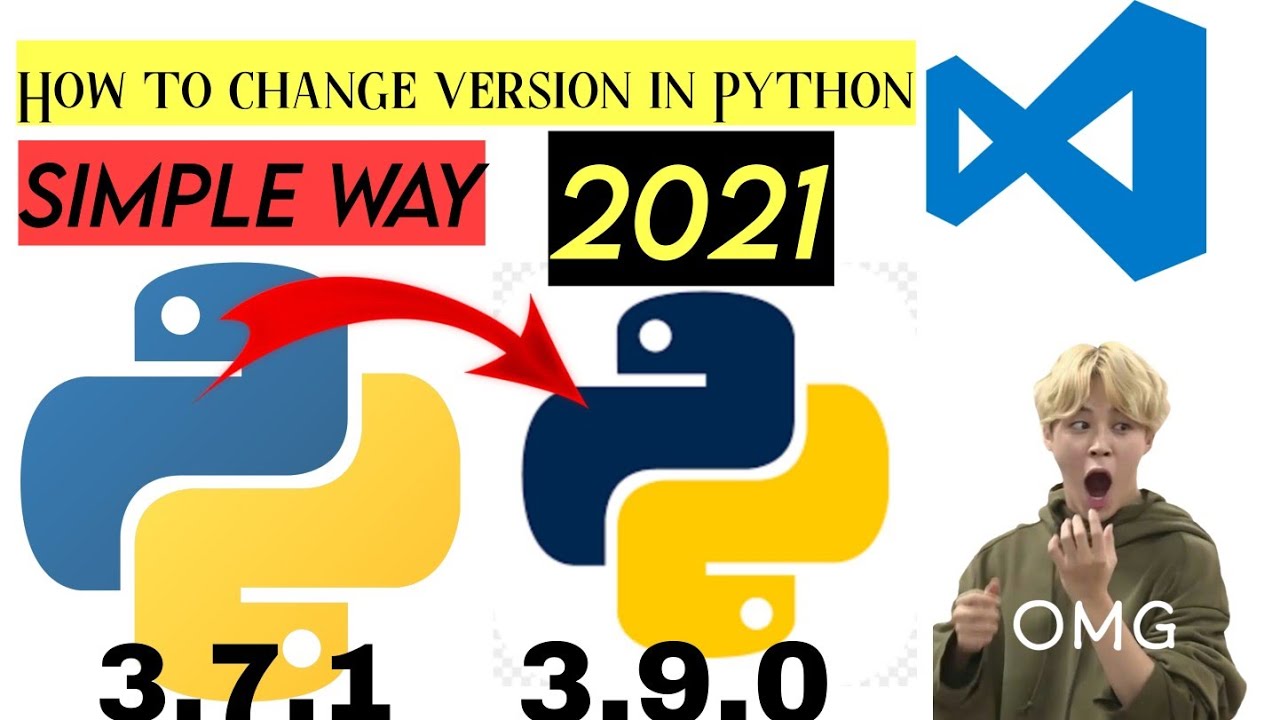
How can I change the Python version in Visual Studio Code Ask Question Asked 5 years 11 months ago Modified 8 days ago Viewed 337k times 78 These are my settings User Settings atomKeymap promptV3Features true editor multiCursorModifier ctrlCmd editor formatOnPaste true python pythonPath python3 command python3
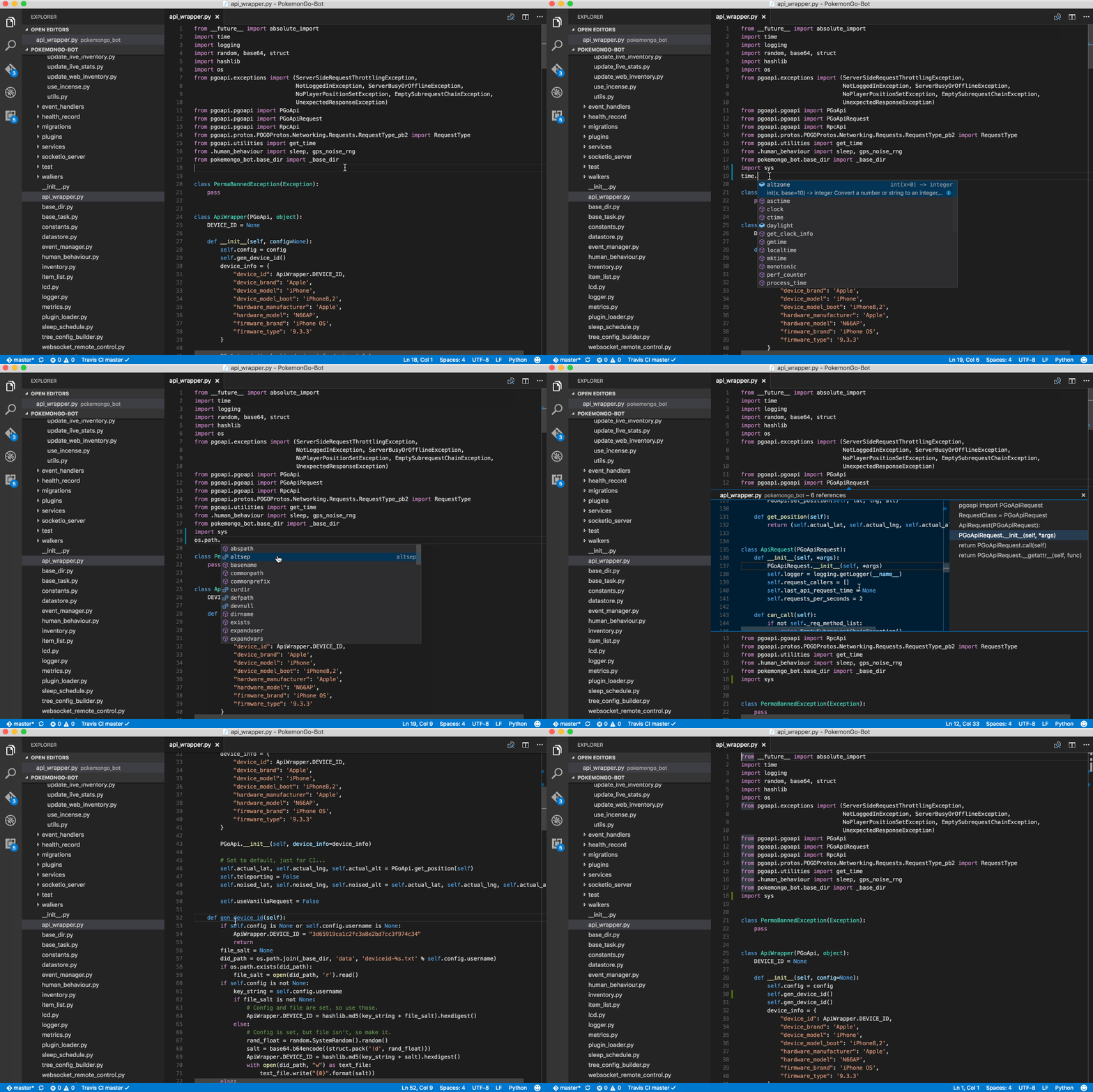
The severity of Pylance s diagnostics can be customized through the python analysis diagnosticSeverityOverrides setting Check the settings reference for more information Next steps Linting Enable configure and apply various Python linters Debugging Learn to debug Python both locally and remotely Testing Configure test environments and discover run and debug tests

Open a Python file in VS Code Right click on the editor to display the context menu Select Format Document With Select Configure Default Formatter from the drop down menu Select your preferred formatter extension from the list

Edit Manage Jupyter Kernels in VS Code The Visual Studio Code notebooks kernel picker helps you to pick specific kernels for your notebooks You can open the kernel picker by clicking on Select Kernel on the upper right hand corner of your notebook or through the Command Palette with the Notebook Select Notebook Kernel command

Install the linting tool of your choice from the VS Code Marketplace Microsoft publishes the following linting extensions Linting extensions offered by the community Note If you don t find your preferred linter in the table above or in the Marketplace you can add support for it via an extension
As far as I understand it the VSCode workspace setting python pythonPath is not to be confused with the environment variable PYTHONPATH python pythonPath is the path to the python interpreter used for debugging or running the code while PYTHONPATH is the environment variable which python uses to search for modules You can create a new environment in Code by running the following command usually I simply use env as name of the environment python m venv name of environment If you are using PowerShell as terminal in Visual Studio Code you ll have to run the ps1 file name of environment Scripts activate ps1
To open the window use one of the following methods Select the View Other Windows Python Environments menu command Right click the Python Environments node for a project in Solution Explorer and select View All Python Environments In all these cases the Python Environments window appears alongside Solution Explorer Visual Studio looks