How To Change Path In Vs Code Terminal How To Hide File Path In VS Code Terminal Output BEST METHOD MacOS Python How To Clear Python Terminal In Vs Code duplicate Solved It Is Possible In Vscode To Put The Terminal On 9to5Answer A Setting Can Clear The Terminal Automatically Every Time Running The Use Terminal In Vs Code BEST GAMES WALKTHROUGH [desc-7]
Web To do this from an open terminal or command prompt navigate to your project folder and type code Note Users on macOS must first run a command Shell Command Install code command in PATH to add VS Code executable to the PATH environment variable Read the macOS setup guide for help [desc-8]
Use Terminal In Vs Code BEST GAMES WALKTHROUGH How To Set Path Of Visual Studio Code To Run C C Program vscode C Java How To Remove Or Hide Path Details And File Name In VS Code C VS Code Debugger Not Operational On MacOS Stack Overflow Make Your VS Code Terminal Look Awesome By brahim BABAL Medium VSCode Add A Directory To The Terminal PATH Fabian Lee Software Python How To Change The Starting Directory In Visual Studio Code Change Default Terminal Back To Bash In VS Code VS Code Profiles Manage Configurations Easily For Workflows
How To Change Path In Vs Code Terminal
 How To Change Path In Vs Code Terminal
https://i.ytimg.com/vi/e4C7UQeq0mo/maxresdefault.jpg
[desc-9]
Pre-crafted templates offer a time-saving solution for developing a diverse series of documents and files. These pre-designed formats and layouts can be used for numerous individual and professional jobs, including resumes, invitations, flyers, newsletters, reports, presentations, and more, enhancing the material creation procedure.
How To Change Path In Vs Code Terminal
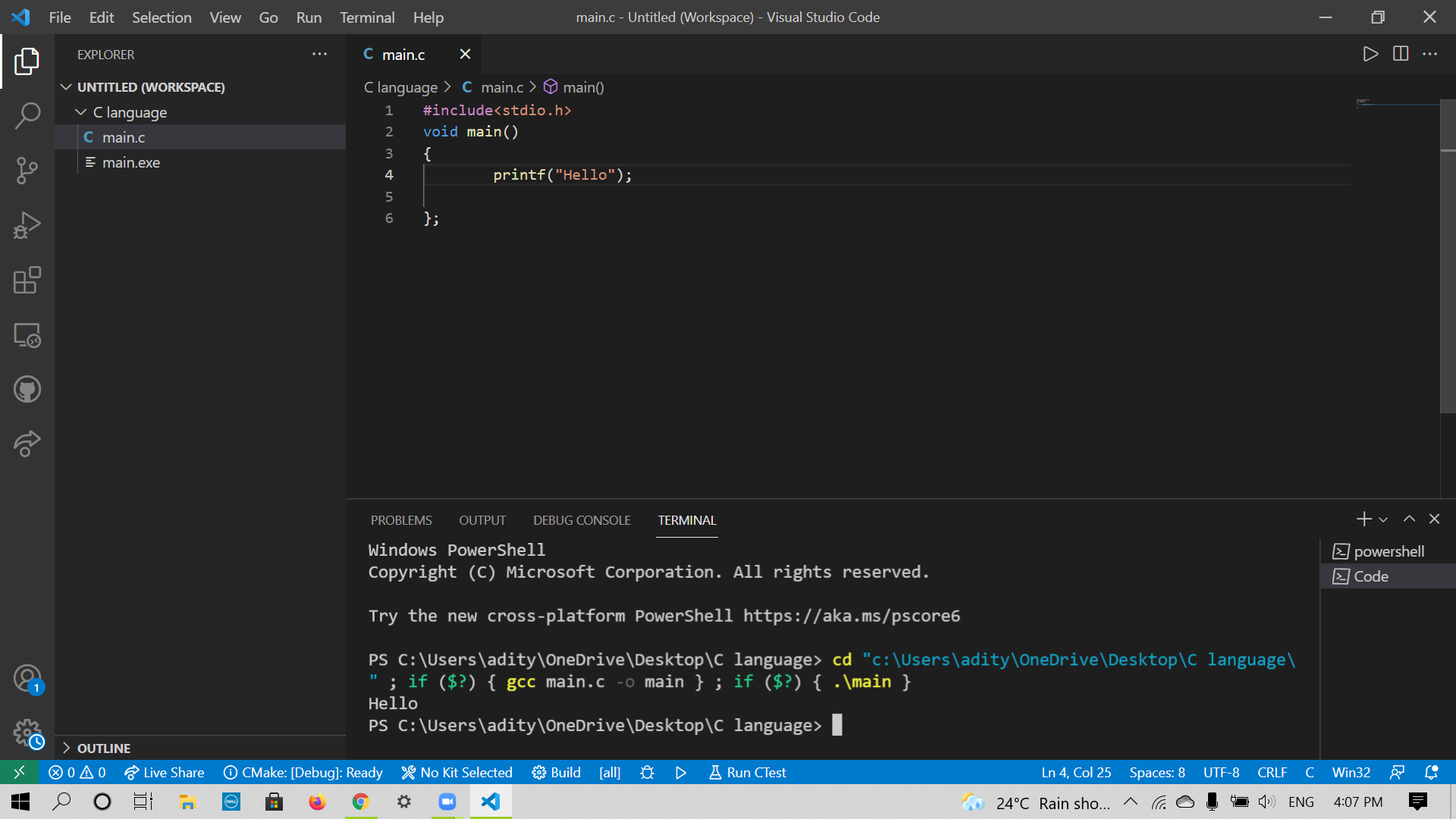
How To Hide Path In Vs Code Terminal Microsoft Q A

How To Set Path Of Visual Studio Code To Run C C Program vscode C

Java How To Remove Or Hide Path Details And File Name In VS Code

C VS Code Debugger Not Operational On MacOS Stack Overflow
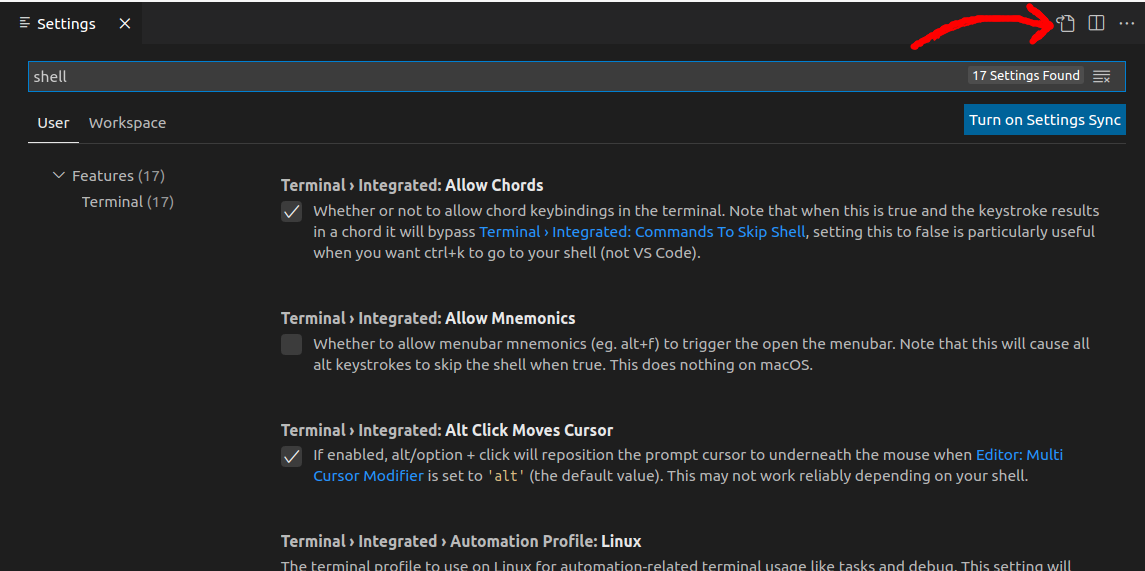
VSCode Add A Directory To The Terminal PATH Fabian Lee Software

Python How To Change The Starting Directory In Visual Studio Code

Web quot key quot quot alt t quot quot command quot quot workbench action terminal sendSequence quot quot args quot quot text quot quot cd fileDirname u000D quot This will change your current terminal not open a new terminal if you want to do that see the link above as well for the new command recently added to vscode Note that on windows you must use the following instead

Web Jun 18 2021 nbsp 0183 32 In File select Close Folder and you will go back to the main menu where you can select a new folder as the new working directory Unfortunately there s no way to change the cwd using the File Explorer This is the correct aproach to date Just close Visual Studio Code and open it in the right folder again

Web From the menu use the Terminal gt New Terminal or View gt Terminal menu commands From the Command Palette P Windows Linux Ctrl Shift P use the View Toggle Terminal command In the Explorer you can use the Open in Integrated Terminal context menu command to open a new terminal from a

Web Jul 11 2020 nbsp 0183 32 This may be particularly useful in workspace settings if the root directory is not a convenient cwd quot terminal integrated cwd quot quot quot This can be added to settings json in the vscode folder Absolute and relative paths are supported so quot terminal integrated cwd quot quot app quot

Web Jun 8 2017 nbsp 0183 32 Just press Ctrl Shift P Search quot Terminal Select Default Profile quot Click You will see terminals options and select Git Bash Share Improve this answer Follow edited Aug 11 at 22 47 Peter Mortensen
[desc-11] [desc-12]
[desc-13]