How To Change Input Placeholder Text In Javascript Awesome Input Placeholder Animation HTML CSS Javascript YouTube How To Add Placeholder Text To WordPress Comment Form Crunchify Html Input Css Class Sakeikura jp Java How To Add Placeholder Text To A JTextField In Java Using Styling Placeholder Text C a Th Input V i CSS An alternate approach to providing placeholder information is to include it outside of the input in close visual proximity then use aria describedby to programmatically associate the input with its hint
1 I can update your placeholder in this manner using dev tools console var attr bangla emailText document querySelector email emailText placeholder data bangla emailLabel Share Improve this answer Follow answered Dec 10 2021 at 1 55 Mark Seagoe 479 8 15 Add a comment Your Answer 4 Answers Sorted by 1 There are a few things wrong in your code first off there is no getElementsById function in document it s getElementById since there can only ever be one element with a given ID in valid HTML meaning you don t have to access the 0th element of the return value 0
Styling Placeholder Text C a Th Input V i CSS Move Placeholder Text On Focus Input Animation Using Html And Css Top UI UX Tips To Design Better Forms How To Style Placeholder Text For Form Fields With CSS How To Add Placeholder Text To A Form Field How To Insert Placeholder Text In Microsoft Word Random Lorem Ipsum Html How To Adjust The Alignment Of Placeholder Text In Input Box Microsoft Word Image Placeholder Setting Mac Avenuepowerful Add Placeholder To Text Inputs ClassiBase
How To Change Input Placeholder Text In Javascript
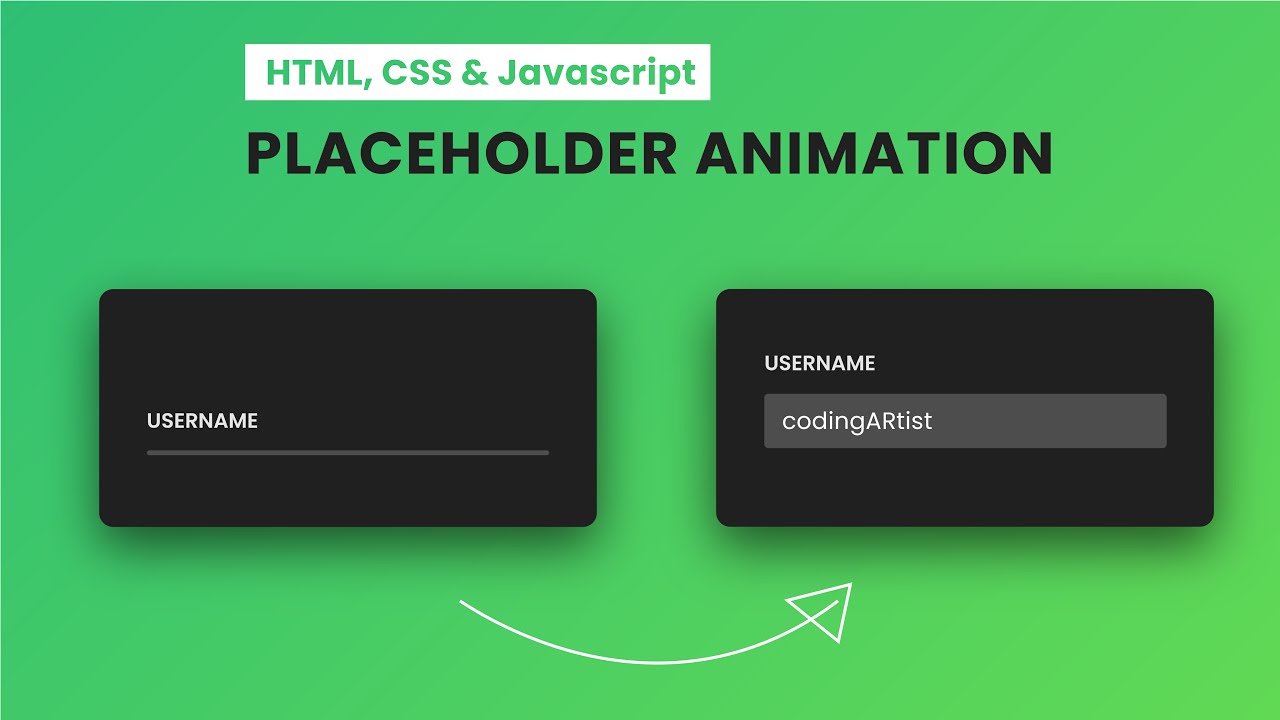 How To Change Input Placeholder Text In Javascript
https://i.ytimg.com/vi/B5lqD6jkTF4/maxresdefault.jpg
Learn JavaScript Tutorial Reference Learn React input type text placeholder A red placeholder text the placeholder text is grey To change this style the placeholder with the placeholder selector Note that Firefox adds a lower opacity to the placeholder so we use opacity 1 to fix this Example
Templates are pre-designed documents or files that can be used for different functions. They can conserve effort and time by supplying a ready-made format and design for creating different kinds of material. Templates can be utilized for individual or professional projects, such as resumes, invitations, leaflets, newsletters, reports, discussions, and more.
How To Change Input Placeholder Text In Javascript

25 Input Text Type CSS Placeholder Examples OnAirCode
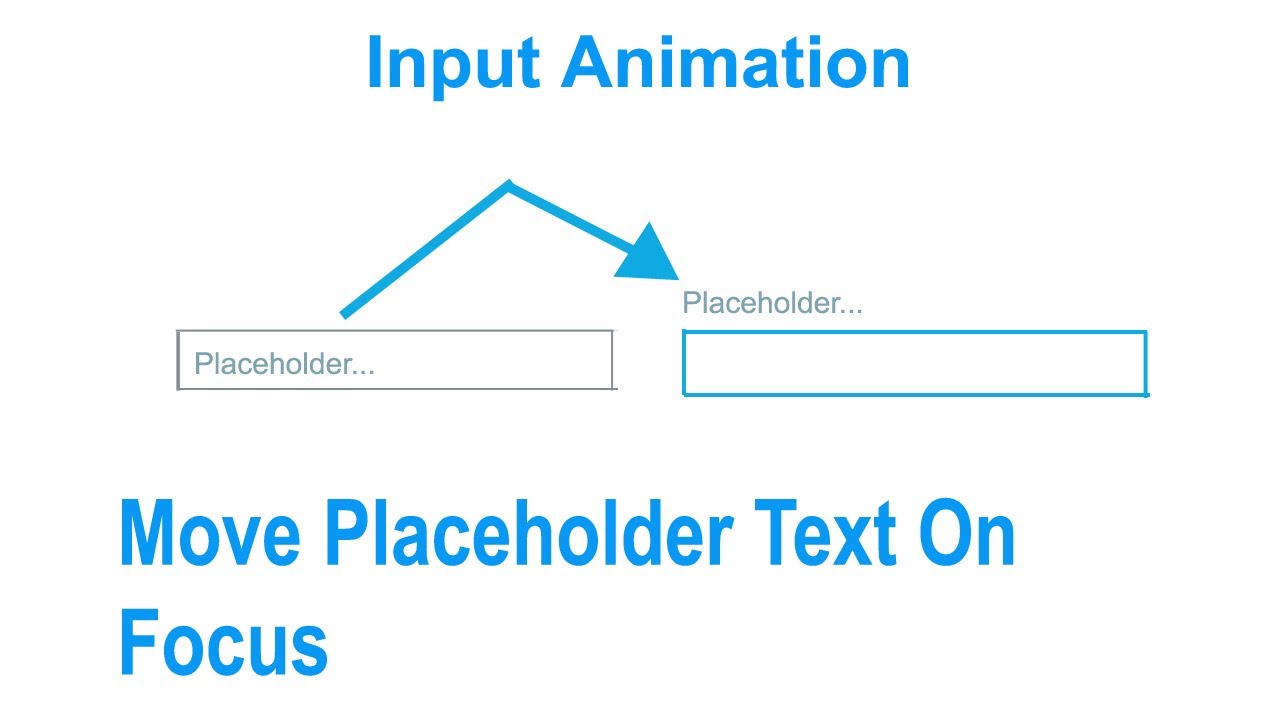
Move Placeholder Text On Focus Input Animation Using Html And Css

Top UI UX Tips To Design Better Forms
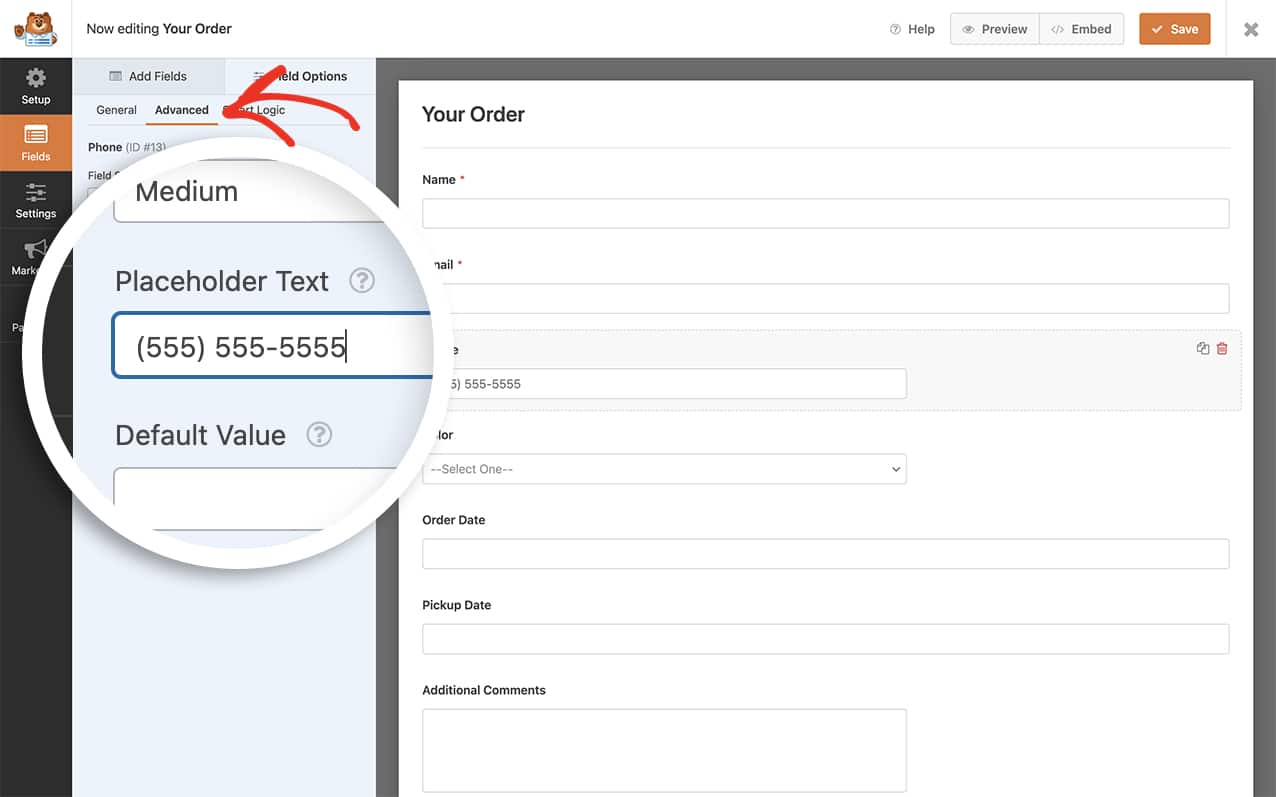
How To Style Placeholder Text For Form Fields With CSS
How To Insert Placeholder Text In Microsoft Word Random Lorem Ipsum

Html How To Adjust The Alignment Of Placeholder Text In Input Box

Change the placeholder text of a text field document getElementById myText placeholder Type name here Try it Yourself Description The placeholder property sets or returns the value of the placeholder attribute of a text field

I wrote a small function that always returns the last thing that was entered into the input field but then when I tried setting placeholder functionIwrote it literally makes the placeholder fucntionIwrote instead of running the function javascript jquery html angularjs d3 js Share Improve this question Follow asked Jun 16 2014 at 18 15

To change the placeholder text of an input element with JavaScript we can set the placeholder property of an element For instance if we have the following input elements

4 Answers Sorted by 54 This can be done only via javascript by setting the size placeholder length input setAttribute size input getAttribute placeholder length Here is a code that dose that for all the inputs http jsfiddle KU5kN Share Improve this answer Follow answered Jun 25 2013 at 17 08 Avner Solomon 1 496 11 17 1

List The values of the list attribute is the id of a datalist element located in the same document The datalist provides a list of predefined values to suggest to the user for this input Any values in the list that are not compatible with the type are not included in the suggested options
Change the Placeholder Text of an Input Element with JavaScript To change the placeholder text of an input element with JavaScript we can set the placeholder property of an element For instance if we have the following input elements The placeholder attribute specifies a short hint that describes the expected value of an input field e g a sample value or a short description of the expected format The short hint is displayed in the input field before the user enters a value
The W3Schools online code editor allows you to edit code and view the result in your browser