How To Change Image Path In Wordpress How To Add An Image Relative Path In HTML Body Outlook Activity Wordpress How To Insert Image Path In Database To Display Product Wordpress Get Uploaded Image Path In Wordpress By Filename 2 External Reference File Paths For AutoCAD Drawings AutoCAD Problem With Image File Path HTML CSS The FreeCodeCamp Forum Do you want to change the default media upload location in WordPress Moving your media files to a different folder can improve your website s speed and performance and help you create backups more quickly It also gives you the freedom to organize your files in the way that best suits you
Tutorials How to replace URLs and Fix Broken Image URLs after Site Migration in WordPress 2021 In this article you will learn how to replace URLs and how to fix broken image URLs either manually or with the help of a plugin BY Snowy Smith 15 Jul 2021 Here s how you can change the URL of your WordPress images 1 Log into your WordPress site 2 Go to the Settings section 3 Under the General settings look for the Upload Settings section 4 Change the Full URL path to files setting to reflect the new URL structure you want to use for your images
Problem With Image File Path HTML CSS The FreeCodeCamp Forum Lesson Plan Template Stock Grafiken Clipart Cartoons Und Symbole Find Your Current Wallpaper Image Path In Windows 10 AutoCAD Python3 File Path In HTML Learn How Does File Path Work In HTML New Microsoft Azure Certifications Path In 2019 Updated Whizlabs Riset Ms Paint Automation Solved Questions 6 7 Predict The Major Product For Each Chegg
How To Change Image Path In Wordpress
 How To Change Image Path In Wordpress
https://global.discourse-cdn.com/uipath/original/3X/b/c/bc56909fba60a792f92e6185474a29f208def266.png
From here you can select another image in the Media Library or upload a new image When you ve selected the replacement image click the button titled Replace Image Select the image to replace the old image Once the page refreshes you ll see that the old image has been replaced by the new image
Templates are pre-designed documents or files that can be used for numerous functions. They can save effort and time by supplying a ready-made format and design for creating different kinds of material. Templates can be used for individual or expert projects, such as resumes, invites, leaflets, newsletters, reports, presentations, and more.
How To Change Image Path In Wordpress

How To Save Image Path In Mysql Database Through Stored Rkimball

Lesson Plan Template Stock Grafiken Clipart Cartoons Und Symbole
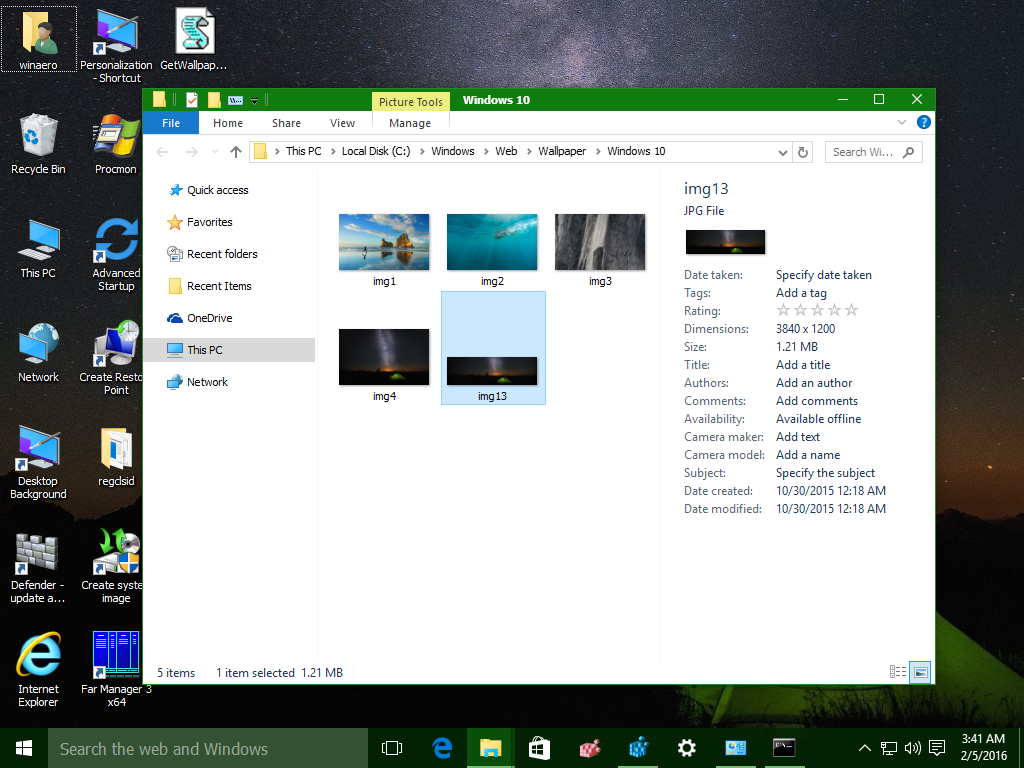
Find Your Current Wallpaper Image Path In Windows 10
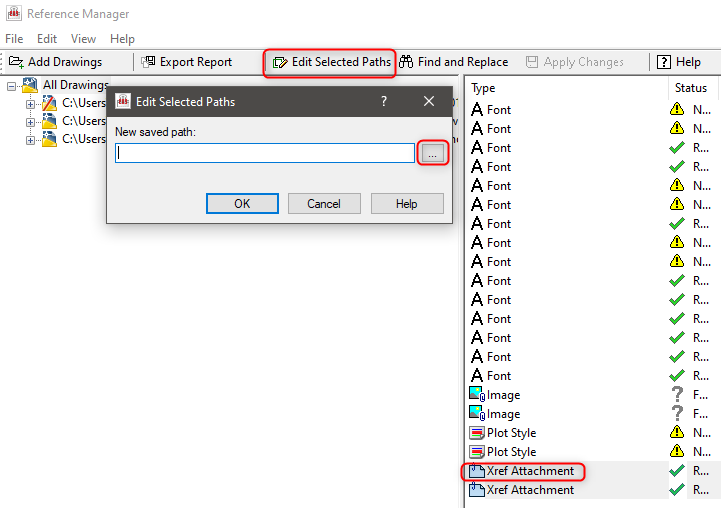
AutoCAD
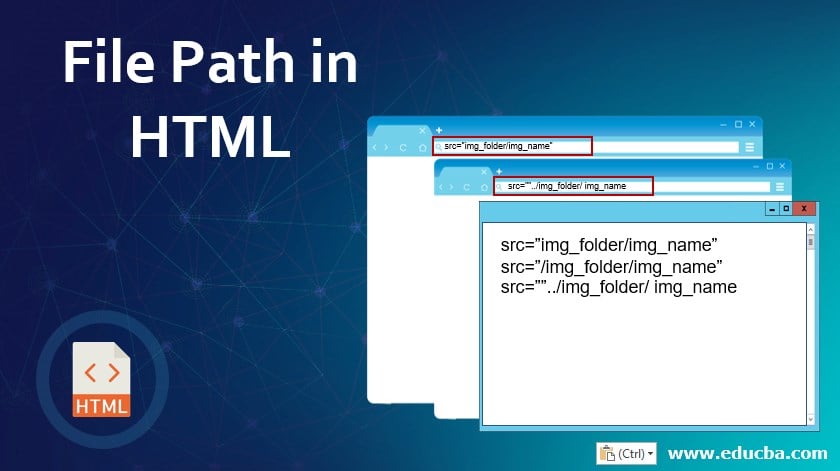
File Path In HTML Learn How Does File Path Work In HTML
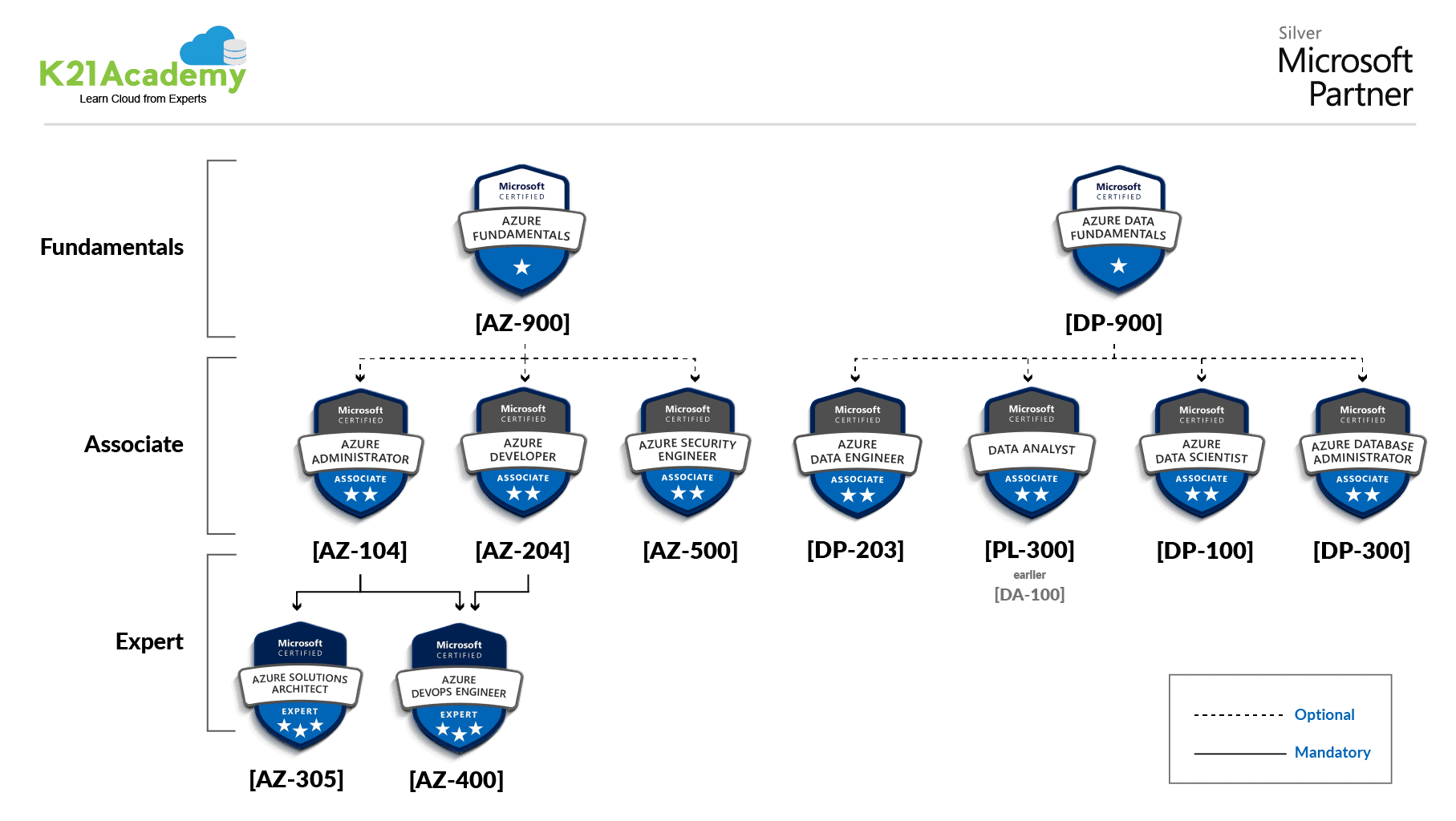
New Microsoft Azure Certifications Path In 2019 Updated Whizlabs Riset

There is a duplication of a file name in the path and to get the images to work I need the path to look like this img src http firouzeh co uk frouzeh wp content uploads sites 3 2013 04 Granulated Persepolis Ring 230x160 jpg

How to change image url Ask Question Asked 9 years 6 months ago Modified 5 years 10 months ago Viewed 47k times 1 How can I change the image url from this http i0 wp example wp content uploads 2014 06 imagename Into this http www example image imagename jpg Or into this http www example imagename jpg

How can I change the image media path for the current uploaded images and not for the new images I have to store the images from current domain abc to a new domain xyz I know the current image path is set to https abc wp content uploads However I want to change the currently uploaded path to https xyz wp content uploads abc
If you ever need to replace an image in Wordpress the common thing is to delete the original image and upload a new one but what if that image is reference

Cancel anytime In this tutorial we teach you how to change the upload location for any images or media you upload through WordPress Learn how to change the directory and
Step Three Adding Images to Media Library Whether you re adding a single image or dozens you can do it all easily through your Media Library In your left hand menu you ll see the Media option and a menu that includes Library and Add New along Select Add New Once there you can either drop files or click the Select Files button which All you need to do is visit Media Library in your WordPress admin area If you are using the grid view then you would need to switch to the list view Now locate the file that you want to replace Once you found the file take your mouse near the file name and you will see a link labeled Replace Media When you click on the link it
Click on the Go button to run the code and change the URLs for all images in the posts This will also affect any other hard coded links that were in the posts that pointed to the original site Below are before and after shots of the changes made Note that the image paths are displayed in the lower left hand corners of the images