How To Change Image Button In Android Studio Custom Buttons In Android Studio YouTube How To Design Button Custom Buttons Android Studio JonyApps Com Setting Button In Android Site Title Android ImageView Example How To Set Image On Button Click With Android Studio Latest Update Solved How To Create Image Button In Android 9to5Answer WEB In android we can add an image to the button by using lt ImageButton gt attribute android src in XML layout file or by using the setImageResource method In android we can create ImageButton control in two ways either in the XML layout file or create it in the Activity file programmatically
WEB Dec 12 2021 nbsp 0183 32 In this Android example tutorial we ll look at how to create an ImageButton and handle the onClick and long click events and explore its various properties in Android Studio using the Kotlin programming language WEB Apr 3 2017 nbsp 0183 32 In this video I will show you how to create ImageView in Android studio and when you click a button image will be change The application is running properly in my phone Thank u so
Solved How To Create Image Button In Android 9to5Answer Solved Set Image On A Button In Android 9to5Answer Sign Up Button Transparent Background Student Involvement Solved Set Image On A Button In Android 9to5Answer How To Add An Image Button In Android Jetpack Compose Coding With Rashid Solved Set Image On A Button In Android 9to5Answer The Android Arsenal Buttons ProgressButton Solved Set Image On A Button In Android 9to5Answer Tutorial Button Effect Android Studio YouTube
How To Change Image Button In Android Studio
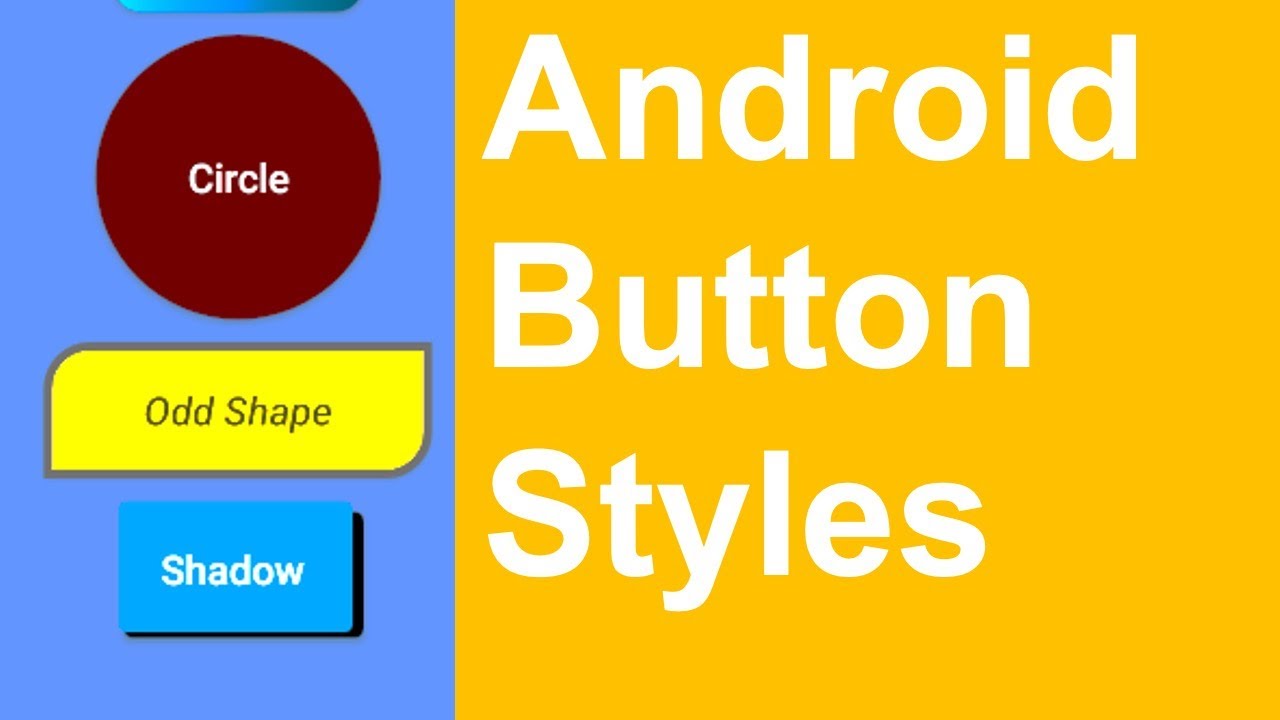 How To Change Image Button In Android Studio
https://i.ytimg.com/vi/UXGDPHNAL90/maxresdefault.jpg
WEB In today s video we will be learning how use a button to change images on click in android studio using the java programming language come aboard and let s
Pre-crafted templates use a time-saving solution for creating a varied series of files and files. These pre-designed formats and designs can be made use of for numerous individual and expert projects, including resumes, invitations, flyers, newsletters, reports, presentations, and more, enhancing the content production procedure.
How To Change Image Button In Android Studio

How To Add Text In Image Button Android Studio
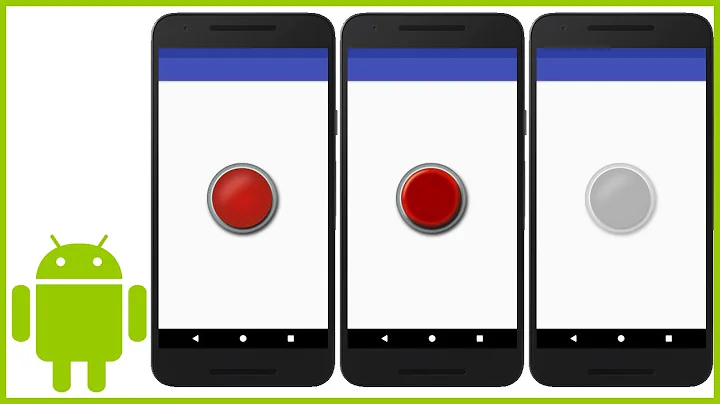
Solved Set Image On A Button In Android 9to5Answer

Sign Up Button Transparent Background Student Involvement
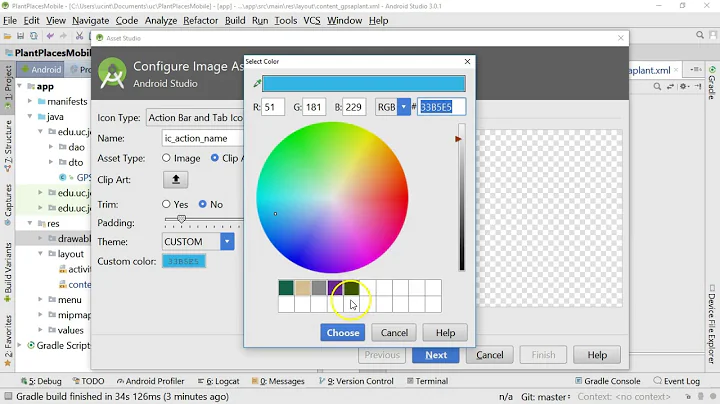
Solved Set Image On A Button In Android 9to5Answer
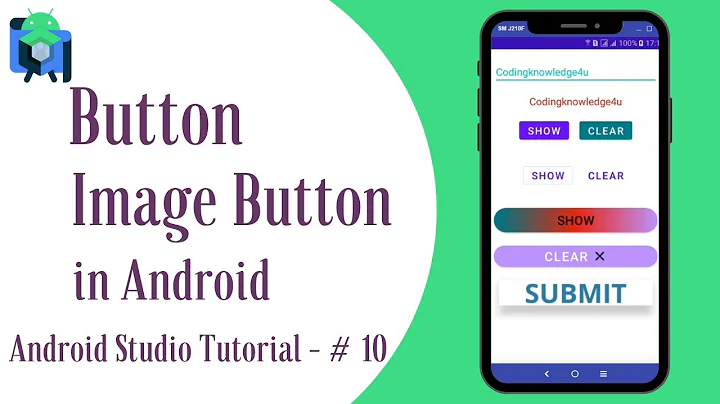
Solved Set Image On A Button In Android 9to5Answer
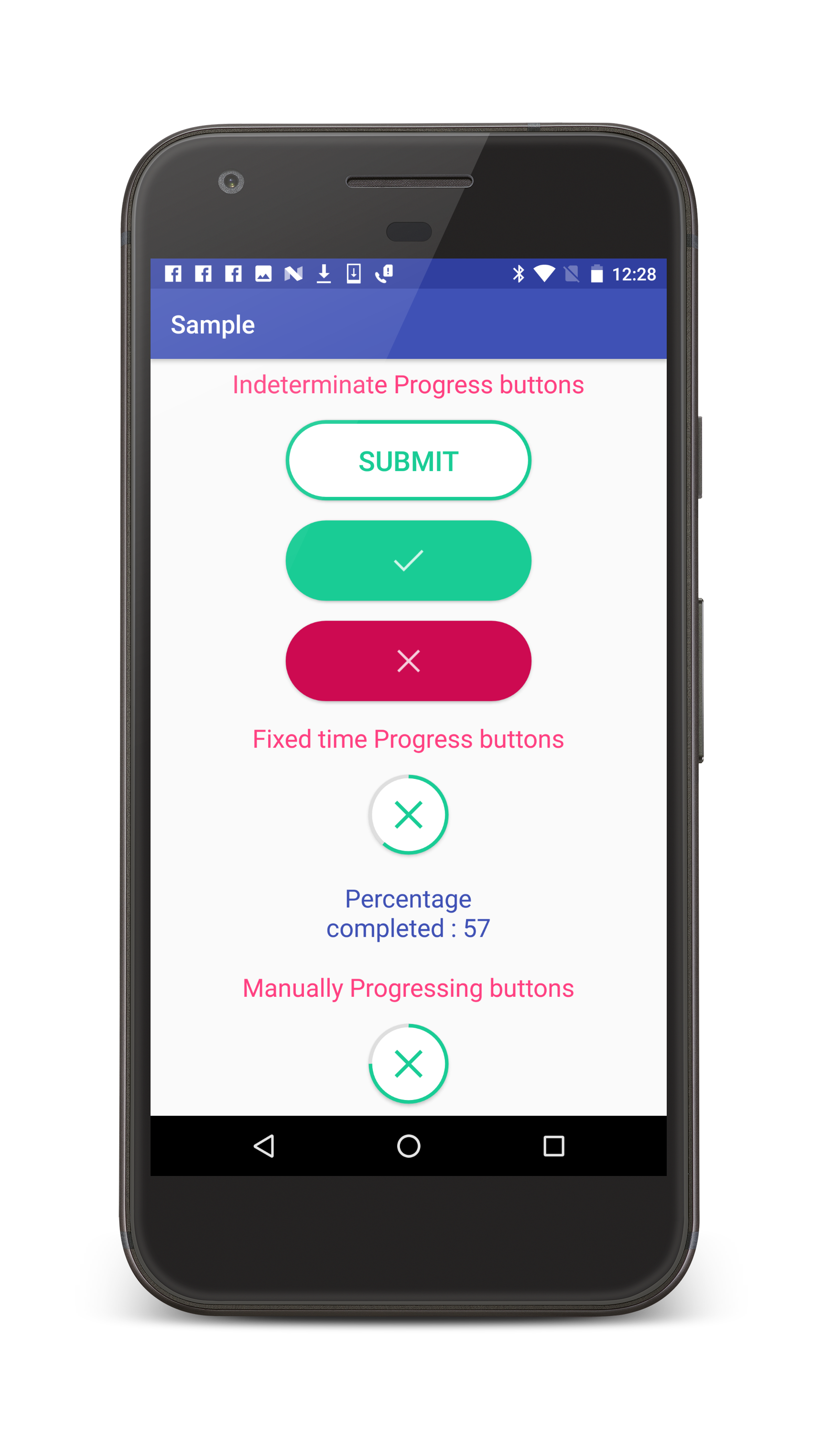
The Android Arsenal Buttons ProgressButton

WEB Jul 15 2014 nbsp 0183 32 If the button was clicked I want to turn on the wifi and also change the Image of ImageButton but I do not know how to change it I have also tried this from how to change the image of a button with every click but is isn t working boolean isPressed false button setOnClickListener buttonListener

WEB Jul 17 2022 nbsp 0183 32 Android ImageButton is a user interface widget which is used to display a button having image and to perform exactly like button when we click on it but here we add an image on Image button instead of text

WEB If you are using a png you can move the image to a bigger background to get an even smaller image For example moving a 48x48 image in a 256x256 background to a 512x512 background will half its size in an ImageButton with android scaleType quot fitCenter quot

WEB Sep 21 2019 nbsp 0183 32 Learn the concept of ImageButton and its attributes with example and code in Android Studio Also one example with round corner Image Button

WEB Build AI experiences Build AI powered Android apps with Gemini APIs and more Get started Get started Start by creating your first app Go deeper with our training courses or explore app development on your own Hello world Training courses
WEB Feb 27 2013 nbsp 0183 32 Use a android scaleType quot fitCenter quot to have Android scale the images and android adjustViewBounds quot true quot to have them adjust their bounds due to scaling All of these attributes can be set in code on each ImageButton at runtime However it is much easier to set and preview in xml in my opinion WEB Jun 27 2024 nbsp 0183 32 You can create a button in your layout in one of three ways depending on whether you want a button with text an icon or both lt LinearLayout xmlns android quot http schemas android apk res android quot xmlns app quot http schemas android apk res auto quot
WEB Jul 17 2022 nbsp 0183 32 In this article we will take a look at How to Combine Text and Image on a Button or Image Button in Android A sample video is given below to get an idea about what we are going to do in this article