How To Change Directory In Python HOW TO CHANGE DIRECTORY IN PYTHON YouTube How To Change Directory In Python YouTube How Do You Rename A Directory In Python Python Delete Directory Linux Hint How To List All Files Of A Directory In Python YouTube Web In Python we can change the current working directory by using the chdir method The new path that we want to change into must be supplied as a string to this method And we can use both the forward slash or the backward slash to separate the path elements Let s see an example
Web Aug 1 2023 nbsp 0183 32 To switch the current working directory in Python to a different location use the chdir function from the os module and provide the absolute path as a string The syntax is os chdir path To test how the function works import the os module and print the current working directory Web import os os chdir quot home udi foo quot
How To List All Files Of A Directory In Python YouTube Python Windows How To Search Files For Text String Updatescopax Python 3 Notes File Path And CWD How To Change The Working Directory In Python YouTube Change Working Directory In Python Delft Stack How To Search For Specific Files Only In Subdirectories In Python How To Change Directory In CMD On Windows 10 TechCult Changing Directory Is Not Working In Command Prompt In Windows YouTube Python How To Change Directory Path windows
How To Change Directory In Python
 How To Change Directory In Python
https://i.ytimg.com/vi/YW4YbxIEvHw/maxresdefault.jpg
Web Aug 9 2021 nbsp 0183 32 1 I understood your problem this may help import os curr os getcwd this returns current working directory in which this code is store it in curr variable os chdir this will change working directory to specified path os chdir curr now if you wnat to go back to your directory use this Share Improve this answer Follow
Pre-crafted templates offer a time-saving solution for producing a diverse variety of documents and files. These pre-designed formats and layouts can be utilized for various individual and expert tasks, consisting of resumes, invites, flyers, newsletters, reports, presentations, and more, improving the material production procedure.
How To Change Directory In Python
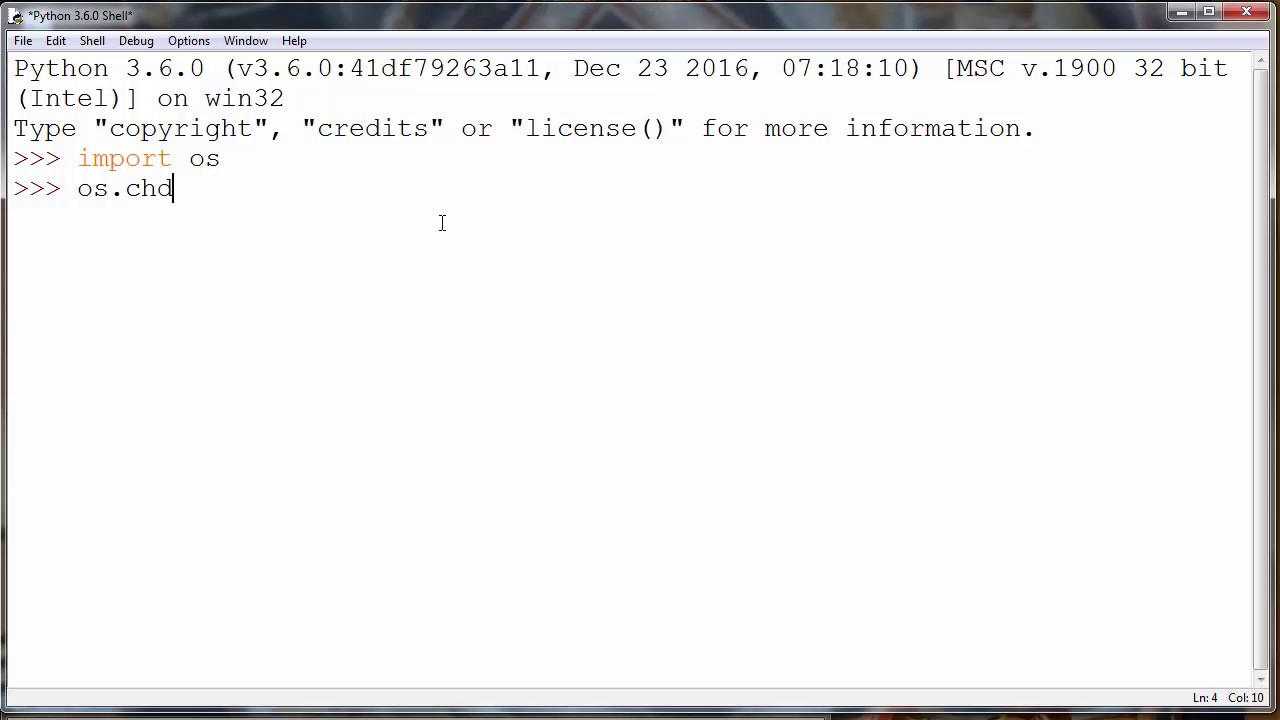
How To Change Directory In Mand Prompt Python Bios Pics
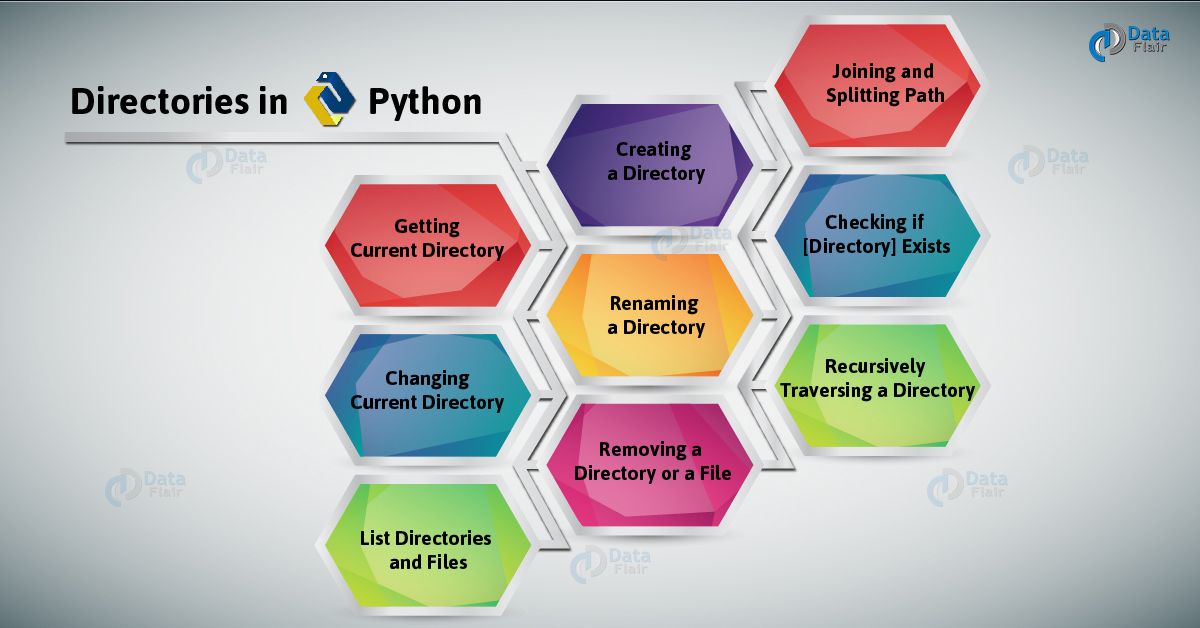
Python Windows How To Search Files For Text String Updatescopax

Python 3 Notes File Path And CWD

How To Change The Working Directory In Python YouTube
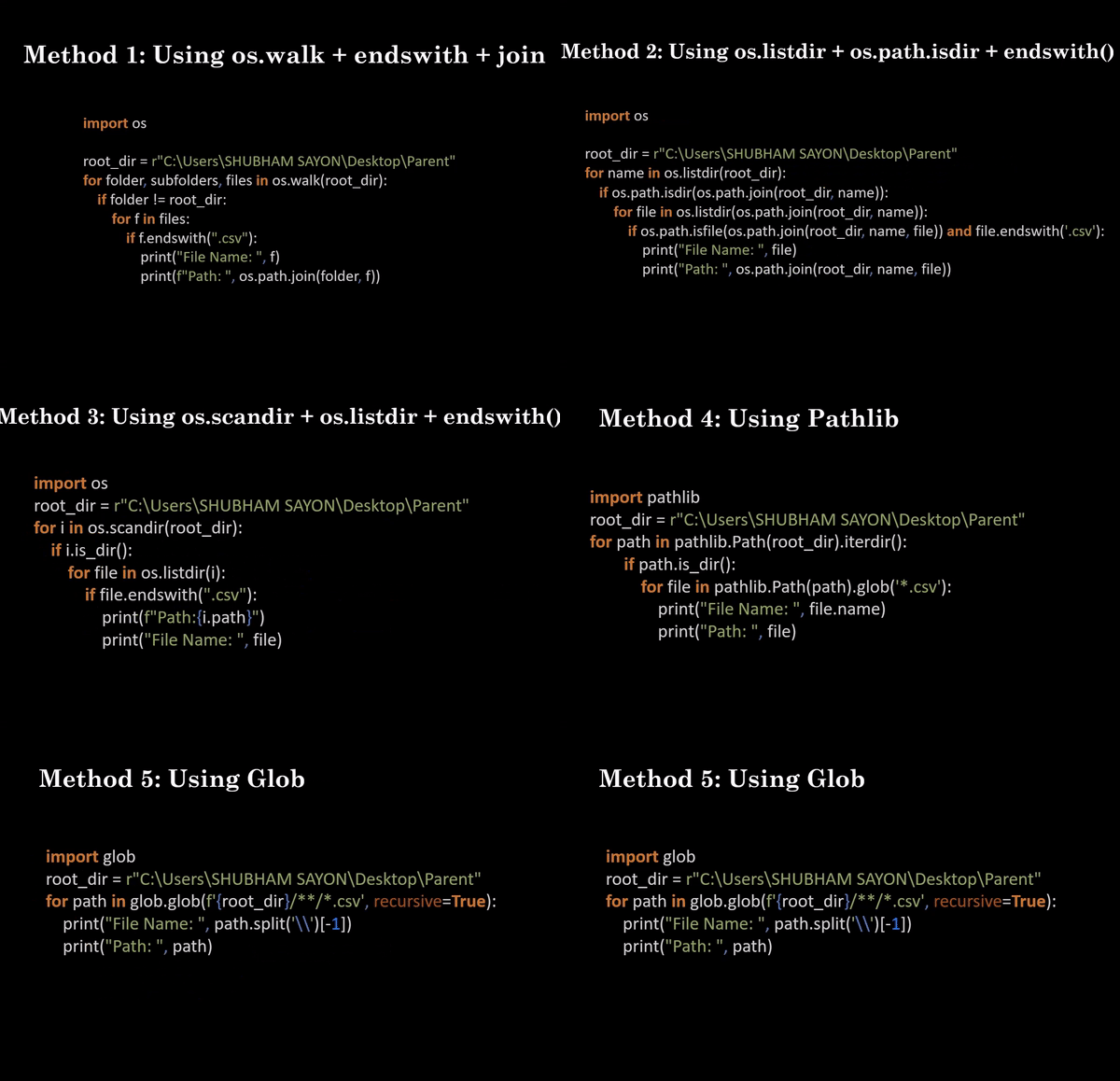
How To Search For Specific Files Only In Subdirectories In Python

How To Change Directory In CMD On Windows 10 TechCult

Web Oct 25 2017 nbsp 0183 32 4 Answers Sorted by 1002 Try os chdir import os os chdir path Change the current working directory to path Availability Unix Windows Share Improve this answer Follow edited Dec 8 2022 at 7 40 Anders Lind 233 n 6 899 12 56 109 answered Nov 27 2009 at 21 59 Mark Byers 816k 195 1587 1454

Web Dec 27 2013 nbsp 0183 32 change current working directory in python duplicate Ask Question Asked 9 years 10 months ago Modified 8 months ago Viewed 61k times 16 This question already has answers here Equivalent of shell cd command to change the working directory 15 answers Cross platform Desktop directory path 2 answers Closed 8 months ago
Web Dec 1 2021 nbsp 0183 32 The Quick Answer Use os getcwd and os chdir How to get and set a working directory in Python Table of Contents What is the Python os Library The Python os module a built in library allows us to perform common operating system tasks Because the library is built into Python you can easily import is directly such as shown below

Web Jan 10 2009 nbsp 0183 32 15 Answers Sorted by 931 You can change the working directory with import os os chdir path There are two best practices to follow when using this method Catch the exception WindowsError OSError on invalid path If the exception is thrown do not perform any recursive operations especially destructive ones

Web Aug 10 2021 nbsp 0183 32 To change the current working directory in Python use the chdir method os getcwd path The method accepts one argument the path to the directory to which you want to change The path argument can be absolute or
[desc-11] [desc-12]
[desc-13]