How To Canva Video Canva Blur Tool How To Blur Faces And Objects In Canva YouTube 2 Easy Ways To Add Voiceover To Canva Presentation Listen2It Blog Canva Provides A Free AI Textual Content to Picture Generator Inside Add Music To Videos For Free Canva Canva Animation Tutorial How To Animate In Canva Canva Hacks 2023 Official Google Business Profile Help Center where you can find tips and tutorials on using Google Business Profile and other answers to frequently asked questions
On your computer open Chrome At the top right select More Settings On the left select On startup Open the New Tab page You can add update or remove phone numbers on your Google Account Phone numbers are used for different reasons and you have controls to manage how your numbers are used
Canva Animation Tutorial How To Animate In Canva Canva Hacks 2023 How To Download A Canva Template Video Resizer One click Video Resize Online Canva Download Canva Design With Transparent Background Maker s Aid Tutorial How To Add Background Music In Canva Video Step by Step How To Make A Video Presentation Using Canva Canva How To Use Canva To Create Presentations A Practical Guide YouTube About Canva Company Archives Page 2 Of 9 Canva Templates
How To Canva Video
 How To Canva Video
https://i.ytimg.com/vi/g5yOVPv5ibI/maxresdefault.jpg
With a Business Profile on Google you can manage how your business shows up on Maps and Search at no charge Whether you own a storefront business or provide services where your customers are a
Pre-crafted templates offer a time-saving service for developing a diverse range of files and files. These pre-designed formats and designs can be utilized for numerous individual and professional jobs, consisting of resumes, invitations, leaflets, newsletters, reports, presentations, and more, streamlining the content creation process.
How To Canva Video

Want To Know How Long Can Canva Videos Can Be Maker s Aid
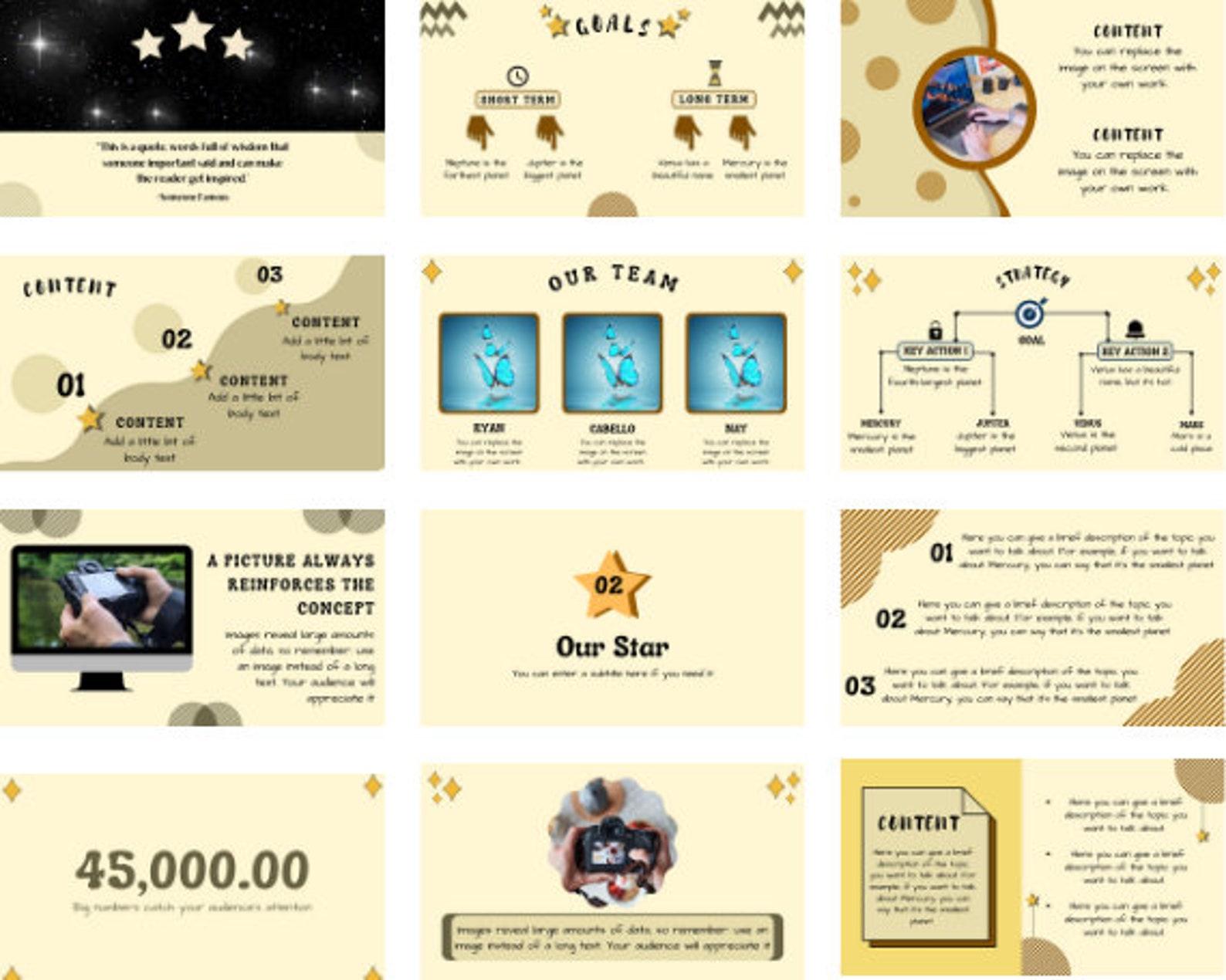
How To Download A Canva Template

Video Resizer One click Video Resize Online Canva
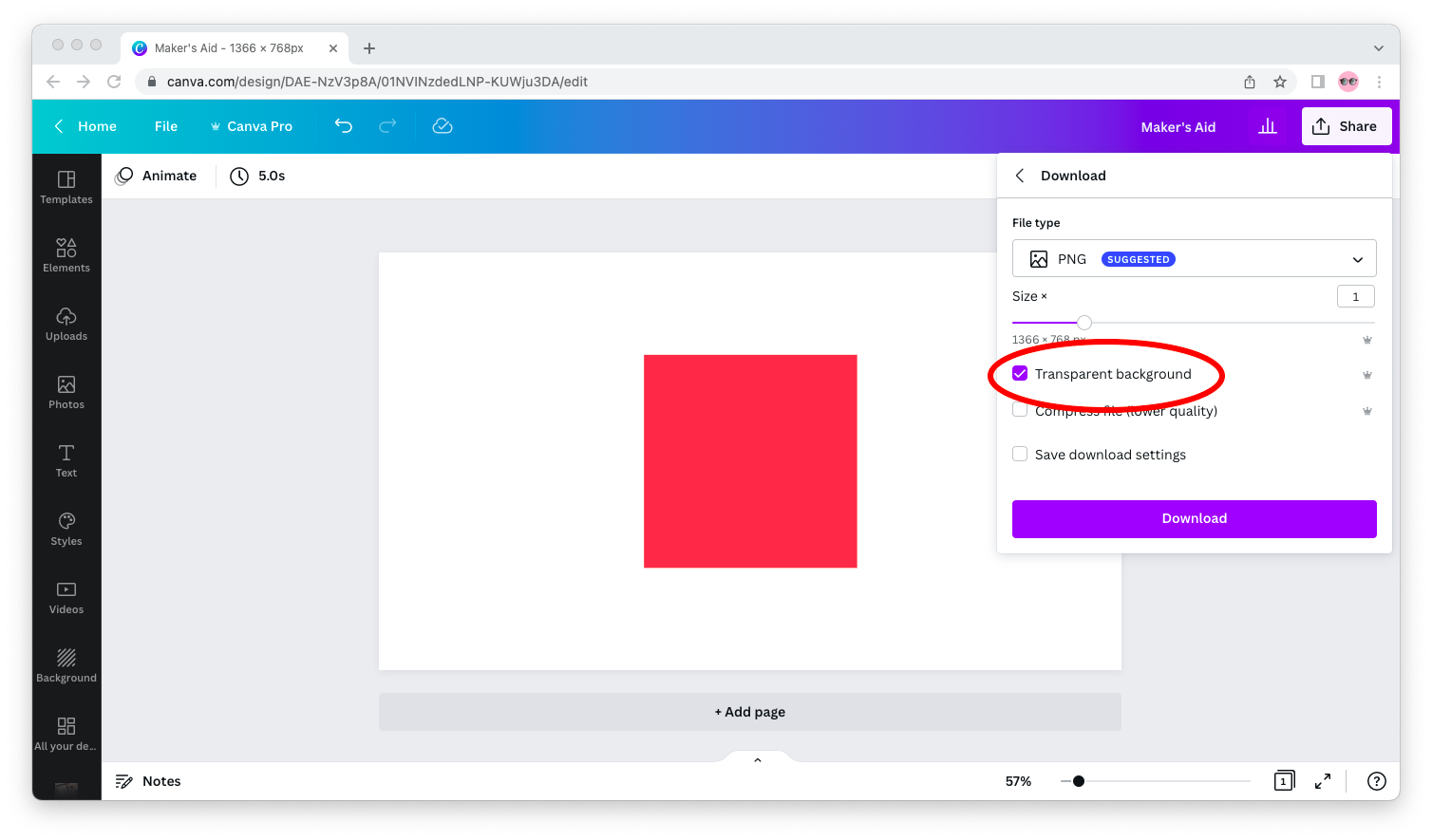
Download Canva Design With Transparent Background Maker s Aid
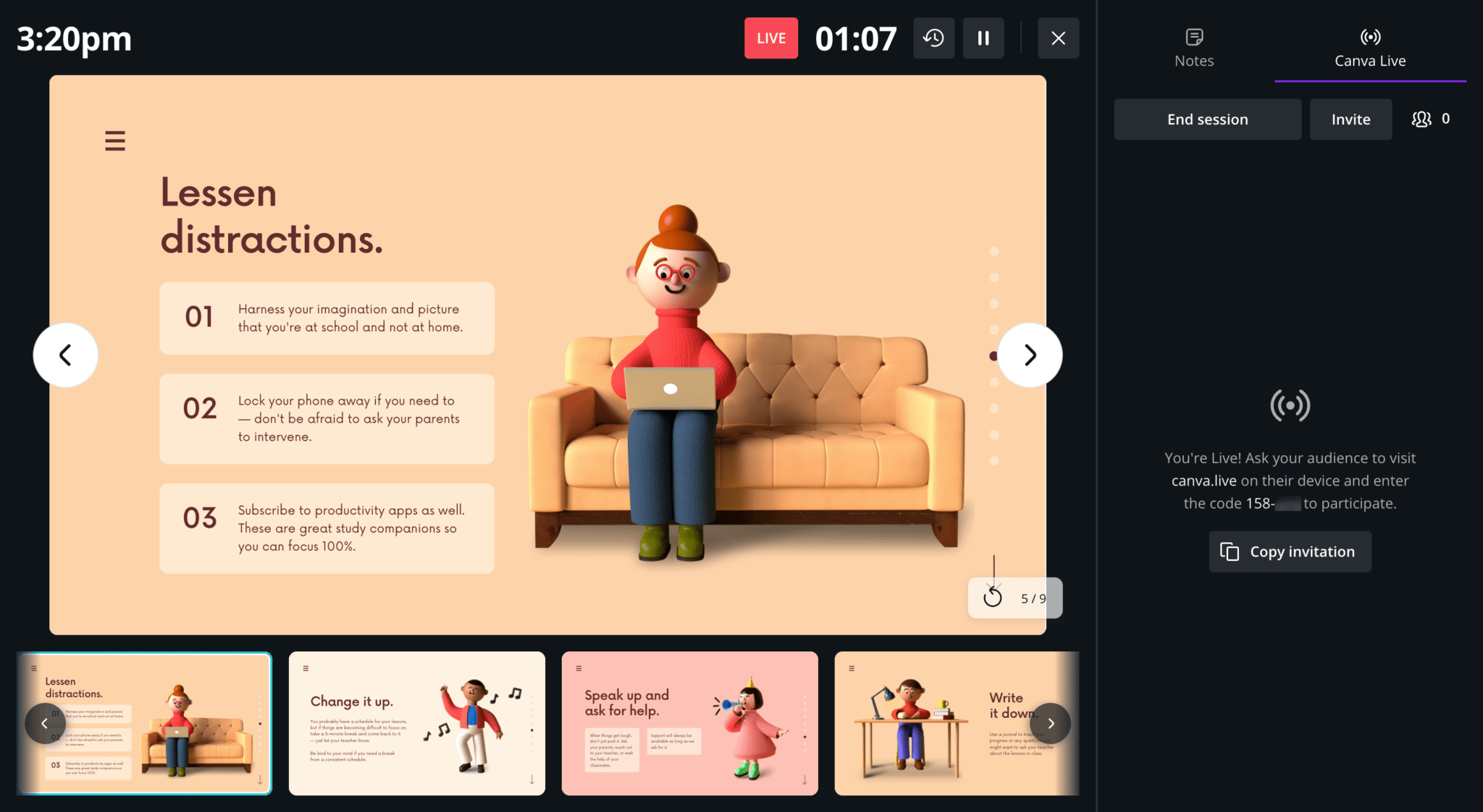
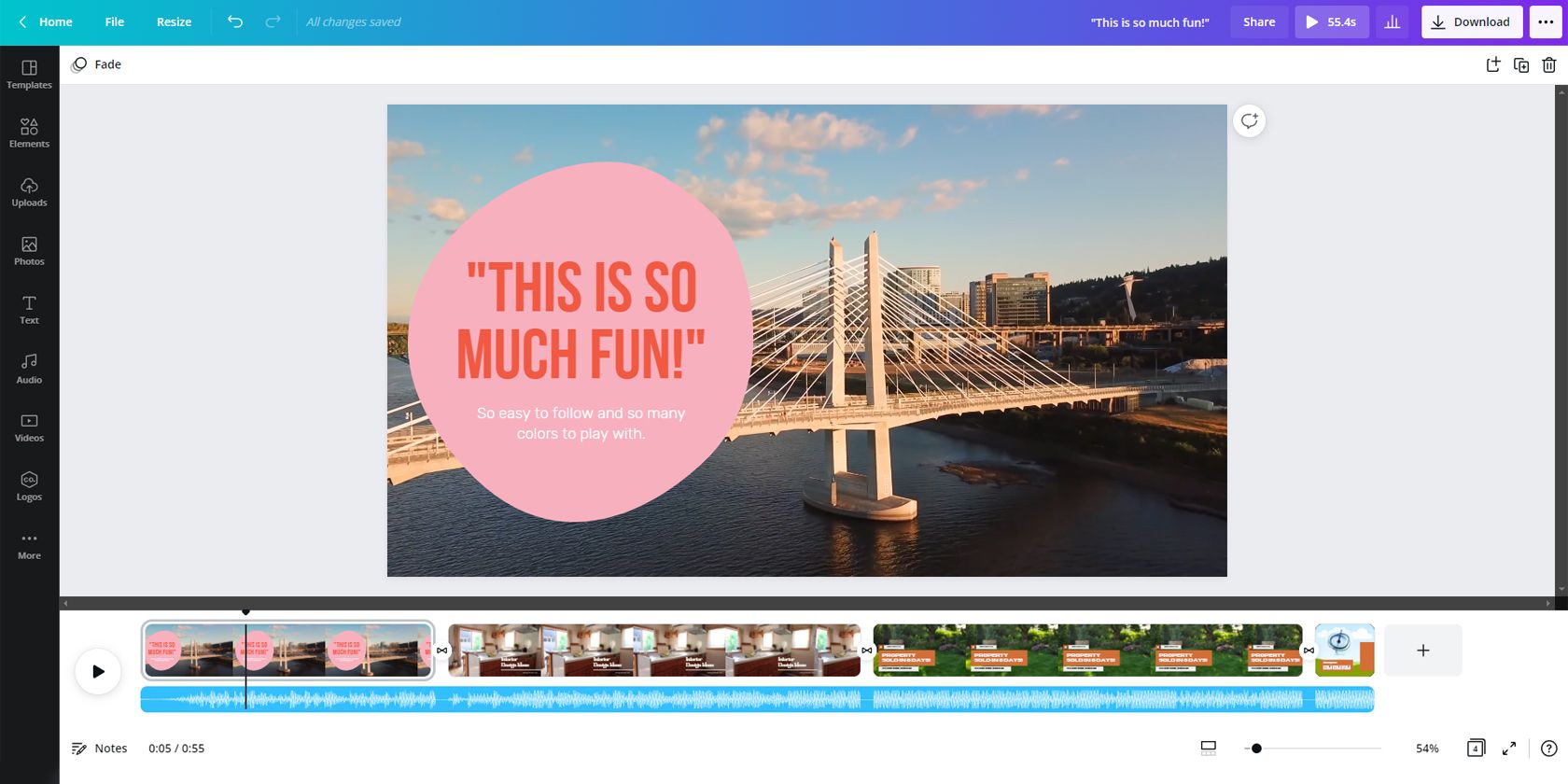
How To Make A Video Presentation Using Canva
Canva
Create an account Tip To use Gmail for your business a Google Workspace account might be better for you than a personal Google Account
To find your username follow these steps You need to know A phone number or the recovery email address for the account

To use Chrome on Mac you need macOS Big Sur 11 and up On your computer download the installation file Open the file named quot googlechrome dmg quot

You can browse the web more privately in Incognito mode Open Incognito mode Important When you use an Incognito window you can browse more privately

You can upload open share and edit files with Google Drive When you upload a file to Google Drive it will take up space in your Drive even if you upload to a folder owned by someone else
[desc-11] [desc-12]
[desc-13]