How To Build A Website In Visual Studio Code Visual Studio 2022 Theme Visual Studio Marketplace Visual Studio Code Make Development Easier Visual Studio Marketplace Html Visual Studio Code Run Code In Visual Studio Adamspen Verkko Use Visual Studio Code in your local environment and create an HTML website Practice using Visual Studio Code to start an off platform project As you move
Verkko HTML in Visual Studio Code Visual Studio Code provides basic support for HTML programming out of the box There is syntax highlighting smart completions with IntelliSense and customizable Verkko 20 tammik 2021 nbsp 0183 32 Download Visual Studio Code If you don t yet have VS Code installed on your computer head to code visualstudio to download it You can open the dropdown to choose the versions you
Run Code In Visual Studio Adamspen Visual Studio Code Visual Studio Code Comment And Uncomment Code Shortcut Or Hotkeys Visual Studio Code Comment And Uncomment Code Shortcut Or Hotkeys Visual Studio Code Coverage Turn Off Kseki Msinfo32 Command Formatting JSON In Visual Studio Code Gigi Labs Visual Studio 2022 Launch Cellphonetews Microsoft Visual Studio 2025 Shell Kara Prescot
How To Build A Website In Visual Studio Code
 How To Build A Website In Visual Studio Code
https://i.imgur.com/3pSDrI3.png
Verkko 10 elok 2018 nbsp 0183 32 Open Visual Studio Code Open the menu Extensions Type Live Server into the search field and install the extension Reload Visual Studio Code to activate the extension
Templates are pre-designed documents or files that can be utilized for numerous purposes. They can save effort and time by providing a ready-made format and layout for creating various sort of material. Templates can be utilized for personal or professional tasks, such as resumes, invitations, flyers, newsletters, reports, discussions, and more.
How To Build A Website In Visual Studio Code
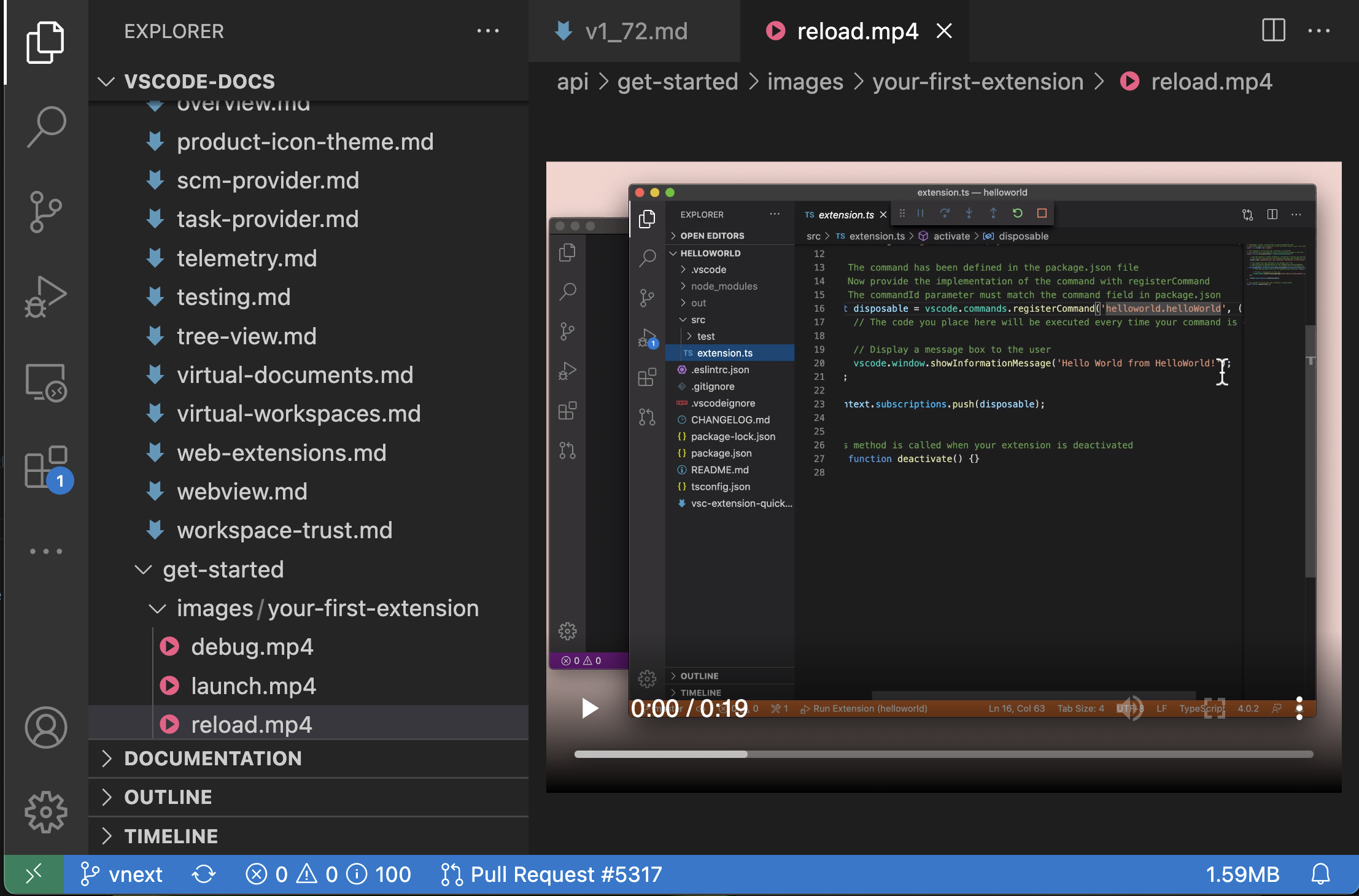
Visual Studio Code Newest Version Image To U

Visual Studio Code

Visual Studio Code Comment And Uncomment Code Shortcut Or Hotkeys

Visual Studio Code Comment And Uncomment Code Shortcut Or Hotkeys
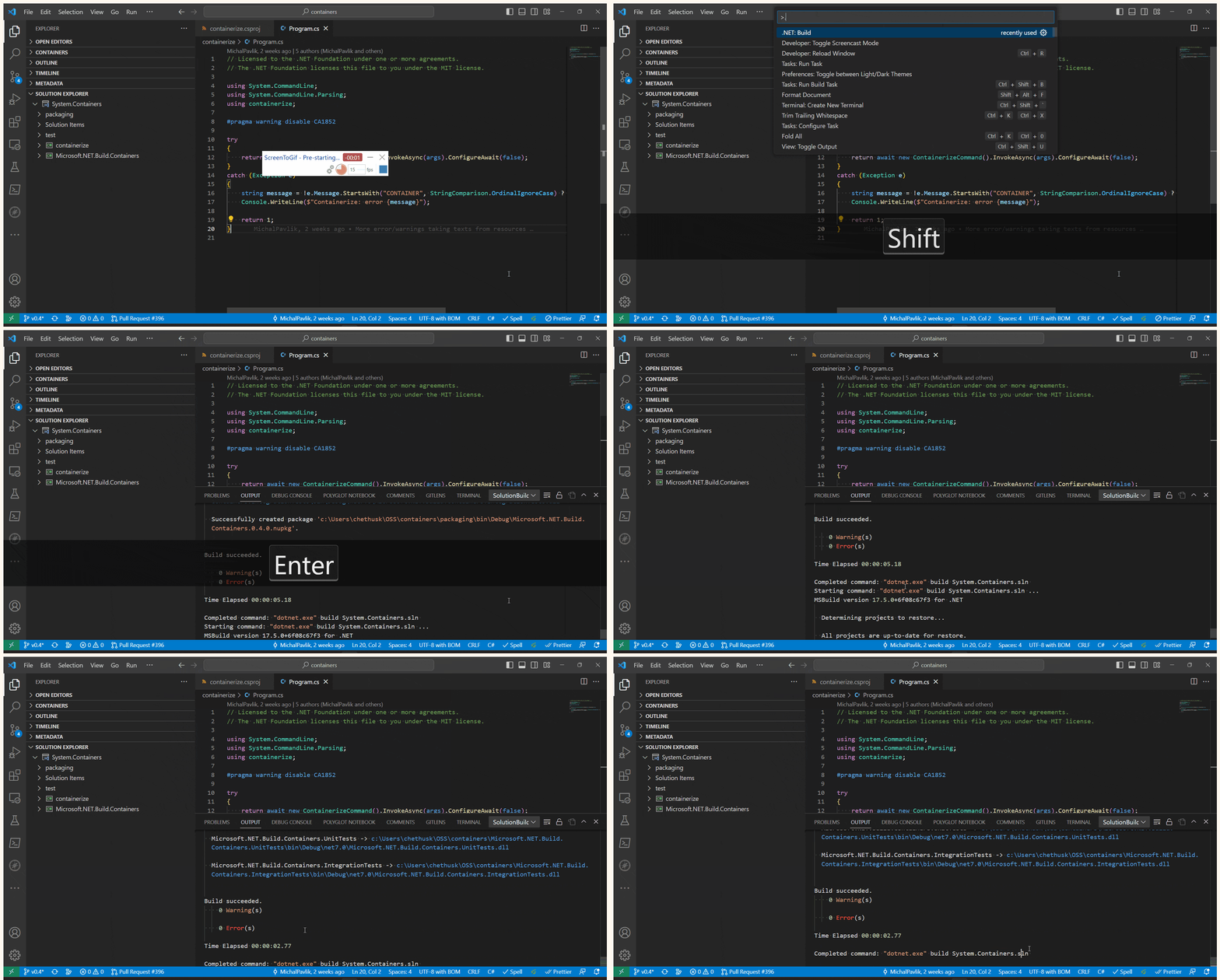
Msinfo32 Command

Formatting JSON In Visual Studio Code Gigi Labs

Verkko 13 tammik 2022 nbsp 0183 32 SUPPORT US graphdesk Learn how to create a simple modern website with HTML5 and CSS using Visual Studio Code editor Web design tutorial
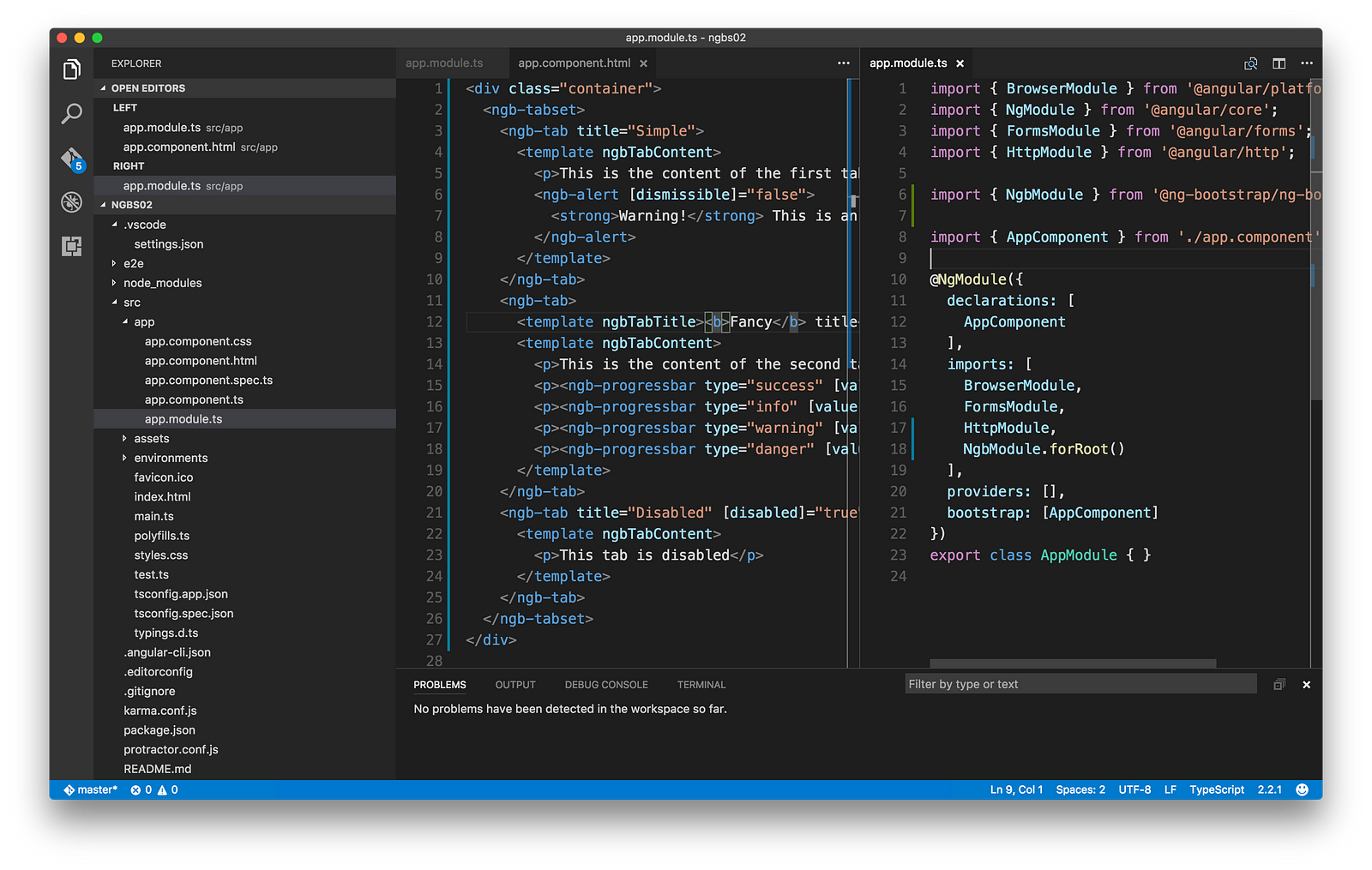
Verkko 9 elok 2021 nbsp 0183 32 To explore HTML in practice and begin building an HTML website we ll need to set up a new project using a text editor This
Verkko 20 marrask 2019 nbsp 0183 32 Short video showing you the basic way to use Visual Studio code to create a website I take you through creating a folder and file using the intellisense

Verkko 12 lokak 2020 nbsp 0183 32 In this tutorial you will set up the folders and files necessary for exploring CSS and building a website Using a code
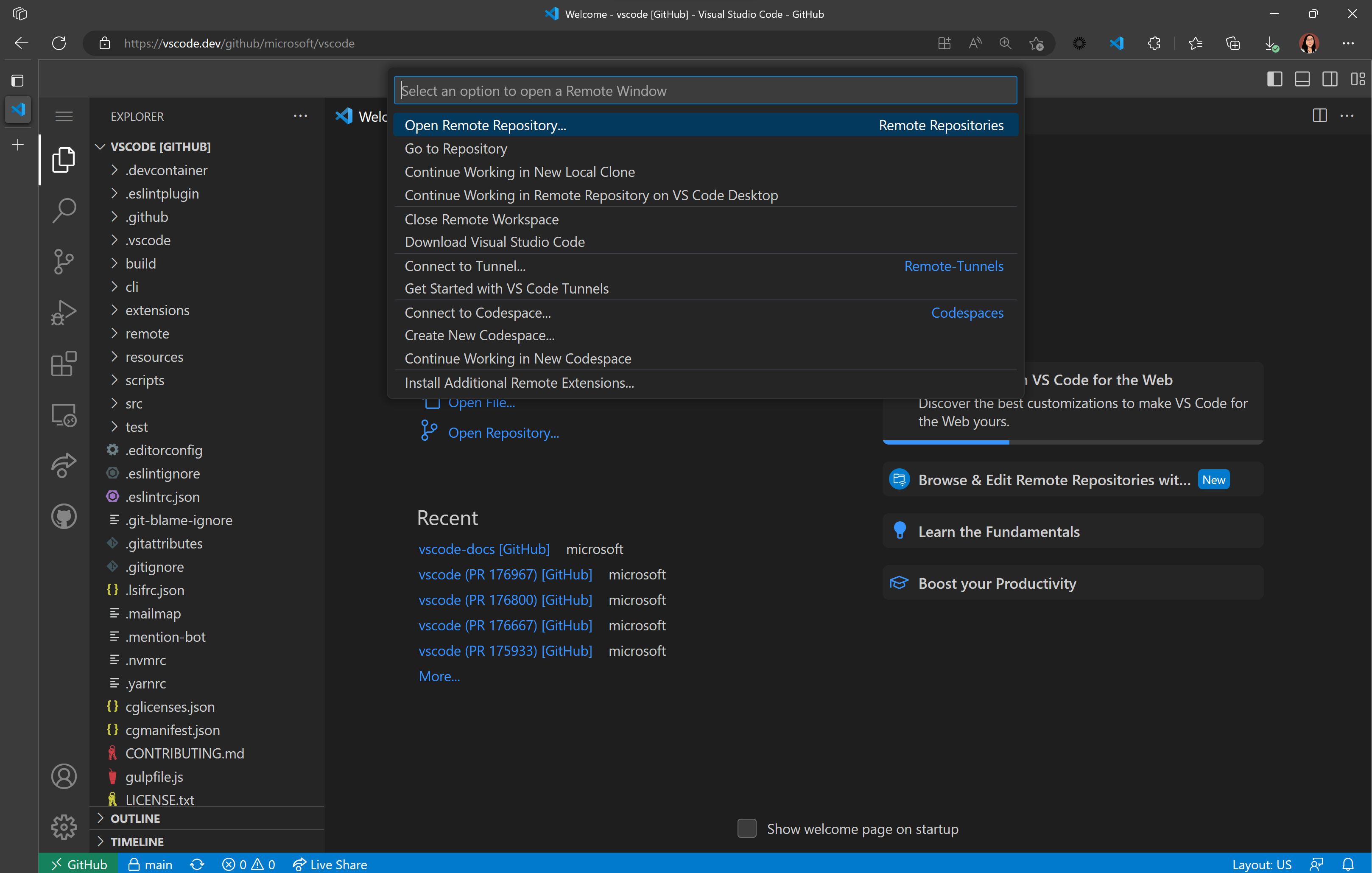
Verkko In this article we will go over the steps necessary to download a popular text editor called Visual Studio Code also referred to as VS Code By the end of the article you will
Verkko Building a solution When a solution is loaded the C Dev Kit extension provides several tasks that operate on the solution and the projects contained in it In addition to the Verkko Getting started with Visual Studio Code In this tutorial we walk you through setting up Visual Studio Code and give an overview of the basic features Here s the next video
Verkko 21 helmik 2023 nbsp 0183 32 To build a webpage with Visual Studio Code you will need to create an HTML file a CSS file and a JavaScript file The HTML file will contain the