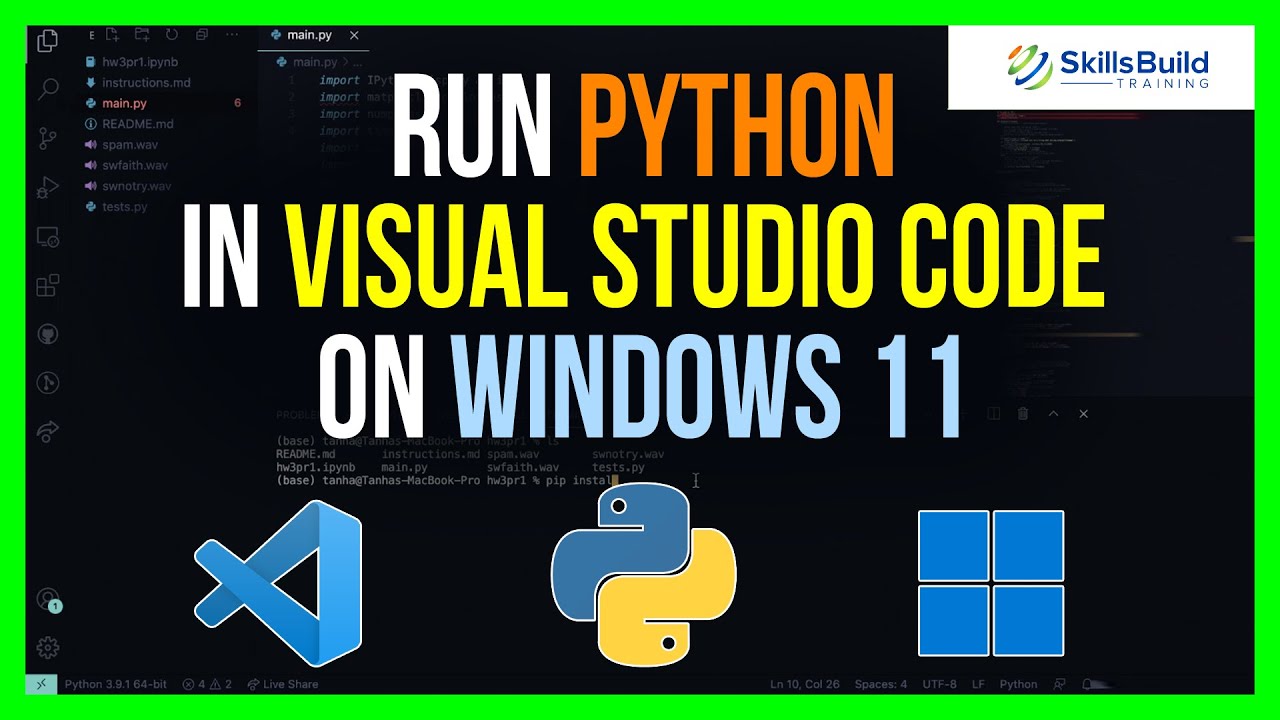
How To Build A Python Project In Visual Studio Code How To Build A Python Project In Visual Studio Code How To Run Python In Visual Studio Code On Windows 11 Step By Step Build A Mobile App With Python Kivy Python Tutorial Visual Studio 2022 Theme Visual Studio Marketplace Factver Blog Learn how to update apps on Android Related resources Fix problems with the Google Play app How to update apps on Android
Important Before you set up a new Gmail account make sure to sign out of your current Gmail account Learn how to sign out of Gmail From your device go to the Google Account sign in Want advanced Google Workspace features for your business Try Google Workspace today Google Drive helps you keep all your files together You can upload and share your files from
Factver Blog Python In Visual Studio Code Herballasopa Jupyter Notebooks PVSM RU Msinfo32 Command Formatting JSON In Visual Studio Code Gigi Labs Quick Tip VS Code Restore Previous File Version Educaci n Moral Estoy Enfermo D a Del Ni o Wpf In Visual Studio Code Python Visual Studio Build Administrar Propiedades De Soluciones Y Proyectos Vis Vrogue co
How To Build A Python Project In Visual Studio Code
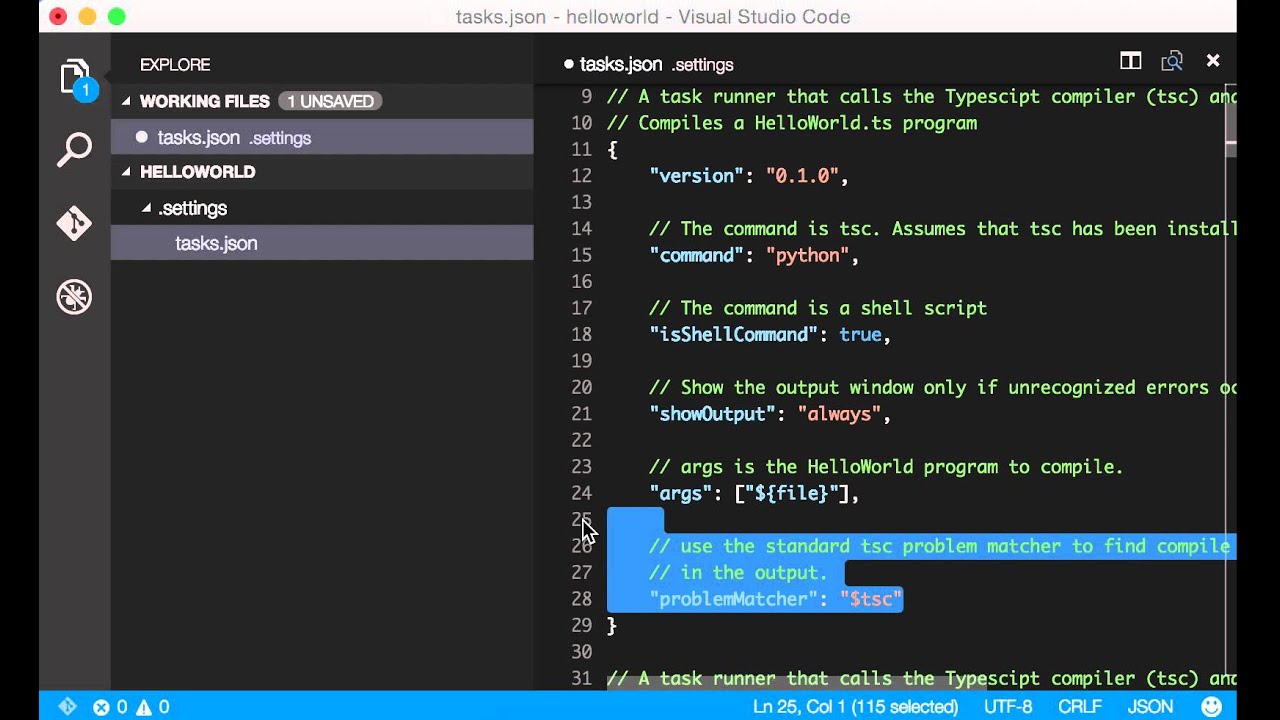 How To Build A Python Project In Visual Studio Code
https://i.ytimg.com/vi/doSPnFks5Vk/maxresdefault.jpg
Remove unwanted programs on your computer Before you reset your browser settings check your computer for unwanted programs Learn how to reset your browser settings
Templates are pre-designed files or files that can be utilized for various purposes. They can save time and effort by offering a ready-made format and design for creating different type of content. Templates can be used for personal or professional jobs, such as resumes, invitations, flyers, newsletters, reports, discussions, and more.
How To Build A Python Project In Visual Studio Code

Visual Studio Code Python Download Nawtheatre
Python In Visual Studio Code Herballasopa
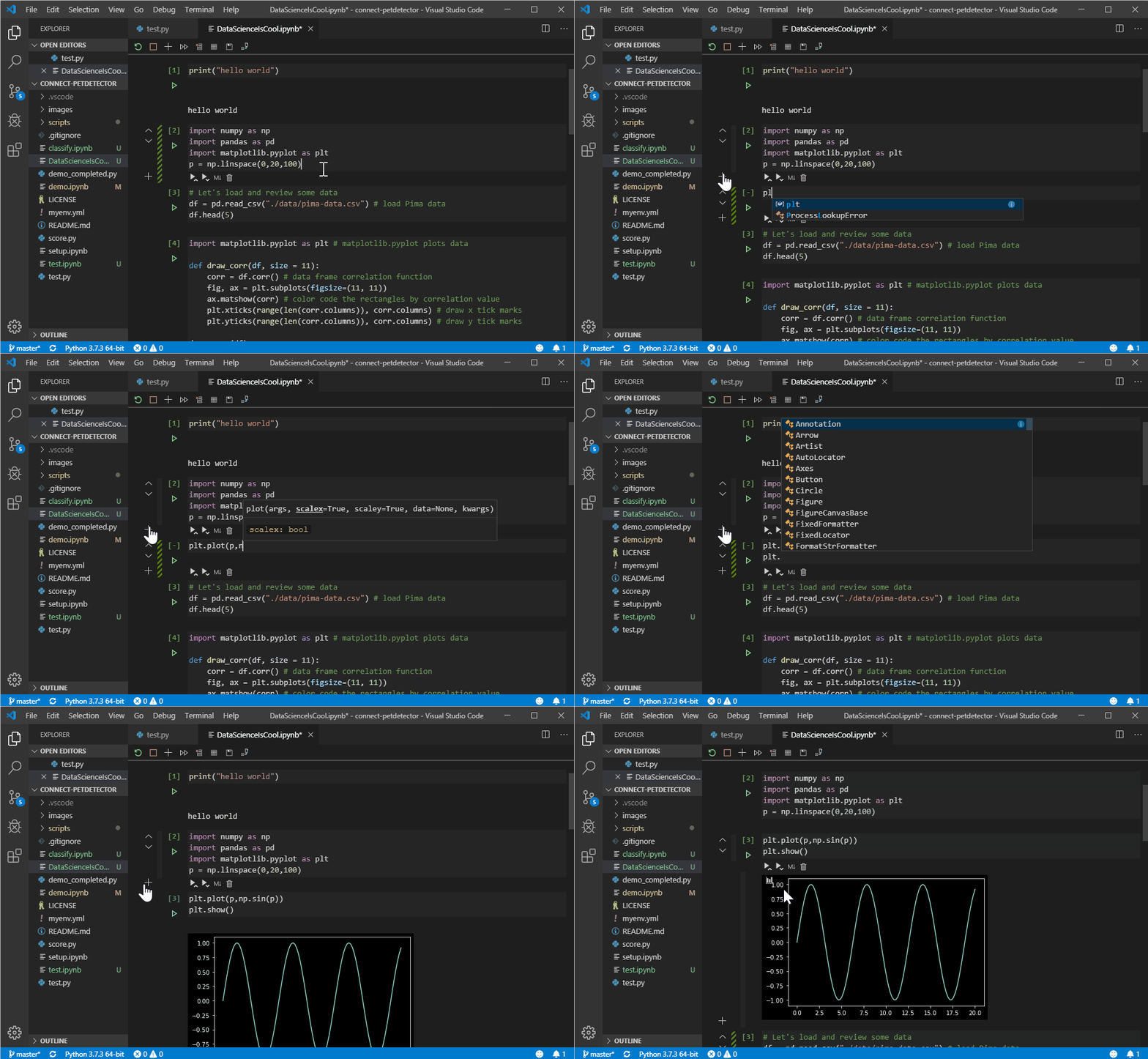
Jupyter Notebooks PVSM RU
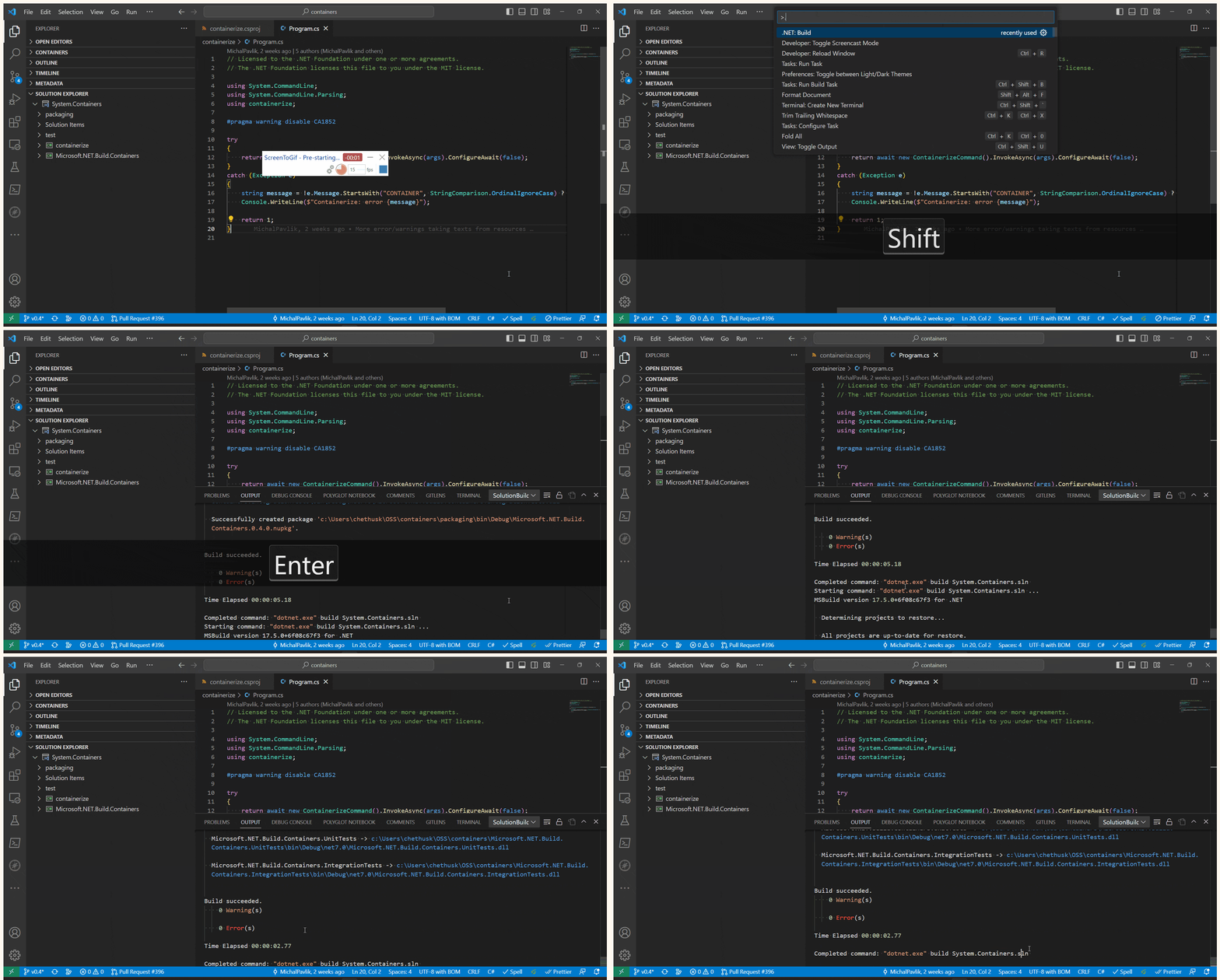
Msinfo32 Command
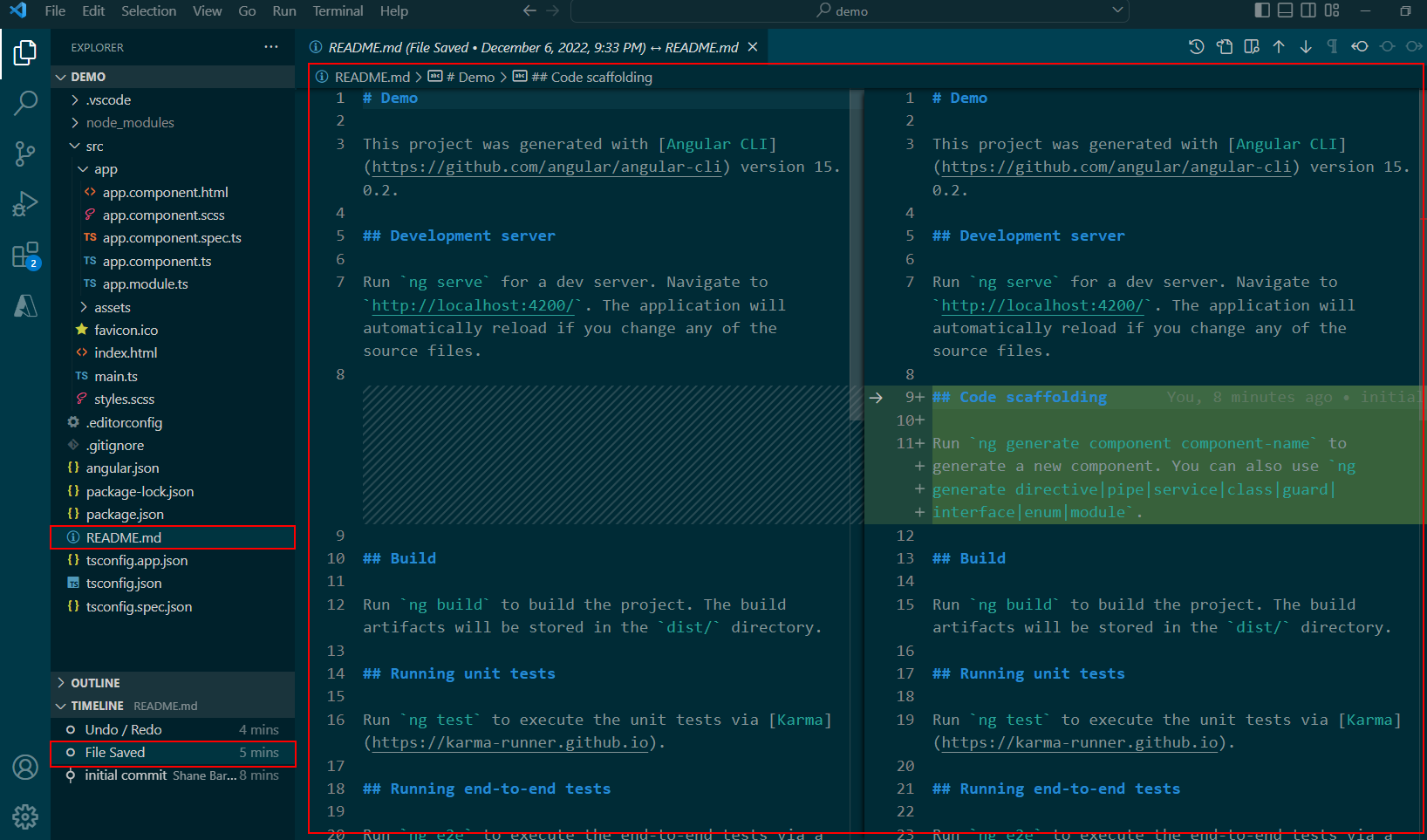
Quick Tip VS Code Restore Previous File Version
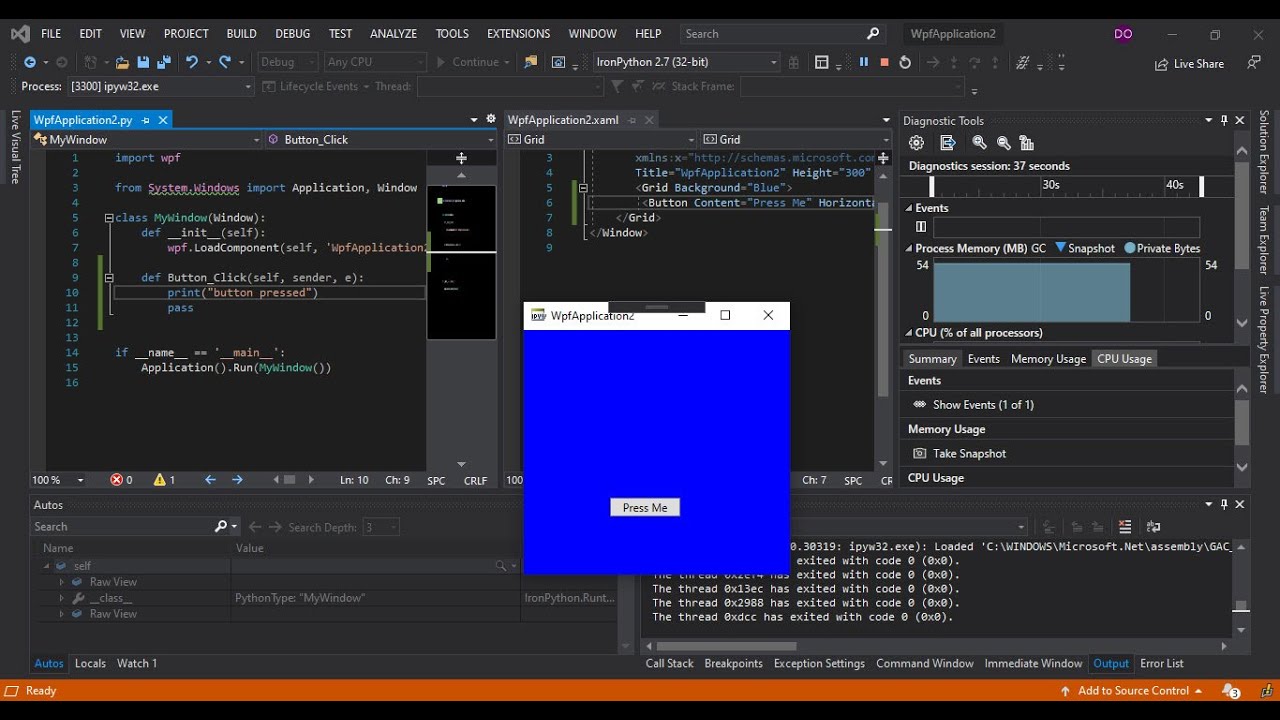
Educaci n Moral Estoy Enfermo D a Del Ni o Wpf In Visual Studio Code

How to install Chrome Important Before you download you can check if Chrome supports your operating system and other system requirements
Sign in to Gmail Tip If you sign in to a public computer make sure to sign out before you leave the computer Learn how to sign in on a device that s not yours

If you forgot your password or username or you can t get verification codes follow these steps to recover your Google Acc

Learn how to change more cookie settings in Chrome For example you can delete cookies for a specific site In other browsers If you use Safari Firefox or another browser check its support

Important When you create a Google Account for your business you can turn business personalization on A business account also makes it easier to set up Google Business Profile
[desc-11] [desc-12]
[desc-13]