How To Auto Hide Navigation Bar Android Hide The Status Bar And Navigation Bar Android Tutorial 2018 YouTube How To Hide Navigation Bar On One UI Android 9 Pie Update On Galaxy S9 Flutter 2 5 Tutorial Hide Status Bar Navigation Bar Android Full How To Hide Navigation Bar On Mobile Devices With A WordPress Plugin 5 M todes Provats Per Ocultar La Barra D adreces A Google Chrome 2022 How to install Chrome Important Before you download check if Chrome supports your operating system and you ve met all other system requirements
To find any of these features tap your profile picture or initial Location Sharing Choose who can find your location and whose location you can find on Google Maps Settings Manage your Wi Want advanced Google WoTo edit a document On your computer open a document in Google Docs To select a word double click it or use your cursor to select the text you want to change
5 M todes Provats Per Ocultar La Barra D adreces A Google Chrome 2022 Android er Hide And Auto show The Navigation Bar For Android 4 0 Or How To Hide Navigation Bar In Any Android Device 2020 Till Android 7 Important Android Auto Settings You Should Tweak ASAP Edit Url Address Bar Android Expo Web Hide Bottom Navigation Bar When Keyboard Show How To Auto Hide Taskbar In Desktop Mode Or Tablet Mode In Windows 10 How To Hide Navigation Bar On Android YouTube Sejt M ly l Mikroprocesszor Bottom Navigation Bar Automatic Hide
How To Auto Hide Navigation Bar Android
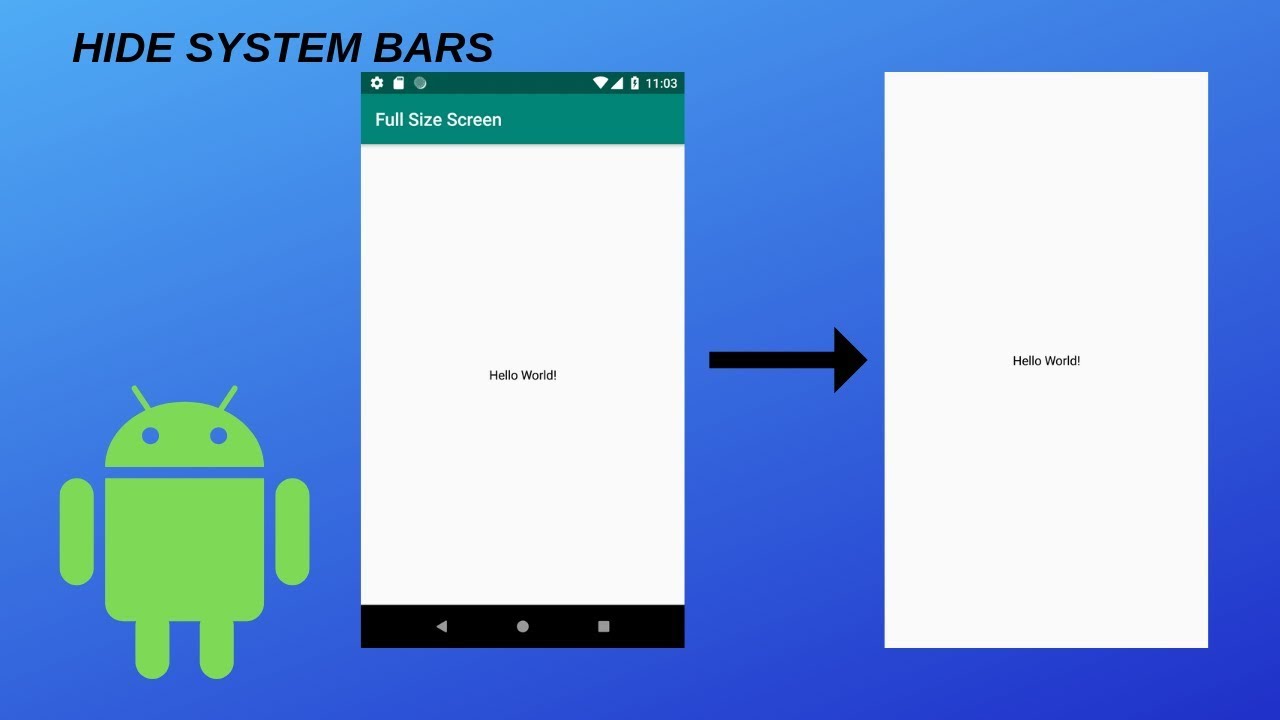 How To Auto Hide Navigation Bar Android
https://i.ytimg.com/vi/zC2CgDExCeI/maxresdefault.jpg
Google Slides is an online presentation app that lets you create and format presentations and work with other people Step 1 Create a presentation To create a new presentation
Pre-crafted templates provide a time-saving option for creating a varied range of files and files. These pre-designed formats and layouts can be utilized for various individual and professional tasks, including resumes, invitations, flyers, newsletters, reports, presentations, and more, enhancing the content development procedure.
How To Auto Hide Navigation Bar Android
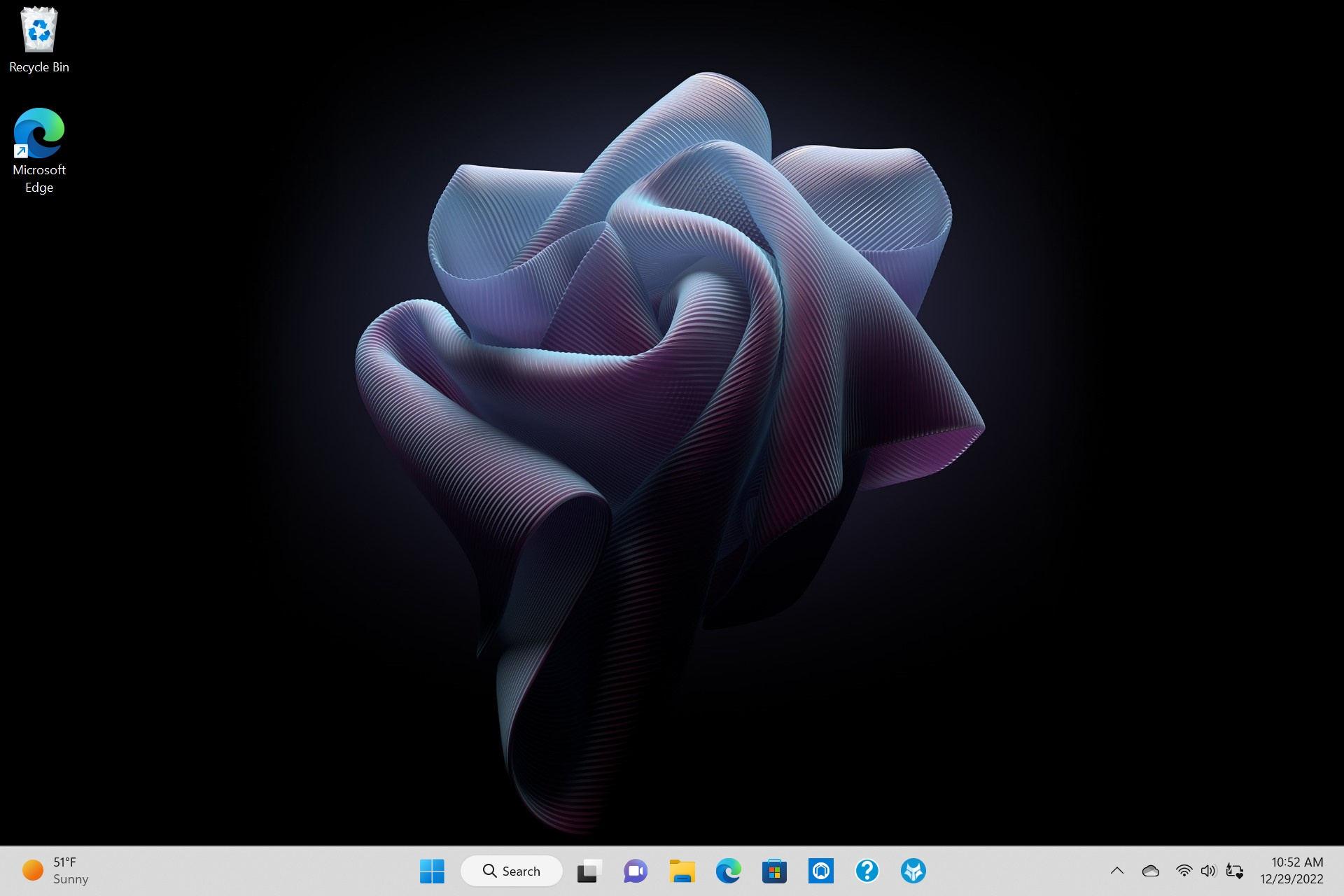
How To Auto Hide Your Windows 11 Or 10 Taskbar Tom s Hardware

Android er Hide And Auto show The Navigation Bar For Android 4 0 Or

How To Hide Navigation Bar In Any Android Device 2020 Till Android
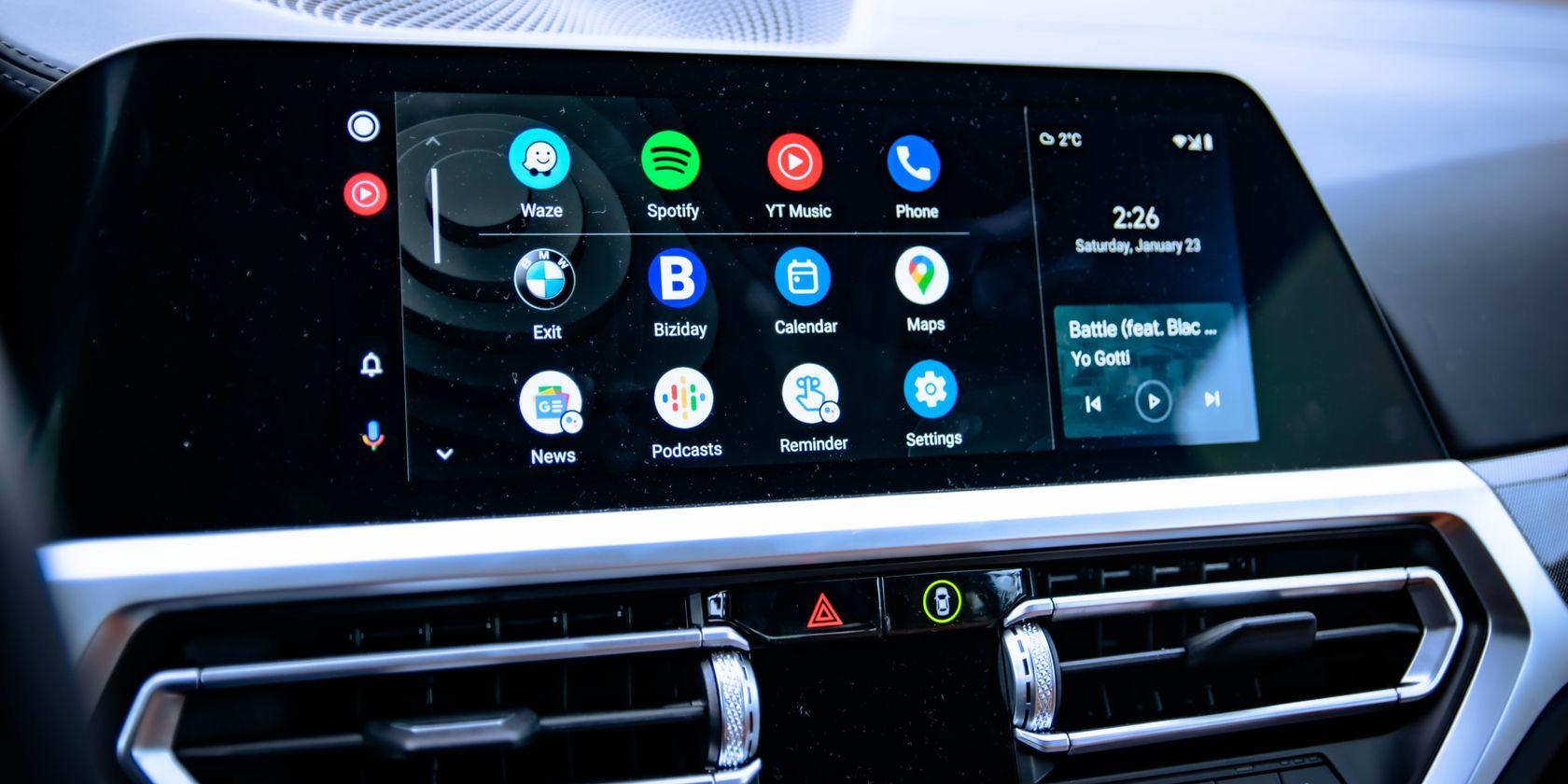
7 Important Android Auto Settings You Should Tweak ASAP

Android Expo Web Hide Bottom Navigation Bar When Keyboard Show

How To Auto Hide Taskbar In Desktop Mode Or Tablet Mode In Windows 10

Important When you create a Google Account for your business you can turn business personalization on A business account also makes it easier to set up Google Business Profile

You can use Google Forms to create online surveys quizzes and forms send them to others to fill out and then analyze their responses in real time To edit forms and analyze responses with

Sign in to Gmail Tip If you sign in to a public computer make sure to sign out before you leave the computer Learn how to sign in on a device that s not yours
Important Before you set up a new Gmail account make sure to sign out of your current Gmail account Learn how to sign out of Gmail From your device go to the Google Account sign in
To find your username follow these steps You need to know A phone number or the recovery email address for the account The full name on your account Follow the instructions to
[desc-11] [desc-12]
[desc-13]