How To Add Html Extension In Visual Studio Code How To Get The Pets Extension In Visual Studio Code VSCode Pets YouTube ANSWERED Css How To Create Another Html Page In Visual Studio Code How To Compile Python In Visual Studio Pagdaily How To Add Html Extension In WordPress Post No Installation Required How To Add Html Extension To WordPress Post URLs Permalinks YouTube To install the Visual Studio Code extension Open Visual Studio Code Select Extensions from the left pane Select the Settings icon from the top right on the extensions pane Search for and select Power Platform Tools Select Install Verify the extension is installed successfully from the status messages
Start with the free Agency Accelerator today Let s look at some extensions for VS Code that make writing and editing HTML and languages that are basically HTML with extra powers better You may not like all of them Maybe some of them don t appeal to you solve a problem you don t have or feel like more clutter than you need Update 1 removed deprecated tags acronym applet basefont center dir font frame frameset noframes strike tt fixed LI tag issue you couldn t add new line in the tags Todo on going Improve syntax layout on going Add support for Tab to end of line on going Populate Tags with properties Using
How To Add Html Extension To WordPress Post URLs Permalinks YouTube Visual Studio Code Extension Downloader Voor Google Chrome Extensie How To Add HTML MetaTags To Blogger Visual Studio Code File Extensions Riset Add html Extension To Permalinks Carlo Fontanos How To Add HTML To Your WordPress Page Or Post YouTube How To ADD HTML Code To Wordpress YouTube 7 Best Visual Studio Code Extensions Photos Get 44 Html
How To Add Html Extension In Visual Studio Code
 How To Add Html Extension In Visual Studio Code
https://i.ytimg.com/vi/iknm5q5Bn90/maxresdefault.jpg
An extension to preview HTML files while editing them in VSCode The extension can be activated in two ways Toggle Preview ctrl shift v or cmd shift v Open Preview to the Side ctrl k v or cmd k v
Templates are pre-designed documents or files that can be utilized for various purposes. They can save effort and time by offering a ready-made format and design for developing various sort of content. Templates can be used for individual or expert projects, such as resumes, invitations, flyers, newsletters, reports, discussions, and more.
How To Add Html Extension In Visual Studio Code

LzbethewtVazquez
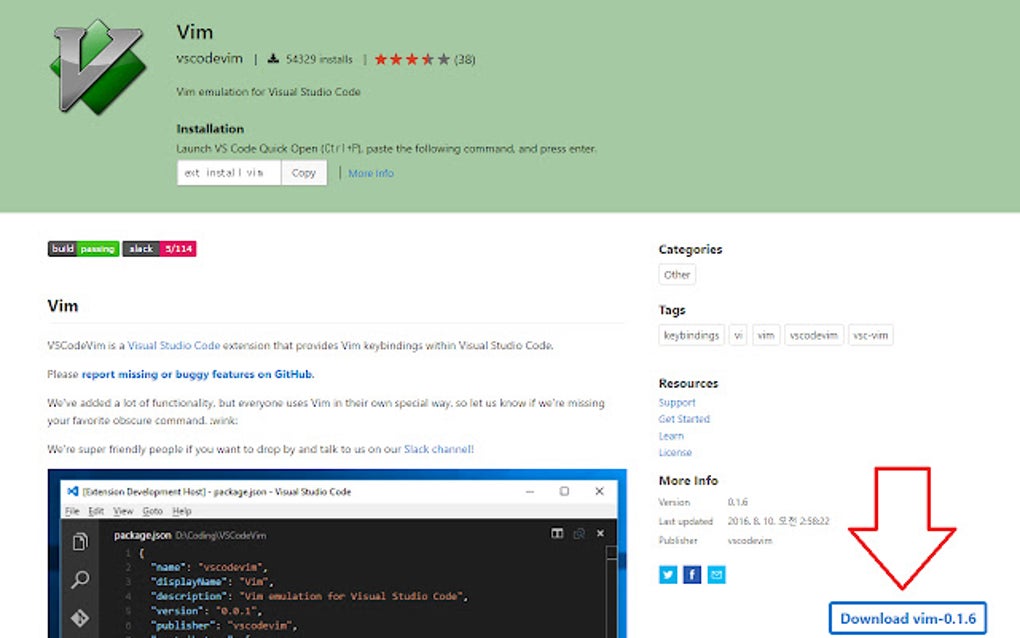
Visual Studio Code Extension Downloader Voor Google Chrome Extensie

How To Add HTML MetaTags To Blogger
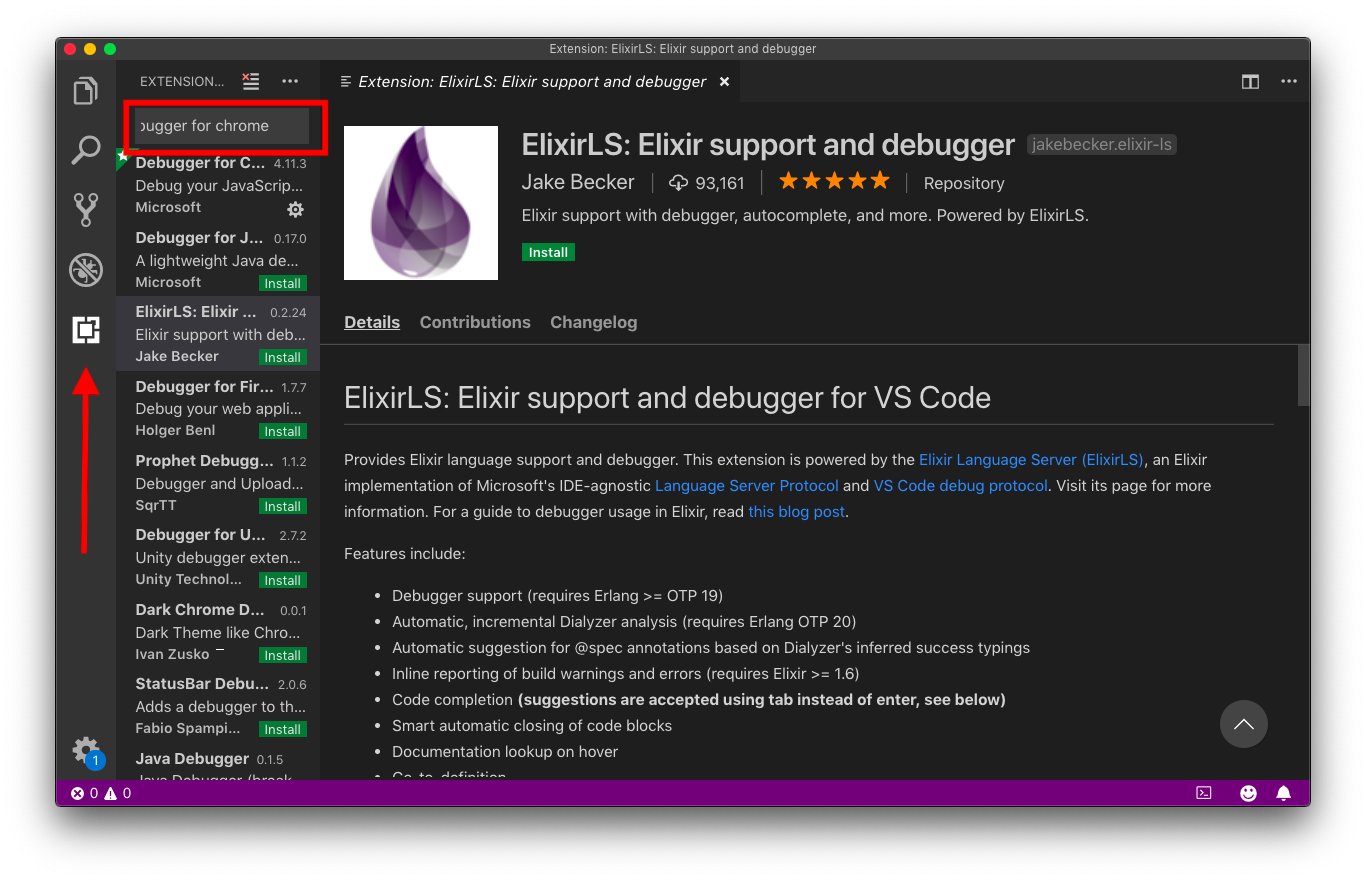
Visual Studio Code File Extensions Riset

How To Add HTML To Your WordPress Page Or Post YouTube
How To ADD HTML Code To Wordpress YouTube

To install an extension select the Install button Once the installation is complete the Install button will change to the Manage gear button Find and install an extension For example let s install the popular TODO Highlight extension

Keyboard shortcut to open the Extensions View Windows Linux Ctrl Shift X Mac Cmd Shift X This shortcut is a time saver that propels you directly to the Extensions View without any mouse clicks Via The View Menu If you re navigating the menus you can find the Extensions View under the View menu at the top of your screen

Find and install extensions You can install extensions from Visual Studio Marketplace or the Manage Extensions dialog box in Visual Studio To install extensions from within Visual Studio From Extensions Manage Extensions find the extension you want to install

3 Answers Sorted by 32 The Vscode team has developed a Live Server extension with a lot of coordination with vscode See v1 58 pre release notes We have developed a Live Preview extension which hosts a local server for web development previewing
Press SHIFT COMMAND or Windows X or just click on the extension icon of visual studio code Search for the extension and press install Below is the list of the top 15 best vscode extensions for web development The choices of the extension are our personal opinion 1 Javascript ES6 Code Snippets
HOW TO ADD HTML EXTENSION IN VISUAL STUDIO CODEKnowledgeBase Tools https www hows tech p tools htmlDisclaimer This video how to add html extension in vi Use Live Preview extension to preview HTML directly in VS Code The preview updates as you edit so you can iterate quickly https marketplace visualstudio
Visual Studio Code has quickly become the code editor of choice among many developers The vast extension library is one of its main drawing points In thi