How To Add Google Map Api Key In Android How To Obtain Google Map API Key In Android Studio YouTube Fix The Missing Google Maps Api Key Laborator Riset Generate Images With DALL E 2 And The OpenAI API Execute Code Samples Google APIs Explorer Google Developers Configure Google Maps With Your Api Captainform Riset Enable and use the Maps SDK for Android to add Google Maps to an Android app Add customize and cluster markers Draw polylines and polygons on the map Control the viewpoint of the camera
Get Started Start building with commonly used features of the Maps SDK for Android explore Get started with Google Maps Platform Create an account generate an API key and start 4 Answers Sorted by 120 Since you are using gradle you can do the following build gradle android buildTypes debug resValue string
Configure Google Maps With Your Api Captainform Riset How To Add Google Map In Flutter App Add A Google Maps API Key Looker Studio Help How To Get Google Map API Key How To Get Free API Key For Google Map How To Add Google Map Iframe In Html Webframes How To Get A Key From Google Maps Javascript Api Quick Code Medium Riset Google Map API Key Unlimited Elements For Elementor How To Hide Your API Key In Android Android Authority Api Key Creating An API Key For Using Google And Azure Maps In WordPress Toolset
How To Add Google Map Api Key In Android
 How To Add Google Map Api Key In Android
https://i.ytimg.com/vi/HQxhLkDXBGc/maxresdefault.jpg
This video will walk you through using the Google Developers Console in order to generate an API key for Google Maps You will then see how to reference that key in your app
Pre-crafted templates provide a time-saving service for producing a varied series of documents and files. These pre-designed formats and layouts can be made use of for various individual and expert projects, including resumes, invites, leaflets, newsletters, reports, presentations, and more, simplifying the content production procedure.
How To Add Google Map Api Key In Android
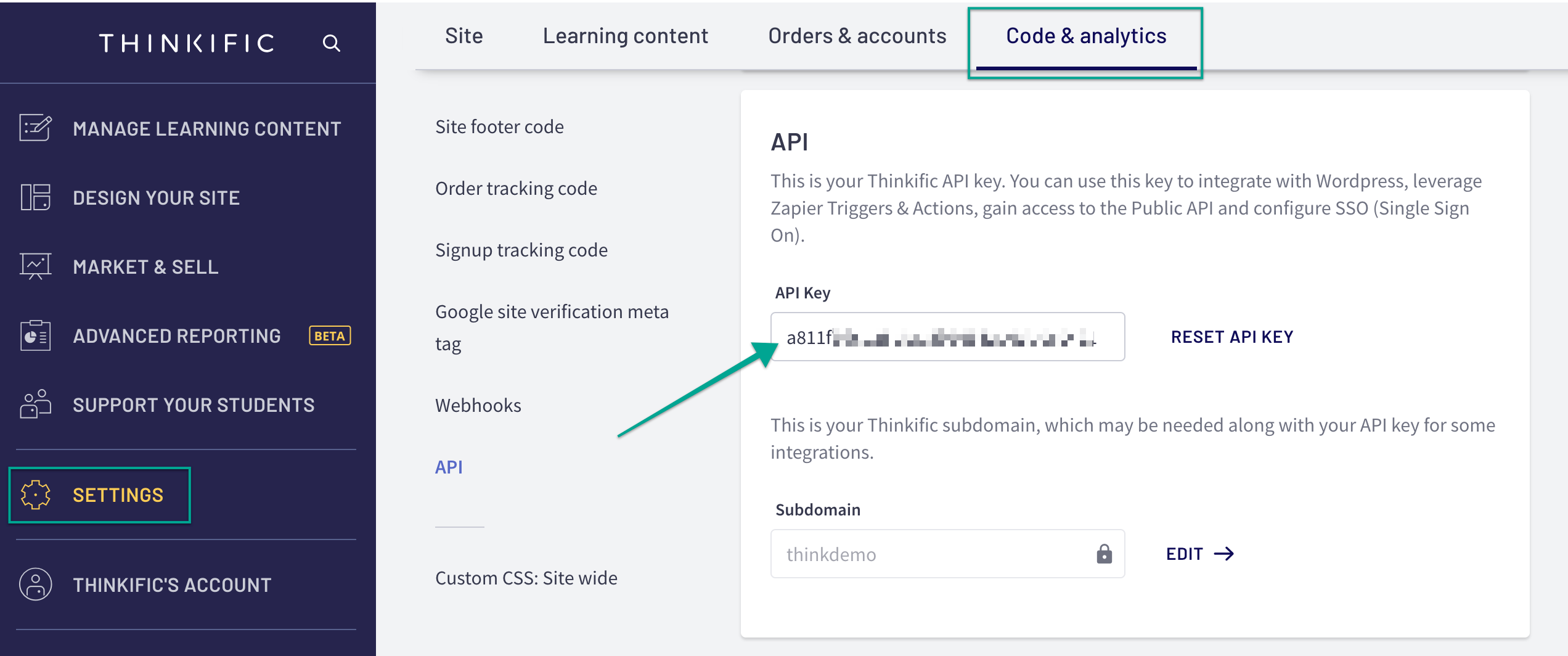
Where Do I Find An Api Key For Use With Map Styler Map Display Api Riset

How To Add Google Map In Flutter App
Add A Google Maps API Key Looker Studio Help

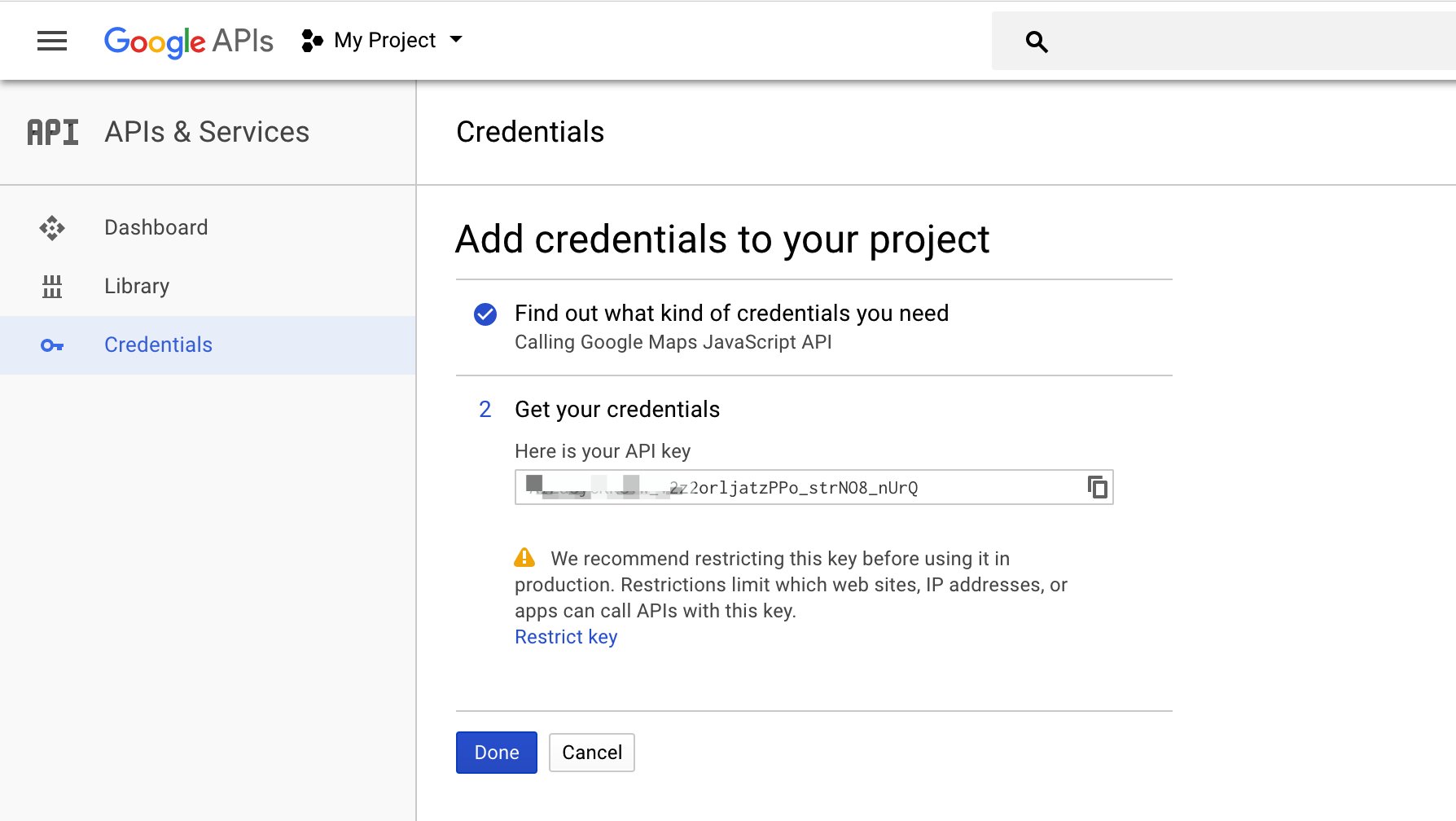
How To Get Google Map API Key How To Get Free API Key For Google Map
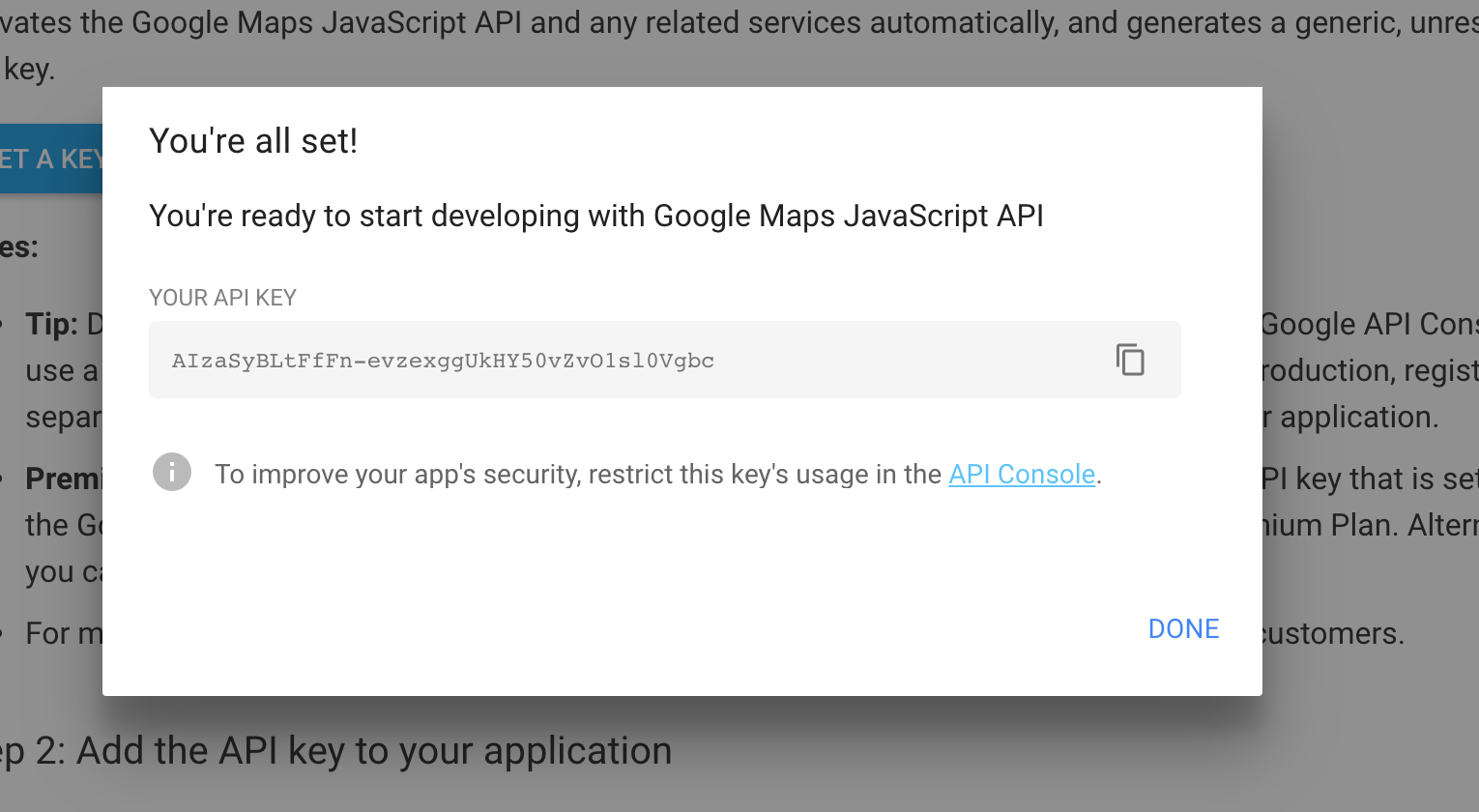
How To Get A Key From Google Maps Javascript Api Quick Code Medium Riset
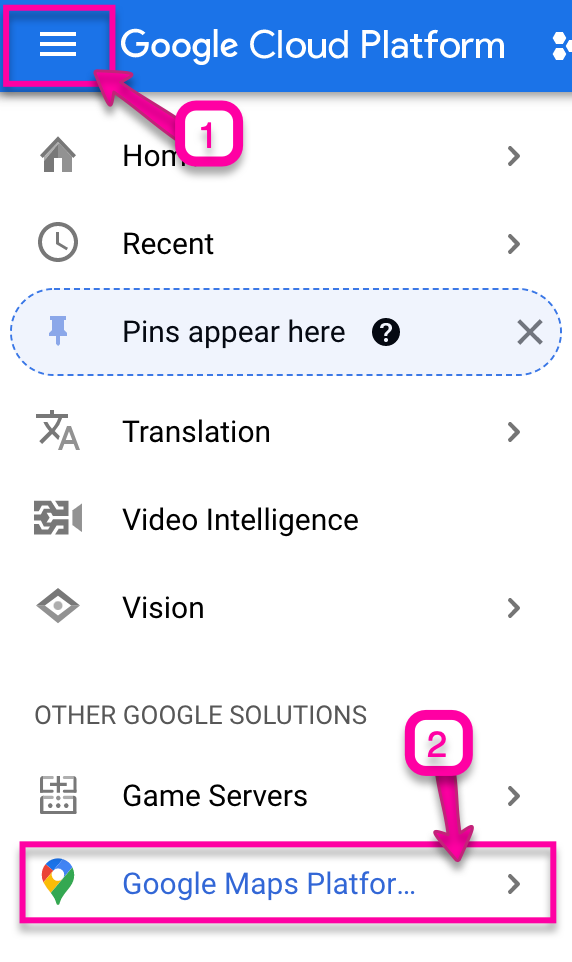
Google Map API Key Unlimited Elements For Elementor

Create a Google Maps project in Android Studio Set up your Google Cloud project Add the API key to your app Create an Android app that displays a map by using the Google
You need to set your map key in your AndroidManifest xml file Between tag

To create an API key for Maps click on Create credentials option and then select the API key option as shown below Click on the API key option to generate your
Select platform Android iOS JavaScript This topic describes how to add a basic map to an Android app after you have configured the project to use the Maps SDK for Android After adding

Add the API key to your request You must include an API key with every Maps Embed API request In the following example replace YOUR API KEY with your
Step 1 Setting Up Before diving into Google Maps development there s a couple of things we need to set up first Some pertaining to software some pertaining to hardware On Open the API key which is used for the release version Under Key restrictions go to Application restrictions and select Android apps Enter the application
You need to obtain a Google Maps API key and put it in your manifest by adding