How To Add Environment Variable In Windows Command Line How to edit PATH variable on Windows 11? - TestingDocs.com How to Set Environment Variables in Windows 10 & 11 - YouTube windows - Why doesn't CMD inherit environment variables on this machine? - Super User Environment variables Set ORACLE_HOME environment variable on Windows - TestingDocs.com The P switch allows you to set a variable equal to a line of input entered by the user The Prompt string is displayed before the user input is read echo off
We can also use setx var variable M to set the var to system environment variable level instead of A basic tutorial on how to set and use environment variables in Windows 10 Will help a
Set ORACLE_HOME environment variable on Windows - TestingDocs.com PHP Not Executable in Command Prompt Windows, Environment Variable is set - Stack Overflow Windows Environment Variables PATH Command Line Commands – CLI Tutorial Environment variables and program arguments | AppCode Documentation How to Set Environment Variables in Windows 11 Permanently add a directory to shell PATH - Linux Tutorials - Learn Linux Configuration How to Set Environment Variables in Windows 11 - YouTube How to Setup Environment Variables for Java in Windows 11
How To Add Environment Variable In Windows Command Line
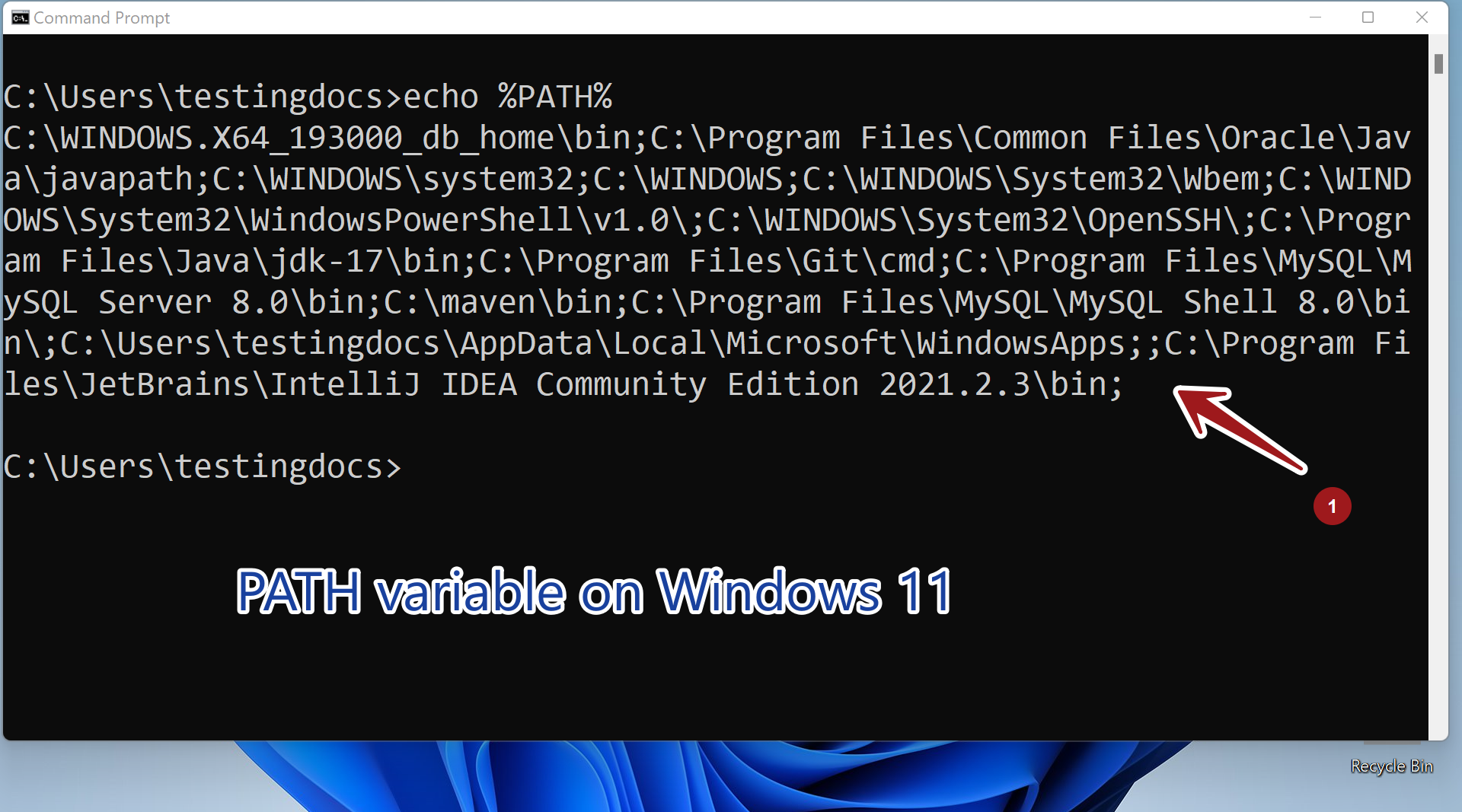 How To Add Environment Variable In Windows Command Line
https://www.testingdocs.com/questions/wp-content/uploads/PATH-variable-Windows-11.png
Creating new environment variables Open the command prompt variable name stands for the name of the variable you want to enter variable value stands
Templates are pre-designed documents or files that can be used for numerous functions. They can conserve time and effort by offering a ready-made format and layout for producing different sort of content. Templates can be used for individual or professional projects, such as resumes, invites, leaflets, newsletters, reports, presentations, and more.
How To Add Environment Variable In Windows Command Line

Complete list of environment variables on Windows 10 - Pureinfotech

PHP Not Executable in Command Prompt Windows, Environment Variable is set - Stack Overflow

Windows Environment Variables PATH
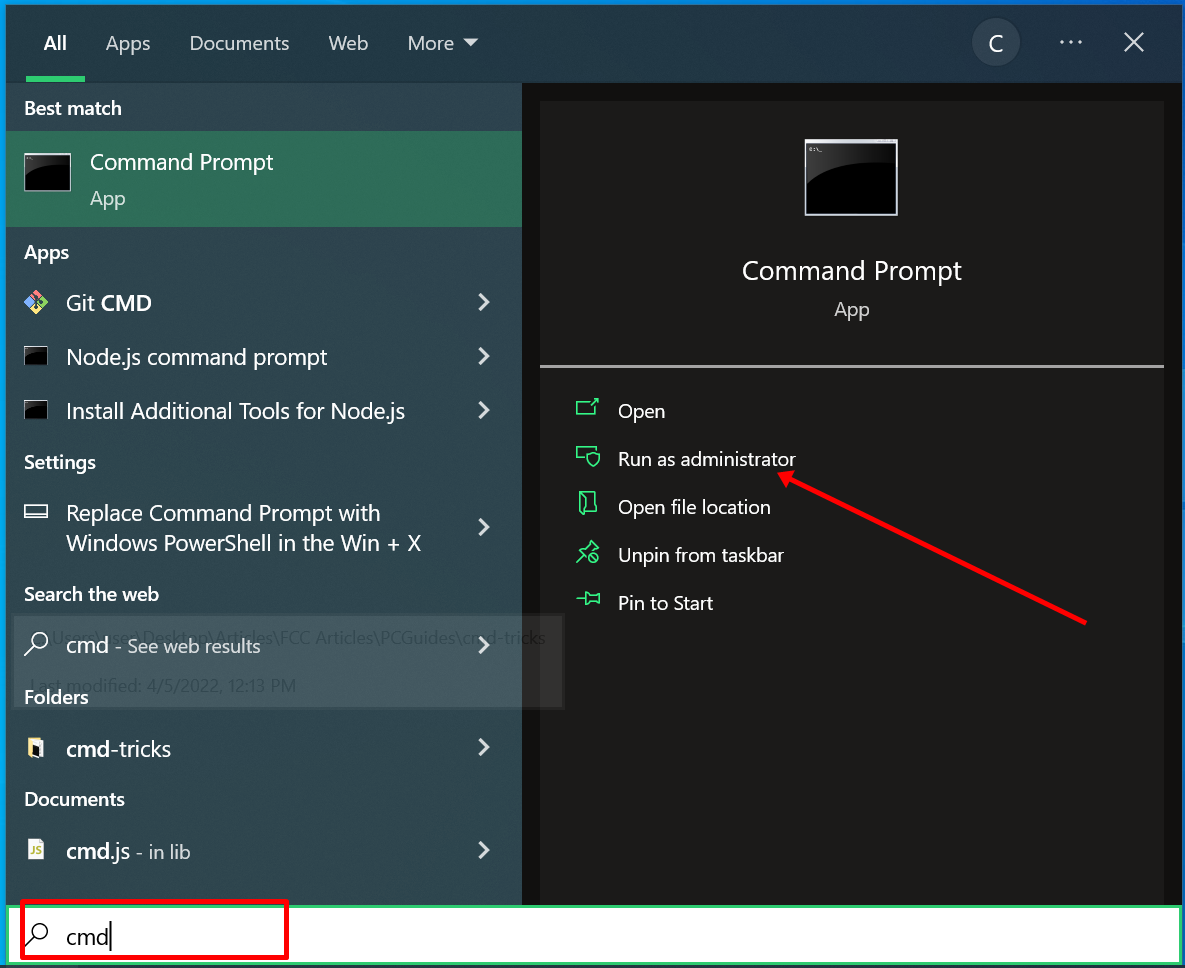
Command Line Commands – CLI Tutorial

How to Set Environment Variables in Windows 11

Permanently add a directory to shell PATH - Linux Tutorials - Learn Linux Configuration

The set command assigns everything that follows the equal sign to the value of the variable Therefore if you type set testVar test 1 you

1 Press Windows R to open the Windows Run prompt 2 Type in sysdm 3 Open the Advanced tab and click on the Environment Variables button

You can change the setting of an environment variable at a command prompt The following diagram shows the syntax for setting an environment variable at a
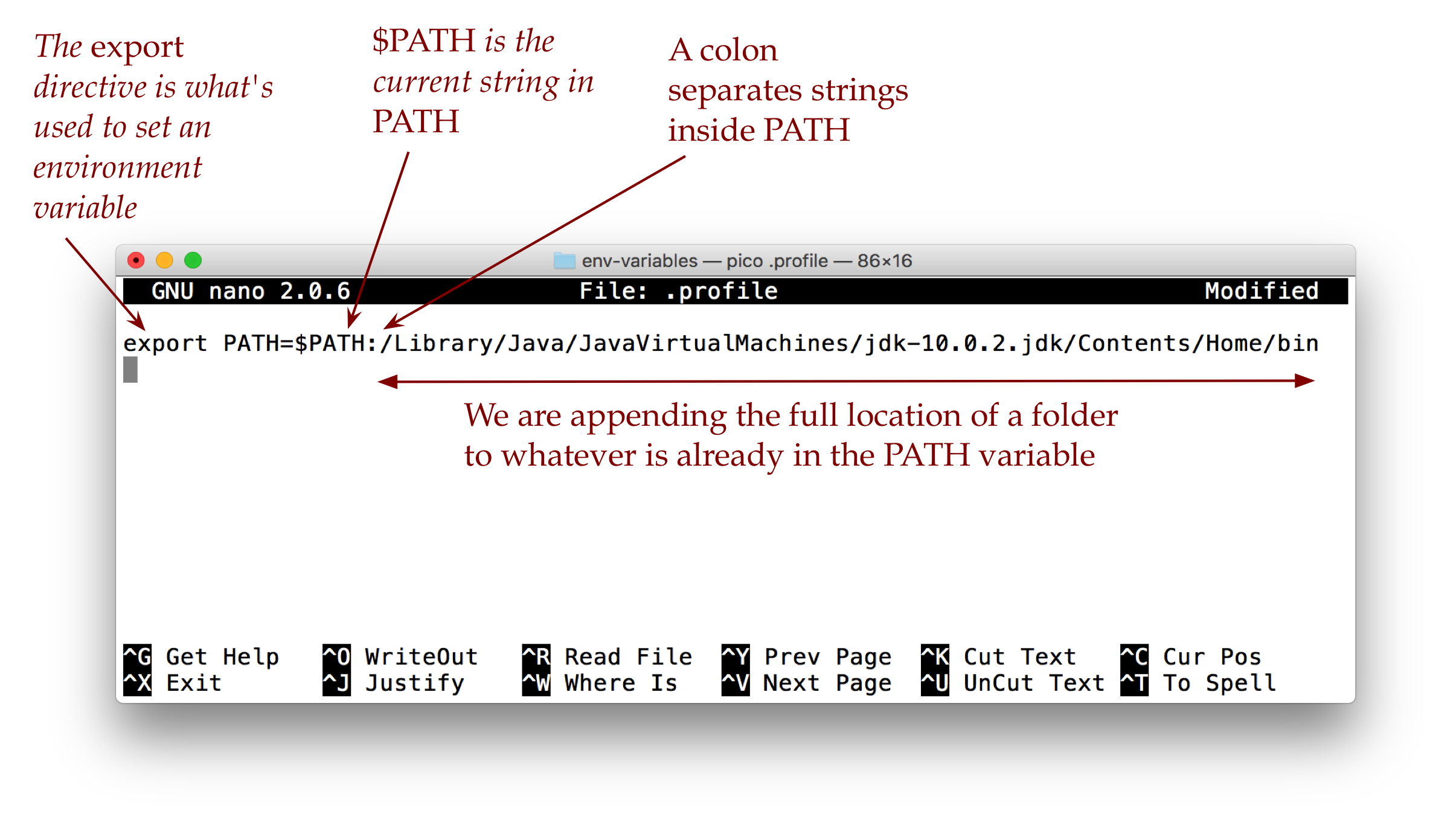
Open a new command prompt Type the following command setx variable name variable value Substitute variable name with the actual name

In the Environment Variables window pictured below highlight the Path variable in the System variables section and click the Edit button Add
His quick tutorial covers how to setup Path Variable and Environment variable and the To set an environment variable just for the current command prompt use set set X something Permanently set environment variable To
For example to check if NUKE DISK CACHE is set enter echo NUKE DISK CACHE If the variable is set its value is displayed in the command window In the Mac