How To Add Custom Shortcode In Wordpress How To Add Shortcode In WordPress Page How To Use WordPress Shortcode YouTube How To Add The Shortcode Element To A Web Block How To Create Shortcode In Wordpress For Custom Post Type To Display Posts YouTube SOLVED How To Add A Shortcode To A Homepage In WordPress Up Running Technologies Tech How To s How To Use The blocksy posts Shortcode Blocksy Add shortcode greeting custom greeting shortcode Adding the Shortcode to Your Theme s Functions php File After defining the shortcode function you ll need to add it to your theme s functions php file This file is responsible for handling various functions and features of your WordPress theme Using Your Custom Shortcode
Add shortcode This is the primary method for registering a new shortcode shortcode atts This function is used for setting up the attributes that can be supplied to a shortcode shortcode exists This function determines whether a given shortcode has been registered Updated on November 16 2023 Shortcodes are commonly used on many WordPress sites While they re not essential to your site s operation they can be incredibly useful to extend its functionality Many plugins and themes rely on shortcodes to help you add key features to your website
How To Use The blocksy posts Shortcode Blocksy Code Archives Nicolas Lule How To Create A Button In Tinymce Editor For Insert Custom Shortcode In Wordpress RamisaIT How To Add A Shortcode In Your WordPress Website Tutsflow How To Add A Shortcode In WordPress 2023 LTHEME Create A Custom Shortcode In WordPress Qode Interactive How To Add A Shortcode In WordPress 2023 LTHEME How To Add Custom HTML With Shortcode Colibri Docs How To Add A Shortcode In A WordPress Website SKT Themes
How To Add Custom Shortcode In Wordpress
 How To Add Custom Shortcode In Wordpress
https://i.ytimg.com/vi/_s8r3CBZod8/maxresdefault.jpg
WordPress shortcodes allow site owners to quickly insert dynamic content into their posts and pages Optimize your website by learning how to create custom shortcodes Subscribe
Pre-crafted templates offer a time-saving option for developing a diverse series of files and files. These pre-designed formats and designs can be utilized for numerous individual and professional jobs, consisting of resumes, invites, leaflets, newsletters, reports, presentations, and more, enhancing the material production procedure.
How To Add Custom Shortcode In Wordpress
How To Create Custom Shortcode In WordPress Step by Step
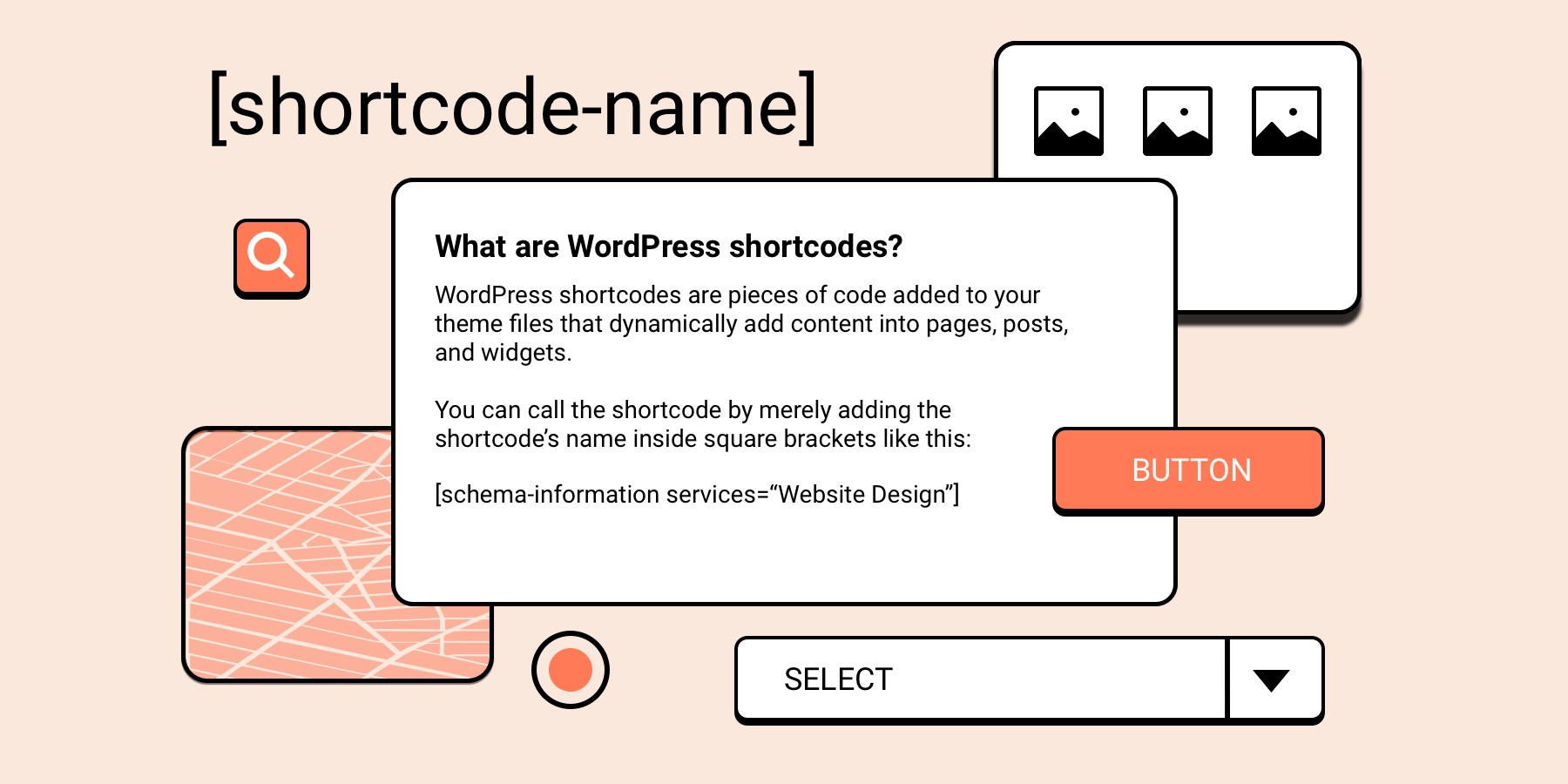
Code Archives Nicolas Lule

How To Create A Button In Tinymce Editor For Insert Custom Shortcode In Wordpress RamisaIT

How To Add A Shortcode In Your WordPress Website Tutsflow

Create A Custom Shortcode In WordPress Qode Interactive
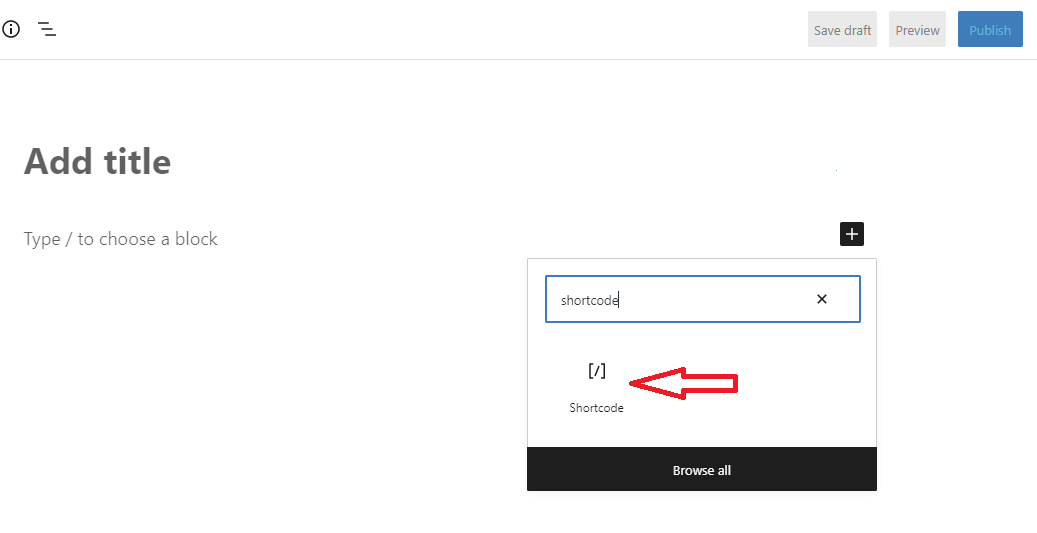
How To Add A Shortcode In WordPress 2023 LTHEME

How to Create a Shortcode in WordPress In 7 Steps Step 1 Create a New Theme File Step 2 Create the Shortcode Function Step 3 Add the Self Closing Shortcode to the Website Step 4 Add Parameters to the Shortcode Step 5 Test the Parameters Step 6 Create an Enclosing Shortcode
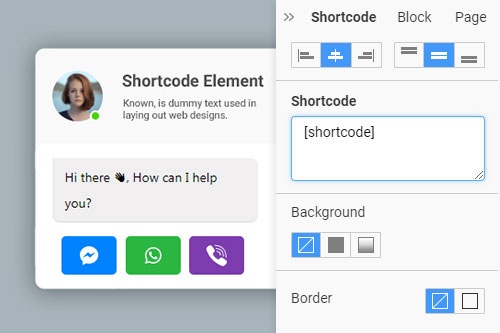
Where to Add Your Custom Shortcode Scripts You can add your custom shortcode scripts to the theme s functions php file or include them in a plugin If you re adding it to a theme file you can run the add shortcode function as is But if you re adding it to a plugin I recommend you to initialize it only after WordPress has loaded

Creating Custom Shortcodes Creating custom shortcodes is a great way to add unique functionality to your WordPress website Custom shortcodes can be used to add anything from custom buttons to complex animations To create a custom shortcode you need to have some knowledge of PHP and WordPress

The first step is to create the shortcode function Inside the custom shortcodes php file add the following block of code function dotiavatar function return

Step 1 Create your function You ll want to pick a name for it If this is going to be a single shortcode plugin maybe you want to name it the same as the plugin file But you could add hundreds of shortcodes to one plugin if you wanted in which case you d just want to name it intuitively
[desc-11] [desc-12]
[desc-13]