How Does Microsoft Sticky Notes Work Sticky Notes Location Backup And Restore In Windows 10 MiniTool How To Use Sticky Notes Creatively For Your Home Office The 4 Best Free Online Sticky Note Tools Major Microsoft Sticky Notes 3 0 Update Now Available For Skip Ahead Next Steps Sticky Notes Sticky Notes Work Sticky Notes Sticky Note Pad How to change your name For example if you get married you could change from quot Lisa Brown quot at sportsfan gmail to quot Lisa Jones quot at sportsfan gmail Important You can t change
If you change or reset your password you ll be signed out everywhere except Devices you use to verify that it s you when you sign in Some devices with third party apps that you ve given Official Gmail Help Center where you can find tips and tutorials on using Gmail and other answers to frequently asked questions
Next Steps Sticky Notes Sticky Notes Work Sticky Notes Sticky Note Pad Sticky Notes Updates Windows Insider Program Microsoft Learn A Yellow Piece Of Paper With Writing On It Microsoft Brings Sticky Notes Sync To Android With OneNote Support How To Use The Sticky Notes App In Windows 10 To Remind You All The How To Create Add And Delete Sticky Notes On Desktop Www vrogue co Microsoft Sticky Notes How To Fix All Sticky Notes Issues In Windows 10 BENISNOUS Attaching Sticky Notes To Microsoft Word Document And PDFs In Windows
How Does Microsoft Sticky Notes Work
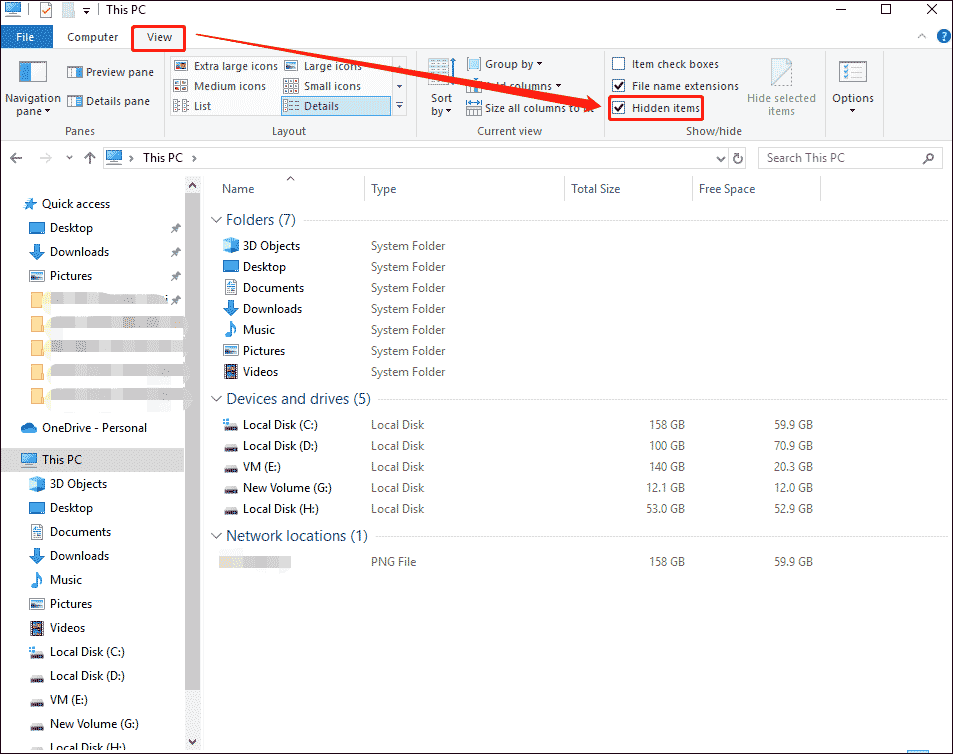 How Does Microsoft Sticky Notes Work
https://www.partitionwizard.com/images/uploads/articles/2021/12/where-are-sticky-notes-stored-win-10/where-are-sticky-notes-stored-win-10-1.png
When your account reaches its storage limit you won t be able to upload or create files in Drive send or receive emails in Gmail or back up photos or videos to Google Photos If you re over
Pre-crafted templates offer a time-saving service for developing a diverse variety of documents and files. These pre-designed formats and layouts can be made use of for numerous individual and professional jobs, consisting of resumes, invitations, leaflets, newsletters, reports, presentations, and more, enhancing the material production process.
How Does Microsoft Sticky Notes Work
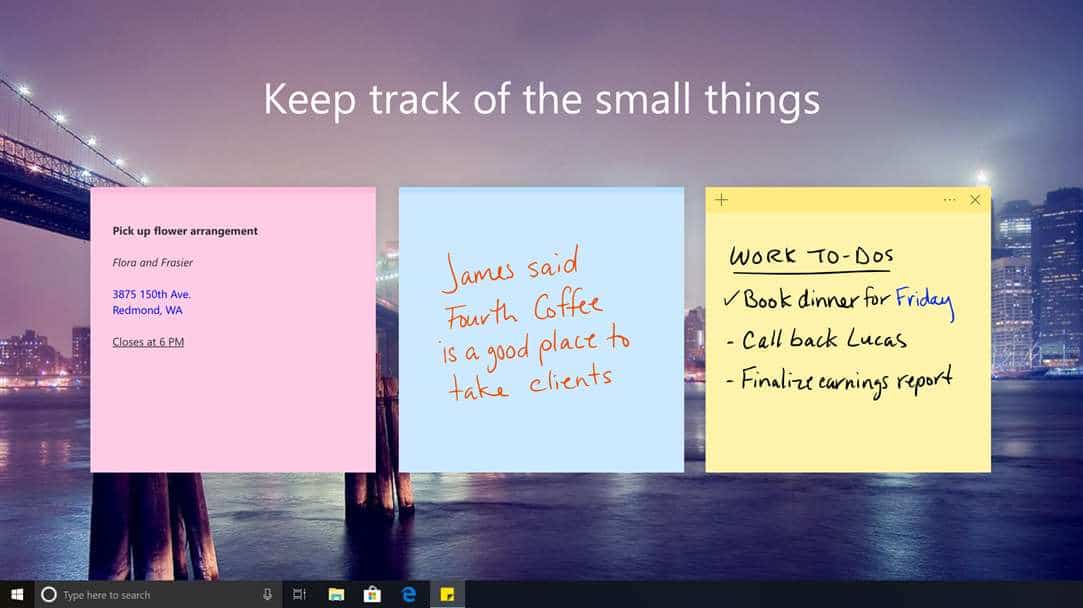
Microsoft Is Bringing Sticky Notes To IOS

Sticky Notes Updates Windows Insider Program Microsoft Learn

A Yellow Piece Of Paper With Writing On It
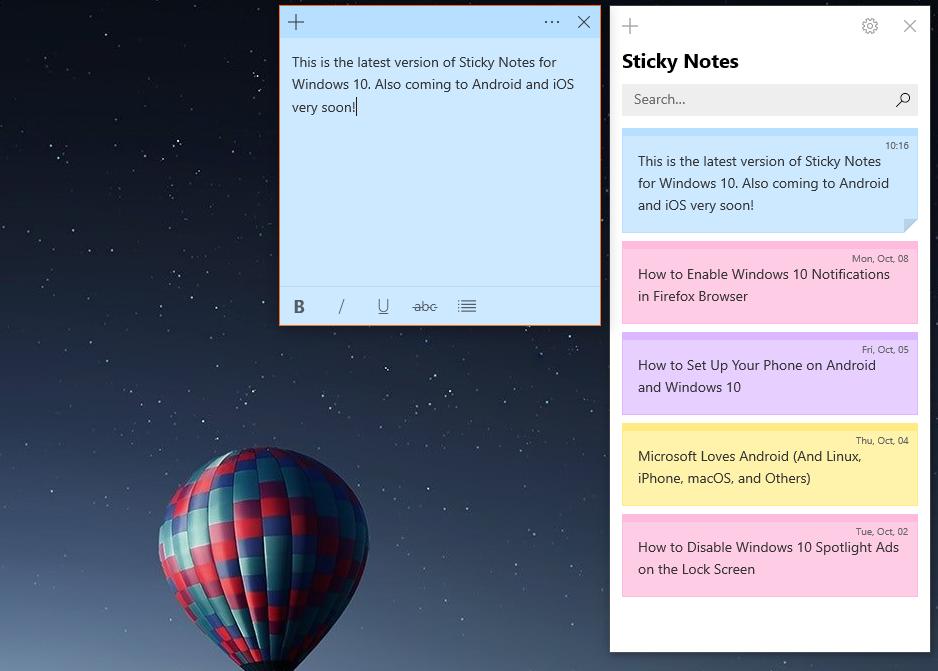
Microsoft Brings Sticky Notes Sync To Android With OneNote Support
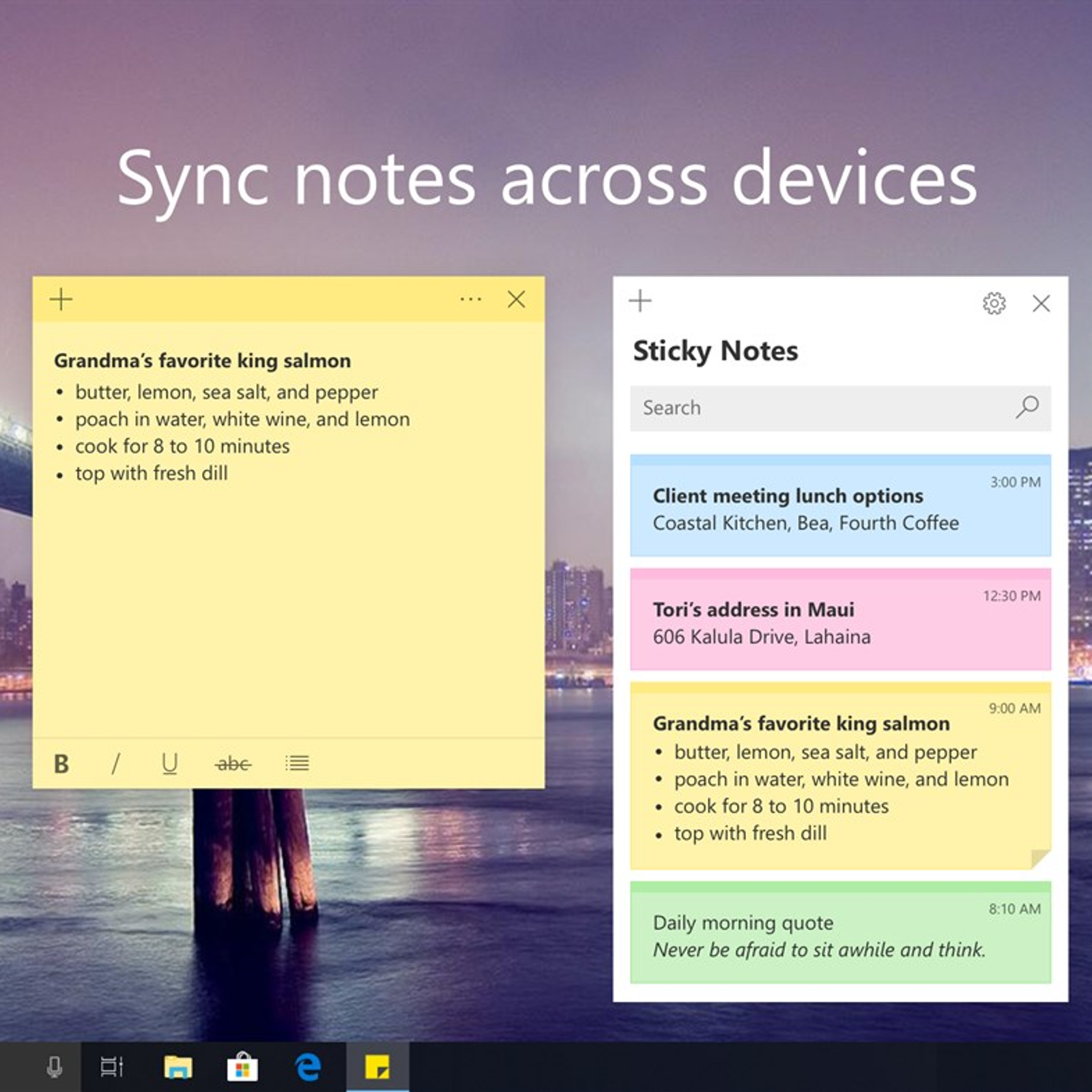
How To Create Add And Delete Sticky Notes On Desktop Www vrogue co
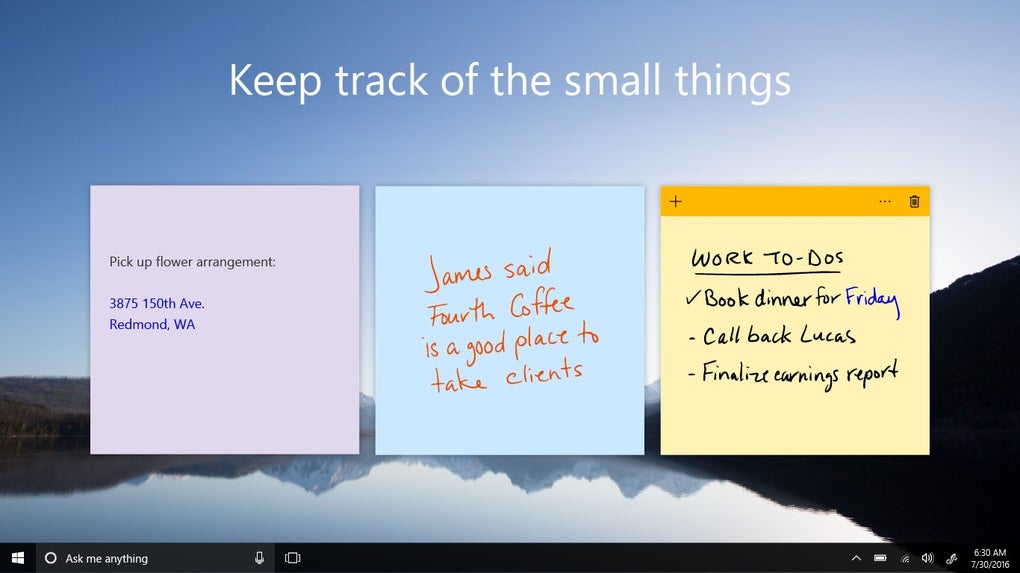
Microsoft Sticky Notes
How to install Chrome Important Before you download check if Chrome supports your operating system and you ve met all other system requirements

If you forgot your password or username or you can t get verification codes follow these steps to recover your Google Acc
Sign in to Gmail Tip If you sign in to a public computer make sure to sign out before you leave the computer Learn how to sign in on a device that s not yours

Important Before you set up a new Gmail account make sure to sign out of your current Gmail account Learn how to sign out of Gmail From your device go to the Google Account sign in

Learn how to change more cookie settings in Chrome For example you can delete cookies for a specific site In other browsers If you use Safari Firefox or another browser check its support
[desc-11] [desc-12]
[desc-13]