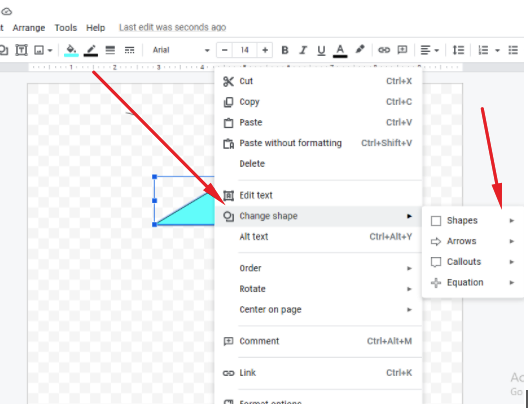
How Do You Make A Shape In Google Docs How To Add Shapes In google docs Veruno How To Insert A shape In google docs Fertitan How To Create Shapes In google docs Jesdad How To Add shape On google docs Liovb How To Insert A shape In google docs Naanuts Here s how you can use Image options to rotate and resize your shape in Google Docs Open the concerned document in Google Docs and select your shape by clicking on it Now click Image options in the toolbar at the top
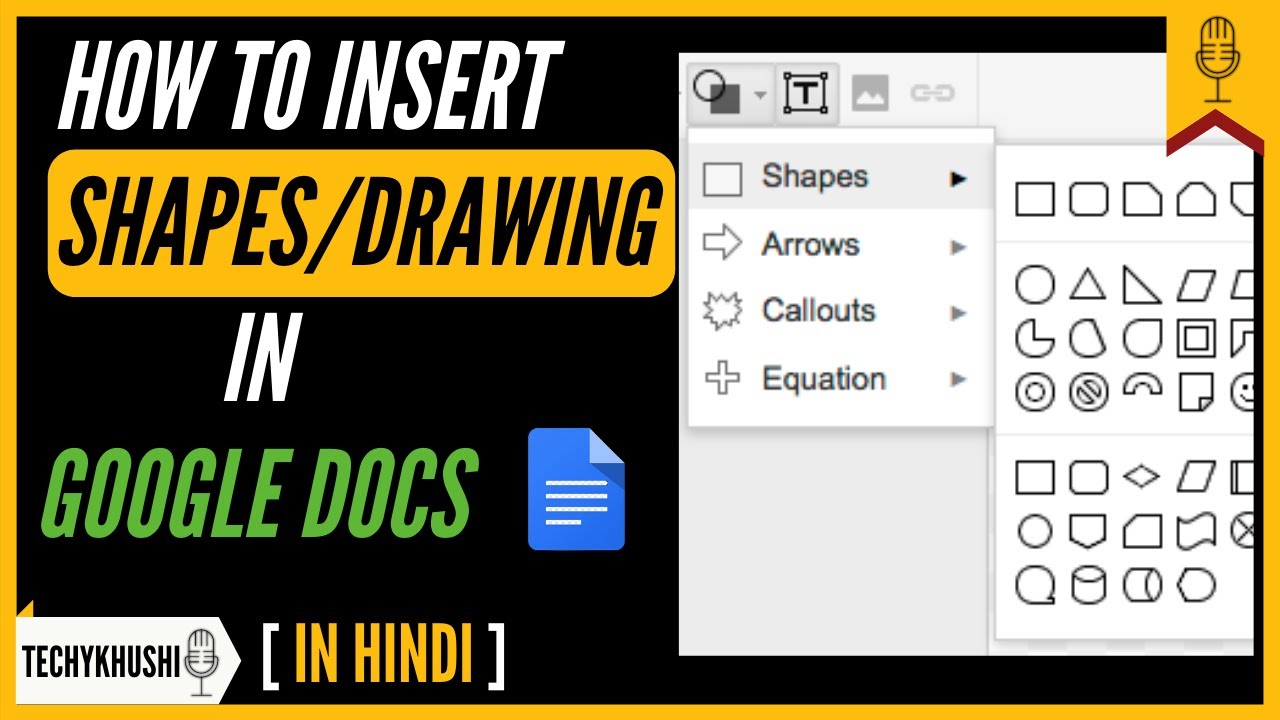
How To Insert Shapes In Google Docs YouTube Easy to follow tutorial on adding shapes to your documents on Google docs I ll show you how to create shapes and also how to add 13 Share 2 2K views 2 years ago Google Docs tutorials In this short and easy Google Docs tutorial we are going to teach you how to create and add shapes in Google docs in 2020
How To Insert A shape In google docs Naanuts How To Insert shape In google docs Daxtops How To Insert Shapes In Google Docs How To Insert Shapes Drawing In Google Docs I Google Docs Tips Insert A shape In Google Docs Step by step Guide Insert A shape In Google Docs Step by step Guide How To Rotate And Flip Shape In Google Docs Document YouTube How To Insert shape In google docs Pasesol How To Draw A shape On Google Docs
How Do You Make A Shape In Google Docs
 How Do You Make A Shape In Google Docs
https://www.maketecheasier.com/assets/uploads/2010/09/google-docs-drawings-shapes.png
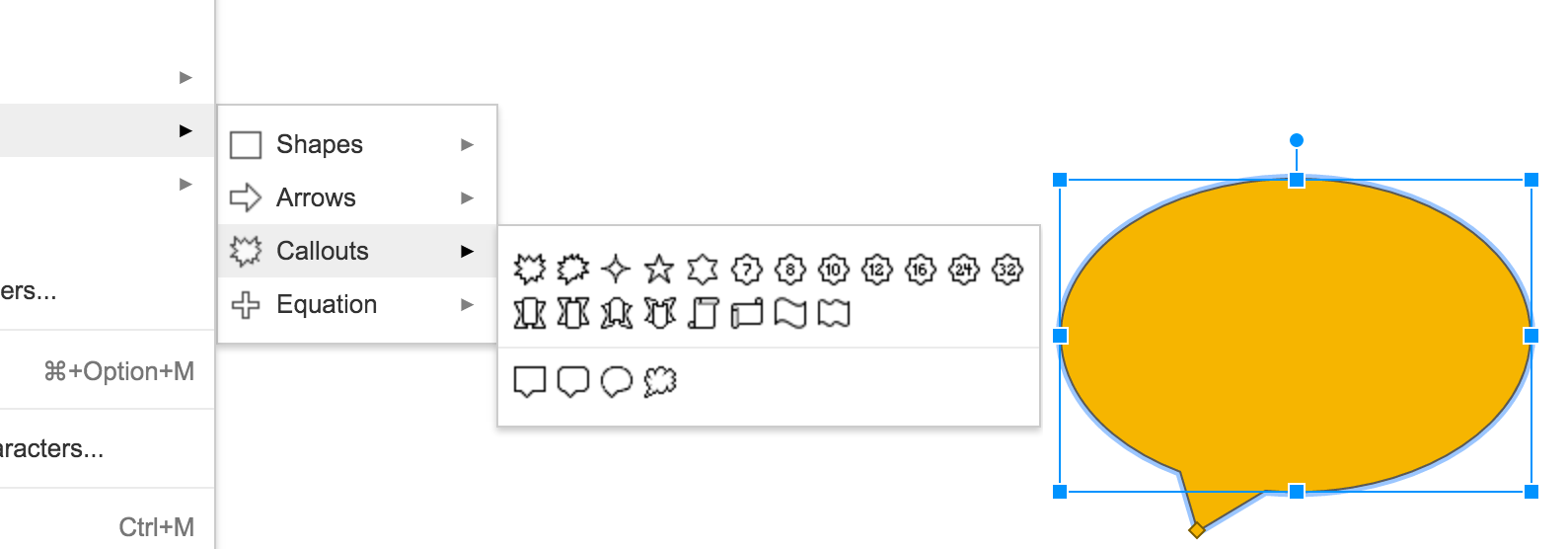
Adding shapes You can add a variety of shapes to your document including arrows callouts squares stars and flowchart shapes Shapes are customizable so you can add text and change the background color and line width You may find shapes useful for creating diagrams and flow charts and they can add visual appeal to your document as
Templates are pre-designed files or files that can be utilized for different functions. They can save time and effort by supplying a ready-made format and layout for creating different kinds of material. Templates can be utilized for individual or expert tasks, such as resumes, invites, leaflets, newsletters, reports, discussions, and more.
How Do You Make A Shape In Google Docs
How To Draw A shape On Google Docs
How To Insert shape In google docs Daxtops
How To Insert Shapes In Google Docs
How To Insert Shapes Drawing In Google Docs I Google Docs Tips

Insert A shape In Google Docs Step by step Guide
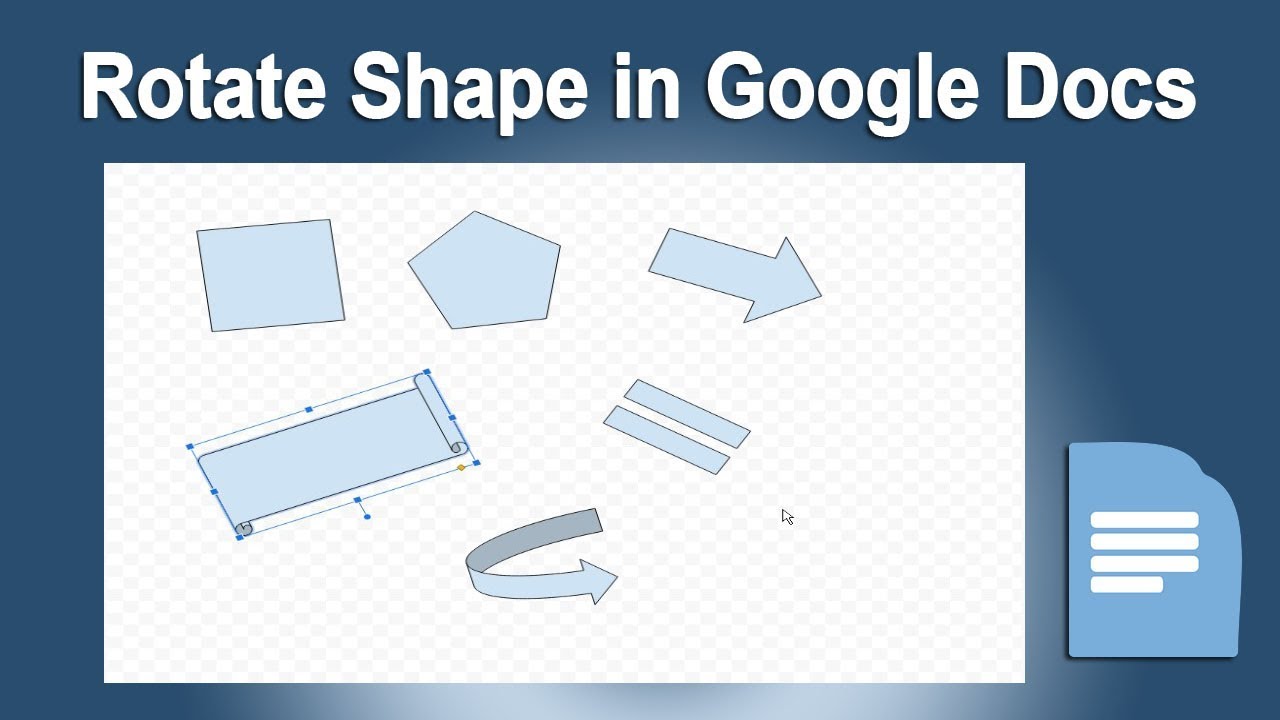
How To Rotate And Flip Shape In Google Docs Document YouTube

Rotate a shape Drag the blue dot that s outside of the shape Hold Shift to rotate 15 at a time Change fill color line color line thickness or border line style Use the buttons above the
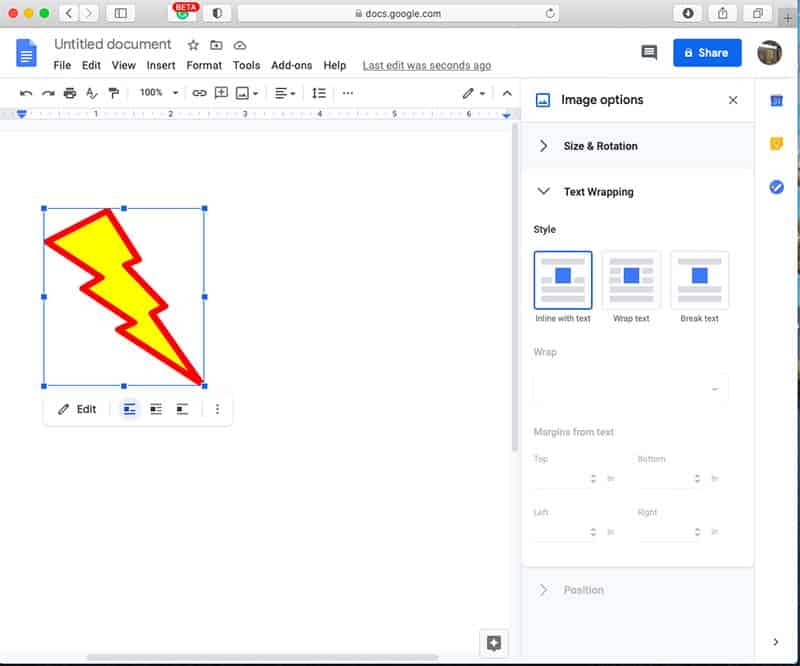
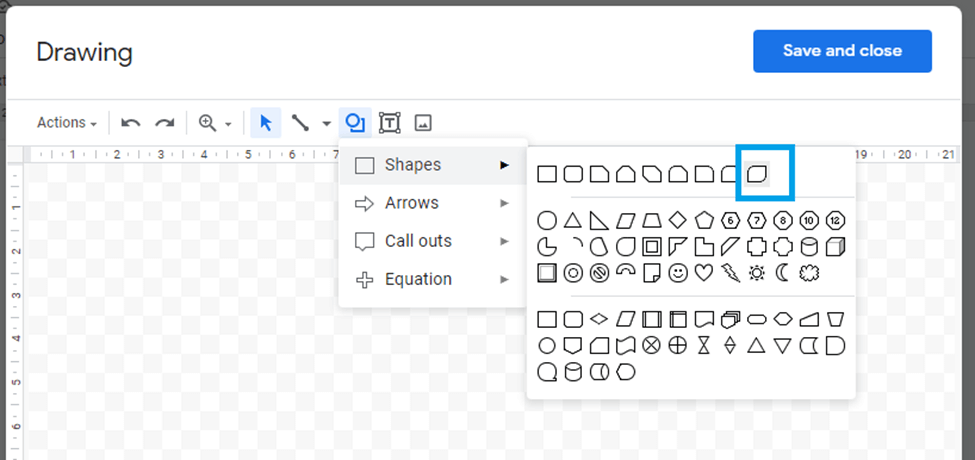
In Google Docs the shape tool can be accessed by clicking Insert Drawing New and then hovering over the shapes option on the Drawing dialog box Any number of shapes can be added using this shape tool to the document on Google Docs

From the menu select Insert Drawing New If you have an existing drawing containing shapes that you wish to insert select From Drive instead If you choose to create a new drawing a pop up Google Drawings window will appear From the menu bar select the Shapes option
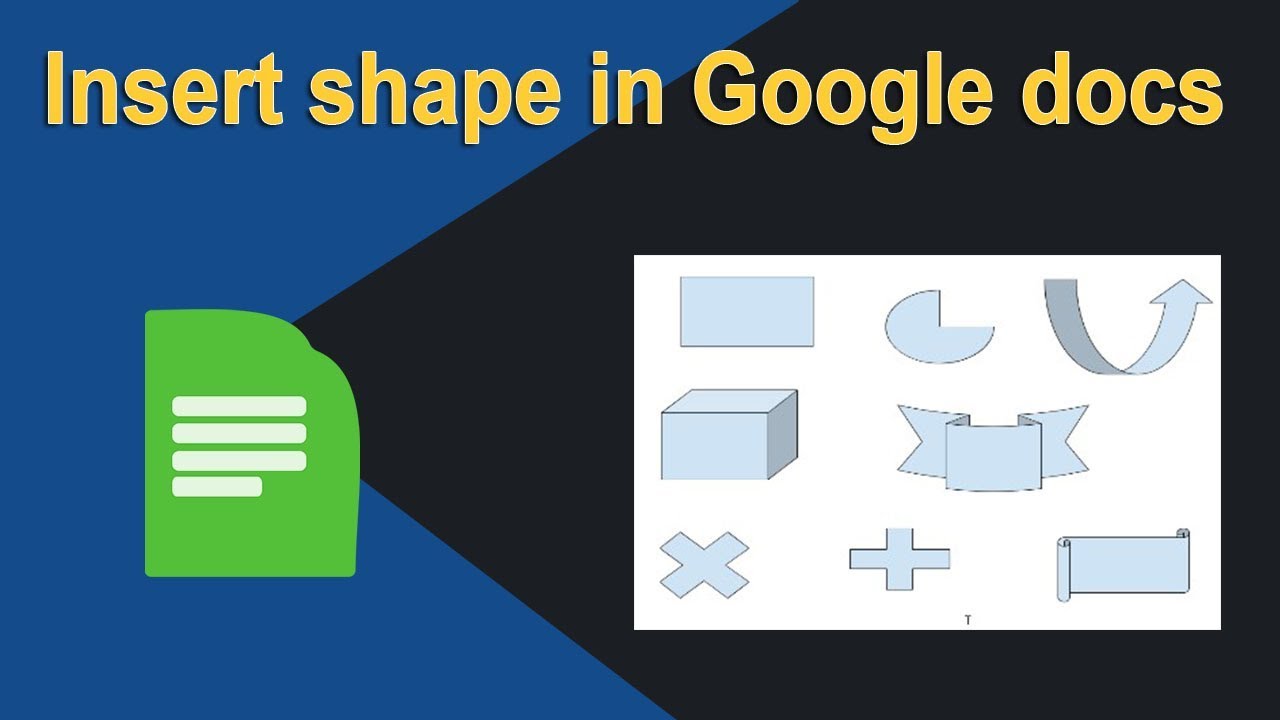
Add Shapes in Google Docs Using the Drawing Option This method is useful if you want to create 2 D shapes that are big enough All the basic shapes can be drawn using this method Moreover they can formatted to change the color and outlines as desired Step 1 Open the Document
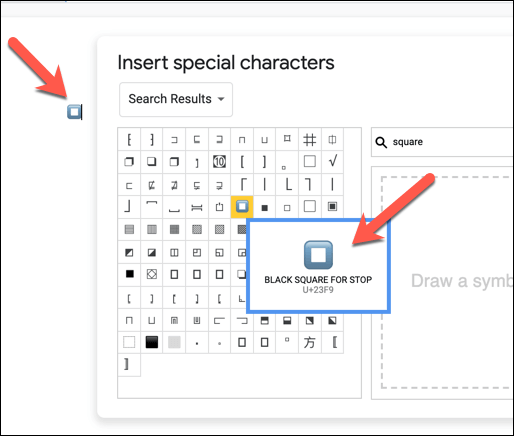
In this video you ll learn more about adding text boxes and shapes in Google Docs Visit https edu gcfglobal en googledocuments inserting text boxes a
How to Insert Shapes in Google Docs In this Google Docs Tutorial for beginners I will show you How to Insert Shapes in Google Docs like square circle arro You can select Shapes which allows you to draw basic shapes Arrows for different arrow shapes or Equation to insert equation symbols Once you ve chosen the shape use the mouse to draw it in the drawing area You can make it as small or as big as you like When you re done click on Save and Close
Google Docs Editors Insert shapes images and other objects Insert and arrange text shapes diagrams and lines To enhance your presentation you can add text shapes lines and