How Do You Edit In Capcut 5 Tips To Improve You Edits In Capcut YouTube CapCut Ile Video D zenleme Guide Capcut Video Editor 2020 Tips For Android APK Download TUTORIAL CAPCUT YouTube Cara Edit Video Melalui Smartphone Di CapCut DHIA PRODUCTION 1 Download the CapCut app Image Future Download the CapCut app from the Play Store or App Store 2 Open the CapCut app and tap New Project Image Future Open the CapCut app and
Step 1 Install CapCut app and open it Note CapCut also has a desktop version so that you can edit videos on a bigger screen more easily Step 2 Tap the New Project icon to create a project Step 3 Tap to select one or multiple video clips and hit Add Step 4 Start editing on the timeline Tips 1 First open the CapCut app Tap on New Project then select your primary video clip and press Add If you have multiple primary video clips you can select multiple But don t upload any B roll footage just yet we ll be adding that later The first step in this CapCut app tutorial is to create a New project
Cara Edit Video Melalui Smartphone Di CapCut DHIA PRODUCTION Is The CapCut App Safe To Use CapCut Tutorial Everything You Need To Know YouTube How To Update CapCut App To The Latest Version On Android And IPhone How To Make A Slow Motion Video In CapCut Smooth YouTube How To Edit On CapCut App Free App YouTube How To Edit PDFs In Microsoft Office 6 Steps with Pictures Tutorial How To Edit In Capcut YouTube How To Use Templates On Capcut Printable Templates
How Do You Edit In Capcut
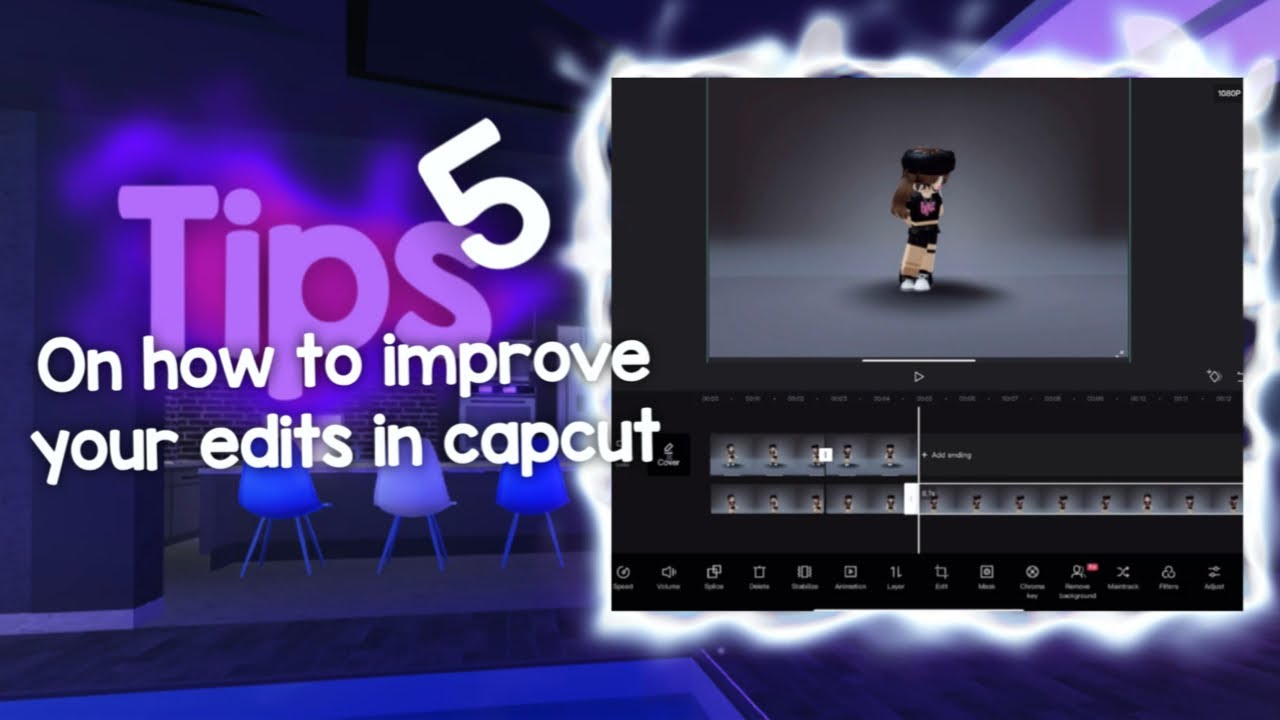 How Do You Edit In Capcut
https://i.ytimg.com/vi/Sr-vARhBLww/maxresdefault.jpg
Are you looking for a video editing app for your mobile phone If so look no further than Capcut It s free and has a user friendly design offering numerous editing features you can use
Pre-crafted templates offer a time-saving solution for creating a varied variety of documents and files. These pre-designed formats and layouts can be made use of for numerous personal and expert projects, consisting of resumes, invitations, leaflets, newsletters, reports, presentations, and more, streamlining the material production procedure.
How Do You Edit In Capcut
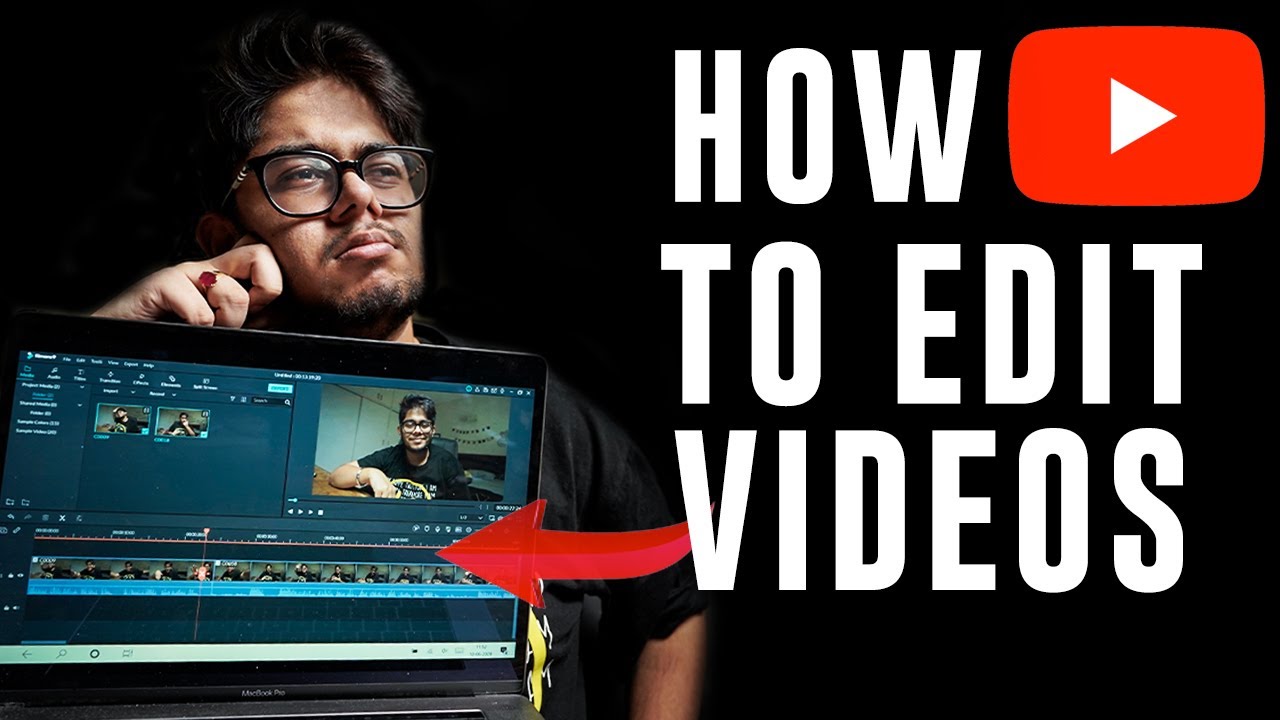
How To EDIT VIDEOS For YOUTUBE BASIC EDITING FOR BEGINNERS YouTube
Is The CapCut App Safe To Use

CapCut Tutorial Everything You Need To Know YouTube
How To Update CapCut App To The Latest Version On Android And IPhone
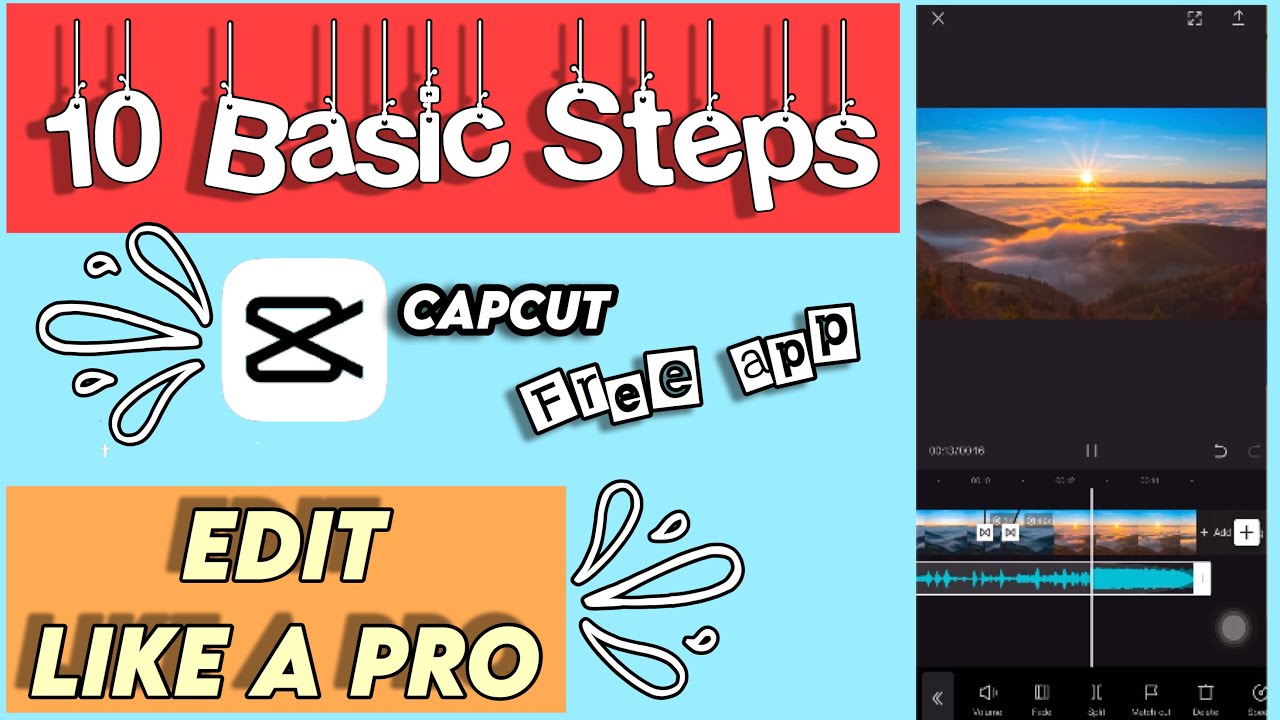
How To Edit On CapCut App Free App YouTube

How To Edit PDFs In Microsoft Office 6 Steps with Pictures
88K 3 6M views 1 year ago capcut stratvert In this step by step tutorial learn the best 11 CapCut Edit Tips and Tricks Make text or other objects float over your hand by using tracking

Learn how to edit videos on iPhone Android using the CapCut app fast and easy LINKS When available we u

1 Download the app CapCut is available to download on iPhone and Android devices Navigate to your respective application store i e Apple App store or Google Play Store 1 2 Tap on the Search icon in the lower right corner Next tap on the top search bar and type in CapCut

Learn how to make your videos more professional with these 7 advanced editing tips in CapCut Video Editor TIMESTAMPS 0 00 Intro 0 44 How To Do PiP Stack
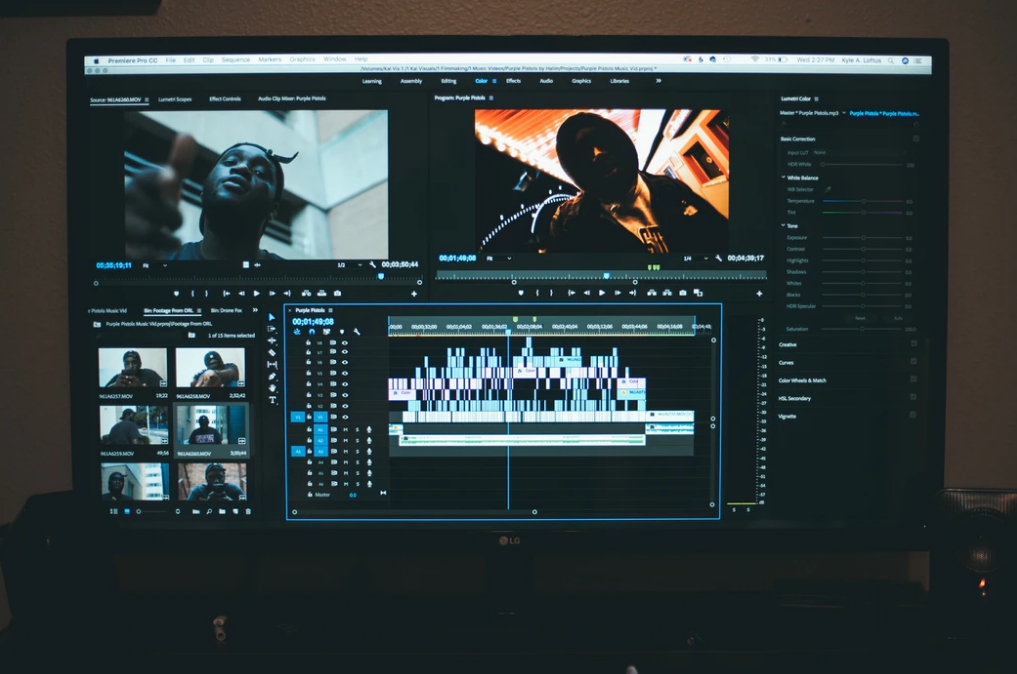
If you want to learn how to edit your videos using CapCut this is the video for you I ll be covering the basics of this app so when you finish this video you can get started
How to Edit on CapCut Last Updated 2021 11 03 Summary The CapCut trend is all over social media and TikTok In this article we explore what the CapCut trend is and how you can successfully do it CapCut is a free video editing application that helps you make eye catching videos Quick Answer CapCut which is available for free download on Google Play Store can be used to edit media files with these simple steps 1 Open the CapCut app and tap on New project 2 Tap on Allow and select the required video clip 3 Make the edits with in app tools
CapCut is an AI powered creative suite for video editing graphic design and more It ensures easy navigation simple processes and free photo and video editing tools on one fantastic platform All you need to do is create a free account this won t take long at all drag and drop the necessary file and begin editing