How Do I Use Python On Windows 7 How To Install Python In Windows Howto Techno Ultimate Study Machine Bilingual Educational Toy Desktop Computer How Do I Use The Polycom Soundpoint 550 Press8 Telecom How Do I Use My Budget Effectively IGroove Push Your Music How To Install Python On Windows with Pictures WikiHow What Your Options Are How to Install on Ubuntu and Linux Mint How to Install on Debian Linux How to Install on openSUSE How to Install on CentOS and Fedora How to Install on Arch Linux How to Build Python From Source Code How to Install Python on iOS How to Install Python on Android Online Python Interpreters Conclusion Remove ads
Windows How to Install Python on Windows By Jason Fitzpatrick and Nick Lewis Updated Nov 24 2023 To install Python on Windows download the latest version of Python from the Python website then run the installer Hannah Stryker How To Geek Readers like you help support How To Geek This part of the documentation is devoted to general information on the setup of the Python environment on different platforms the invocation of the interpreter and things that make working with Python easier 1 Command line and environment 1 1 Command line 1 1 1 Interface options 1 1 2 Generic options 1 1 3 Miscellaneous options 1 1 4
How To Install Python On Windows with Pictures WikiHow Python 3 7 Microsoft Store Windows Python CSDN How To Put On The Ergobaby Omni 360 Wholesale Outlet Save 50 How To Open File In Python Text Editor Gagasko How To Screen Record On Windows 10 Keys Get Latest Windows 10 Update Python Png Telegraph How Do I Use An Animated GIF Image For The Windows 8 1 Lock Screen How To Run A Python py File In Windows 10 Si Quieres Comenzar A Programar Bien Con Python Leelo
How Do I Use Python On Windows 7
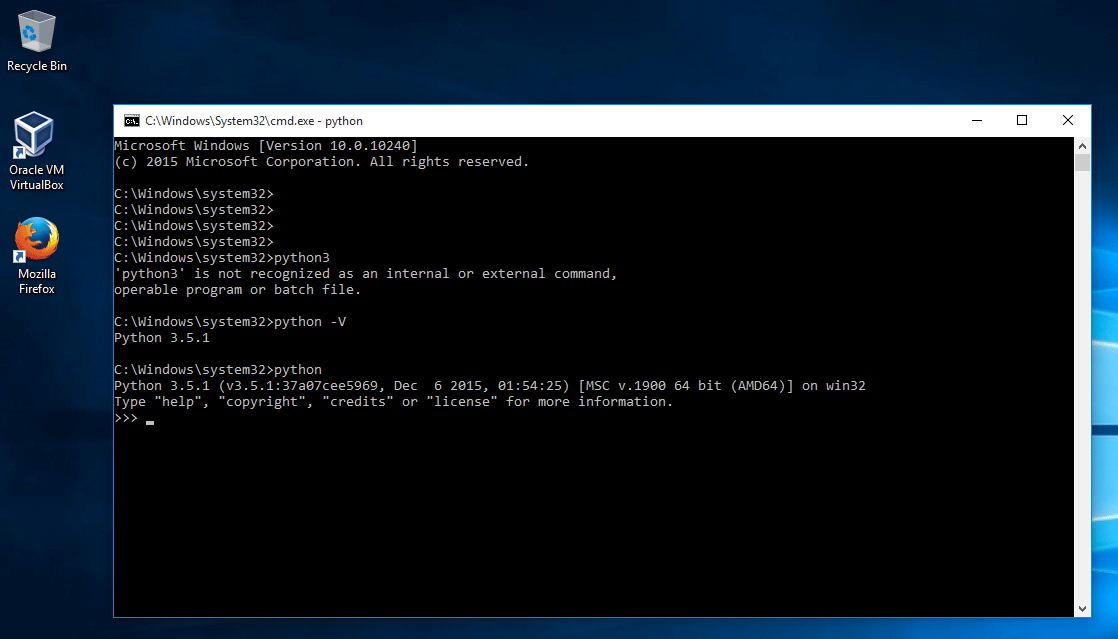 How Do I Use Python On Windows 7
https://storage.googleapis.com/static.configserverfirewall.com/images/windows10/python/python3shell.png
On Windows machines where you have installed Python from the Microsoft Store the python3 12 command will be available If you have the py exe launcher installed you can use the py command See Excursus Setting environment variables for other ways to launch Python
Pre-crafted templates provide a time-saving option for developing a diverse variety of documents and files. These pre-designed formats and layouts can be made use of for different personal and expert jobs, consisting of resumes, invitations, leaflets, newsletters, reports, discussions, and more, simplifying the content production process.
How Do I Use Python On Windows 7
How To Run Python Programs py Files In Windows 10
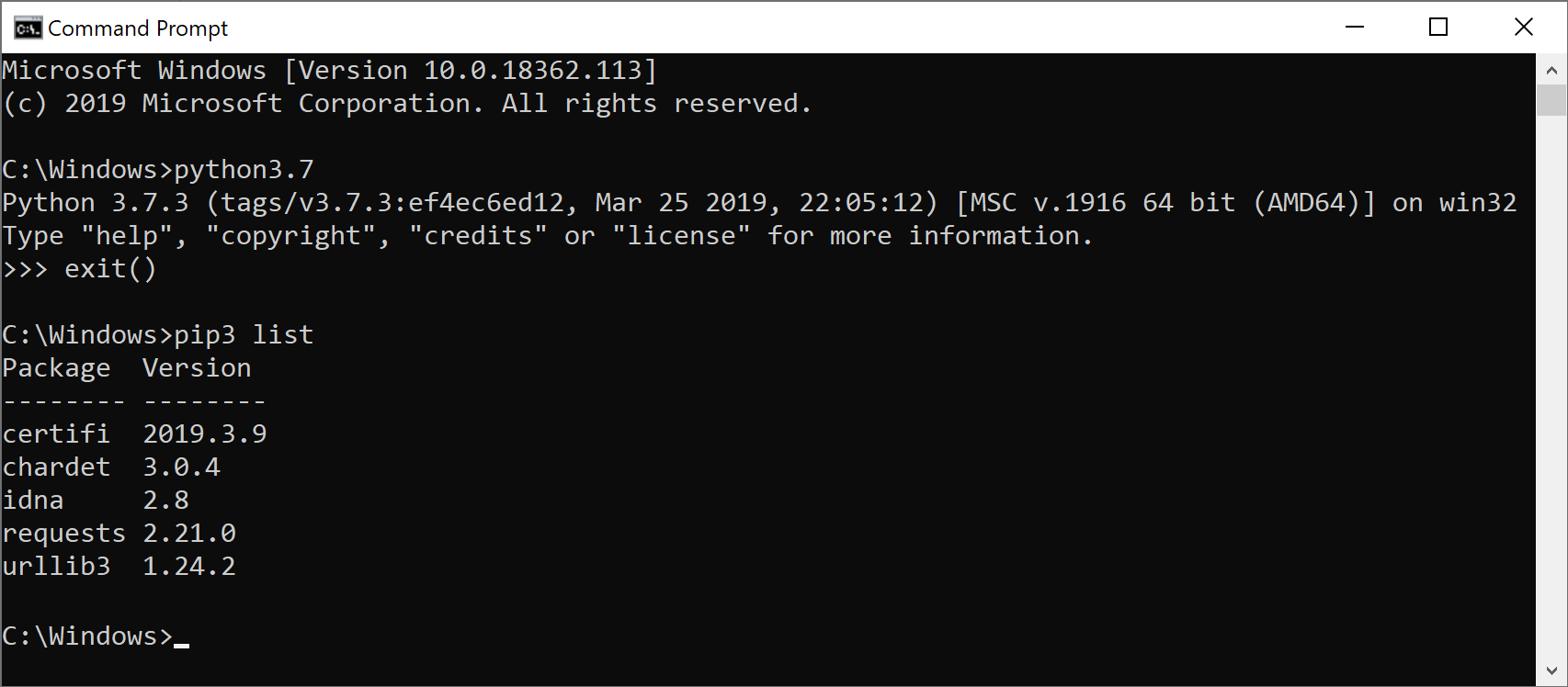
Python 3 7 Microsoft Store Windows Python CSDN

How To Put On The Ergobaby Omni 360 Wholesale Outlet Save 50
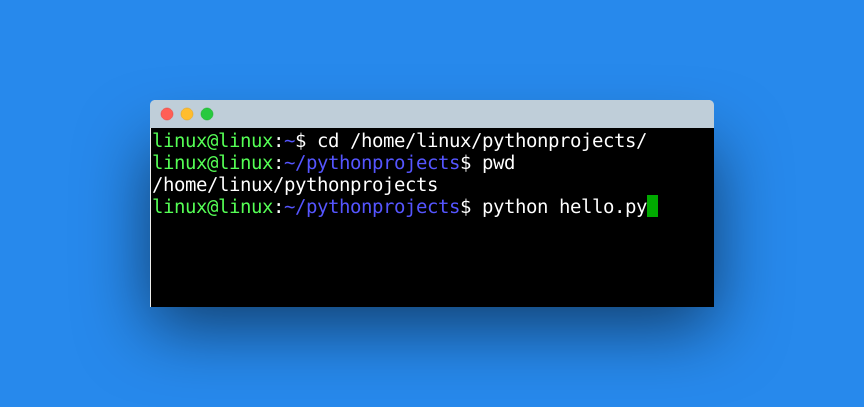
How To Open File In Python Text Editor Gagasko

Python Png Telegraph

How Do I Use An Animated GIF Image For The Windows 8 1 Lock Screen

Installation steps Four Python 3 12 installers are available for download two each for the 32 bit and 64 bit versions of the interpreter The web installer is a small initial download and it will automatically download the required components as necessary

Installing Installing Python is generally easy and nowadays many Linux and UNIX distributions include a recent Python Even some Windows computers notably those from HP now come with Python already installed

Table of Contents How to Install Python on Windows How to Run Python Projects on Windows Installing Additional Python Modules Next Python Steps How to Install Python on Windows As Python doesn t come pre installed with Windows you ll first need to install it There are two available versions of Python Python 3 and Python 2

Navigating the Windows Command Line Installing PowerShell Core Getting to Grips With PowerShell Basics Customizing Your PowerShell Experience Discovering PowerShell Modules Configuring Environment Variables Discovering Environment Variables With PowerShell Understanding the Path Environment Variable Setting and Changing Environment Variables

Why You Should Use Python Python named after the British comedy group Monty Python is a high level interpreted interactive and object oriented programming language Its flexibility allows you to do many things both big and small With Python you can write basic programs and scripts and also to create complex and large scale enterprise solutions
1 Answer Sorted by 0 Windows does not understand shebang lines in scripts usr bin env python like Linux and Unix variants do So Windows does not understand that this is a python script you need to execute python yourself If python executable is in your path you should be able to run python py mysql2pgsql Download Windows help file Download Windows installer 32 bit Download Windows installer 64 bit Python 3 9 16 Dec 6 2022 Note that Python 3 9 16 cannot be used on Windows 7 or earlier No files for this release Python 3 8 16 Dec 6 2022 Note that Python 3 8 16 cannot be used on Windows XP or earlier
In Visual Studio Code you can press Ctrl F5 to run the file that s currently active for example To learn how to run Python scripts from your preferred IDE or code editor check its specific documentation or take a quick look at the program s GUI You ll quickly figure out the answer