How Do I Resolve A Co 96 Denial Code Denial Codes Archives SENIORS INSURANCE ADVICE Denial Codes In Medical Billing 2023 Comprehensive Guide Denial Codes In Medical Billing The Ultimate Guide Etactics Denial Code CO16 Common RARCs And More Etactics PR 96 Denial Code Non Covered Charges Denial Code On your computer open Chrome At the top right click More Delete browsing data Choose a time range like Last hour or All time Select the types of information you want to remove Click
If you are using the redesigned Drive for desktop visit this article to learn more about key improvements Learn how to update apps on Android Related resources Fix problems with the Google Play app How to update apps on Android
PR 96 Denial Code Non Covered Charges Denial Code What Is Denial Reason Code CO 24 And CO 22 How To Resolve Them PR 96 Denial Code 2023 Archives Medical Billing RCM PR 96 Denial Code Non Covered Charges Denial Code Denial Code CO16 Common RARCs And More Etactics 4 Steps To Prevent Unnecessary Claims Denials The Rheumatologist PR 96 Denial Code Non Covered Charges Denial Code Denial Code PR 204 An Ultimate Guide Etactics What Is Denial Code CO 119 Maximum Benefit Reached
How Do I Resolve A Co 96 Denial Code
 How Do I Resolve A Co 96 Denial Code
https://seniorsinsuranceadvice.net/wp-content/uploads/2023/01/Co-96-denial-codes.jpg
How to install Chrome Important Before you download you can check if Chrome supports your operating system and other system requirements
Pre-crafted templates provide a time-saving service for producing a varied variety of documents and files. These pre-designed formats and layouts can be utilized for numerous personal and professional tasks, including resumes, invites, flyers, newsletters, reports, presentations, and more, improving the material development process.
How Do I Resolve A Co 96 Denial Code
PR 96 Denial Code Non Covered Charges Denial Code

What Is Denial Reason Code CO 24 And CO 22 How To Resolve Them

PR 96 Denial Code 2023 Archives Medical Billing RCM
PR 96 Denial Code Non Covered Charges Denial Code
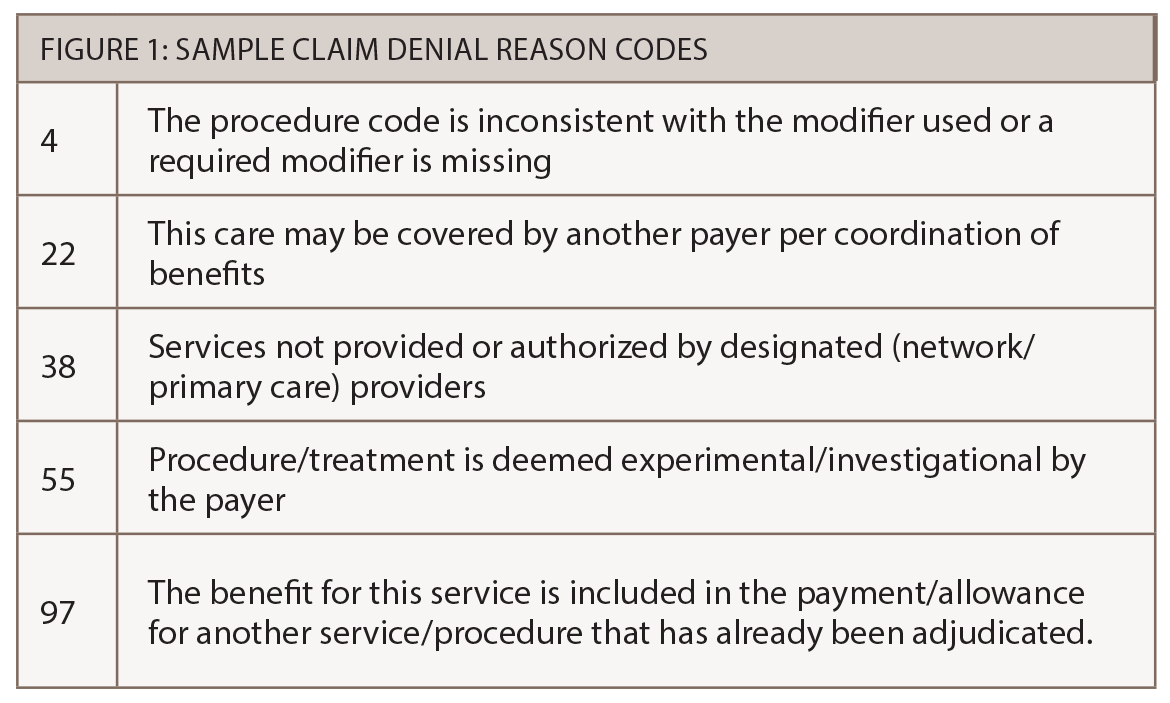
4 Steps To Prevent Unnecessary Claims Denials The Rheumatologist
PR 96 Denial Code Non Covered Charges Denial Code

To find your username follow these steps You need to know A phone number or the recovery email address for the account The full name on your account Follow the instructions to

Important When you create a Google Account for your business you can turn business personalization on A business account also makes it easier to set up Google Business Profile

Important Before you set up a new Gmail account make sure to sign out of your current Gmail account Learn how to sign out of Gmail From your device go to the Google Account sign in
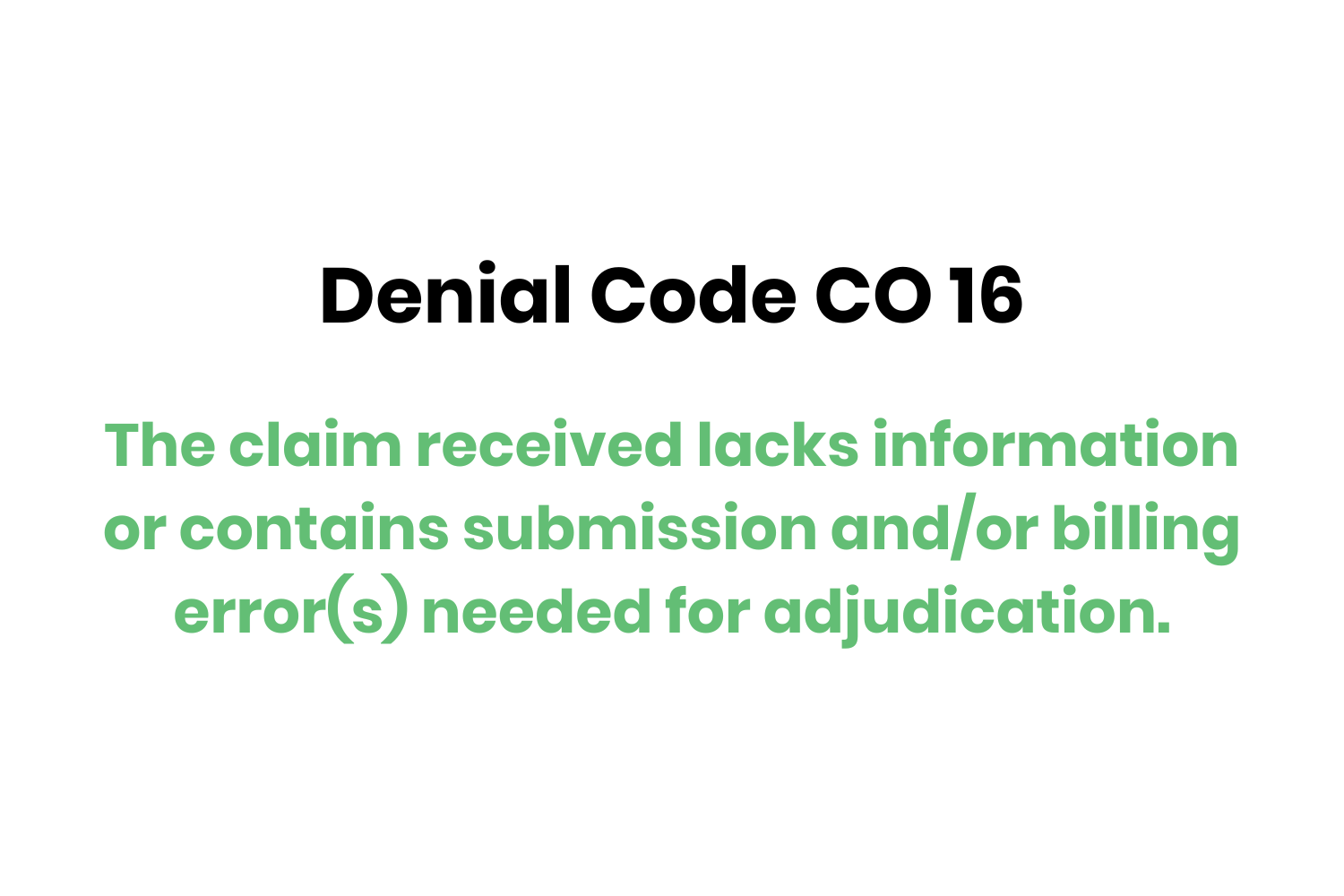
Sign in to Gmail Tip If you sign in to a public computer make sure to sign out before you leave the computer Learn how to sign in on a device that s not yours
Record the email addresses from people who fill out your form When someone takes your survey they will be required to enter their email address before they submit the form Collect verified
[desc-11] [desc-12]
[desc-13]