How Do I Remove Text From A Pdf Document Reliable Tools To Erase Text From Image Excel Formula Remove Text By Position Exceljet Best Ways To Remove Text From Image In All Platforms 2021 6 Online Ways To Remove Text From Video Software Included 6 Best Free Tools To Remove Text From Image 2023 What is Erase Text in PDF Click on the Edit tab on the top right to enable the editing mode Then click on the text block you want to delete You can either use the Backspace key or press the Delete button from your keyboard
1 Delete Text From a PDF With Acrobat Reader Adobe Acrobat Reader is a free tool that s available on both Windows and Mac It is a great tool to use if you need to sign documents as it lets you save draw your signature and save it for future documents Removing Text From a PDF in 3 Steps 1 Upload your PDF to the PDF Live editor Either drag and drop your document into the editor or Select File to Edit and navigate to it in your file explorer Once you re ready to get started select Edit PDF 2 In the editor dashboard navigate to Edit Edit text images shapes
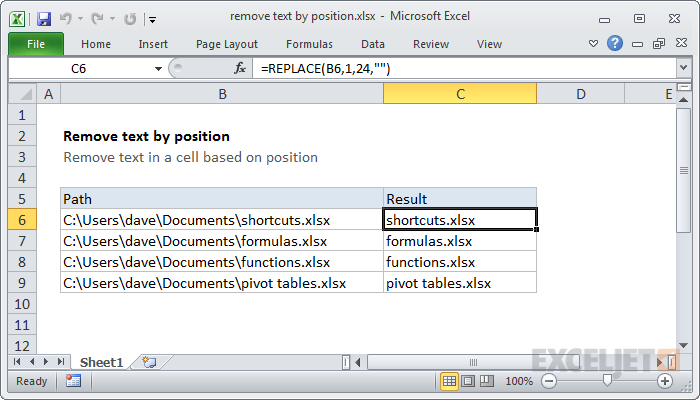
6 Best Free Tools To Remove Text From Image 2023 Best Ways To Remove Text From Image How To Remove Text From A Picture Without Photoshop 2023 Easy Steps To Use Photoshop To Remove Text From Images How To Remove Text From A Picture Without Photoshop How To Use Excel To Remove Text Before A Specific Character Tech Guide How To Remove Text From A Picture Without Photoshop How To Remove Text From A Cell In Excel Excel Nerds Quick Way To Delete Text From PDF Update
How Do I Remove Text From A Pdf Document
 How Do I Remove Text From A Pdf Document
https://webusupload.apowersoft.info/videograbber/wp-content/uploads/2019/10/how-to-remove-text-from-photo.jpg
In the new experience the tools appear on the left side of the screen Follow these steps to use the Redact tools of Adobe Acrobat to remove sensitive images and text before you share your PDF The Remove Hidden Information feature allows you to search and redact hidden content from the PDF
Pre-crafted templates use a time-saving service for developing a varied series of files and files. These pre-designed formats and designs can be utilized for various personal and professional tasks, including resumes, invites, flyers, newsletters, reports, presentations, and more, streamlining the content creation process.
How Do I Remove Text From A Pdf Document
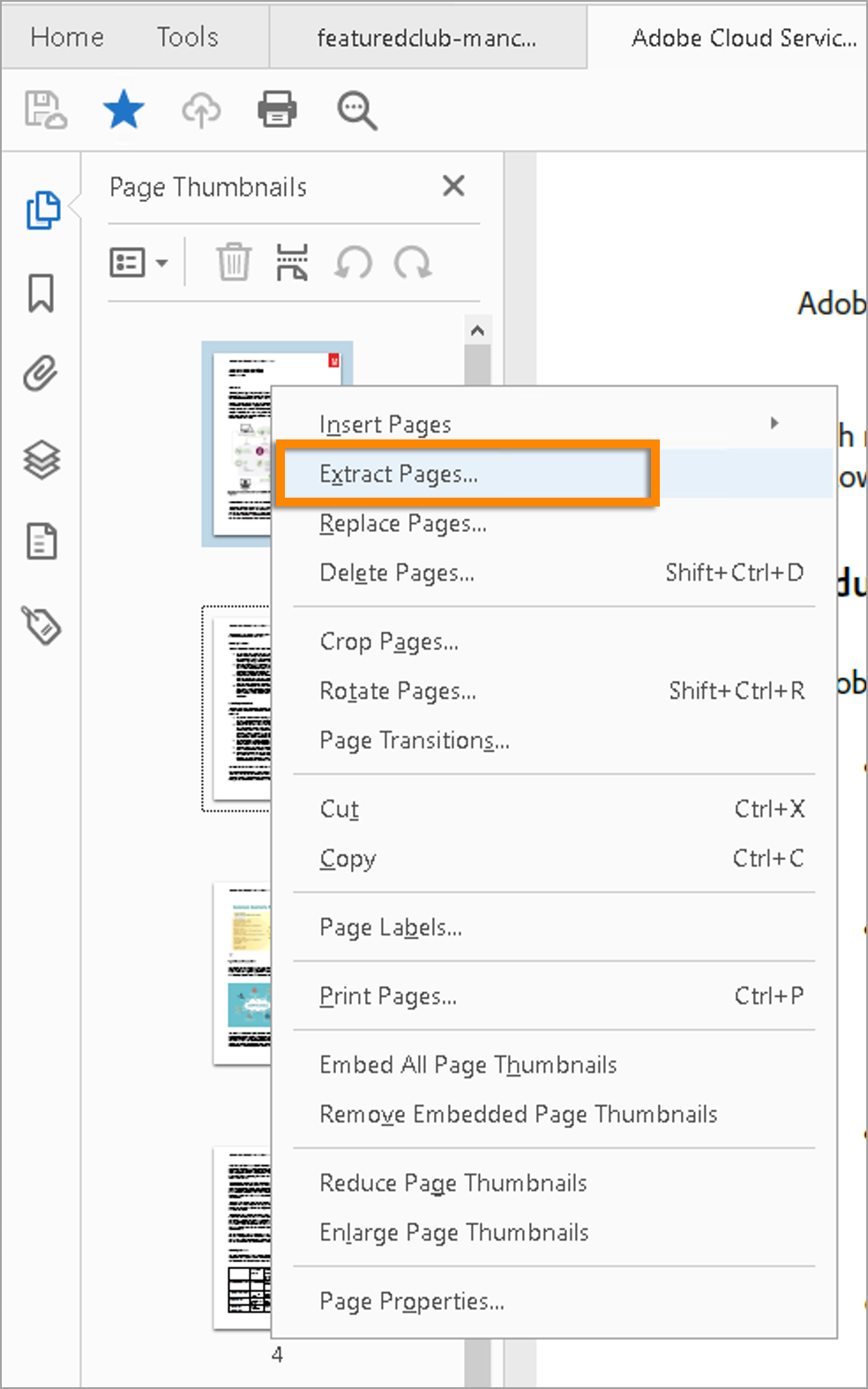
M rn Lada okol da How To Delete A Page In Adobe Acrobat Pro Dc Mok ad Retort Touha
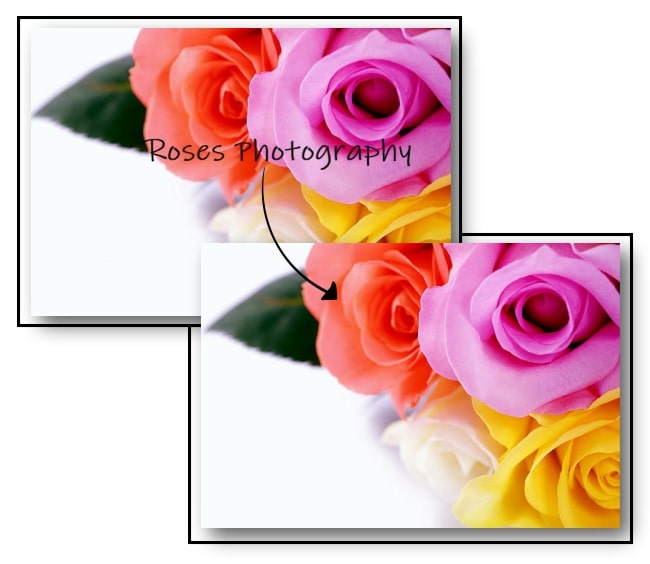
Best Ways To Remove Text From Image
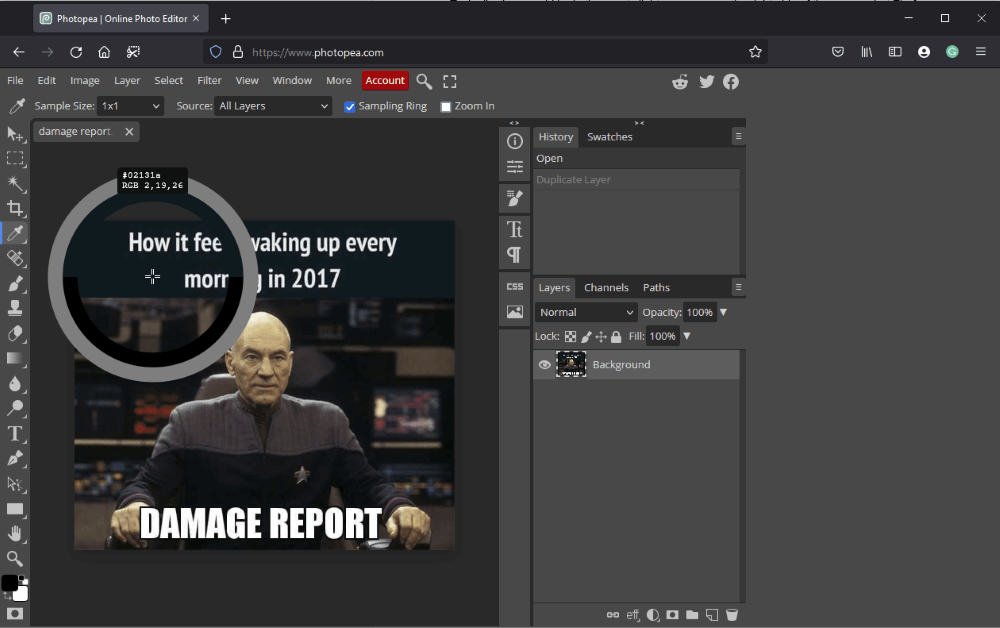
How To Remove Text From A Picture Without Photoshop 2023
Easy Steps To Use Photoshop To Remove Text From Images
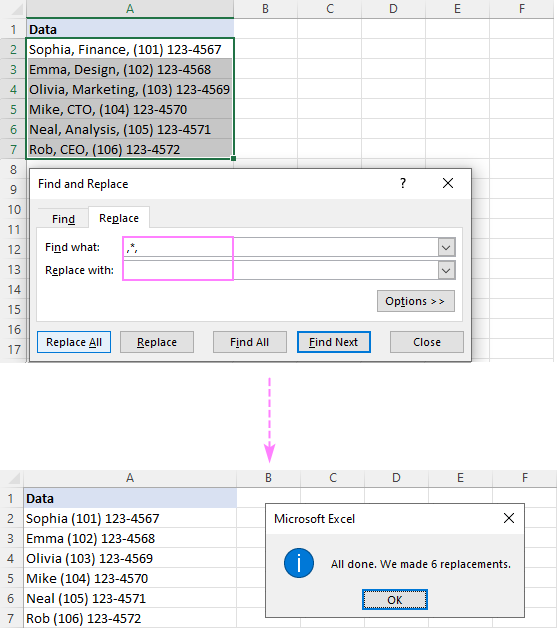
How To Use Excel To Remove Text Before A Specific Character Tech Guide

How To Remove Text From A Picture Without Photoshop
How to remove texts of a PDF online To start drop your PDF file or upload it from your device or your cloud storage service Choose your settings and click on the Remove text button Download the PDF file to your computer or
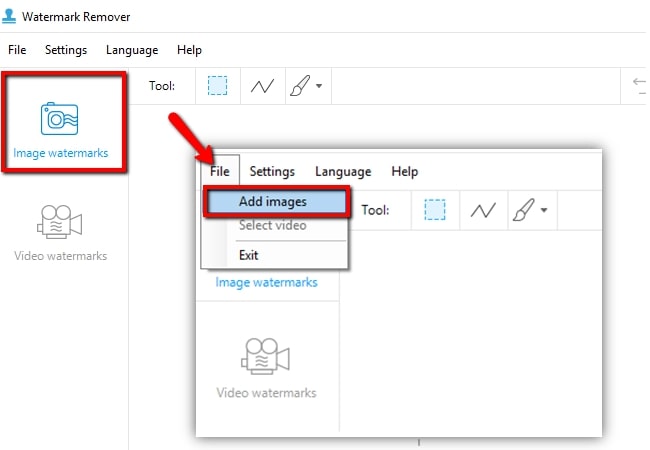
To delete specific words within a text box click the text you want to edit to display a cursor Click and drag highlight the text you want to delete and press Delete or Backspace
Use the Redact a PDF tool to remove or redact sensitive images and text visible in a PDF Use the Sanitize and r emove hidden information feature to find and remove hidden content from a PDF For example if you created the PDF the document metadata normally lists your name as the author
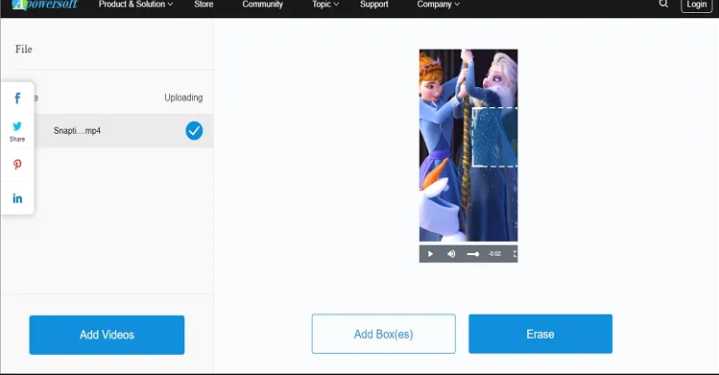
Preflight Acrobat Pro Color management Learn how to add or replace text and fix typos in a PDF using Acrobat Change fonts and typeface Adjust text size and alignment in a PDF Before you begin We are rolling

Method 1 How to Remove Text in PDF with a PDF Editor PDFelement is a complete PDF solution to delete text in PDF It can edit delete and add text It can not only delete selected text but also delete text from scanned PDF Moreover it can help you remove highlights watermarks images and more from PDFs
How to remove text from a Pdf document Select the text removal area from the Remove dropdown list text metadata Upload your Pdf file to remove text Enter text search pattern to remove text Click Remove Now button Download the resultant Pdf file Send result by email To do that in Word s top left corner click File On the screen that opens choose Save As Browse In the Save As window select a folder to save your file in Click the File Name field and type a name for your edited PDF Click the Save as Type drop down menu and choose PDF
With this you can freely remove edit or enhance existing text in your digital file If you upload scans Optical Character Recognition OCR is available for Pro users which recognizes and extracts all types of content