How Do I Remove A Password From A Pdf Without Adobe Reader How To Edit A PDF Without Adobe View The VIBE Toronto How To Open Password Protected Pdf File Without A Password Lowap How To Sign A PDF Without Adobe Acrobat Reader Signaturely REMOVE PASSWORD FROM A PDF FILE YouTube How To Add A Signature To A PDF Without Adobe The Complete Manual How do I remove a password from a PDF without Adobe Reader With Adobe Reader you can also choose to remove password from PDF with other useful tools such as PDFelement PDF Password Remover Google Chrome Google Drive and online services such as HiPDF
Discover how to remove a password from a PDF with Adobe Acrobat Use this guide to learn how to unlock PDF security to read edit or share the file Use the Unlock tool Choose Tools Protect Encrypt Remove Security Remove Security The options vary depending on the type of password security attached to the document If the document has a Document Open password click OK
How To Add A Signature To A PDF Without Adobe The Complete Manual How To Remove Password From A Pdf File YouTube How To Remove A Password From A PDF File How To Crop PDF Without Adobe Online And Offline PDF Candy Blog How To Sign A PDF Without Adobe Acrobat Reader Signaturely How To Compress A PDF Without Adobe Acrobat Free Methods Method To Password Protect A PDF Without Adobe How To Effortlessly Redact PDFs Without Adobe Pro A Comprehensive How To Edit A PDF Without Adobe Acrobat
How Do I Remove A Password From A Pdf Without Adobe Reader
 How Do I Remove A Password From A Pdf Without Adobe Reader
https://viewthevibe.com/wp-content/uploads/2020/04/how-to-edit-a-pdf-without-adobe-1920x1280.jpeg
Click the box next to Security Method to display a drop down and then select No Security from the menu Click OK to confirm the change The file is now password free Be sure to save the file or you ll need the password next time you access it Use Smallpdf
Templates are pre-designed files or files that can be utilized for different functions. They can conserve effort and time by supplying a ready-made format and layout for producing various kinds of content. Templates can be utilized for personal or professional projects, such as resumes, invites, flyers, newsletters, reports, discussions, and more.
How Do I Remove A Password From A Pdf Without Adobe Reader

The Best Ways To Edit PDF Files Without Adobe Thepinews
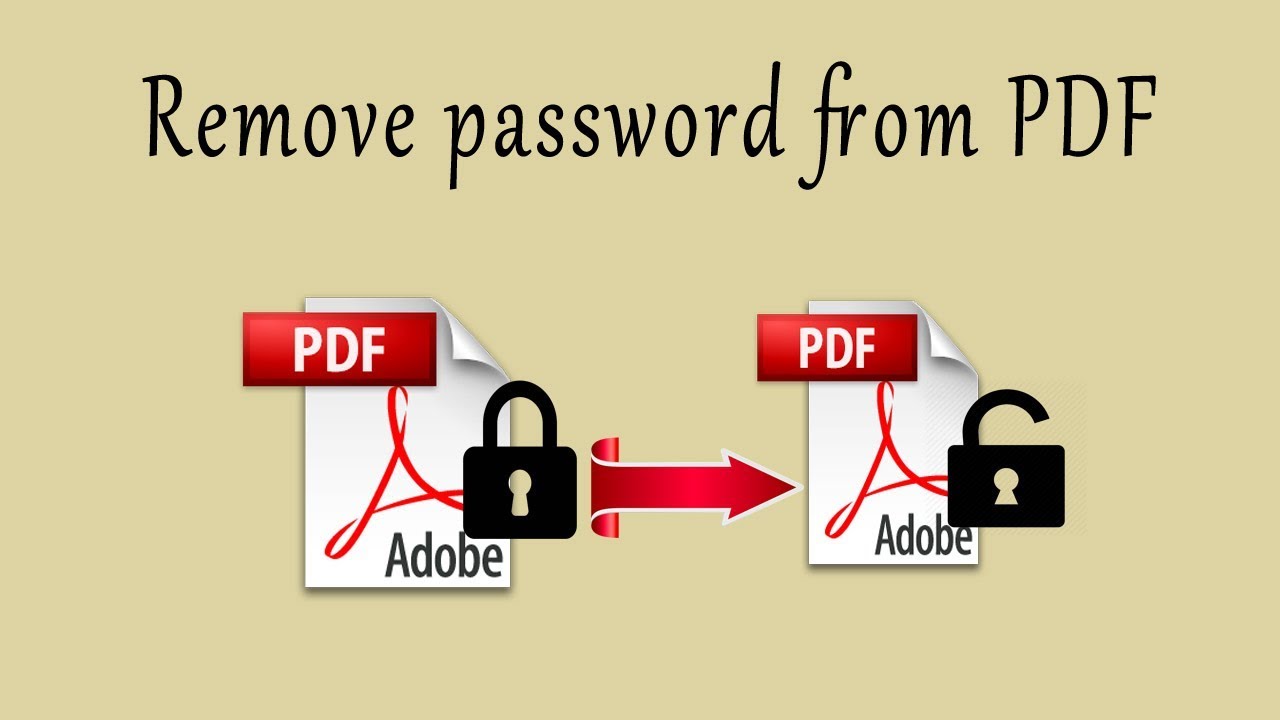
How To Remove Password From A Pdf File YouTube

How To Remove A Password From A PDF File
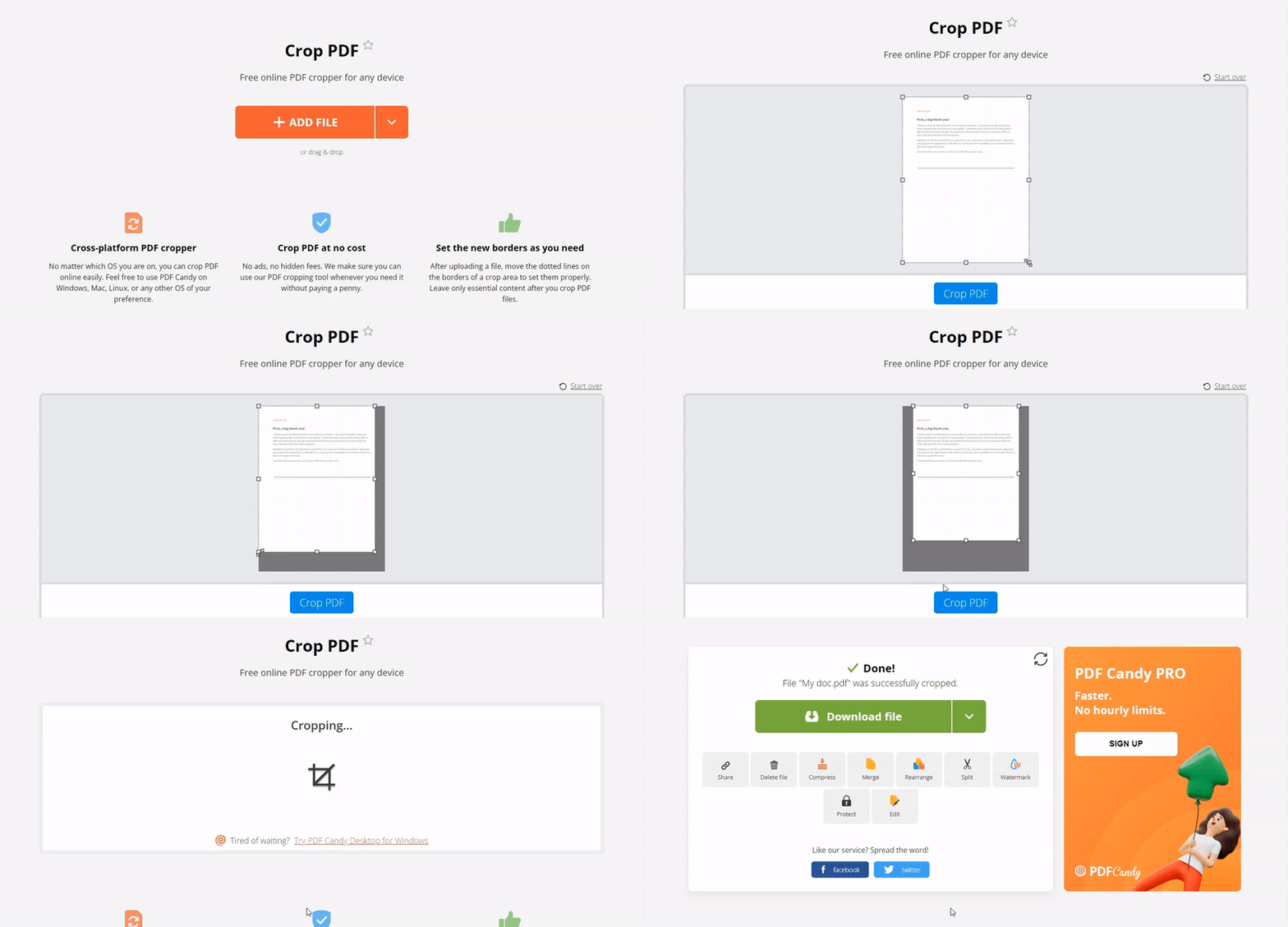
How To Crop PDF Without Adobe Online And Offline PDF Candy Blog
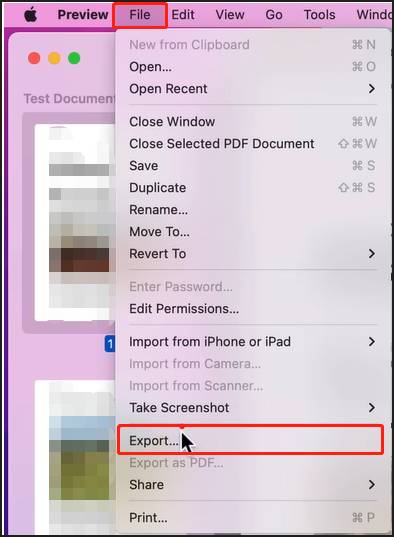
How To Compress A PDF Without Adobe Acrobat Free Methods

Method To Password Protect A PDF Without Adobe

Use the Unlock tool Choose Tools Protect Encrypt Remove Security Remove Security The options vary depending on the type of password security attached to the document If the document has a Document Open password click OK to remove it from the document

How to remove password from PDF files Drag and drop your document in the PDF Password Remover Confirm that you have the right to the file and click Unlock PDF The decryption process should start right away Modify your PDF further or click Download File to save the unlocked PDF Unlock PDF Blog Articles How To Unlock PDF

Open the PDF file in Adobe Acrobat Pro and provide its password to view it Click the lock icon at the left side of the window and click Permission Details You can also click File Properties and click the Security tab Click the Security Method box select No Security and click OK to remove the password

1 Open the password protected PDF in Adobe Acrobat Enter the password when directed 2 Click File in the menu bar then choose Properties 3 In the Document Properties window click the
As per the site Documentation To remove the password from a PDF file upload the document from your device or straight from your Google Drive or Dropbox account Then click the Unlock PDF button Our tool will unlock your document by removing its password
Option 1 By Using Passper for PDF Passper for PDF Password Remover is a tool which will remove unknown passwords from any PDF file Passper for PDF is a secure and professional software that you install into your operating system Once the permission password has been verified click Remove Password and then you can cancel or select the Open Password and Permission Password check boxes to remove the corresponding password restrictions in the PDF document Finally click the Save button to delete and save
In Adobe Acrobat DC open the PDF Enter the password OK File Properties Security Security Method No Security OK OK This article covers how to remove password protection from a PDF file using a free PDF viewer and Adobe Acrobat DC a paid tool How to Use a PDF Viewer To Remove Password Protection