How Do I Lock Cells In Excel Using Data Validation Excel 2010 Protect Cells Without Protecting Sheet Whichleqwer How To Use Data Validation In Excel Are All Cells Locked By Default In Excel Answereco How To Create A Drop Down List In Excel Using Data Validation YouTube How To Lock Cells In Excel Olporturtle Web Apr 5 2023 nbsp 0183 32 The tutorial explains how to do Data Validation in Excel create a validation rule for numbers dates or text values make data validation lists copy data validation to other cells find invalid entries fix and remove data validation
Web You can use data validation to restrict the type of data or values that users enter into cells This is an advanced topic on data validation For an introduction to data validation and how to validate a cell or a range see Add data validation to a cell or a range Web Apr 8 2017 nbsp 0183 32 1 Format the cell using the validation list so it s unprotected 2 With the cursor positioned at that cell open the Validation menu origintally used to identify the validation list 3 On the Settings tab of the Data Validation window pane be sure that quot ignore blank quot is unchecked and continue to leave that window pane open
How To Lock Cells In Excel Olporturtle Data Validation Drop Down List Microsoft Excel Circle Learning Chr m Spolupracova Ventil tor How To Lock Cells With Formulas In Excel Learn How To Create A Drop Down List Within A Cell In Excel Using Data Lock Cells Protect Excel Worksheet EVEN By Cell Color How To Lock Cells In Excel Lock Columns Excel Symbols Vseragirl How To Lock And Protect The Cells In Excel Excel Unlocked How To Lock And Protect Selected Cells In Excel
How Do I Lock Cells In Excel Using Data Validation
 How Do I Lock Cells In Excel Using Data Validation
https://learncybers.com/wp-content/uploads/2019/12/Lock-cells-in-excel.png
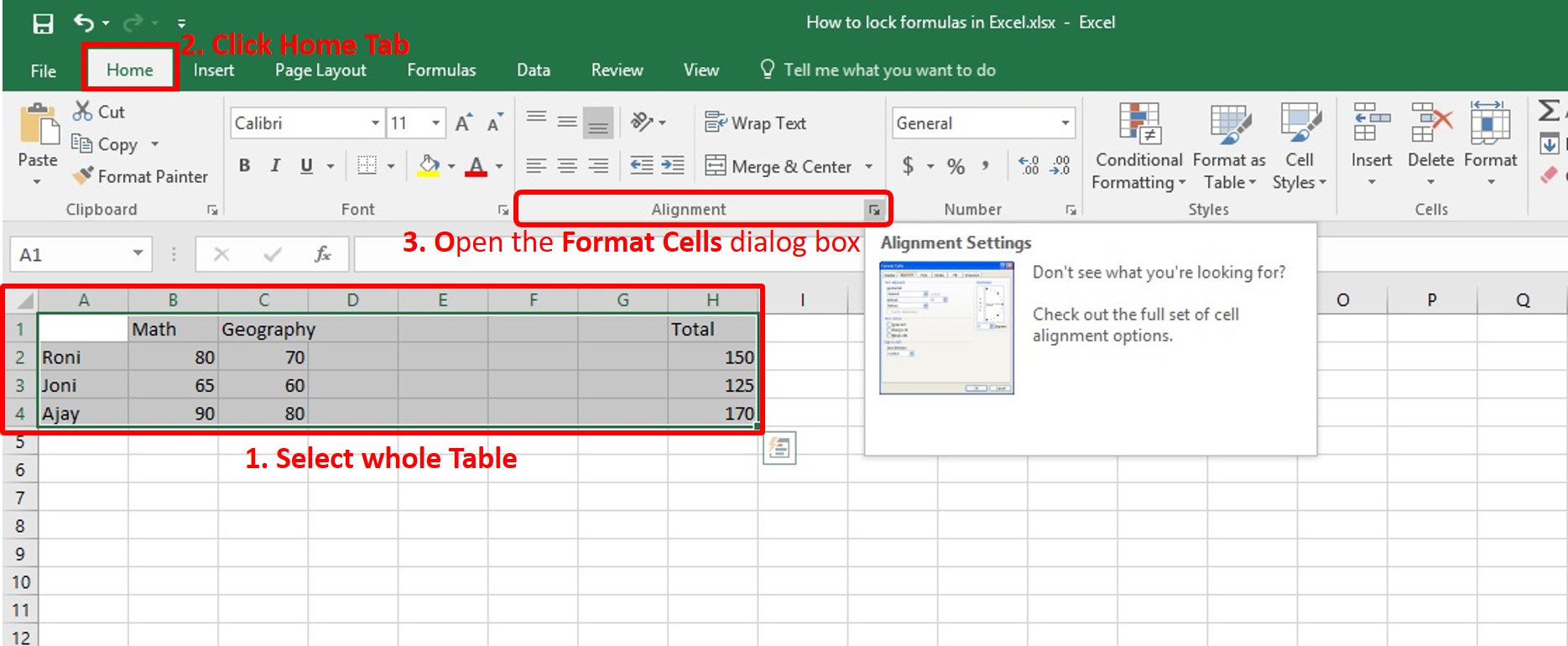
Web Select the cells you want to lock On the Home tab in the Alignment group click the small arrow to open the Format Cells popup window On the Protection tab select the Locked check box and then click OK to close the popup
Templates are pre-designed files or files that can be used for different purposes. They can conserve effort and time by providing a ready-made format and layout for developing various kinds of material. Templates can be utilized for personal or professional jobs, such as resumes, invites, flyers, newsletters, reports, discussions, and more.
How Do I Lock Cells In Excel Using Data Validation
Ms Excel Protect Cells Formula How To Lock Formulas In Excel

Data Validation Drop Down List Microsoft Excel Circle Learning
Chr m Spolupracova Ventil tor How To Lock Cells With Formulas In Excel

Learn How To Create A Drop Down List Within A Cell In Excel Using Data

How To Lock Cells In Excel
Lock Columns Excel Symbols Vseragirl

Web Excel can restrict data entry to certain cells by using data validation prompt users to enter valid data when a cell is selected and display an error message when a user enters invalid data Restrict data entry Select the cells where you want to restrict data entry

Web AND P5 lt gt OK Q5 lt gt OK R5 lt gt OK This means if P5 Q5 and R5 all contain OK as a cell value then cell I5 will reject all changes to the value in its cell Otherwise users would be able to edit the cell value in cell I5 Example 2
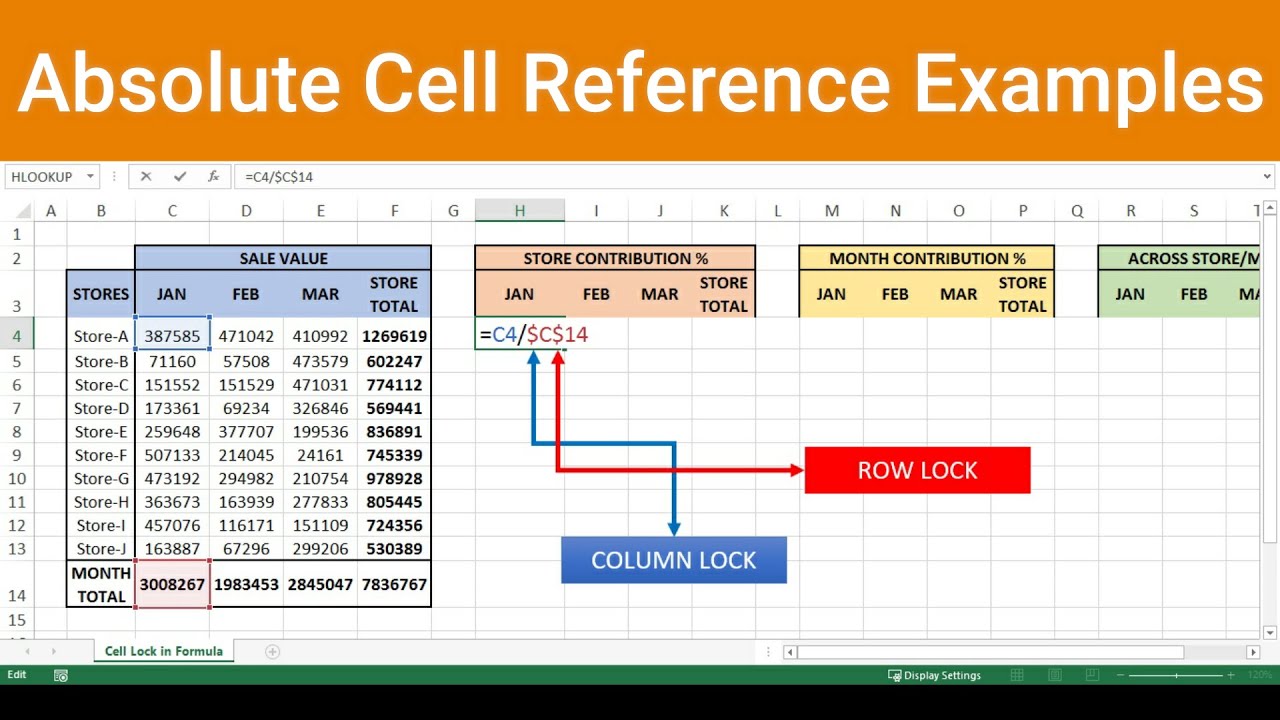
Web May 15 2023 nbsp 0183 32 Locking data validation in Excel is useful to prevent users from changing or deleting the data validation rules you have applied to a cell or range of cells This tutorial shows two techniques for locking data validation in Excel Method 1 Protect the Worksheet to Lock Data Validation in Excel
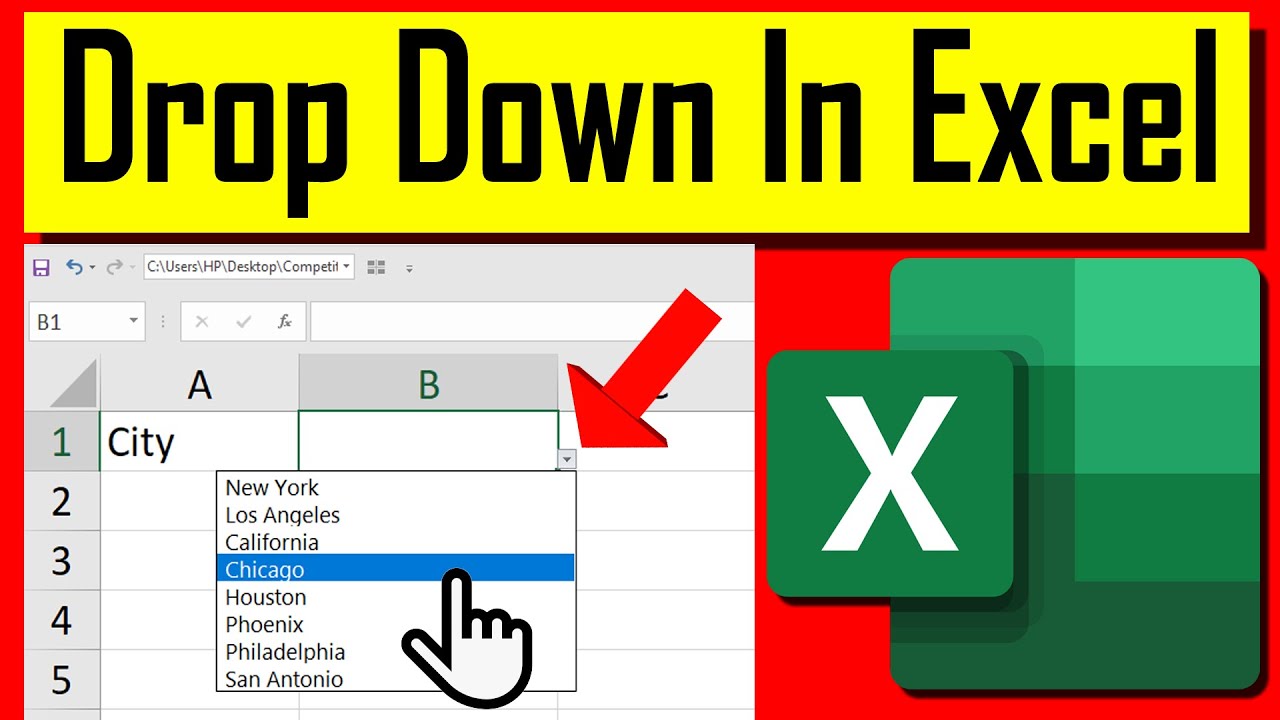
Web You can also press Ctrl Shift F or Ctrl 1 In the Format Cells popup in the Protection tab uncheck the Locked box and then click OK This unlocks all the cells on the worksheet when you protect the worksheet Now you can choose the cells you specifically want to lock On the worksheet select just the cells that you want to lock
Web the copy paste special is the preferred option here but you could also use a formula for data validation that covers all possibilites so it is the same formula for all cells Much harder option specially if you have a lot of rules for
Web May 20 2023 nbsp 0183 32 Using Data Validation to Protect Cells Another useful way to protect certain cells in Excel is by using data validation Excel s data validation feature lets you restrict input to specific cells ensuring that data input is consistent You can also use data validation to limit data by adding conditions such as date number or text length Web Apr 4 2019 nbsp 0183 32 Step 1 Lock and Unlock Specific Cells or Ranges Right click on the cell or range you want to change and choose Format Cells from the menu that appears This will bring up the Format Cells window keyboard shortcut for this window is Ctrl 1 Choose the tab that says Protection Next make sure that the Locked option is checked
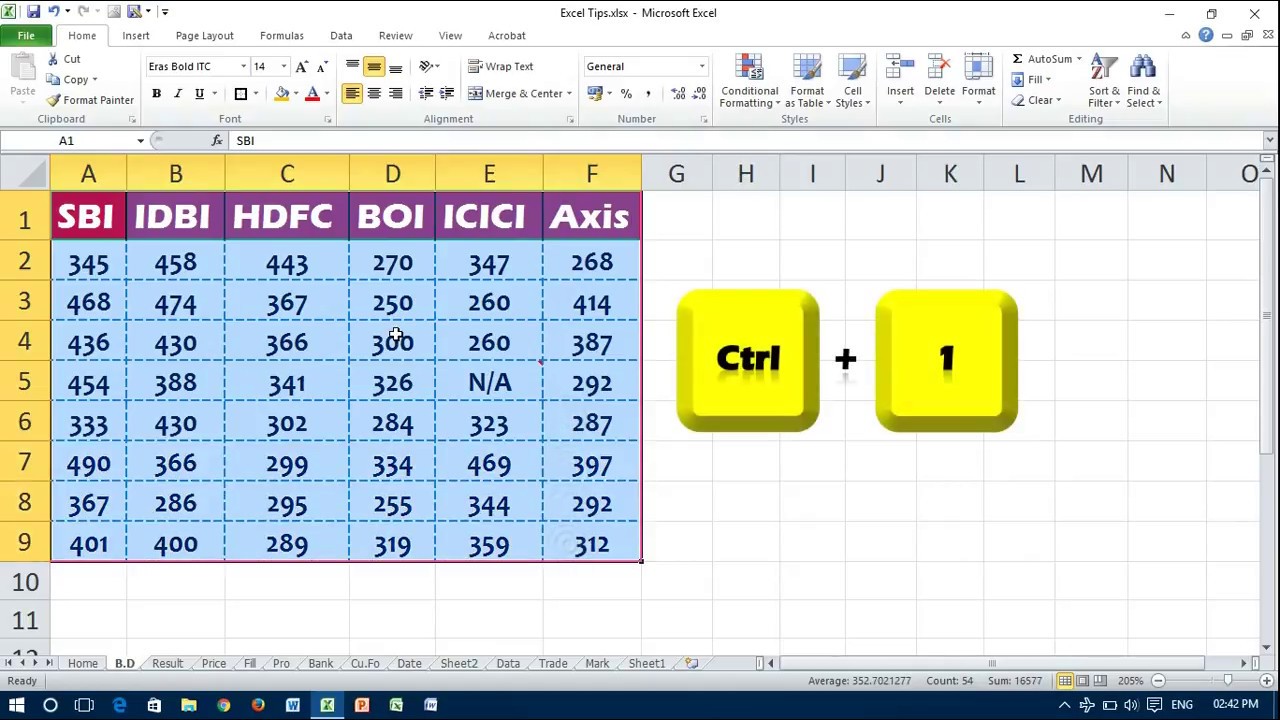
Web 3 On the Protection tab uncheck the Locked check box and click OK 4 For example select cell A1 and cell A2 5 Right click and then click Format Cells or press CTRL 1 6 On the Protection tab check the Locked check box and click OK Again locking cells has no effect until you protect the worksheet