How Do I Insert Multiple Rows In Excel At Once How To Delete Multiple Rows In Excel At Once ExcelDemy How To Insert Multiple Blank Rows In Excel At Once How To Insert Rows With Data Repeated In Excel Dubois Givat1997 How To Insert Multiple Rows Columns In Excel YouTube How To Quickly Insert Multiple Blank Rows Or Columns In Excel At Once Web Aug 23 2023 nbsp 0183 32 Excel will immediately insert multiple rows between your data Tip When you need to insert a large number of rows in Excel you can use the Name Box to quickly select the required range For example to insert 50 new rows starting from row 100 type quot 100 150 quot in the Name Box and press Enter
Web Aug 29 2023 nbsp 0183 32 One way to insert multiple rows in Excel is to use the Standard Menu option You re going to use the Insert Feature in the Excel Ribbon to insert multiple rows Here s how First you need to select WHERE you would like to insert the rows and HOW MANY The number of rows selected will also be the number of blank rows inserted in Web Apr 29 2024 nbsp 0183 32 Step 1 Select the Rows Click on the row number where you want to insert the new rows When you re selecting rows make sure you select the same number of rows as you wish to insert For example if you want to insert 3 new rows you would select 3 existing rows Step 2 Right Click to Open the Context Menu
How To Quickly Insert Multiple Blank Rows Or Columns In Excel At Once How To Insert Multiple Rows In Excel How To Add Multiple Rows In Excel At Once Lpochick How To Delete Multiple Rows In Excel Sheet At Once Strange Hoot How To Insert Multiple Blank Rows In Excel At Once How To Unhide All Rows Or Columns In Excel At Once How To Unhide Rows In Excel 13 Steps with Pictures WikiHow How To Show Or Hide Multiple Rows In Excel Using A Button HubPages How To Unhide All Rows In Excel 2018 YouTube
How Do I Insert Multiple Rows In Excel At Once
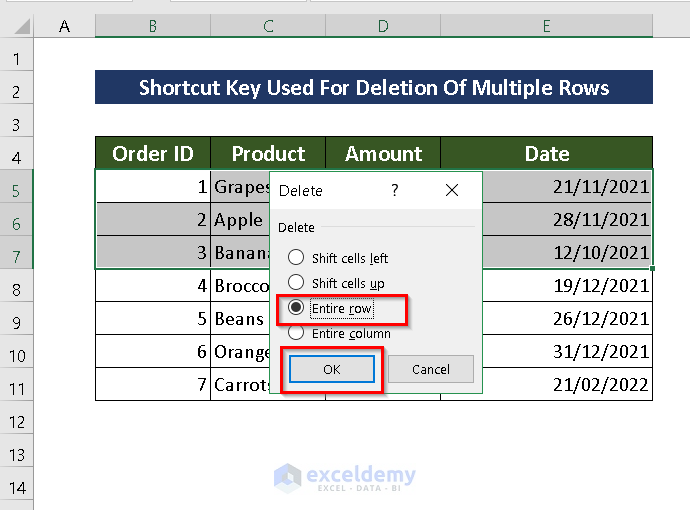 How Do I Insert Multiple Rows In Excel At Once
https://www.exceldemy.com/wp-content/uploads/2022/03/How-to-delete-multiple-rows-at-once-2.0-Excel.png
Web Oct 4 2021 nbsp 0183 32 First select the number of rows equal to the number of blank rows you want to enter Use Shift Space to select all columns for the selected rows or select rows using row numbers on the left Then use either of the two shortcuts Alt I and Alt R Press Alt I keep holding the Alt key and press R
Pre-crafted templates use a time-saving service for developing a varied series of documents and files. These pre-designed formats and designs can be made use of for different personal and expert tasks, including resumes, invites, leaflets, newsletters, reports, presentations, and more, enhancing the content development process.
How Do I Insert Multiple Rows In Excel At Once
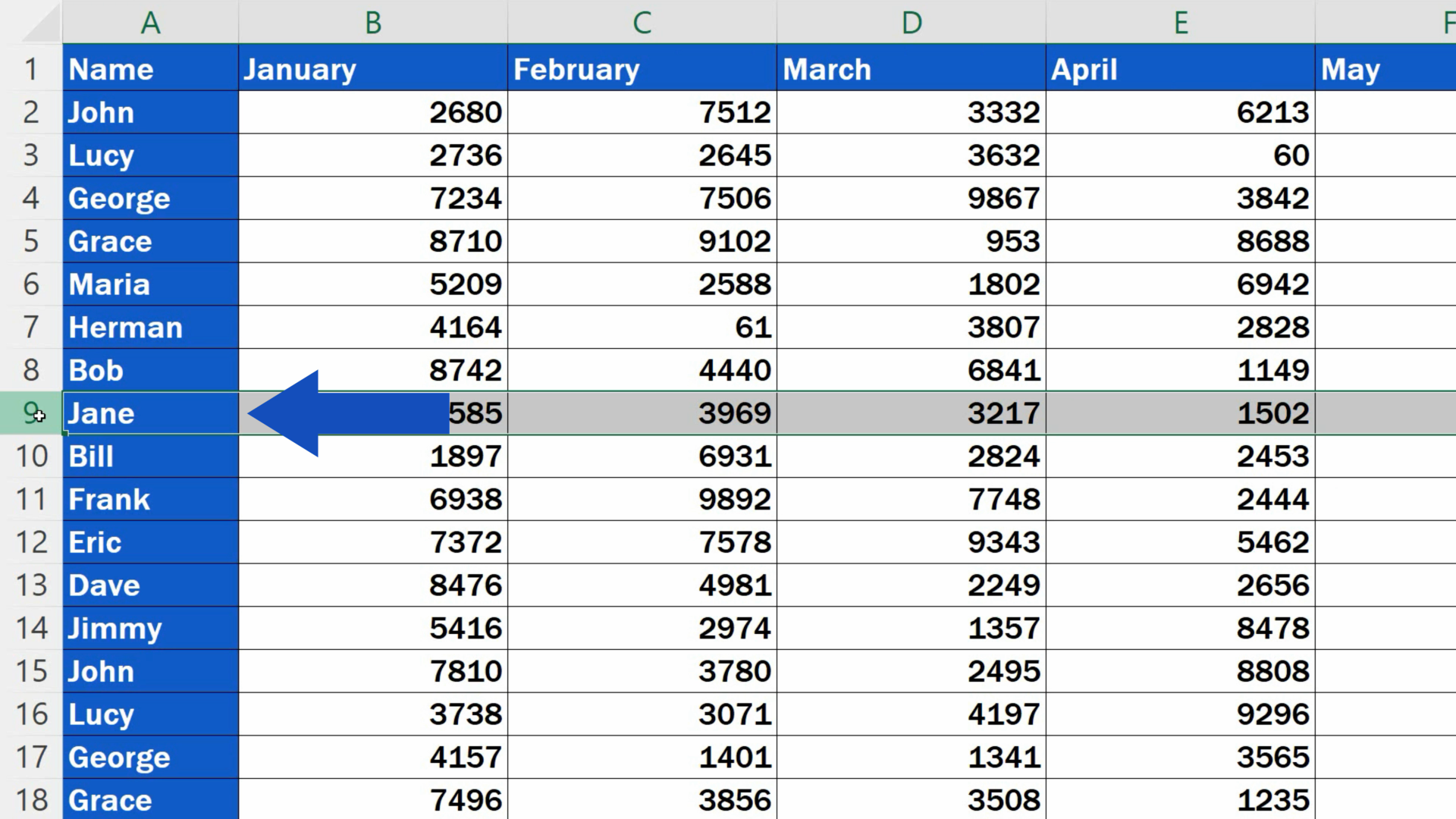
How To Insert Multiple Rows In Excel

How To Insert Multiple Rows In Excel
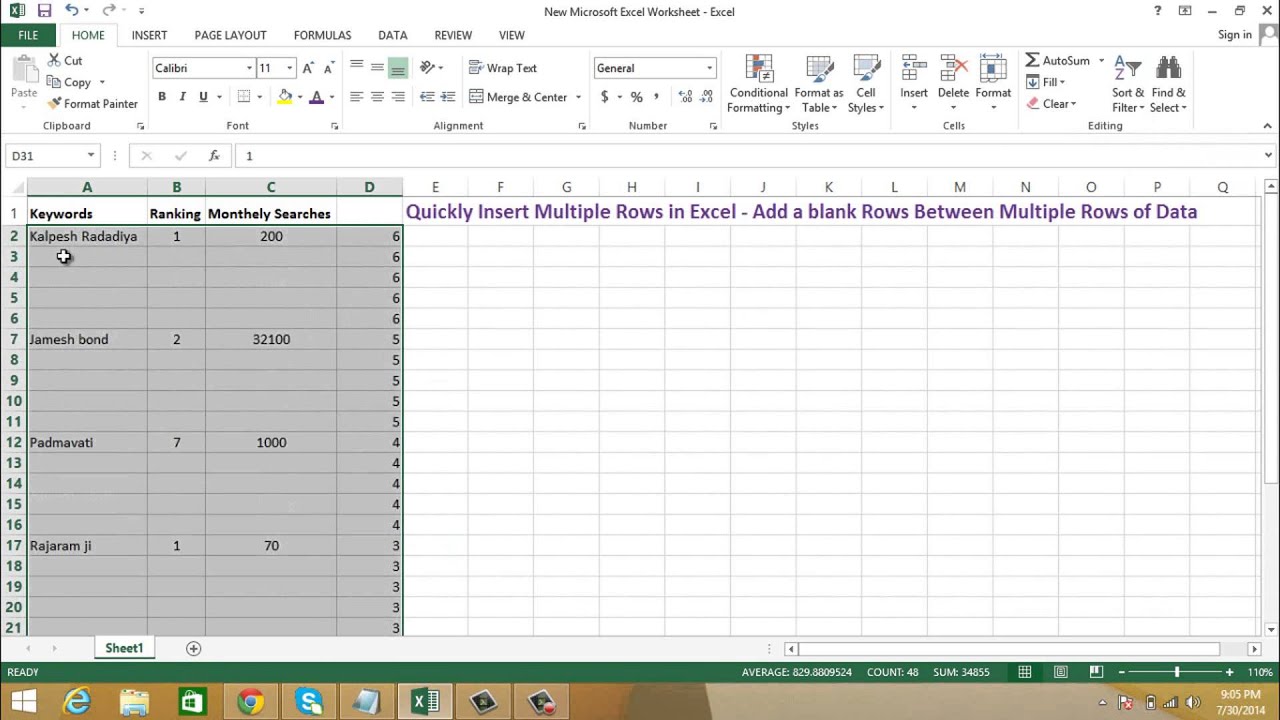
How To Add Multiple Rows In Excel At Once Lpochick

How To Delete Multiple Rows In Excel Sheet At Once Strange Hoot

How To Unhide All Rows Or Columns In Excel At Once

How To Unhide Rows In Excel 13 Steps with Pictures WikiHow

Web Mar 21 2024 nbsp 0183 32 How To Insert Multiple Rows in Excel Method 1 How To Insert Multiple Rows in Excel Using Insert Menu Method 2 How To Insert Multiple Rows in Excel Using Keyboard Shortcuts Method 3 How To Insert Multiple Rows in Excel by Copy and Pasting How To Add a Row in between Rows Multiple Times in Excel

Web Sep 15 2023 nbsp 0183 32 You can quickly insert multiple rows in Excel using a drop down menu keyboard shortcuts or the Home tab in the Ribbon The key to inserting multiple rows at once rather than one by one is to select the number of rows you want to insert first and then insert rows

Web Method 1 Using Keyboard Shortcuts Method 2 Using Insert Option Method 3 Using Mouse Keyboard Shortcut Method 4 Using Insert Copied Cells Option How to Insert Multiple Rows in Excel In this tutorial you ll learn four different ways to insert multiple rows in Excel Using Keyboard Shortcuts Using Insert Options
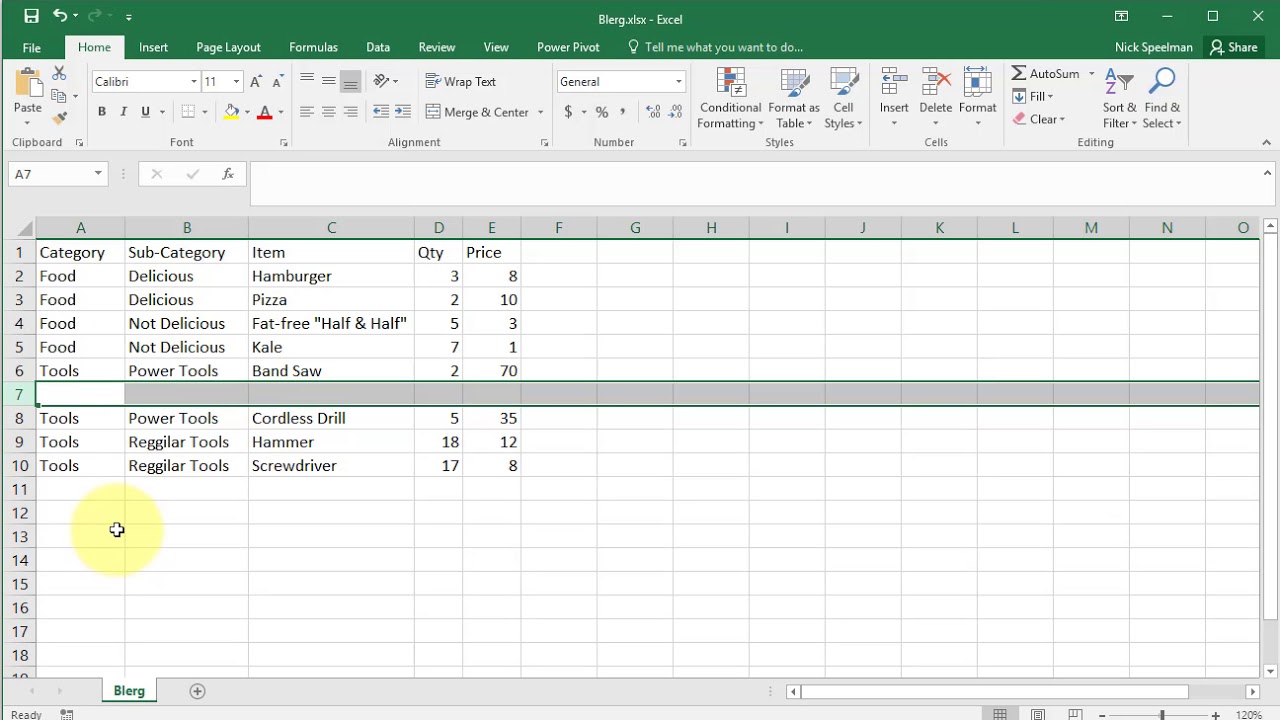
Web Oct 18 2022 nbsp 0183 32 1 Select your rows When inserting multiple rows using the quot Insert quot option select the number of rows you want to add For instance if you were working on an Excel chart and notice you need to add four new rows you would select four rows You can select your rows by using the SHIFT Spacebar keys 2 Right click your header

Web Dec 28 2023 nbsp 0183 32 Method 1 Using INSERT option Method 2 Using Excel Short Cut Shift Space Bar Method 3 Using the Name Box Method 4 Using the Copy amp Paste Method Alternative Coolest Technique Things to Remember Recommended Articles Top 4 Useful Methods to Insert Rows in Excel Discussed with an Example Insert Row using
Web Nov 11 2021 nbsp 0183 32 Select multiple rows in Excel above which you want to add empty rows Press Ctrl Shift The rows should be automatically added or you will have to select the entire row and click on OK 3 Inserting Rows Through the Quick Access Toolbar Select the rows above which you want to add empty rows Press and release the Alt key Web To insert multiple rows using the context menu method follow the steps given below Step 1 Select The Rows Decide where you want to insert the new rows If you want to insert multiple rows you need to select an equal number of existing rows For example if you want to add two new rows select two rows of your data set
Web Sep 16 2022 nbsp 0183 32 1 Select the row below where you want the new rows to appear 2 Right click on the highlighted row and then click Insert in the context menu This will insert one row