How Do I Create A Link To A Pdf Document How Do I Create A Link How Do I Create A Link How Do I Create A Link To My Document Keep Share Support Support Portal Create Or Edit A How Do I Create A Link How Do I Create A Link To A PDF E Book VeryPDF Knowledge Base User Guide Tutorials Follow these steps in Adobe Acrobat to add a signature to a PDF file by typing drawing or inserting a signature file Get PDFs signed by others using Adobe Sign
Step 3 Link to Your PDF With the PDF or PDFs now in place you simply need to link to them You can link to your PDF file as you would any other file just add an anchor tag around the text or image you want to link to the PDF and enter the file path For example your link could like this Here s how Open your document on Google Docs Access your toolbar Click on the File option from the drop down click on Download and select the PDF Document pdf option Summarily Go to File Download PDF Document pdf Select your preferred download folder and save the Google Doc file as a PDF
How Do I Create A Link To A PDF E Book VeryPDF Knowledge Base Can I Create A Link To A Specific Email Message In Outlook 10 Solutions YouTube How Can I Create A Link For My LinkedIn Stories Really Social YouTube How Do I Create A Link To An Address Book Keep Share Support Support Portal Can I Create A Link in bio Page In The Bitly Mobile App Bitly Support How To Create A Link To A File Or Folder In Windows 2 Ways Digital Citizen How Do I Create A Link For A Subset Of Groups And Access It With Text to Church Insert Hyperlink To Pdf Slide Course Facebook Lesson Adding A Link To Your Update
How Do I Create A Link To A Pdf Document
How Do I Create A Link To A Pdf Document
https://partnerhelp.ebay.com/helpcenter/servlet/rtaImage?eid=ka03m000000w6jg&feoid=00N2G00000Cgnwz&refid=0EM2G000001FQT0
Here s how to link in PDF to specific page using Adobe Acrobat Step 1 Import the PDF file into Adobe Acrobat Step 2 In the top toolbar click on Tools Edit PDF Link Add or Edit button in turn Step 3 Scroll through your PDF to find the area you want to create a hyperlink then drag a rectangle to select it Step 4
Pre-crafted templates provide a time-saving service for developing a diverse variety of files and files. These pre-designed formats and layouts can be utilized for different individual and expert tasks, including resumes, invites, flyers, newsletters, reports, discussions, and more, streamlining the material creation process.
How Do I Create A Link To A Pdf Document

How Can I Create A Link To A PDF Document Keep Share Support Support Portal
Can I Create A Link To A Specific Email Message In Outlook 10 Solutions YouTube

How Can I Create A Link For My LinkedIn Stories Really Social YouTube

How Do I Create A Link To An Address Book Keep Share Support Support Portal
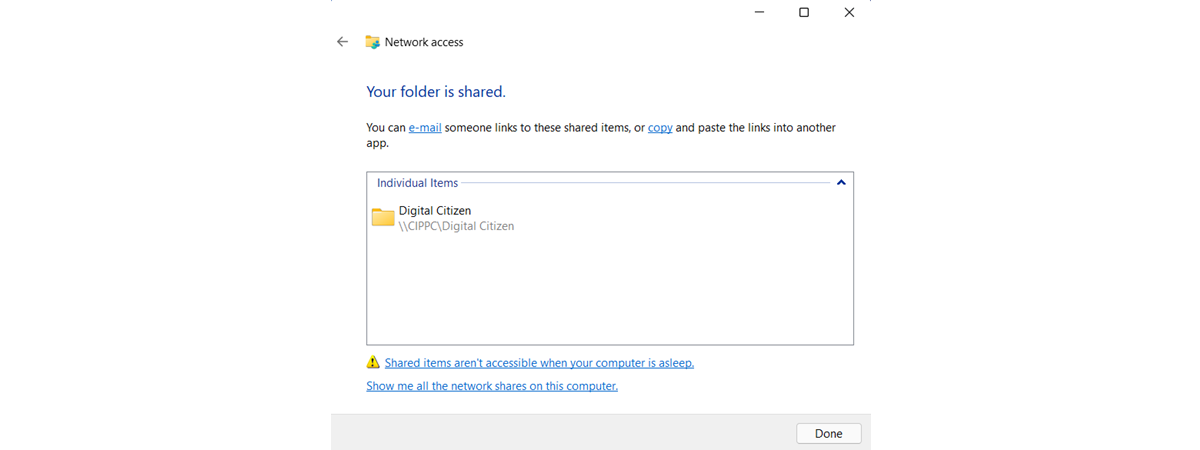
How To Create A Link To A File Or Folder In Windows 2 Ways Digital Citizen
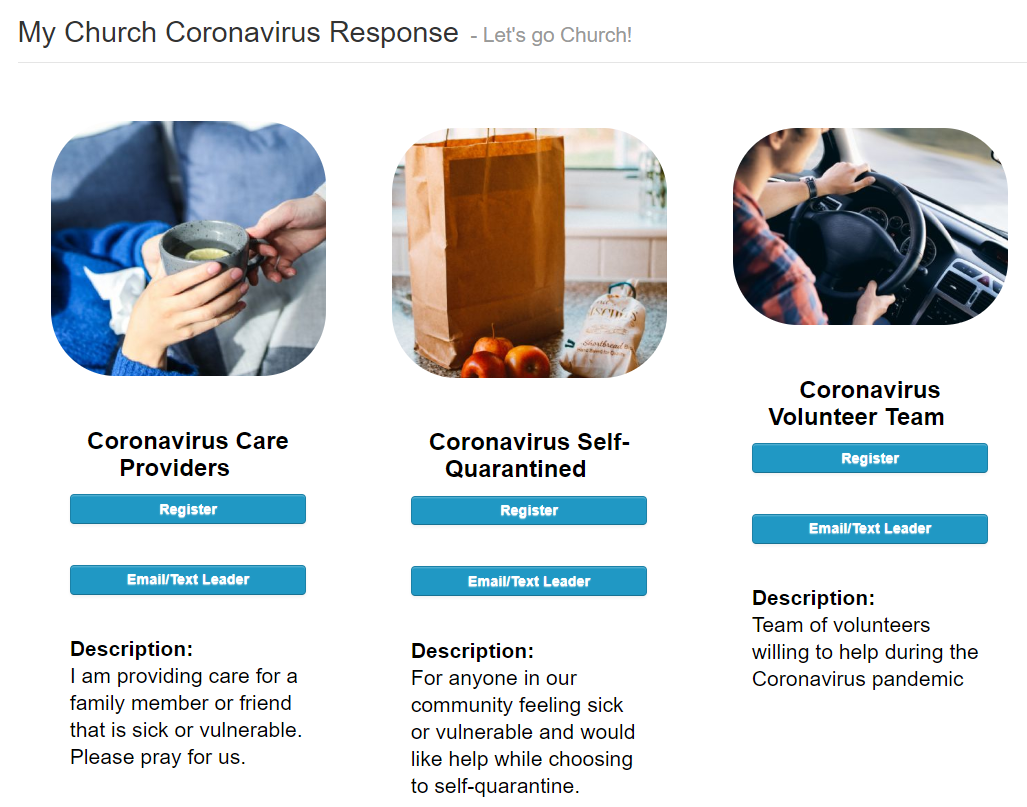
How Do I Create A Link For A Subset Of Groups And Access It With Text to Church
Hello Adobe Community I have attached a file to a pdf document kmz file I have saved it so that the pdf opens with the attachments navigation tab open by default that attachment is visible in the attachments pane I would like to create a link on a page that links to that particular attachment in the pdf
Select the text that is to be hyperlinked Use the Insert Link button on the top menu to add the link or press CTRL K as a shortcut key Paste the link in the search bar and tap Apply to add the link to the PDF Step 3 After adding the link you can download the file as a PDF again

How to Create a PDF with Clickable Table of Contents There are two ways to Create a PDF with a Clickable Table of Contents depending on whether you use Acrobat Reader or Microsoft s Edge PDF Reader or similar Create a PDF with Table of Contents using Acrobat Reader Open a new word document Construct your article using headings
To add a link to a PDF document On the Page Layout tab in the Navigation group click Link On the page click and drag the pointer to add the link In the Create Link window set the Link appearance properties and select the Link action Click Next to configure the options related to your selected Link action

Follow the steps below to convert URL properly Click on the conversion link and open it in your favourite browser Drag and drop the file to the upload area or pick it from your device Select the file from the cloud or use other upload options on the page
Under the message body click on the Attach A File icon Then Select the PDF file you wish to attach to your email message in your storage location Click the Open option to attach the PDF file to your email message Click on the Send button to send your PDF file as an attachment to your email message Choose Tools Edit PDF Link Add Edit Web or Document Link and then drag the rectangle to where you want to create the link Next in the Create Link dialogue box adjust the link appearance and select Open a Web Page for the link action Last click File Save to save the PDF to add a
I do so by highlighting the citation right clicking Create Link and then selecting Go to a page view in Link Action I then go to the pdf with the evidence find the cited page and click Set Link This works great except that the default behavior for the Open in property of the link is Window set by user preference The default