How Do I Create A Custom Flowchart In Powerpoint How To Create Your Own PowerPoint Template 2022 SlideLizard How To Create A Flowchart In Word Unugtp Vrogue Create PowerPoint Flowcharts The Easy Guide How To Create Flowchart In Powerpoint Step By Step Tutorial Riset How To Make A Flowchart In PowerPoint with Examples Templates 1 Select a flowchart from the SmartArt drop down menu In MS PowerPoint navigate to the slide where you want to add a flowchart Click Insert SmartArt to open a drop down list with a variety of diagram types Hover your mouse over Process to see the various flowchart options To insert one of these diagrams simply click it 2
Inserting a Preset Diagram Open your PowerPoint presentation and select the slide where you want to insert a flowchart On the Insert tab click SmartArt Choose the diagram that best suits your needs As an example we re going to insert the Repeating Bending Process diagram on the Process list Inserting a diagram Option A Create a flowchart using the PowerPoint SmartArt tool This is the easiest way to create a flowchart in PowerPoint The SmartArt tool allows you to insert a pre made flowchart into your slides and customize it Step 1 Go to the Insert tab and pick the SmartArt option This will open the SmartArt Graphic pop up window
How To Make A Flowchart In PowerPoint with Examples Templates Flowchart Design Ideas Design Talk How To Create A Process Flowchart Free Trial For Mac PC Business Quick Notion Project Dynamic Org Chart Of Your Client Personnel ZDNET Flowchart Basics How To Create A Simple Flowchart Images And Photos How To Create A Flowchart In PowerPoint YouTube Free Flowchart Template Powerpoint Printable Word Searches Software To Draw Process Flow Diagram Diagram Images How To Create A Flowchart In Microsoft PowerPoint
How Do I Create A Custom Flowchart In Powerpoint
 How Do I Create A Custom Flowchart In Powerpoint
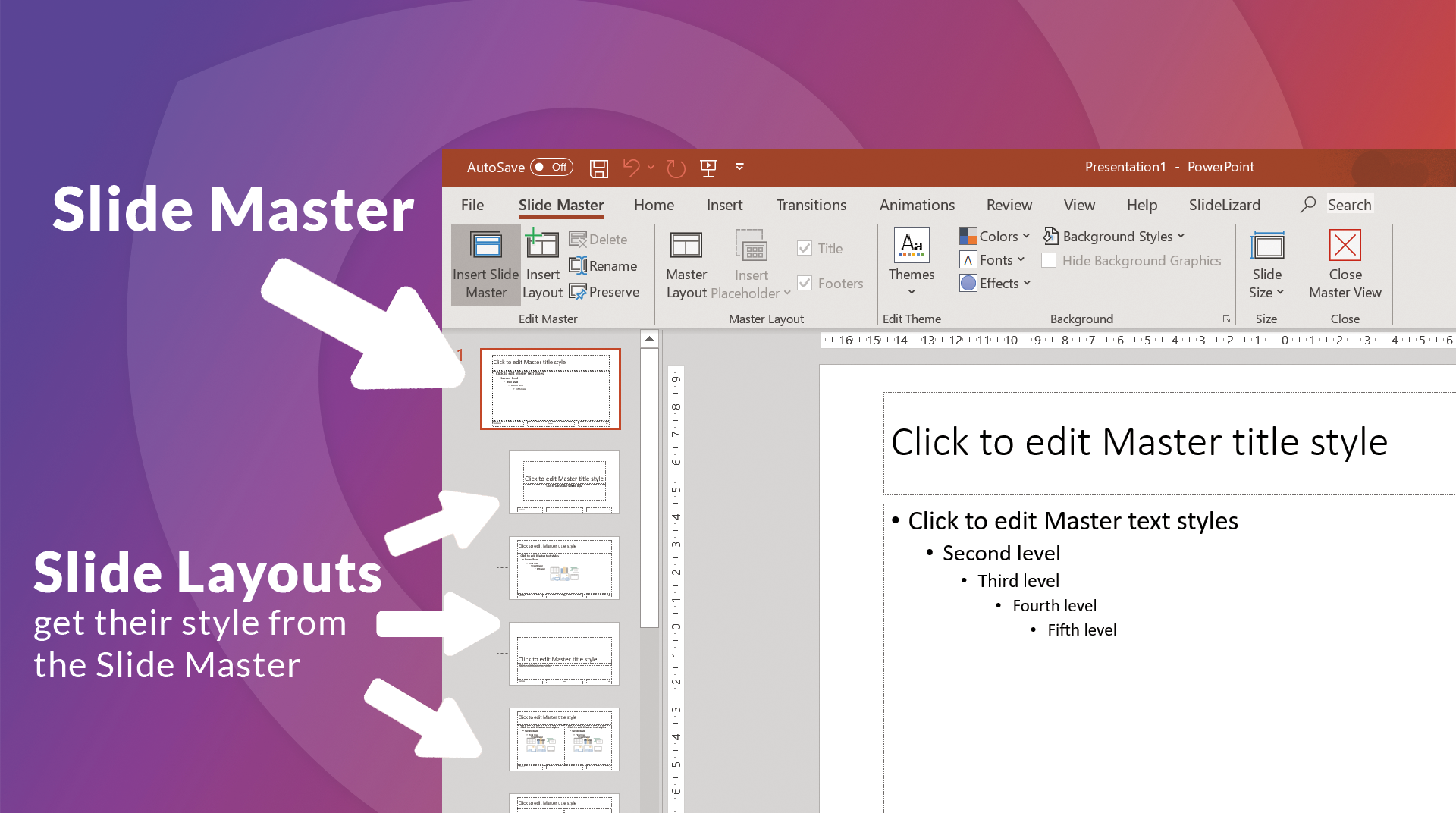
https://slidelizard.com/en/img/blog/22-create-powerpoint-template/1-slide-master-explanation.png
Step 1 Know the purpose of your flowchart Step 2 Start with a template Step 3 Add shapes and symbols Step 4 Connect your shapes with lines and arrows Step 5 Split paths or add decisions Step 6 Customize your flowchart s appearance Step 7 Download or share your flowchart Bonus Make your flowchart interactive
Templates are pre-designed files or files that can be utilized for numerous purposes. They can conserve effort and time by providing a ready-made format and design for producing various type of content. Templates can be utilized for personal or expert projects, such as resumes, invites, leaflets, newsletters, reports, discussions, and more.
How Do I Create A Custom Flowchart In Powerpoint

How Do I Create An Automator Application That Gets A File As An
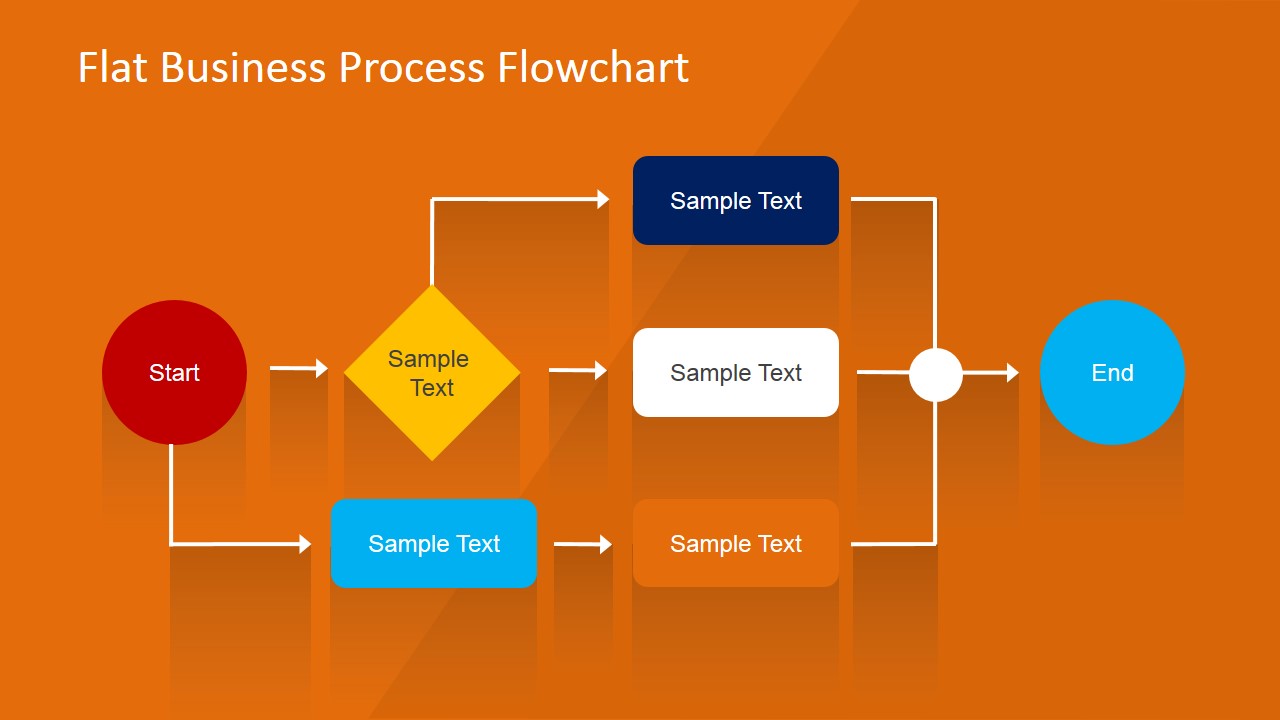
Flowchart Design Ideas Design Talk

How To Create A Process Flowchart Free Trial For Mac PC Business

Quick Notion Project Dynamic Org Chart Of Your Client Personnel ZDNET
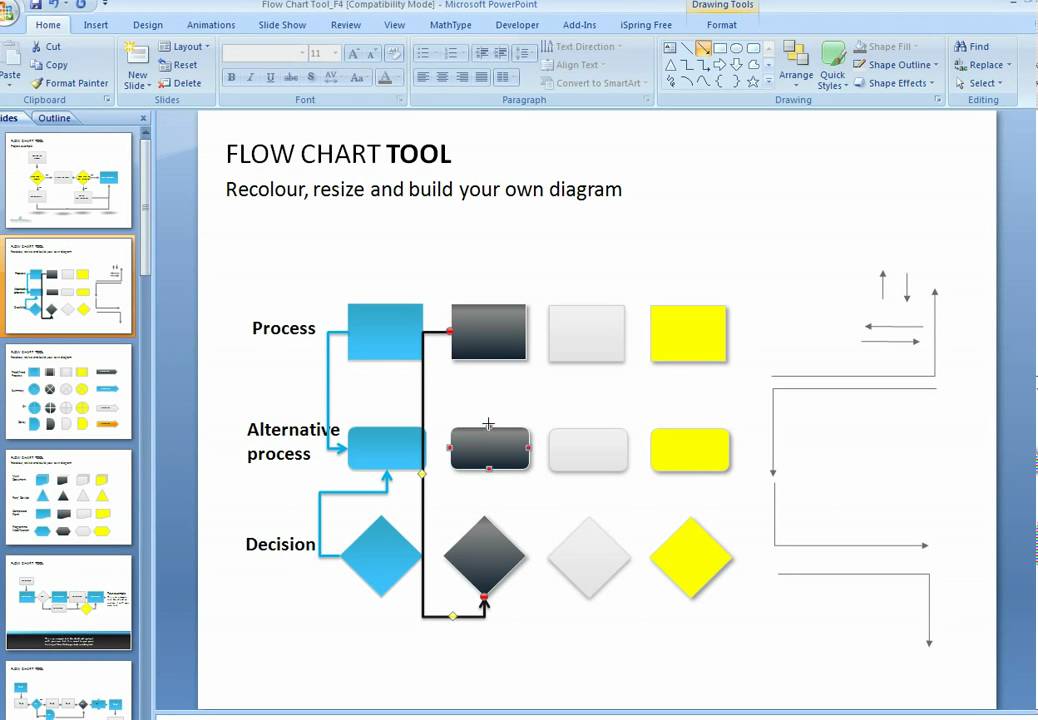
How To Create A Flowchart In PowerPoint YouTube
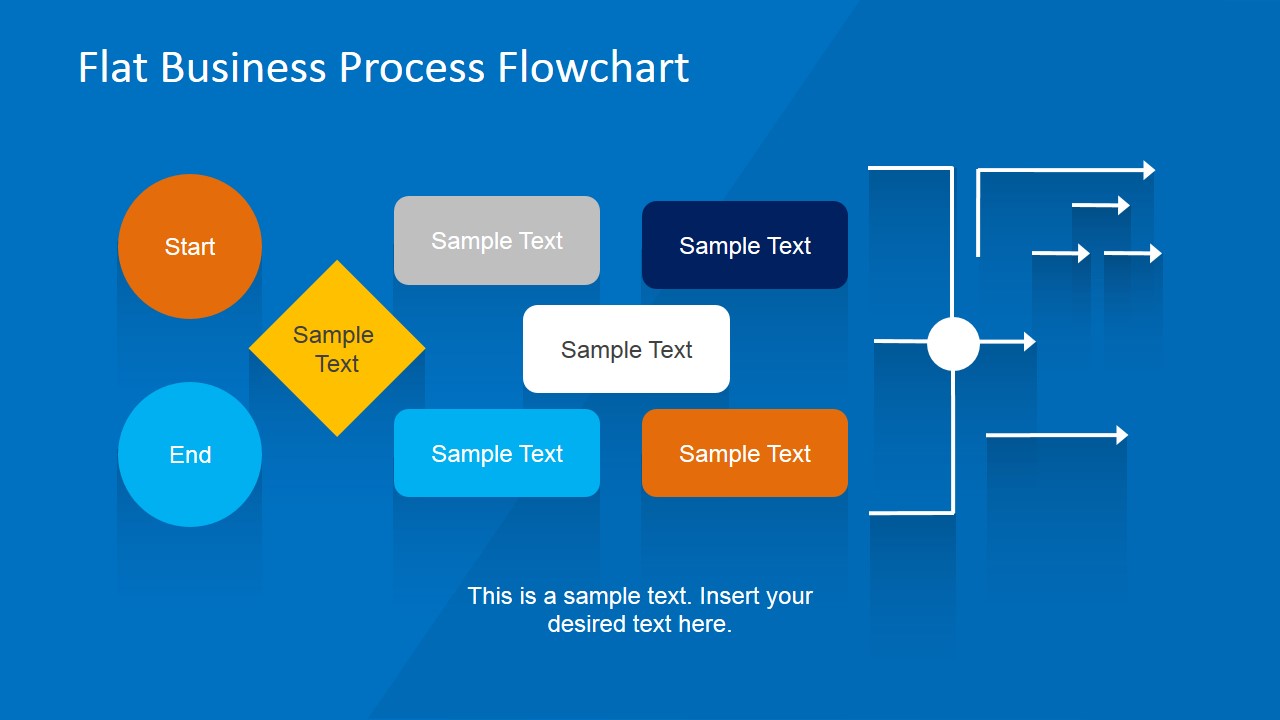
Free Flowchart Template Powerpoint Printable Word Searches
This article explains how to create a flow chart that contains pictures You can use the methods described in this article to create or change almost any SmartArt graphic Try different layouts to achieve the results you want What do you want to do Create a flow chart with pictures Add or delete boxes in your flow chart

You might want to know how to create flowchart in PowerPoint for your business because you want to communicate a process through a diagram A flowchart help
You can insert a flow chart into your PowerPoint presentation by using a SmartArt graphic Windows macOS Web On the Insert tab click SmartArt In the Choose a SmartArt Graphic dialog box on the left select the Process category Single click a flow chart in the middle pane to see its name and description in the right pane of the dialog box

Create diagrams Create a flowchart Try it The flowchart templates include shapes you can use to show many kinds of processes Open the basic flowchart template Select File New Select Basic Flowchart Select Create Add and connect shapes Select the Basic Flowchart Shapes stencil if necessary
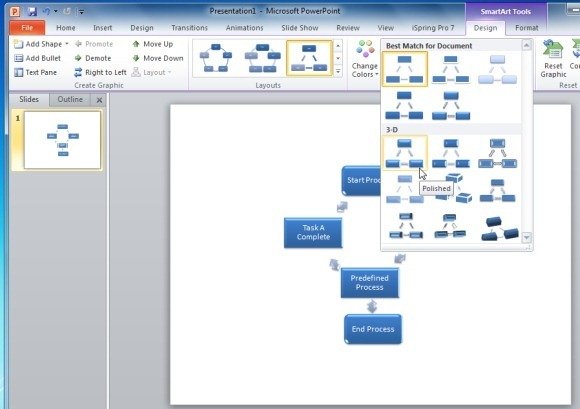
Video Create a flow chart Microsoft Support Training Create a flow chart in PowerPoint 2013 to illustrate sequential steps in a process and choose from a variety of layouts and options Take this short course to learn more PowerPoint ZPP150 End User Training
Start Visio Click the Flowchart category Double click Basic Flowchart For each step in the process that you are documenting drag a flowchart shape onto your drawing Connect the flowchart shapes by holding the mouse pointer over the first shape and then clicking the small arrow that appears that points to the shape you want to connect to September 2 2023 How to Add a Flow Chart in PowerPoint Adding a flow chart to your PowerPoint presentation can be an effective way to communicate complex ideas in a clear and organized manner With the right tools and techniques you can create an impressive flow chart that will engage your audience and help them better understand your message
Step 2 Add Process Layout Information In the next step fill the boxes to create a sequential process layout When making a flowchart make sure that the shapes you use are appropriately placed Example of a simple 3 step flow chart slide in PowerPoint