Homebrew Mac M1 Command Not Found Install Homebrew On M1 Mac YouTube Homebrew Your Command Line Tools Are Too Outdated CoadyTech How To Fix Homebrew Command Not Found On MacOS LinuxPip How To Install Homebrew On Apple M1 Macs YouTube M1 Command Snowdeer s Code Holic WEB May 25 2022 nbsp 0183 32 But if you install Homebrew on an M1 Mac running Apple Silicon then Homebrew gets installed in opt homebrew bin gt M1 which brew opt homebrew bin brew Since opt homebrew bin is not included in your PATH by default there is some extra configuration needed to allow you to use packages installed
WEB 14 Comments Homebrew can be installed on Apple silicon M1 devices but the installation script put the files into this directory opt homebrew So when you try to use any WEB Feb 10 2021 nbsp 0183 32 Homebrew now provides native support for MacBooks with M1 Silicon installing brew on macOS Big Sur is simple just open terminal and run the below command bin bash c quot curl fsSL https raw githubusercontent Homebrew install HEAD install sh quot
M1 Command Snowdeer s Code Holic Mac M1 Git Suppppppp How To Install Homebrew On A Mac Apple s New M1 based MacBook Pro Has Promise And Pitfalls M1 Homebrew Mac M1 Homebrew Suppppppp C mo Instalar Homebrew En MacOS Catalina O M1 Mac IFixit s Teardown Shows How Similar The New M1 MacBook Is How To Fix Command Not Found Brew Error In Mac TechLatest
Homebrew Mac M1 Command Not Found
 Homebrew Mac M1 Command Not Found
https://i.ytimg.com/vi/rFBYQihM_cA/maxresdefault.jpg
WEB Mar 23 2022 nbsp 0183 32 1 Did you actually type the or is it your shell prompt mmmmmm Mar 23 2022 at 23 35 It is just as you read I typed the I used the copied GitHub code from github OSGeo homebrew osgeo4mac readme They make is sound super simple just type these lines in with the formula and you get the content download JS Drone
Pre-crafted templates use a time-saving solution for developing a varied range of files and files. These pre-designed formats and designs can be made use of for numerous personal and expert tasks, including resumes, invitations, leaflets, newsletters, reports, presentations, and more, simplifying the material production procedure.
Homebrew Mac M1 Command Not Found
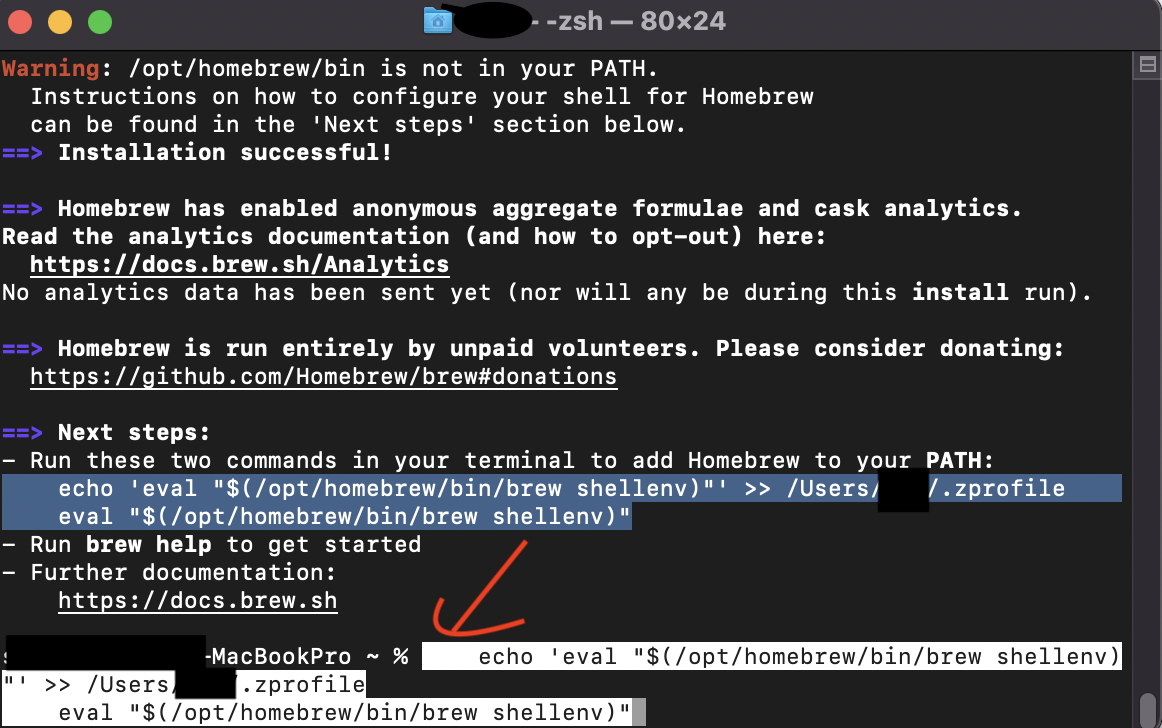
MacOS 12 Monterey Homebrew brew Install command Not Found
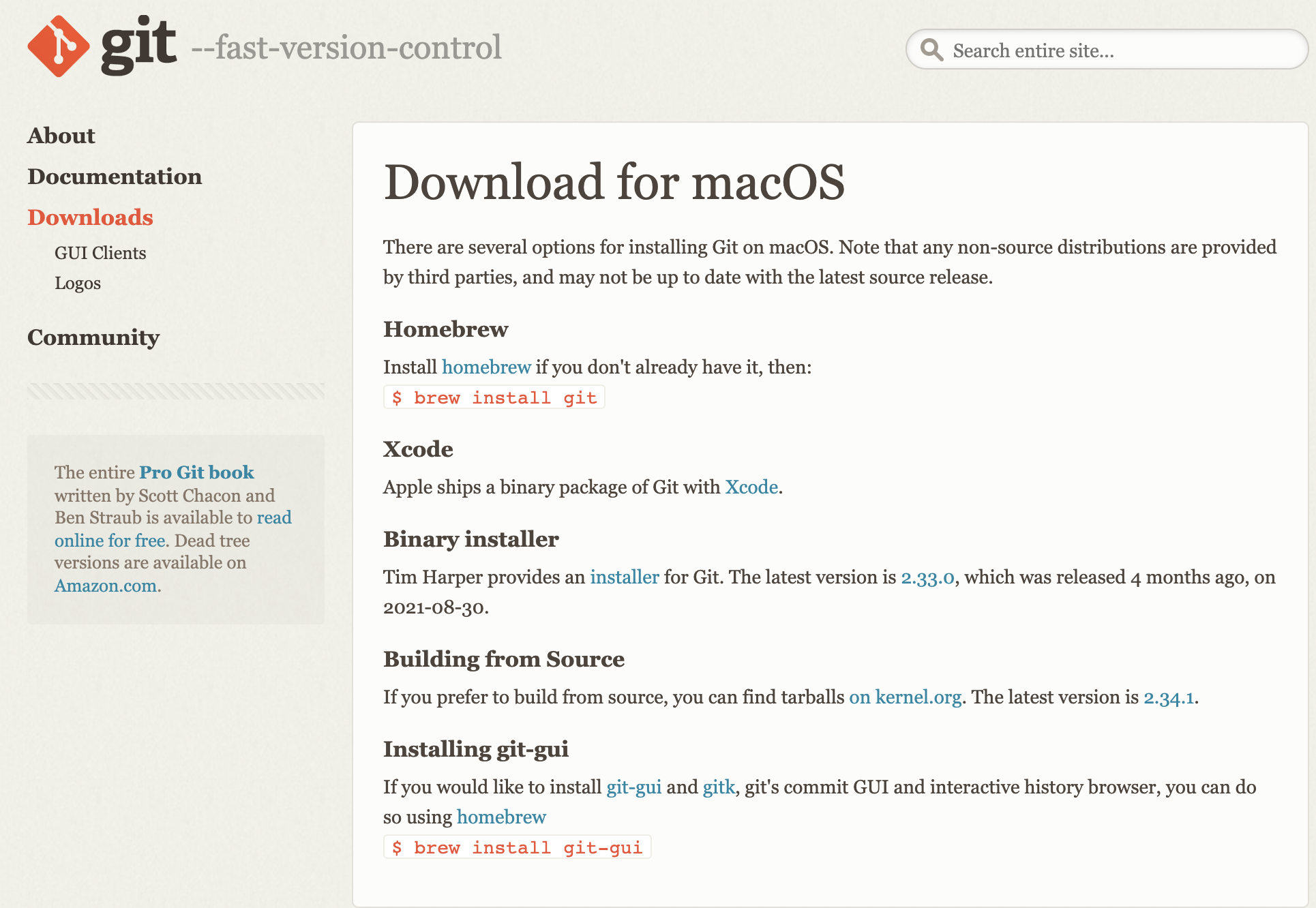
Mac M1 Git Suppppppp

How To Install Homebrew On A Mac
Apple s New M1 based MacBook Pro Has Promise And Pitfalls
Mac M1 Homebrew Suppppppp

C mo Instalar Homebrew En MacOS Catalina O M1 Mac

WEB Mar 17 2021 nbsp 0183 32 11 Answers Sorted by 546 Homebrew installation on apple silicon step by step Open a terminal window it should be zsh Run this command bin bash c quot curl fsSL https raw githubusercontent Homebrew install HEAD install sh quot
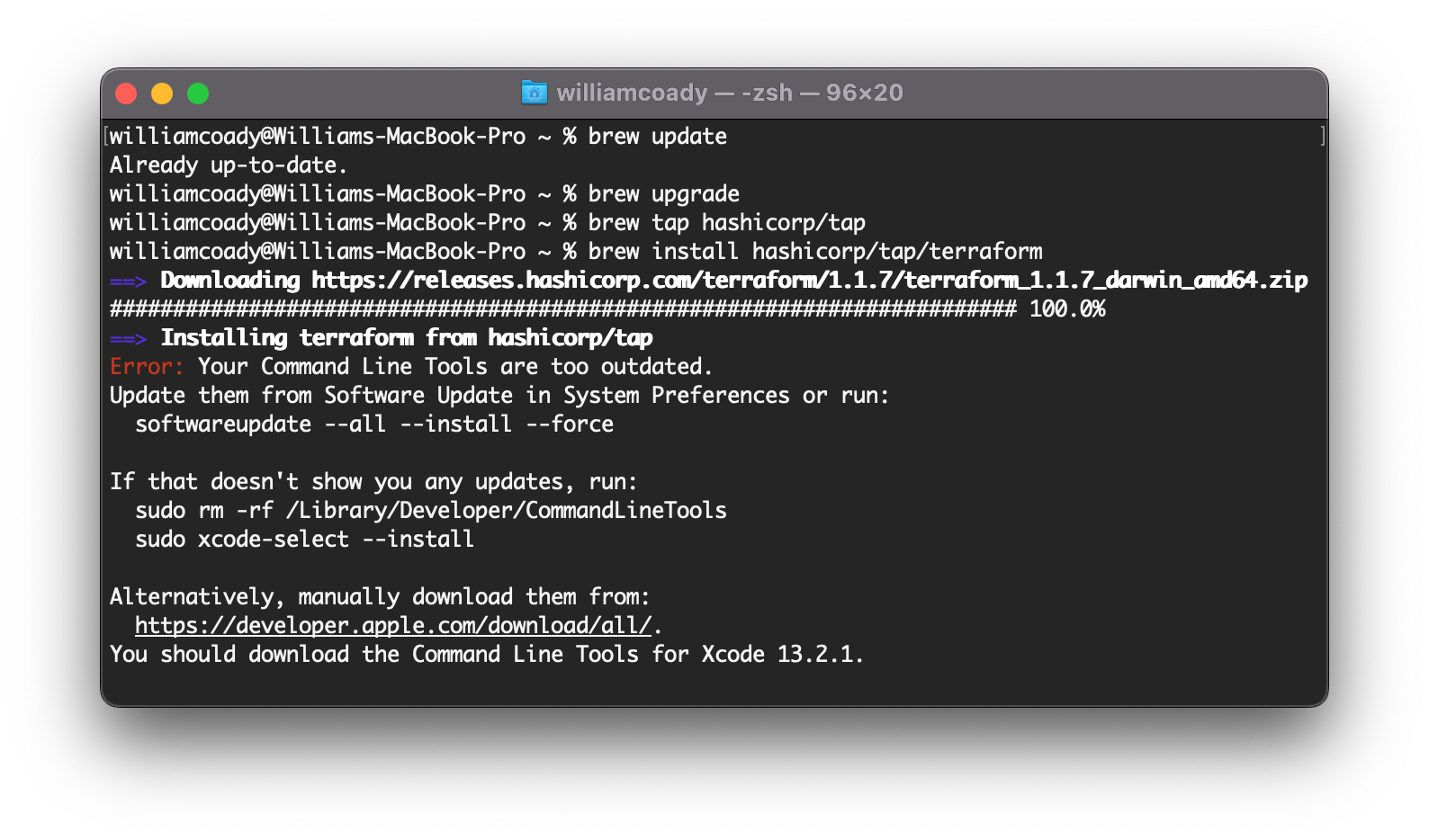
WEB I faced the same problem of brew command not found while installing Homebrew on mac BigSur with M1 processor I Install XCode if it is not installed yet II Select terminal app in Finder III RMB click on Terminal and select quot Get Info quot IV Select Open using Rosetta checkbox V Close any open Terminal windows

WEB Apr 19 2023 nbsp 0183 32 Fix zsh brew command not found on Mac with zsh Shell First we re going to reinstall Homebrew Do this even if you have already installed Homebrew into Ventura or your current MacOS version and whether your Mac is an M1 M2 or otherwise At the command line enter the following exactly

WEB Jan 29 2021 nbsp 0183 32 The Homebrew installer doesn t make this edit but rather instructs the user to do it which you probably missed Add the following line to zshrc eval opt homebrew bin brew shellenv You can either add it with a text editor or by executing a shell command echo eval opt homebrew bin brew shellenv gt gt HOME zshrc
WEB Dec 31 2020 nbsp 0183 32 Closed 3 tasks done reanseih opened this issue on Dec 31 2020 183 8 comments 183 Fixed by Homebrew install 513 reanseih commented on Dec 31 2020 Bug report Please note we will close your issue without comment if you delete do not read or do not fill out the issue checklist below and provide ALL the requested information
WEB Nov 1 2021 2 Photo by Elevate on Unsplash Installing Brew on your Mac is important because it helps you install other things Start by running the command below also found on the WEB The context of my brew not recognized anymore problem is a bit more specific I m using iTerm instead of Terminal I installed brew in the standard way to the standard place I used brew to install zsh and oh my zsh and at that point the brew command stopped working
WEB Jan 5 2021 nbsp 0183 32 bin bash c quot curl fsSL https raw githubusercontent Homebrew install HEAD install sh quot However after the operation successfully completed there was a warning in terminal warning bin opt path does not exist And when I attempted to run a brew doctor the command was not found