Hikvision Cctv Hard Reset How To Reset Hikvision Camera Use Deferent Ways Hikvision Dvr Firmware Upgrade Auditgreat Reset Dvr Hikvision YouTube Reset Hikvision DVR V3 4 And Newer YouTube Manzana Repertorio Sensor Valores De Fabrica Dvr Hikvision Hay Una A New Video Added to our New How To Series Here we show you a quick guide on how to Reset your Hikvision DVR NVR back to factory default We will be adding
Learn how to reset a Hikvision camera to factory defaultIn this video I show how to reset the Hikvision camera to factory default If you lost the password a On the majority of Hikvision s newer camera models there will be a pushbutton on the camera which will allow to carry out a hard reset without needing to log into it This is most useful when you have forgotten your password as it allows you to set a new password on the camera while avoiding much of the faff involved in doing this through
Manzana Repertorio Sensor Valores De Fabrica Dvr Hikvision Hay Una SADP Tool Hikvision Password Reset XVRAID XVR DVR NVR CCTV DESK Hikvision 2MP Outdoor Network PTZ Dome Camera DS 2DF8250I5X AELW Reset Hikvision Camera To Default Seeds yonsei ac kr How To Reset A Hikvision Camera back To Factory Defaults Learn CCTV H NG D N RESET C NG CAMERA IP HIKVISION HOW TO HARD RESET HIKVISION Zmodo Knowledge Base Wireless Kit NVR Password Reset How To Reset Password Of CCTV DVR NVR Hikvision Arindam Bhadra Reset IP Security Cameras
Hikvision Cctv Hard Reset
 Hikvision Cctv Hard Reset
https://gadgetpursuit.com/wp-content/uploads/The-Hikvision-Cameras-With-Hard-Reset-Buttons.jpg
1 Press and hold down the reset button for 30 seconds while the camera is on then power it down 2 Continue to hold the reset button down for a second 30 seconds then power it back up 3 Continue to hold the reset button down for a final 30 seconds then let go of the button
Templates are pre-designed files or files that can be used for numerous functions. They can conserve effort and time by supplying a ready-made format and layout for creating different type of content. Templates can be utilized for personal or expert tasks, such as resumes, invites, leaflets, newsletters, reports, discussions, and more.
Hikvision Cctv Hard Reset

HIKVISION How To Hard Reset IP Camera YouTube

SADP Tool Hikvision Password Reset XVRAID XVR DVR NVR CCTV DESK

Hikvision 2MP Outdoor Network PTZ Dome Camera DS 2DF8250I5X AELW

Reset Hikvision Camera To Default Seeds yonsei ac kr

H NG D N RESET C NG CAMERA IP HIKVISION HOW TO HARD RESET HIKVISION
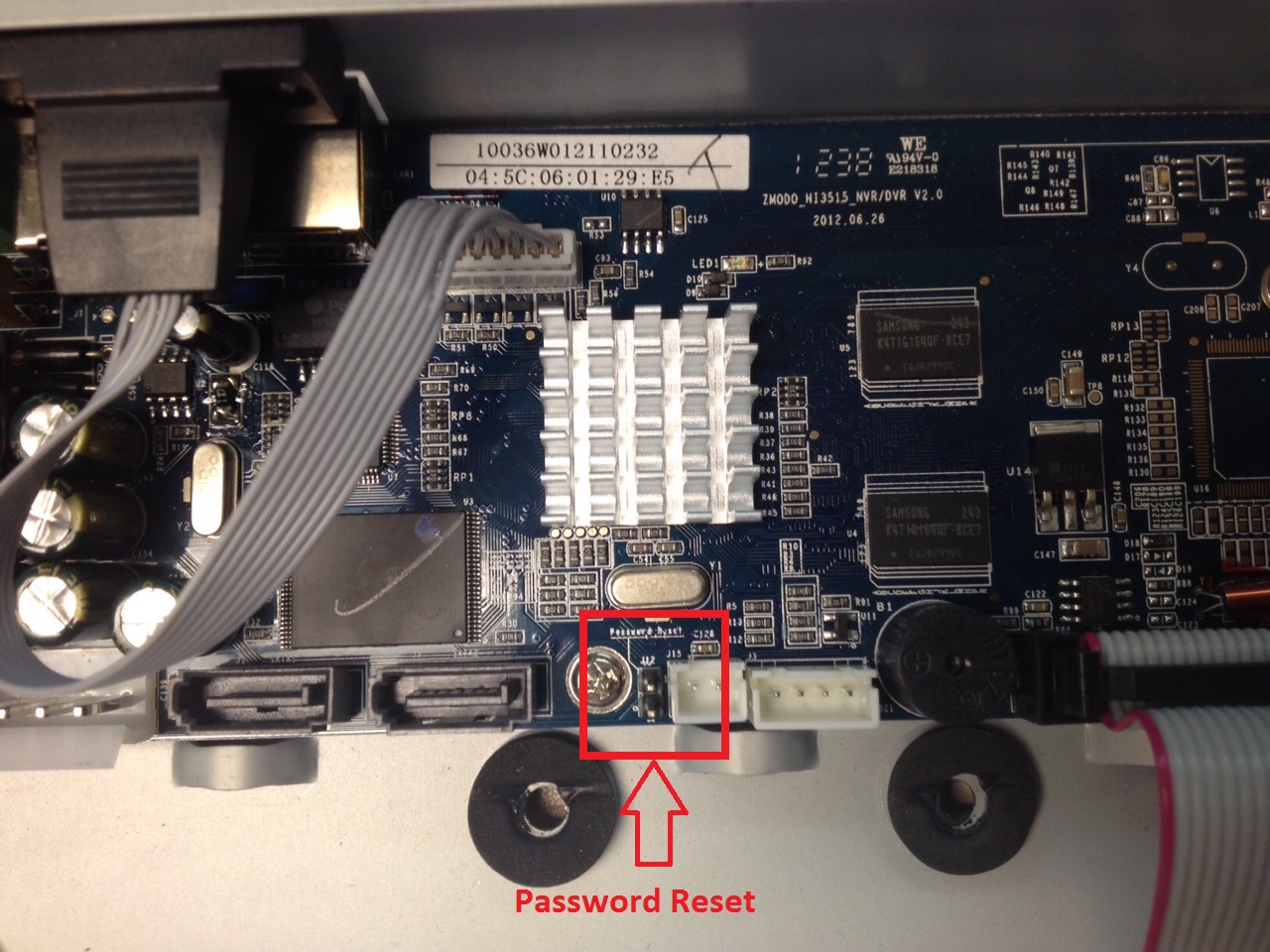
Zmodo Knowledge Base Wireless Kit NVR Password Reset
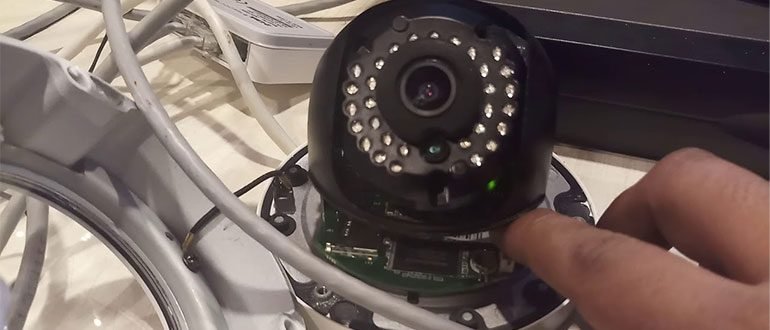
Our shop https icamera ch

Quick Guide 1 Open IP camera don t give power 2 Push hold Reset button with small wood stick3 Connect power supply 12V or PoE to the camera don t re

Best Security Devices 3 1K subscribers Subscribe Subscribed 23K views 1 year ago bestsecuritydevices In this video I show how to reset a Hikvision camera to recover from a lost password

1 Press and hold the reset button on the camera for a total of 1 5 minutes 90 Seconds 2 After the first 30 seconds disconnect the network cable with your other hand do not let up on the reset button Wait 30 seconds 3 Re connect the network cable again do not let up on the reset button Wait 30 seconds 4 Release the reset button
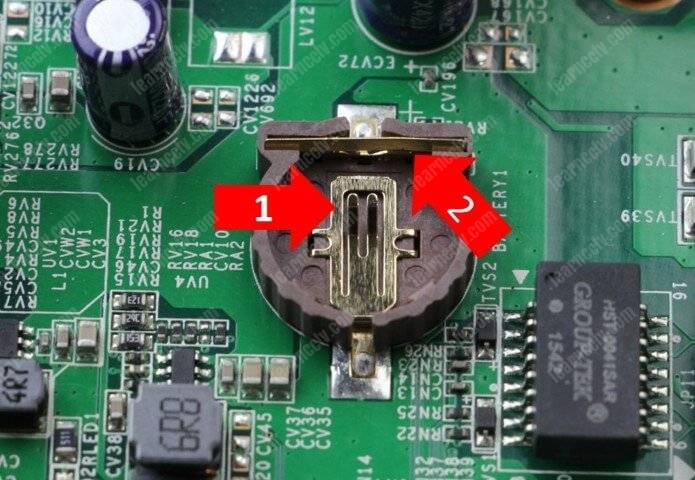
Press and hold the reset button Power up the camera Keep holding the reset button for 15 20 seconds Release the reset button After the camera reset you need to use the SAPD tool or a web browser to setup it again since it will lose all the previous configuration including IP address 2 Hikvision IP camera reset via a web browser
Product page URL Don t forget to like if you found the video helpful and subscribe to get notified when we get new products in To find out all of your pr This page will show you how to do a self service password reset on your Hikvision devices Click to learn more Products TandemVu PTZ Cameras Solar powered Security Cameras LED Displays Solutions Maximize site security 24x7 with Hikvision DarkFighterS and DarkFighterX
Follow these steps to reset your IP camera without a reset button with the management page Open Web Browser and Type the Camera s Default IP Address Type the Username and Password on the Login Page Click Through the Settings Menu Until you See Factory Reset Default