Google Contacts App For Iphone How To Sync IPhone With Yahoo And Google Contacts How To Sync Google Contacts With IPhone Cara Menghapus Semua Kontak Di Iphone Homecare24 How To Get Your Google Contacts Onto Your IPhone Google Contacts App Gets Dark Mode Via V3 2 Update Web Result Apr 23 2023 nbsp 0183 32 Fortunately iOS offers built in functionality that allows for easy syncing of Google contacts with your iPhone In this comprehensive guide we ll walk you through the process of setting up seamless contact syncing ensuring your contacts are always up to date and accessible Open the Settings app on your
Web Result Contacts Sync Google Contacts with your mobile device or computer You can sync your Google Contacts to a phone tablet and computer When you change a contact that contact will Web Result Sep 25 2019 nbsp 0183 32 1 Go into your iPhone and open the Settings app 2 Scroll down and tap quot Passwords amp Accounts quot Navigate through the Settings menu until you find Passwords amp Accounts Emma Witman Business
Google Contacts App Gets Dark Mode Via V3 2 Update Google Contacts V1 5 Revamps UI Adds Hamburger Menu And More Google Contacts Now Available On Any Android Phone With Lollipop Or Above iOS Advice How To Sync Google Contacts With Your IPhone YouTube Google Contacts App Adds Dark Mode How To Sync Google Contacts With Windows 10 People App Miapple me How To Sync Google Contacts With Windows 10 People App Miapple me Google Contacts V3 0 Adds Material Theme And A Tweaked App Icon Pixel Google Contacts App Update Brings UI Changes Action Buttons For
Google Contacts App For Iphone
 Google Contacts App For Iphone
https://fthmb.tqn.com/JzNgX2W8i_e6DOdBt4BZGfs1Ulk=/768x0/filters:no_upscale():max_bytes(150000):strip_icc()/sync-google-contacts-iphone-5806e9a65f9b5805c2eb67b9.PNG
Web Result With Contacts Sync you can quickly amp easily sync your Google or Outlook contacts with iPhone giving you access to your contacts wherever you go This app distinguishes itself with its reliability ease of use speed and with a true quot 2 way sync quot that merges changes made to either account
Templates are pre-designed files or files that can be utilized for numerous functions. They can save time and effort by providing a ready-made format and layout for developing various kinds of material. Templates can be utilized for personal or professional tasks, such as resumes, invitations, flyers, newsletters, reports, presentations, and more.
Google Contacts App For Iphone
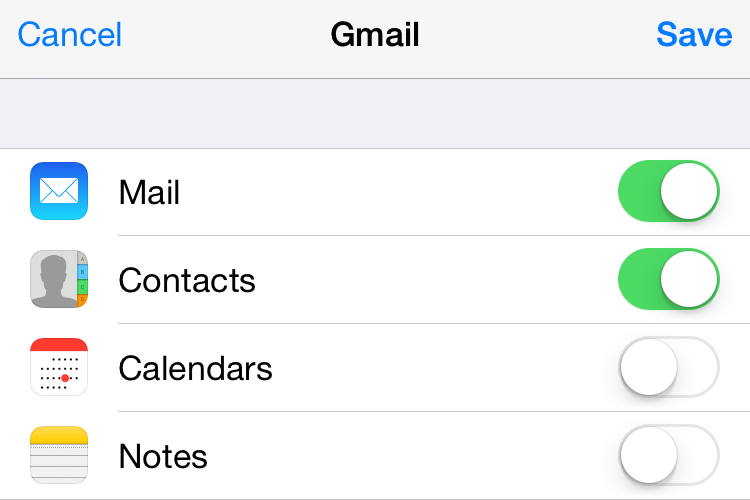
How To Get Your Google Contacts Onto Your IPhone
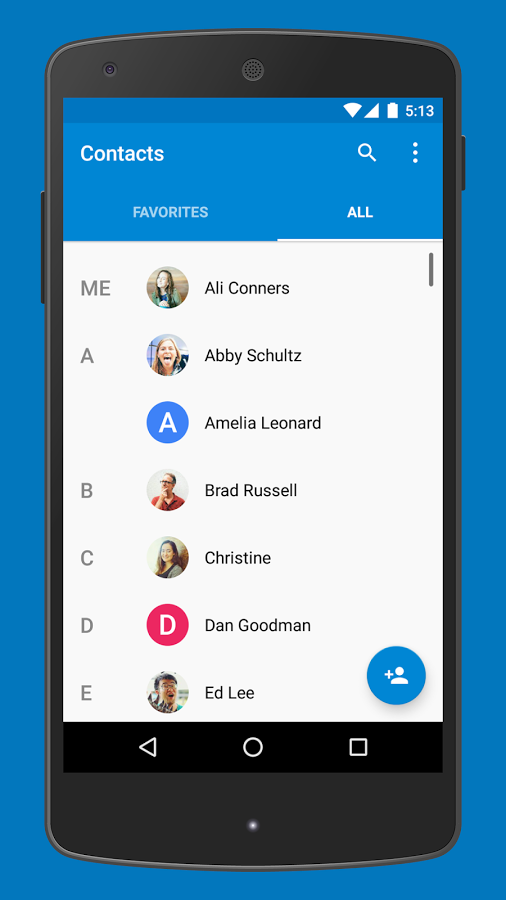
Google Contacts V1 5 Revamps UI Adds Hamburger Menu And More
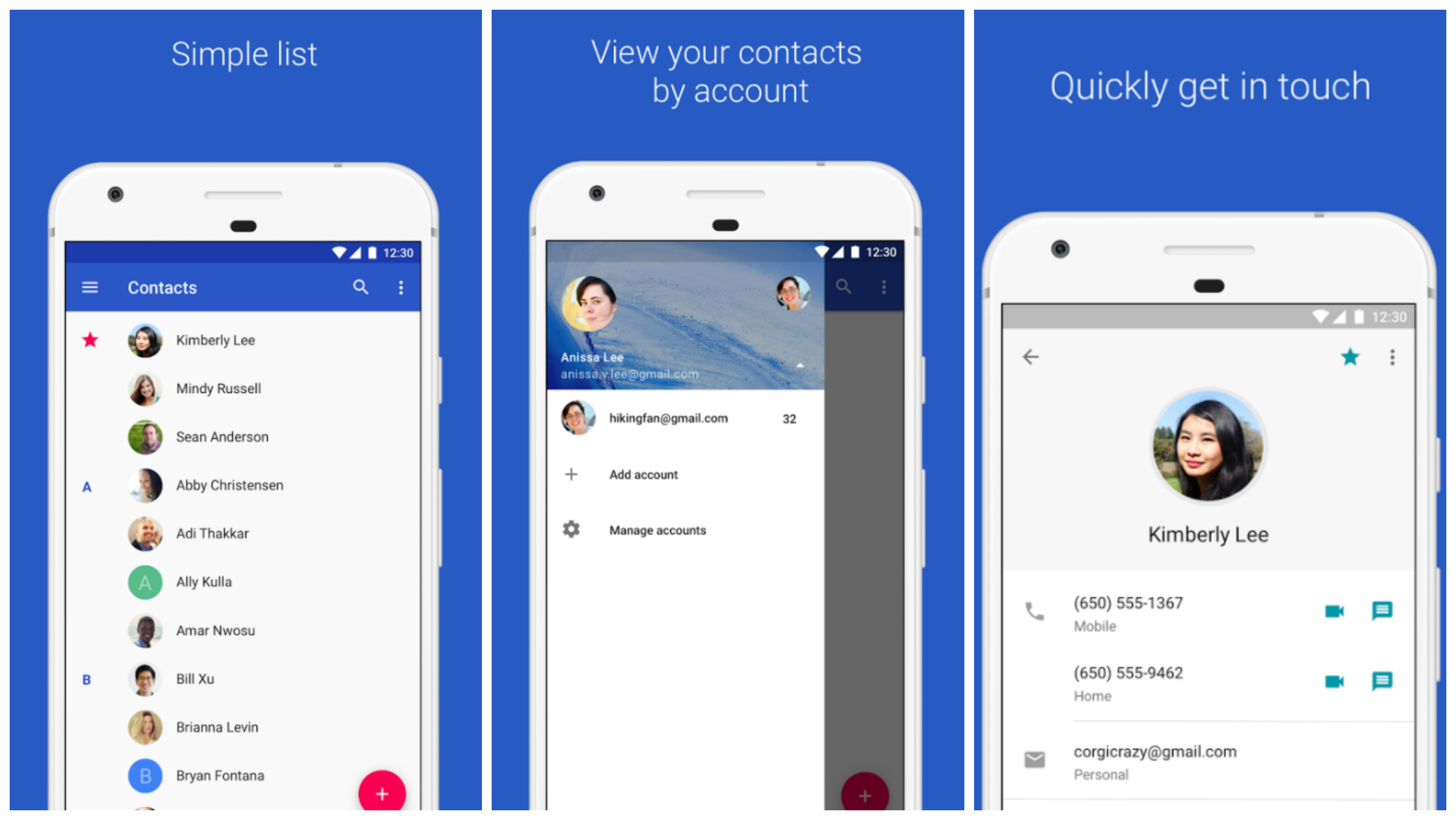
Google Contacts Now Available On Any Android Phone With Lollipop Or Above
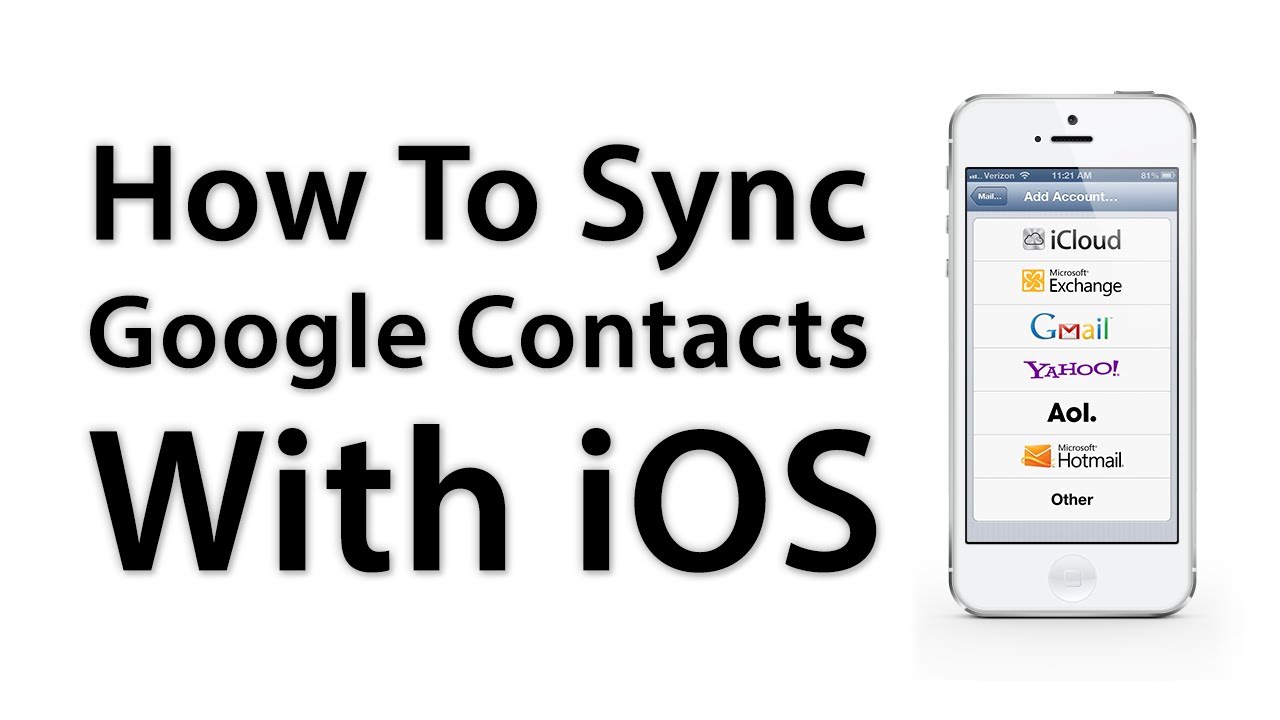
iOS Advice How To Sync Google Contacts With Your IPhone YouTube

How To Sync Google Contacts With Windows 10 People App Miapple me

How To Sync Google Contacts With Windows 10 People App Miapple me

Web Result Oct 11 2022 nbsp 0183 32 Here s how to sync Google contacts to iPhone via the Settings app Open the Settings app on your iPhone Select Mail Choose Accounts Select your Gmail account Make sure Contacts is toggled on Whichever method for syncing contacts you use one thing you should definitely do is create backups of your
Web Result Many iPhone users wonder why there is no Google Contacts app for their devices In this Gmail Community thread you can find out the reasons and the possible alternatives You can also learn how to sync your Google Contacts with your iPhone or iPad and how to manage your contact info from your devices

Web Result Sep 29 2023 nbsp 0183 32 Introduction When it comes to managing your contacts Google Contacts is an incredibly versatile and easy to use platform However if you recently switched to an iPhone and want to access your Google contacts directly on your device you may be wondering how to download them

Web Result Aug 18 2022 nbsp 0183 32 Step 1 Open the Settings app on your iPhone Step 2 Scroll down and tap on Contacts Step 3 Tap on Accounts Step 4 Tap on Gmail Step 5 Tap the toggle next to Contacts to enable the

Web Result Oct 26 2022 nbsp 0183 32 Open the iOS Contacts app Read on to see detailed instructions for each step 1 First of all open the settings tab and then tap Contacts Image credit Future 2 If you haven t yet added
Web Result Apr 11 2016 nbsp 0183 32 To add your Gmail account and the contacts and calendars associated with that account to your iPhone tap the Settings icon on your Home screen On the Settings screen tap Mail Contacts Calendars The Mail Contacts Calendars screen lists all the Accounts you ve already added to your Web Result Jan 5 2024 nbsp 0183 32 The best contact apps for Android and iOS 1 Contacts Image credit Contacts Plus Team Contacts combines the Contacts and Full Contact mobile apps into a single contacts
Web Result Apple 3 5 2 1K Ratings Free Screenshots iPhone iPad Apple Watch With Contacts on iOS iPadOS and macOS you can store and manage your and other s contact information birthdays Contact Posters and more Easily connect with your contacts with Mail Messages Phone or FaceTime