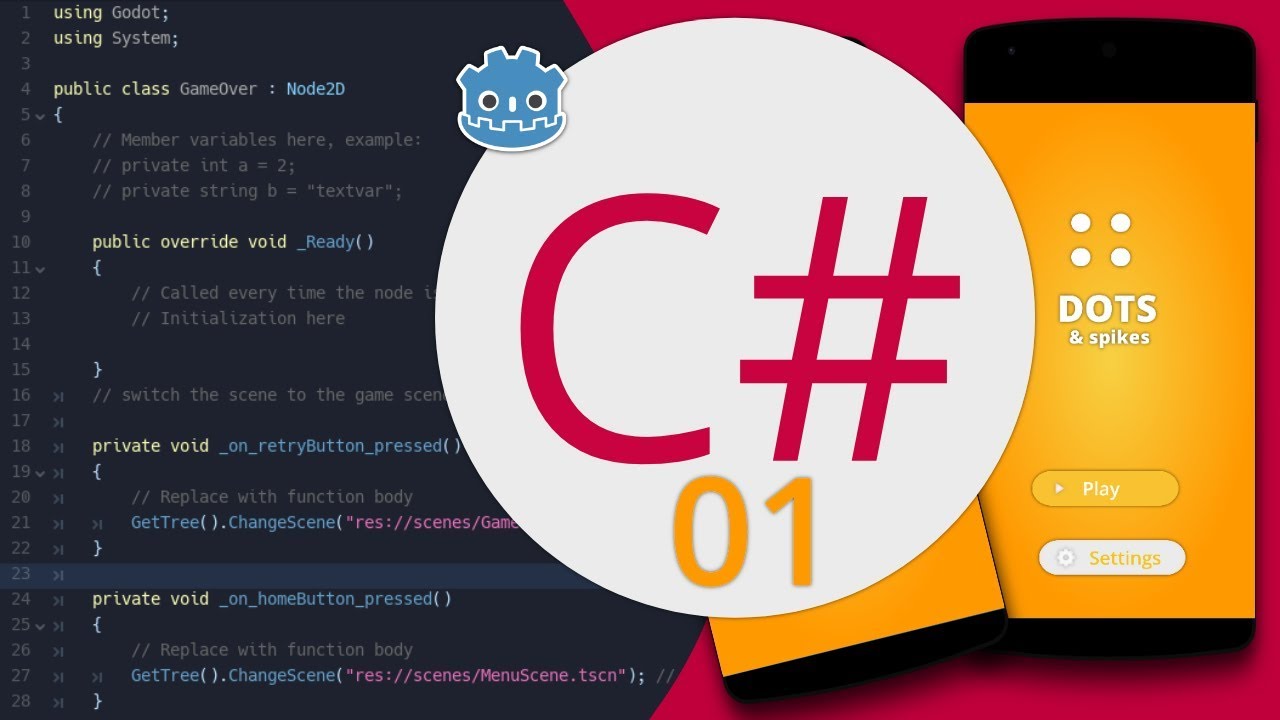
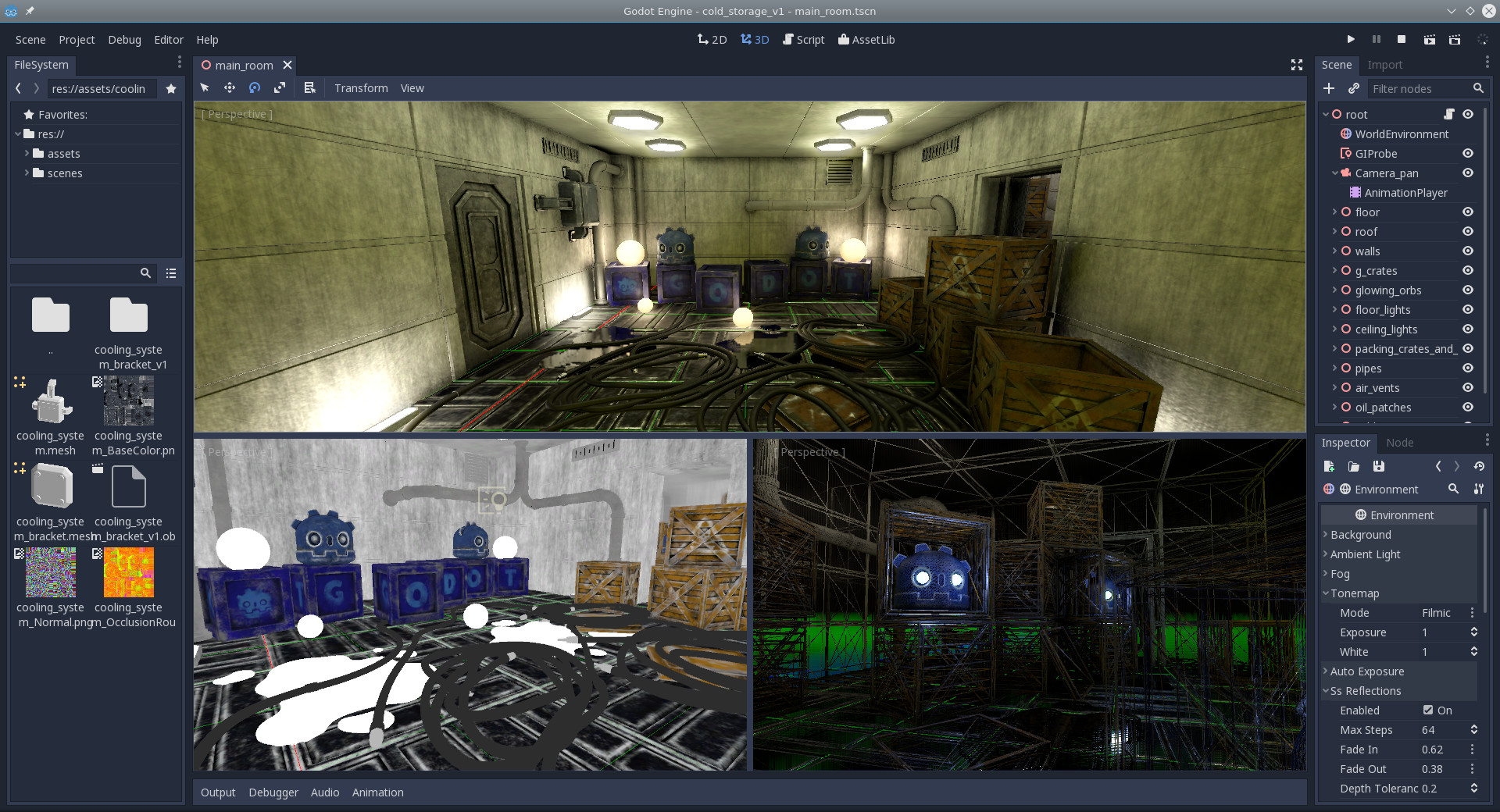
Godot Button Pressed Not Working Godot Engine Download For Free Epic Games Store If Button Is Pressed Emit The Signal Issue 18278 Godotengine Godot C 01 Switching Scenes Button Pressed Signal YouTube Godot Game Engine Addons videolan Godot 4 0 Gets SDF Based Real time Global Illumination If event is action pressed left button pressed event pressed if pressed true and then draws lines when I press left mouse click But then I added a TextureButton just to test print something and when I press it it still draws the line it draws the line under it I tried then to set Texturebutton to stop the mouse signal but it
1 I m having an issue trying to understand the ButtonGroup logic totally new to GDScript don t have a clue of what I m doing Obviously is wrong I created a scene that I saved in a folder called Interface here is how it looks Sorry I know it s probably messy The scene is called MenuButtons and it looks as follow 3 Shub rz OP 2 yr ago The button works fine the code is just the signal empire from the button into my main script the code Func button pressed Print hello That not exact word to word because I m at work right now so close enought the button works fine its just when I move it to left it doesn t work 1
Godot 4 0 Gets SDF Based Real time Global Illumination Tool Button Godot Asset Library Godot 4 Just Keep That Button Pressed Enter The Gungeon 31 YouTube Godot Theme For Buttons Checkbox Etc Godot Godot Game Engine GoTut Game And Other Tutorials How Fast Is GDScript R godot Connect Button Pressed Signal Through The Code Is Not Working Issue Wingfox Godot Engine User Interfaces Making A Dynamic Inventory
Godot Button Pressed Not Working
https://cdn1.epicgames.com/offer/916bd3319edc4e0bbb57ed7e04ad851d/EGS_GodotEngine_TheGodotEngine_S2_1200x1600-bb5b0d38d23b9869950d218727d6aea3
Can t press button r godot Hello everyone I use a weird way of scene management between 2 screens where I switch their canvas layer from 1 to 1 and hide them but when switching from the main screen to the secondary the screen displays but the buttons do not work even though through printing the layer value I can see that secondary screen
Pre-crafted templates provide a time-saving solution for producing a varied series of files and files. These pre-designed formats and layouts can be made use of for different personal and expert tasks, consisting of resumes, invites, leaflets, newsletters, reports, presentations, and more, enhancing the content creation process.
Godot Button Pressed Not Working
Qt The Startup Medium
Tool Button Godot Asset Library

Godot 4

Just Keep That Button Pressed Enter The Gungeon 31 YouTube

Godot Game Engine GoTut Game And Other Tutorials

How Fast Is GDScript R godot
1 Answer Sorted by 3 The likely source of your problem is the combination of physics process and is action just pressed physics process is not guaranteed to be called every frame and so it can easily miss the action
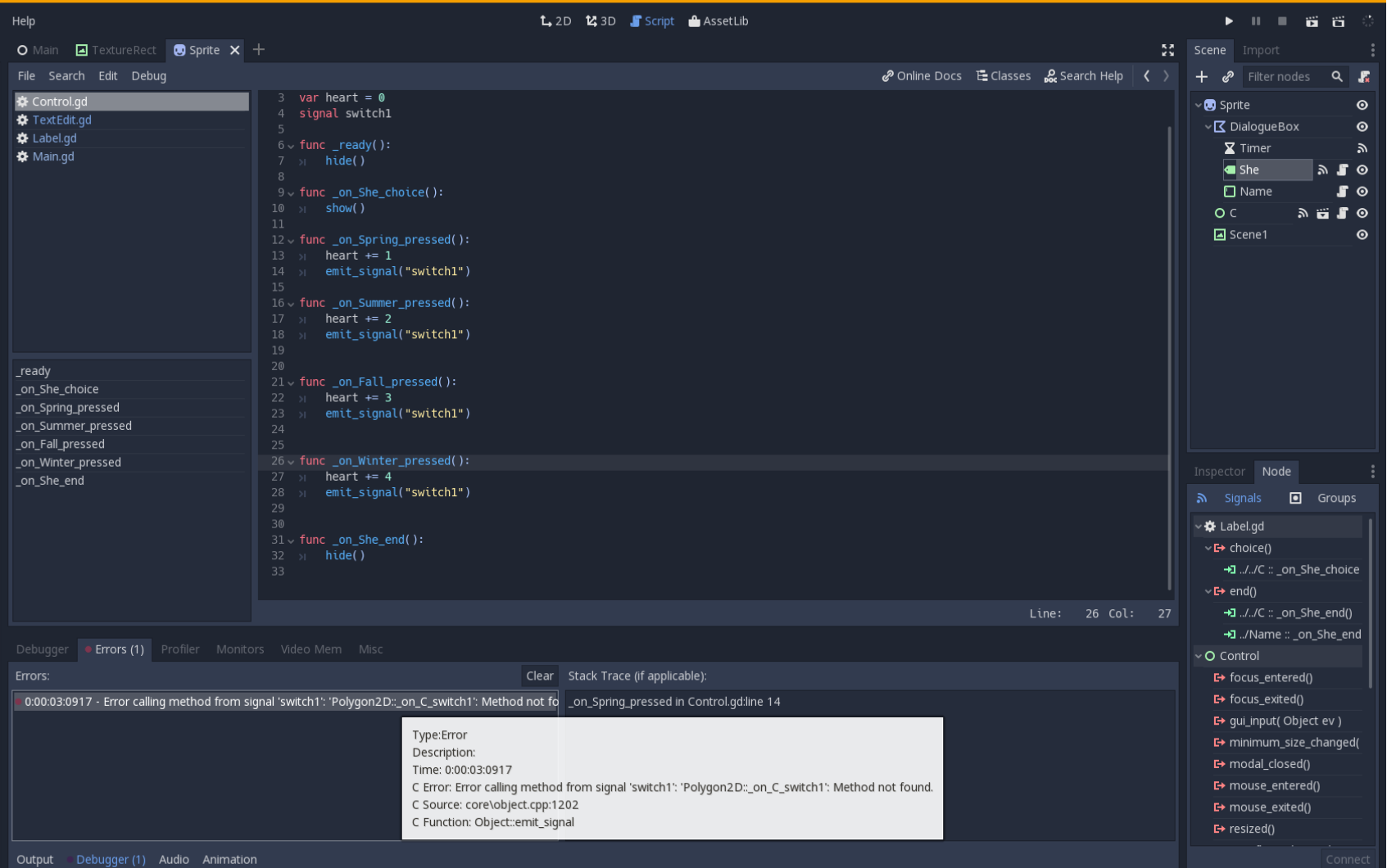
To make that happen you need to connect that button s pressed signal to the on New Game pressed function I assume you know how to do that from within the Node Signals inspector panel jgodfrey 2020 12 11 21 16 I clicked on node I think it was and there were a list of functions and I clicked the one I needed and it added it
Godot version 3 5 2 button buttons bug asked Engine TAT Games answer comment Hard to say without a project to look at My first guess is that you have some invisible control node above your buttons that is preventing press events from reaching them commented jgodfrey22 704 points reply
See also BaseButton which contains common properties and methods associated with this node Note Buttons do not interpret touch input and therefore don t support multitouch since mouse emulation can only press one button at a given time Use TouchScreenButton for buttons that trigger gameplay movement or actions
Godot version 3 0 6 OS device including version windows 10 pro GT 1030 gpu Issue description In the script extending button when using gui input and InputEventScreenTouch it does not cause the button to be pressed down Visuall
I generaly understand how signals work but this one simply does not work In the same project I am using tab clicked signal in Tabs node ofc and it works as expected When I click the tab with left mouse button it works and sends the signal However right button pressed just does not work If I understand correctly it should be emited The Godot Q A is currently undergoing maintenance Your ability to ask and answer questions is temporarily disabled You can browse existing threads in read only mode We are working on bringing this community platform back to its full functionality stay tuned for updates godotengine Twitter
If correct key is pressed check for next key if the incorrect key is pressed end sequence if no key is pressed do nothing What I initially tried is func process delta if Input is key pressed KEY Z print a elif Input is key pressed KEY Z print b else print c But the problem with this is that it the else will