Gitlab Delete Branch On Merge GitLab Delete Branch Example YouTube GitLab 8 14 Released With Time Tracking Beta And Chat Commands GitLab Gitlab Progrez The Business driven IT Solutions Company How To Delete A Branch Using Git Command ItSolutionStuff Git How To Specify The Branch You Want To Merge To On GitLab Stack On GitHub navigate to the main page of the repository Under your repository name click Settings If you cannot see the Settings tab select the dropdown menu then click Settings On the General settings page you can find a section called Pull Requests Under Pull Requests select or unselect Automatically delete head branches
For example in gitconfig alias mgd git merge 1 git branch d 1 Then you could run git mgd branch name to merge and delete a branch in one go Note that the lowercase d flag ensures that the branch will only be deleted if it has already been fully merged thus you don t have to worry about the first command not This answer is not useful Save this answer Show activity on this post Go to Settings General Merge requests Uncheck the box Enable Delete source branch option by default This option is only available for the maintaniner role Share Follow this answer to receive notifications edited Aug 5 2021 at 12 26
Git How To Specify The Branch You Want To Merge To On GitLab Stack Reviewing And Managing Merge Requests Merge Requests Project User Can A Deleted GitLab Branch Be Restored Stack Overflow Sign In GitLab Gitlab Unprotect Branch Dirask Protected Branches Project User Help GitLab How To Use GitLab Combine GitLab Flow And GitLab Duo For A Workflow Powerhouse Sign In GitLab
Gitlab Delete Branch On Merge
 Gitlab Delete Branch On Merge
https://i.ytimg.com/vi/YGUyHyyL9Kw/maxresdefault.jpg
Developers are forgetting to set delete source branch on their merge requests This causes us to have hundreds of stale unused branches and to preform extra cleanup actions on our repository to keep the repo from growing A default setting that deleted source branches on the same repo at least would help us reduce the clutter and reduce
Templates are pre-designed documents or files that can be utilized for different functions. They can save time and effort by supplying a ready-made format and layout for creating different sort of content. Templates can be utilized for individual or professional tasks, such as resumes, invites, leaflets, newsletters, reports, discussions, and more.
Gitlab Delete Branch On Merge

Git Create Branch Gitlab Artloced
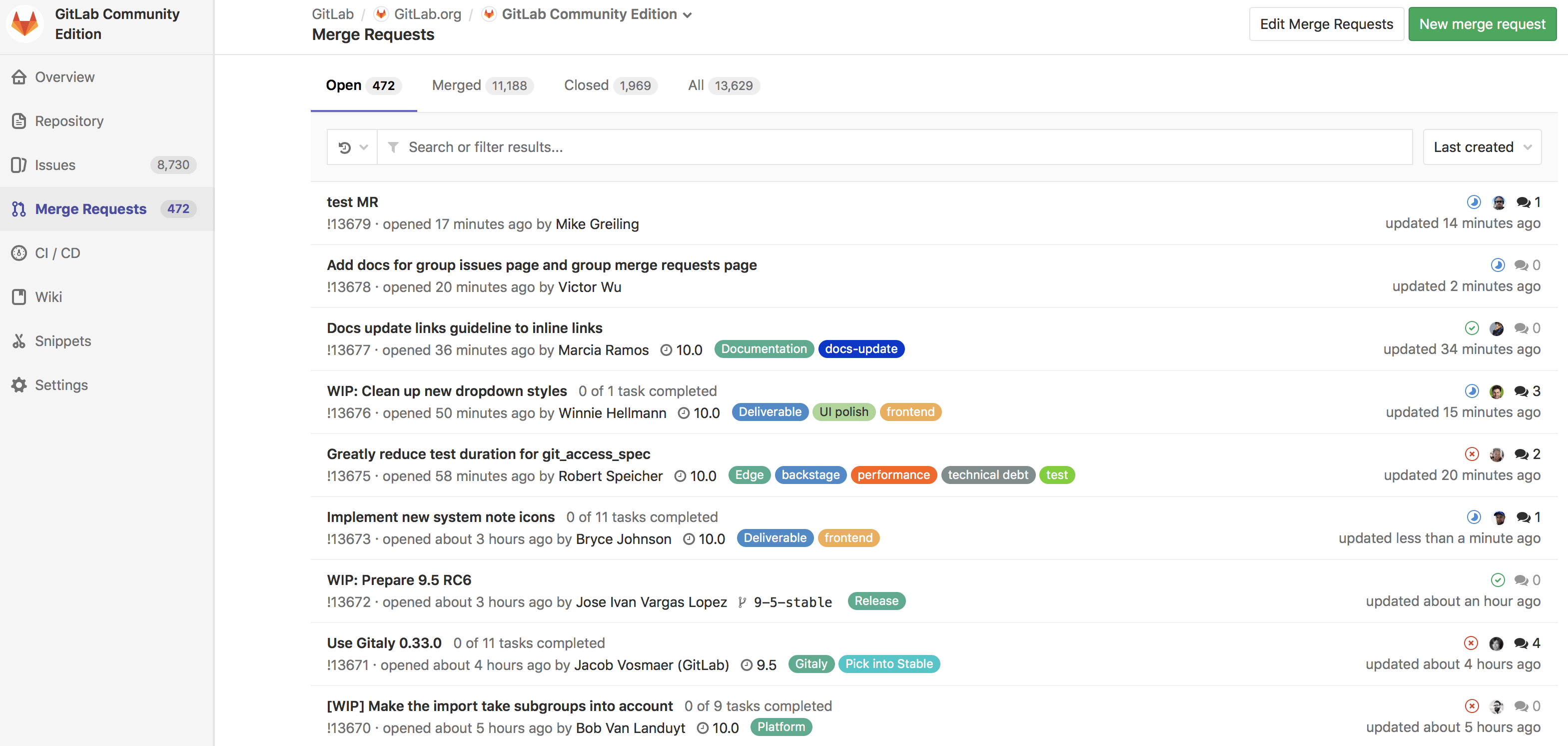
Reviewing And Managing Merge Requests Merge Requests Project User

Can A Deleted GitLab Branch Be Restored Stack Overflow

Sign In GitLab

Protected Branches Project User Help GitLab
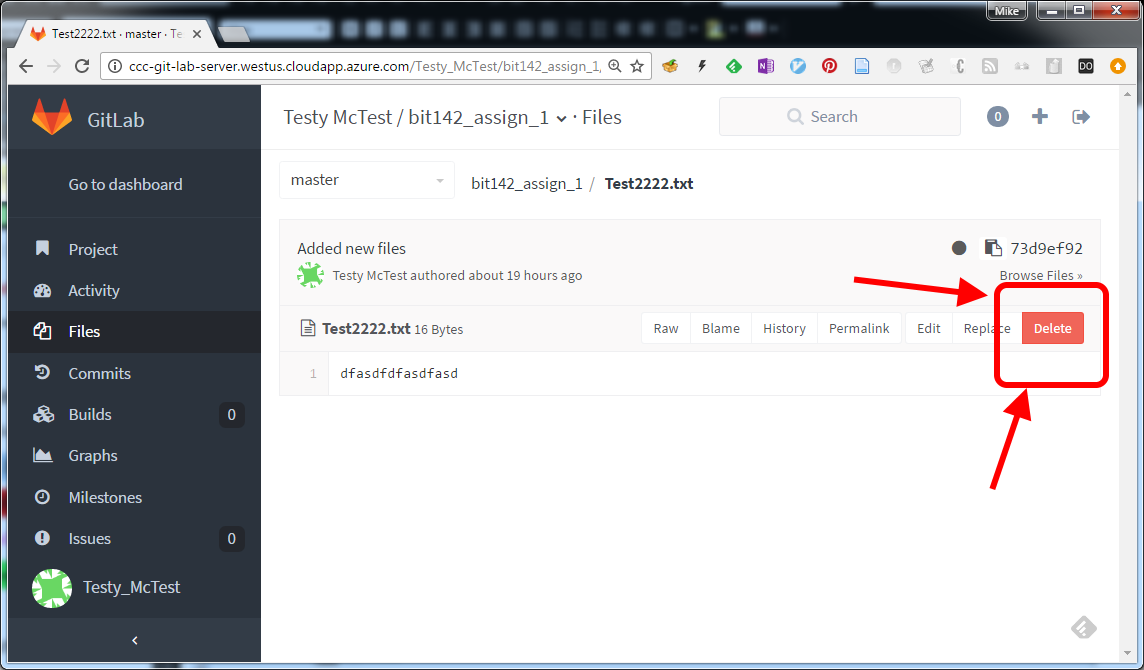
How To Use GitLab
Create branch Prerequisites You must have at least the Developer role for the project To create a new branch from the GitLab UI On the left sidebar select Search or go to and find your project Select Code Branches In the upper right corner select New branch Enter a Branch name In Create from select the base of your branch an
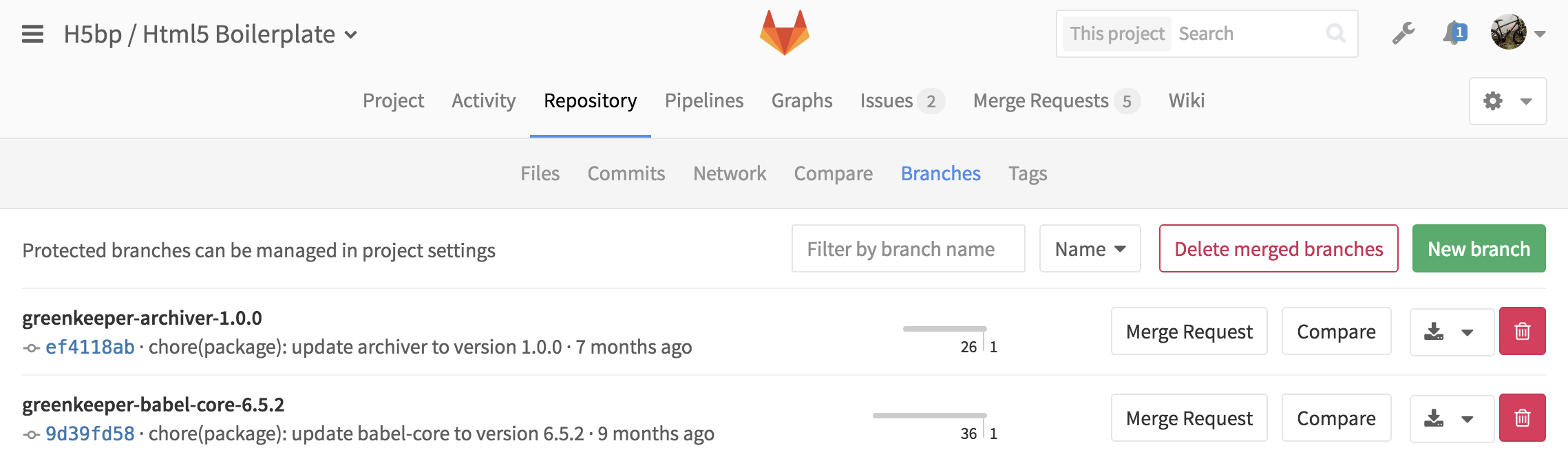
Add a comment 3 Just to clarify branch from git point of view is just link onto some commit By deleting branch you will not delete commits from git repo Of course detached commits will be cleaned after some time via git garbage collector FYI We re usually merging branches into master via bitbucket interface

8 Gitlab exposes API resource to delete all non protected branches merged into the project s default branch master per default To delete them periodically in gitlab you can create a pipeline in a gitlab ci yml and schedule it at the frequency you want Share
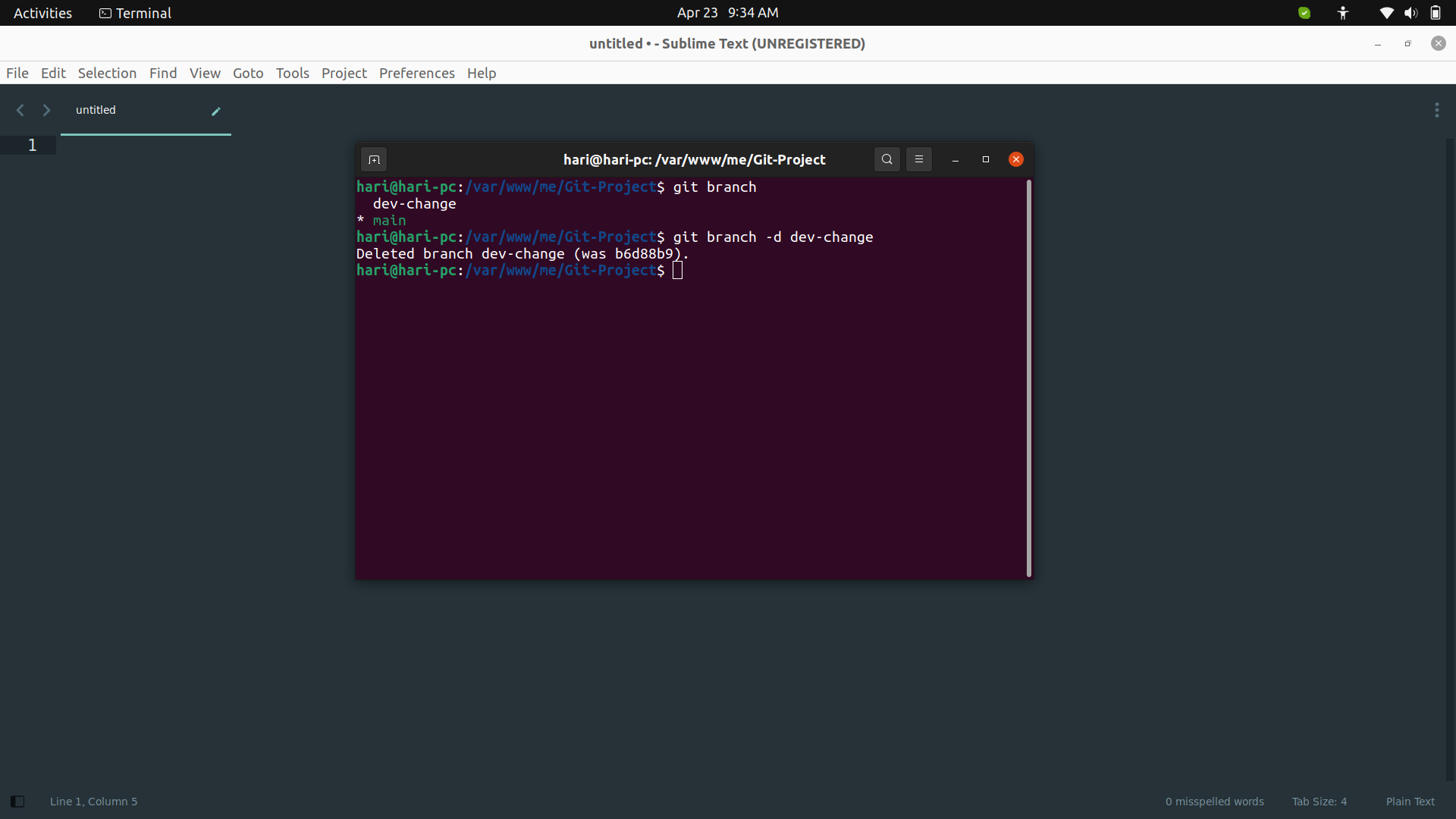
After the merge it s safe to delete the branch git branch d branch1 Additionally git will warn you and refuse to delete the branch if it thinks you didn t fully merge it yet If you forcefully delete a branch with git branch D which is not completely merged yet you have to do some tricks to get the unmerged commits back though see

Usually we select the option to remove a branch upon merge which works create if the merge request was accepted but is totally ignored in the rare situation when a merge request was rejected closed Proposal Add a button after close to allow the removal of the branch similar to the existing solution when merging a branch
Merge the random branch into dev go to Gitlab UI and click delete merged branches All branches merged are now deleted including the protected ones Example Project This was originally noticed on a Gitlab EE installed but for testing sakes I have replicated the same process on a public project Yes there is I could not find a way to remove the merge request in the user interface but you can simply delete it from the database Please note that I only tested this on gitlab CE 8 4 0 ce 0 on Ubuntu 14 04 3 LTS
Let s explore the GitLab delete remote branch operation through the BASH shell of a Git client GitLab delete remote branch overview In this example the current GitLab repository contains a feature branch named fun feature which will be the target for the GitLab remote branch delete A developer can follow these steps to have GitLab delete a remote branch of a feature branch on the