Gitlab Delete Branch History Can A Deleted GitLab Branch Be Restored Stack Overflow GitLab Delete Branch Example YouTube GitLab 7 10 Released With Google Code Import Default Git Hooks And A How To Delete Gitlab Project How To Delete A Git Repository YouTube GitLab 8 14 Released With Time Tracking Beta And Chat Commands GitLab WEB Sep 13 2020 nbsp 0183 32 Open a Terminal window in the gitlab made easy repository on the client machine Switch to the master branch via the git checkout command Delete the branch locally Push to origin with the delete flag and Verify local and remote tracking branches are deleted with a branch listing command
WEB Jun 12 2018 nbsp 0183 32 Steps to get to a clean commit history understand rebase and replace pulling remote changes with rebase to remove merge commits on your working branch use fast forward or squash merging WEB May 8 2020 nbsp 0183 32 In terms of deleted branches please learn more about reflog and extract the commit SHA1 your branch was on Then use the checkout command git reflog git checkout b lt branchname gt lt sha1 gt Cheers Michael
GitLab 8 14 Released With Time Tracking Beta And Chat Commands GitLab Sign In GitLab Gitlab Unprotect Branch Dirask Delete Project Gitlab YouTube How To Use GitLab Protected Branches Project User Help GitLab Sign In GitLab Gitlab delete Commit History IT IT Git How To Delete A Gitlab Repository Stack Overflow
Gitlab Delete Branch History
 Gitlab Delete Branch History
https://i.stack.imgur.com/hvzyp.png
WEB Feb 12 2024 nbsp 0183 32 Frequently Asked Questions How do I delete a branch in GitLab Can I recover a deleted branch in GitLab What are the best practices for branch deletion in GitLab Is branch deletion reversible in GitLab How can I automate branch deletion tasks in GitLab
Pre-crafted templates use a time-saving option for producing a varied range of documents and files. These pre-designed formats and layouts can be utilized for numerous individual and expert tasks, including resumes, invitations, leaflets, newsletters, reports, discussions, and more, enhancing the content creation procedure.
Gitlab Delete Branch History
Git Create Merge Delete Branch Github Gitlab YouTube

Sign In GitLab
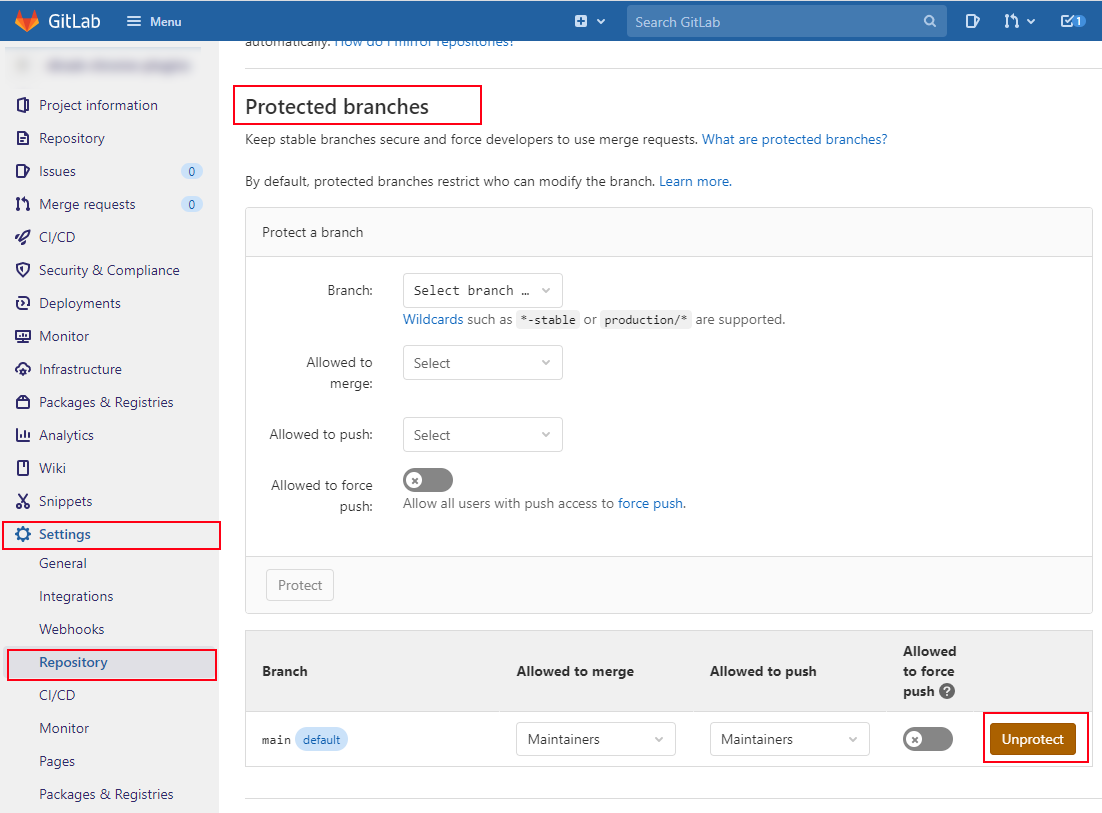
Gitlab Unprotect Branch Dirask

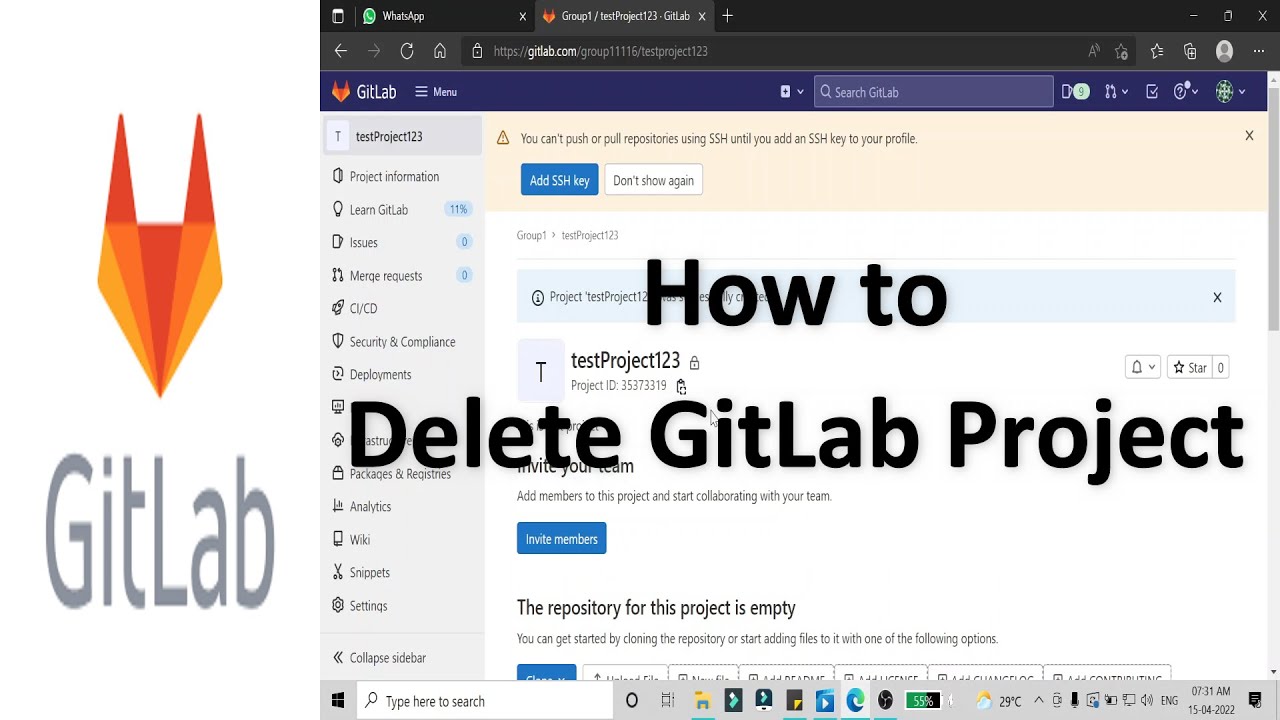
Delete Project Gitlab YouTube

Protected Branches Project User Help GitLab

Sign In GitLab

WEB Jun 7 2018 nbsp 0183 32 Now checkout master branch run git checkout master Delete the branch add page navigation from local repo run git branch D add page navigation Remember we already have changes of this branch in a created patch file Now create a new branch with the same name while master is checked out run git checkout b add page

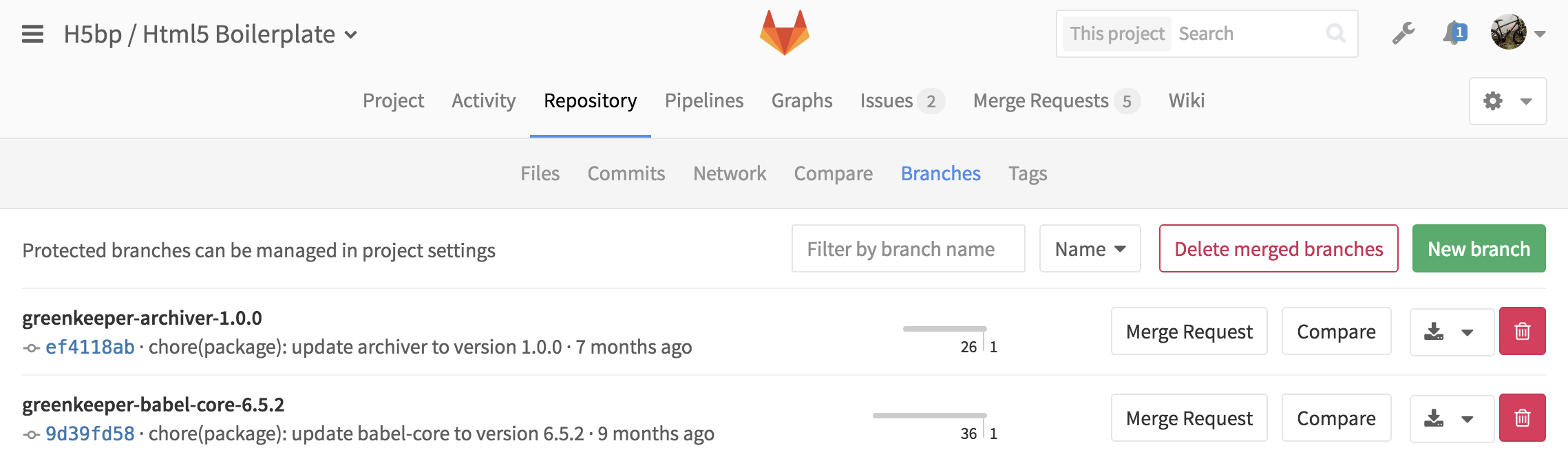
WEB Branches Tier Free Premium Ultimate Offering GitLab Self managed GitLab Dedicated Branches are versions of a project s working tree When you create a new project GitLab creates a default branch which cannot be deleted for your repository Default branch settings can be configured at the project subgroup group or instance

WEB Dec 20 2022 nbsp 0183 32 To clear the history of the master branch we can do the operations of creating a clean temporary branch add all files into the temporary branch and commit delete the current master branch rename the temporary branch to be the master branch force push the master branch to the Git server
WEB Jan 9 2016 nbsp 0183 32 How do you remove a branch and all of its history locally and remotely Asked 8 years 3 months ago Modified 8 years 3 months ago Viewed 6k times 14 I have a git branch I need to nuke all traces of I think I need something like git filter branch index filter git D lt branch gt tag name filter cat all or maybe
WEB Dec 14 2018 nbsp 0183 32 If you want to delete the branch s history Matt already suggested the same strategy I have done The only think to say is to quot unprotect quot a protected branch otherwise you may face with an error like this git push f origin last known good commit branch name
WEB Oct 29 2021 nbsp 0183 32 2 Answers Sorted by 56 Restoring a deleted branch is an open issue so GitLab has not implemented this feature at the time of this writing However if you know the commit ID and it hasn t been pruned you can create a new branch from that commit From the Web UI go to Repository gt Commits WEB May 6 2021 nbsp 0183 32 as the page describes you do the changes in your local workdir and then use push all to overwrite history in gitlab Hello How i can delete file and all this history
WEB Nov 11 2022 nbsp 0183 32 Hi I want to delete a file entirely from gitlab from the current and the previous commits I found this command online and tried that which re writes the git history It seems that it worked offline but I am not sure how to update that on gitlab git filter branch tree filter rm f Resources Video font ttf all