Git Switch To Branch On Origin Git GitHub How To Delete Remote Branch In Git Linux Hint DevsDay ru GIT Branch And GIT Merge What s The Difference Between Git Switch And Checkout Git Switch Branch Vs Checkout Easily Switch Branches Riset Web Apr 19 2021 nbsp 0183 32 To switch to an existing branch you can use git checkout again without the b flag and pass the name of the branch you want to switch to my feature git checkout master Switched to branch master master There is also a handy shortcut for returning to the previous branch you were on by passing to git checkout instead of a branch name
Web Oct 31 2019 nbsp 0183 32 In order to switch to the local dev branch and to set the origin dev as the tracking branch or upstream branch use the track option git checkout track origin dev Branch dev set up to track remote branch dev from origin Switched to a new branch dev Web The most common scenario is to simply specify the local branch you want to switch to git switch other branch This will make the given branch the new HEAD branch If in one go you also want to create a new local branch you can use the quot c quot parameter git switch c new branch
Git Switch Branch Vs Checkout Easily Switch Branches Riset Git Pull Emboll Git Switch Branch How To Change Branches On Git Git Create Branch From Terminal Lasopachristian Switch To Branch How To Switch Branch In Git YouTube Git Fatal The Current Branch Has No Upstream Branch Git Delete Branch Local Branch Remote Branch Programmer Sought How To Download Hall Tickets
Git Switch To Branch On Origin
 Git Switch To Branch On Origin
https://subicura.com/git/assets/img/git-switch-create-st-1.f40c427f.png
Web Jan 21 2023 nbsp 0183 32 Pick the branch you need and use a command of the form git checkout b new branch name origin remote branch name If you use multiple repositories change the origin part of the checkout command to the name
Templates are pre-designed documents or files that can be used for numerous purposes. They can conserve time and effort by providing a ready-made format and design for creating various sort of material. Templates can be used for individual or expert tasks, such as resumes, invitations, leaflets, newsletters, reports, discussions, and more.
Git Switch To Branch On Origin

Git Git Branch Management Solving Branch Merge Conflict Create And
Git Pull Emboll
Git Switch Branch How To Change Branches On Git

Git Create Branch From Terminal Lasopachristian
How To Switch Branch In Git YouTube
Git Fatal The Current Branch Has No Upstream Branch
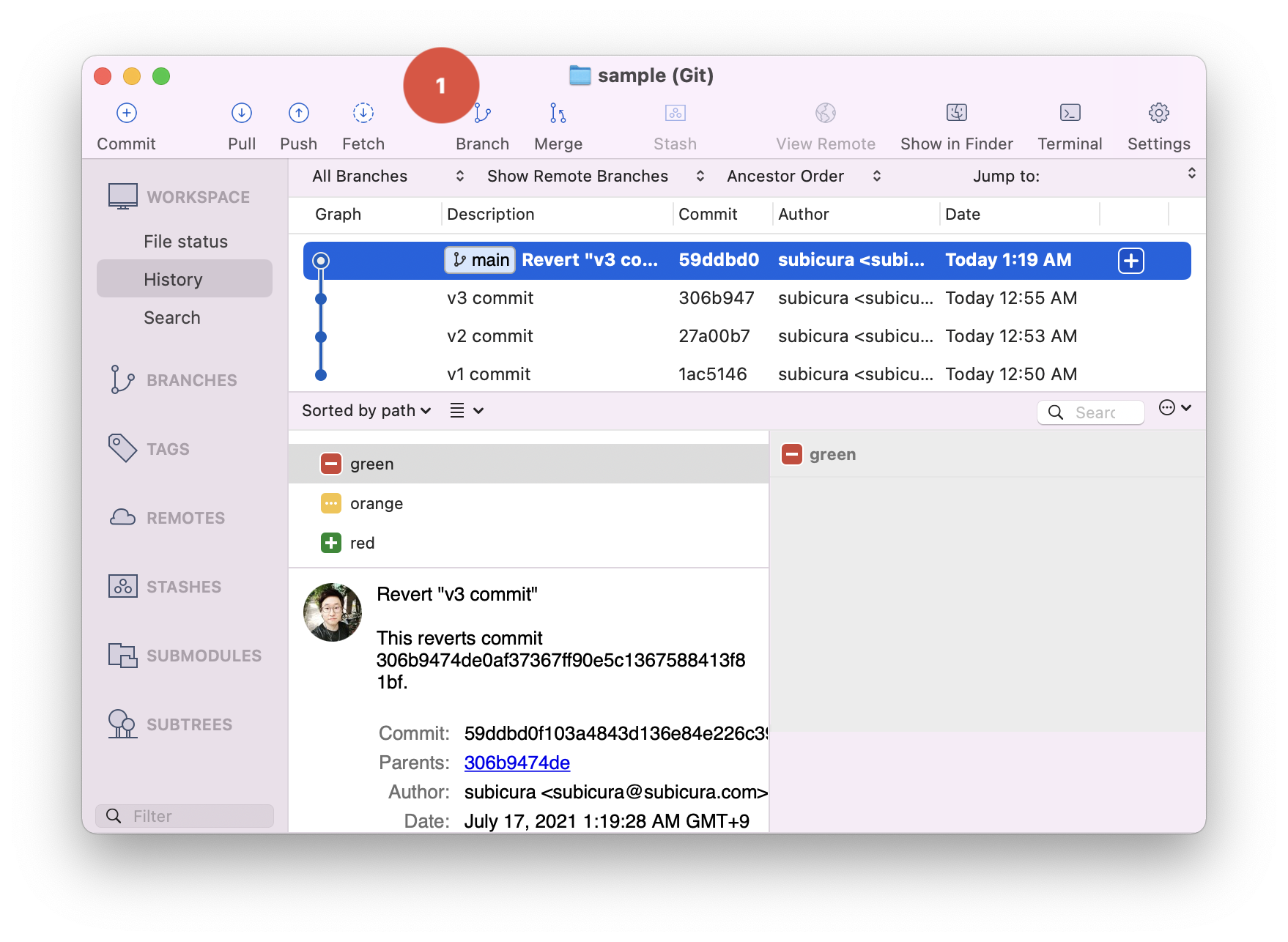
Web Jun 14 2021 nbsp 0183 32 Your Git sticks origin 2 in front of each name Last as the final step of git clone your Git effectively runs git checkout or git switch to create one new local branch typically master or main 3 with its upstream set to the origin version of that name which your Git copied from the other Git s un prefixed version of that name

Web The typical use case is to set this to origin Currently this is used by git switch 1 and git checkout 1 when git checkout lt something gt or git switch lt something gt will checkout the lt something gt branch on another remote and by git worktree 1 when git worktree add refers to a remote branch
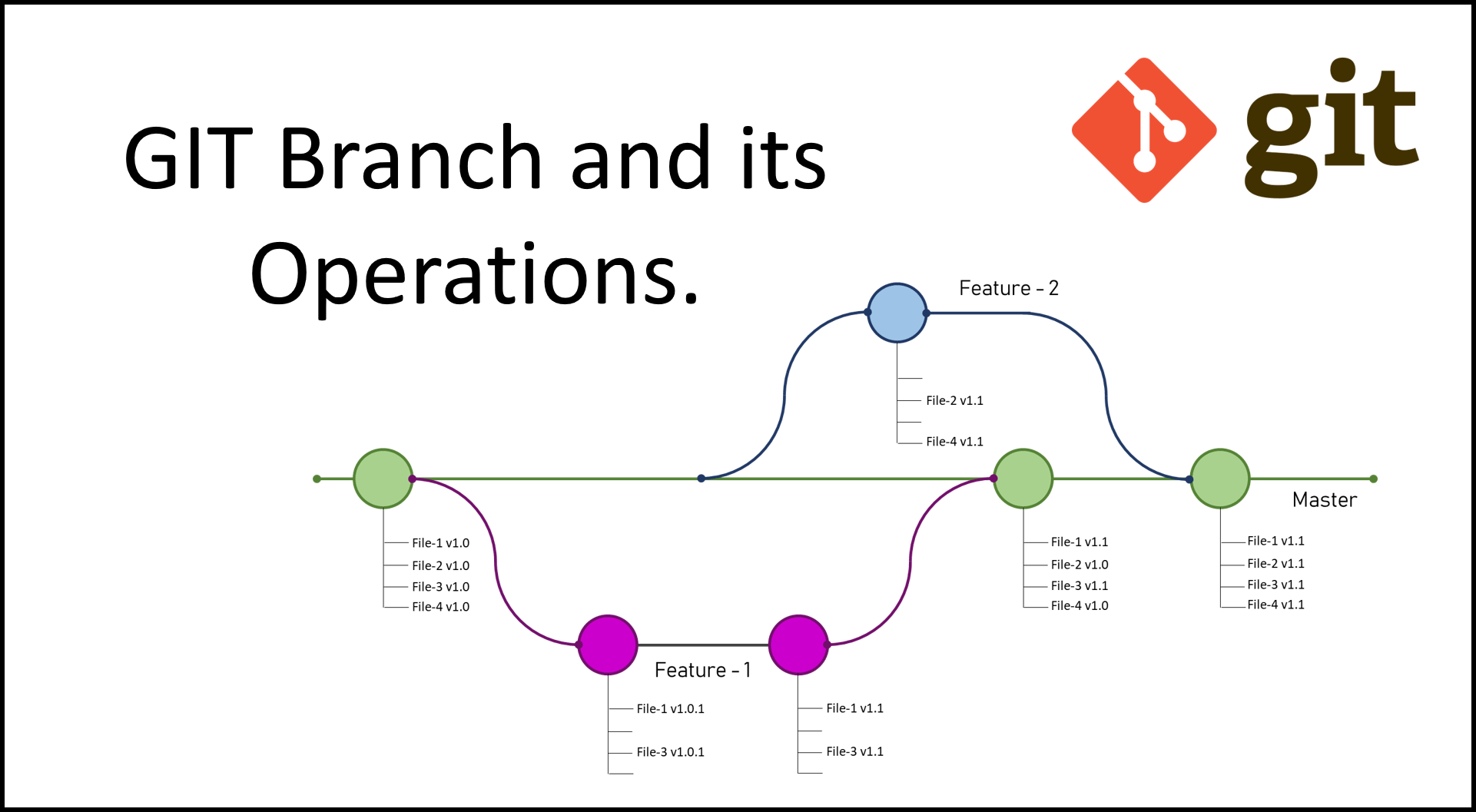
Web Feb 1 2020 nbsp 0183 32 A quick way of switching branch on Git is to use the git switch command and specify the name of the branch you want to switch to If the destination branch does not exist you have to specify the c option for create branch otherwise you will get an error message when switching to that branch
Web Nov 23 2009 nbsp 0183 32 Use these steps to fetch remote branches git fetch lt origin name gt lt remote branch name gt lt local branch name gt git checkout lt local branch name gt local branch name should the name that you given fetching Example git fetch origin test test git

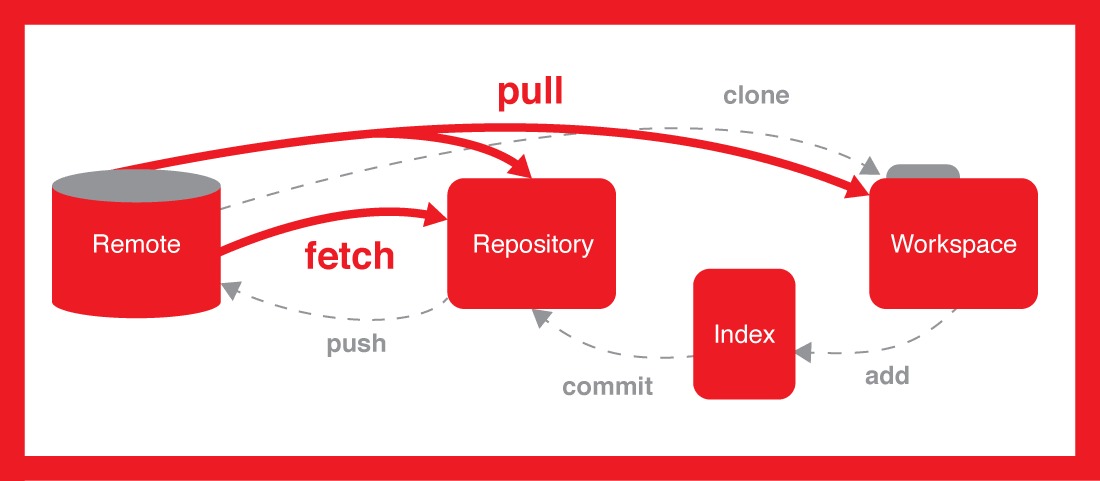
Web If you clone from this Git s clone command automatically names it origin for you pulls down all its data creates a pointer to where its master branch is and names it origin master locally Git also gives you your own local master branch starting at the same place as origin s master branch so you have something to work from Note
Web Oct 23 2023 nbsp 0183 32 The simplest way to switch branches on Git is to use the git checkout command and specify the name of the branch you want to switch to If the destination branch does not exist you have to append the b option otherwise you won t be able to switch to that branch git checkout lt existing branch gt git checkout b lt new branch gt Web lt branch gt Branch to switch to lt new branch gt Name for the new branch lt start point gt The starting point for the new branch Specifying a lt start point gt allows you to create a branch based on some other point in history than where HEAD currently points Or in the case of detach allows you to inspect and detach from some other point
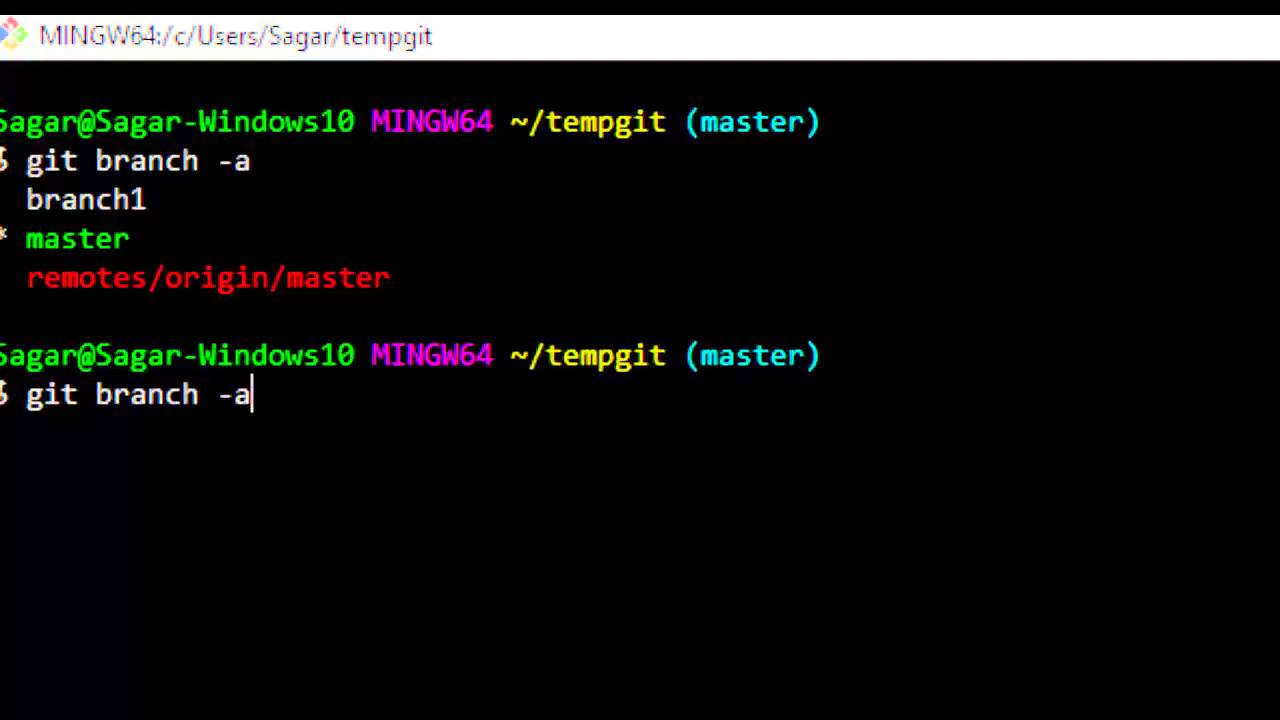
Web The git branch command does more than just create and delete branches If you run it with no arguments you get a simple listing of your current branches git branch iss53 master testing Notice the character that prefixes the master branch it indicates the branch that you currently have checked out i e the branch that HEAD points to