Git Switch Remote Branch Invalid Reference Til Git Switch Git Restore Pawelgrzybek Com Riset Git Create Branch Tracking Remote Nasadinsights How To Reset Your Git Branch To A Previous Commit both Local And Git Switch Branch Como Alternar Branches No Git Git Fatal The Current Branch Has No Upstream Branch 1 Instead You can stash your change and make changes later as you wish like change branches etc once when you need that stashed changes back you can unstash your change back check the link Stash the change perfectly expliang how to stash and unstash changes Share Improve this answer
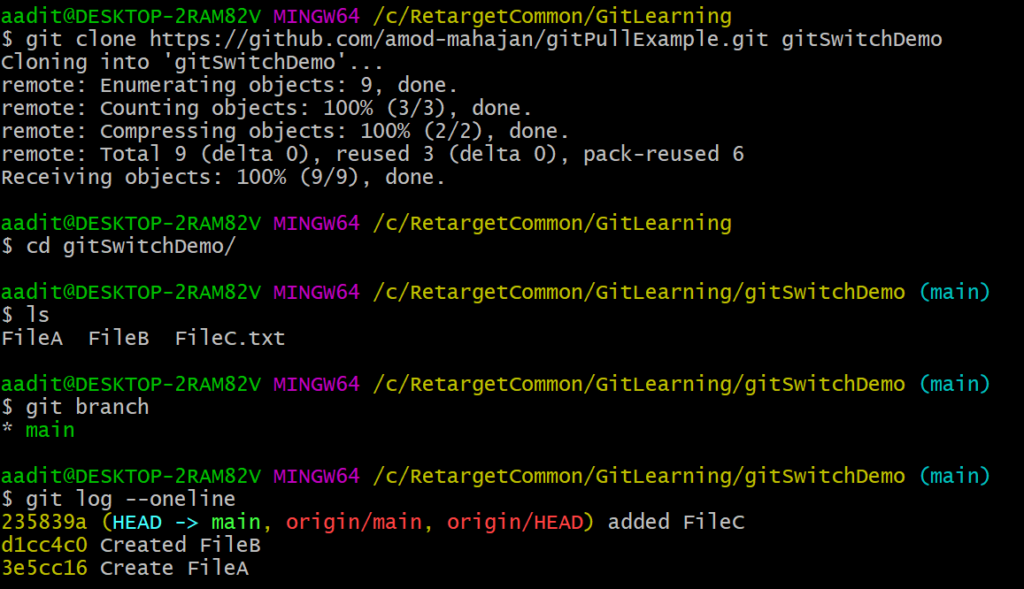
Remote Branches Remote references are references pointers in your remote repositories including branches tags and so on You can get a full list of remote references explicitly with git ls remote remote or git remote show remote for remote branches as well as more information Nevertheless a more common way is to take advantage of The easiest way to switch branch on Git is to use the git checkout command and specify the name of the branch you want to switch to If the destination branch does not exist you have to append the b option otherwise you won t be able to switch to that branch git checkout existing branch
Git Fatal The Current Branch Has No Upstream Branch What Is CI CD How It Helps Teams Deliver Better Software Faster Git Pull Remote Branch How To Fetch Remote Branches In Git Git Push To A Different Remote Branch Tutorial 15 How To Create A Creating A New Branch And Switching To It With Just One Command Git Create Branch From Another Branch Console Lasopaireland GIT 1 CodingBucks Dev Blog Git Branch Command To Create New Branch BEST GAMES WALKTHROUGH How To Switch Branch On Git Studytonight
Git Switch Remote Branch Invalid Reference
 Git Switch Remote Branch Invalid Reference
http://makeseleniumeasy.com/wp-content/uploads/2022/02/image-50-1024x589.png
git switch c branch track remote branch If the branch exists in multiple remotes and one of them is named by the checkout defaultRemote configuration variable we ll use that one for the purposes of disambiguation even if the branch isn t unique across all remotes
Templates are pre-designed files or files that can be utilized for numerous functions. They can save effort and time by supplying a ready-made format and design for creating different kinds of material. Templates can be utilized for personal or expert tasks, such as resumes, invitations, flyers, newsletters, reports, discussions, and more.
Git Switch Remote Branch Invalid Reference

Git Create Branch From Terminal Lasopachristian
What Is CI CD How It Helps Teams Deliver Better Software Faster

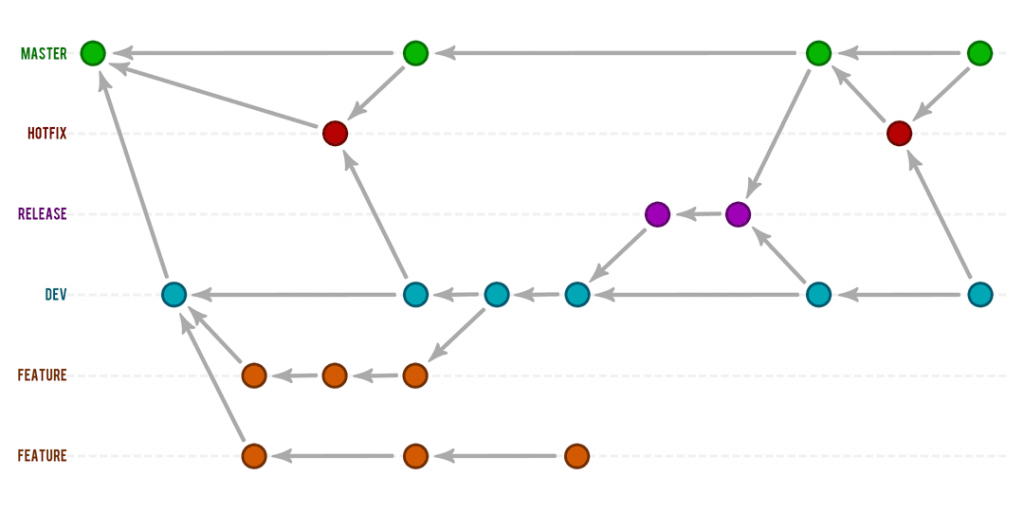
Git Pull Remote Branch How To Fetch Remote Branches In Git
Git Push To A Different Remote Branch Tutorial 15 How To Create A
Git Create Branch From Another Branch Console Lasopaireland
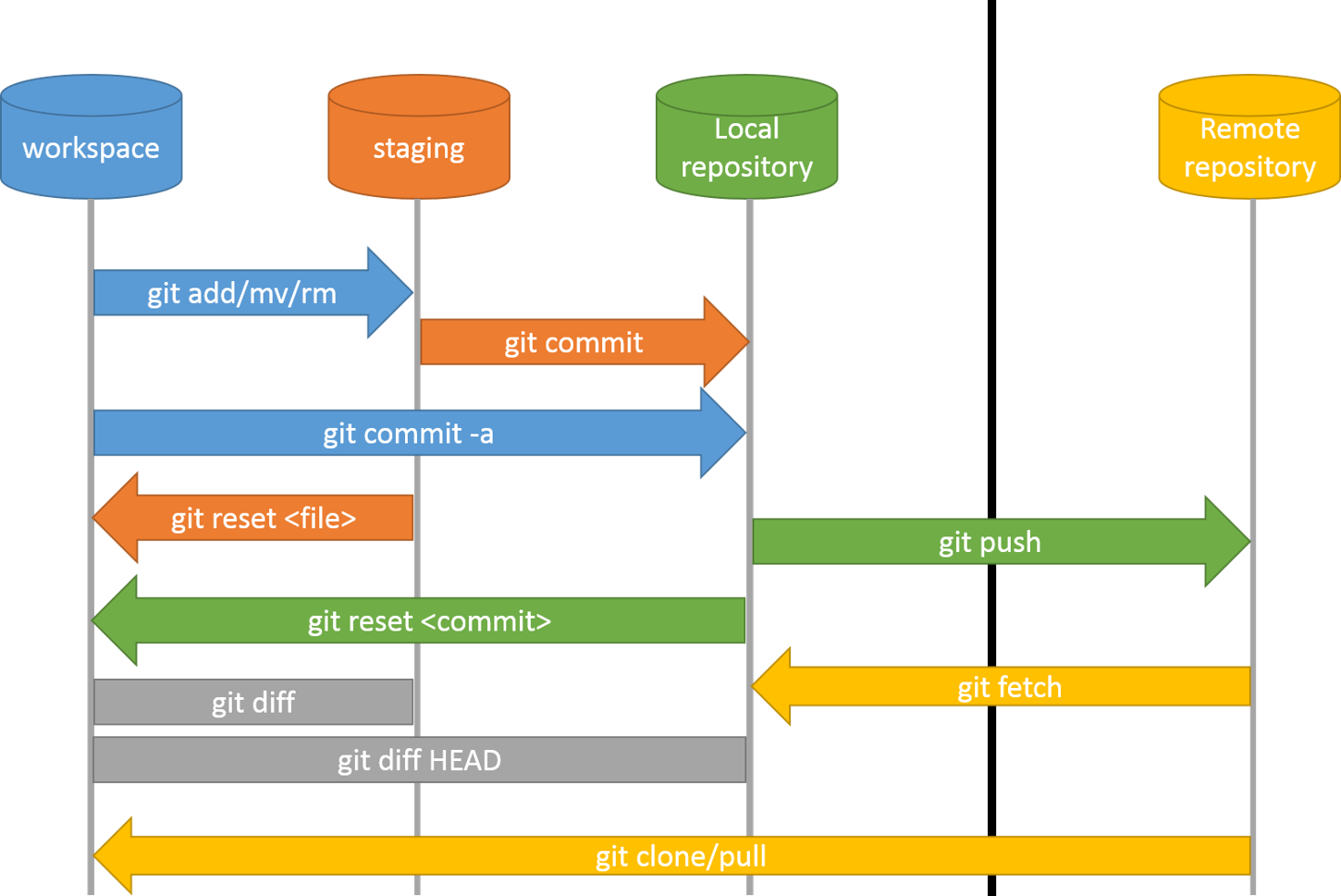
GIT 1 CodingBucks Dev Blog

Prune Deletes all stale tracking branches under name These stale branches have already been removed from the remote repository referenced by name but are still locally available in remotes name With dry run option report what branches will be pruned but do no actually prune them

Similar to create except that if new branch already exists it will be reset to start point This is a convenient shortcut for git branch f new branch git switch new branch d detach Switch to a commit for inspection and discardable experiments See the DETACHED HEAD section in git checkout 1 for details
Hello I m on v3 3 0 and got things working nicely with an initial value of GIT SYNC BRANCH as main However if I try to update the branch to anything else on my existing volume I m getting invalid reference errors INFO detected pid

The Git community is gradually moving the default branch name from master to main because the term master is hurtful to some people as it refers to slavery Git 2 28 2020 07 27 introduced the init defaultBranch option which controlls the default branch name for repos created with git init

git switch non existing branch fatal invalid reference non existing branch To solve this error make sure to append the c option to the git switch command to specify that you want to switch to a new branch git switch c non existing branch Switched to a new branch non existing branch
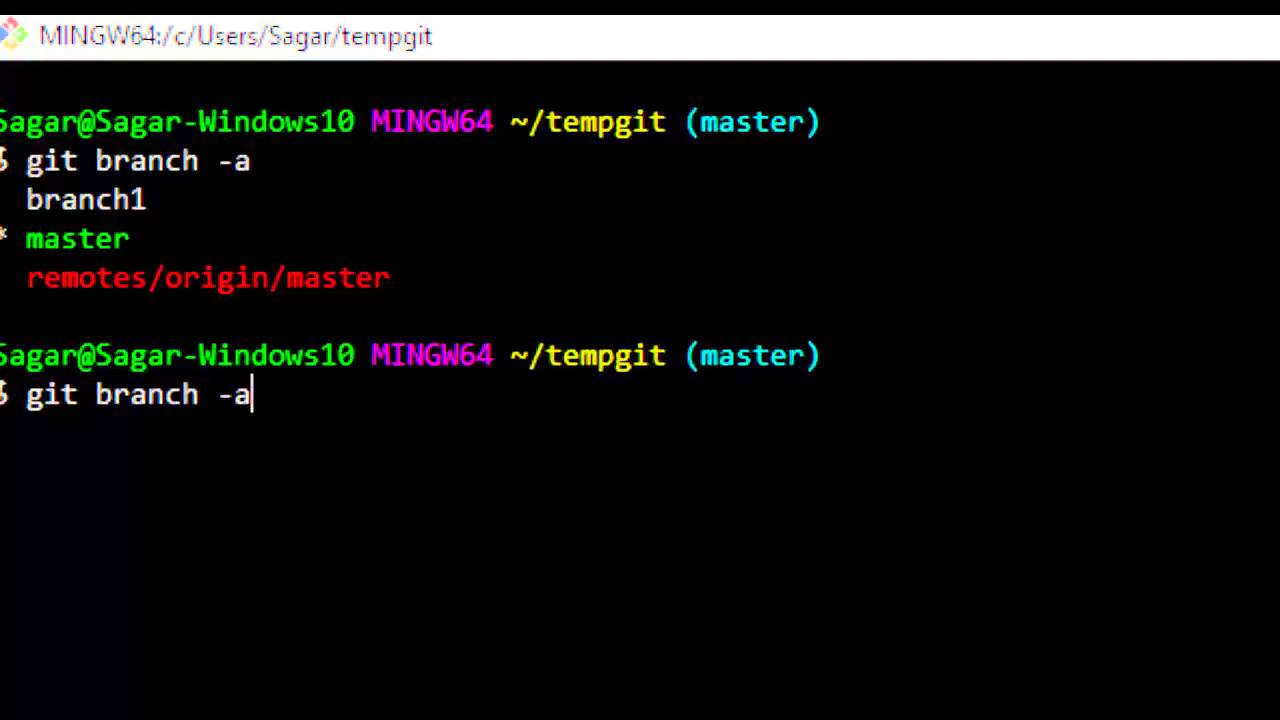
Git branch a The branch command lists the branches in your repository The a option means you want to see all branches not only local ones The result should look like this As you can see we have only one local branch which is the controller branch You can see in red all of the remote branches Whenever I try to switch to main branch this happens git checkout main error pathspec main did not match any file s known to git what should I do switch doesn t work as well git switch main fatal invalid reference main I ve git reset hard but it doesn t work
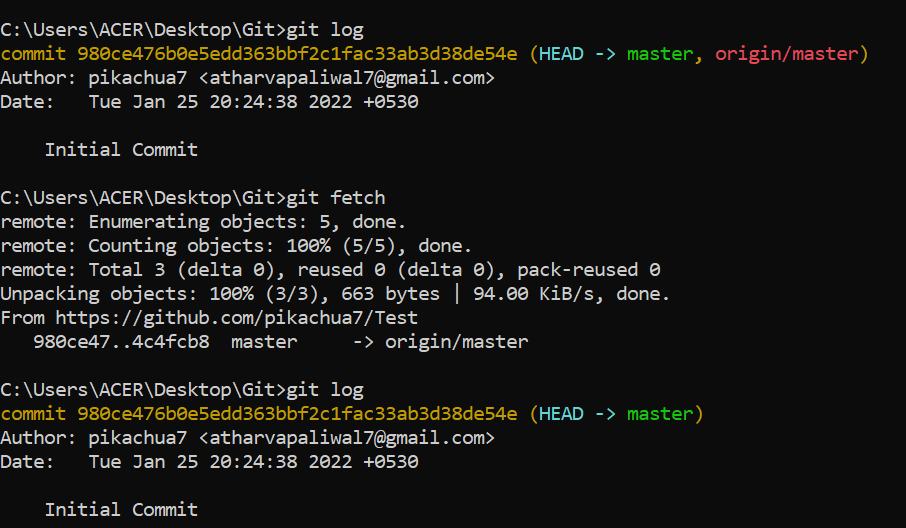
The command git fetch name can then be used to create and update remote tracking branches name branch With f option git fetch name is run immediately after the remote information is set up With tags option git fetch name imports every tag from the remote repository With no tags option git fetch name does not import tags