Git Switch Branch Without Saving Changes How To Switch Git Branch LinuxCapable Cu l Es La Diferencia Entre Git Checkout Nombre branch Y Git Switch Creating A New Branch And Switching To It With Just One Command GIT Branch And Its Operations An Easy Understanding Digital Varys What Is Git Checkout Remote Branch Benefits Best Practices More 3 Answers Sorted by Reset to default This answer is useful 1 This answer is not useful Save this answer Show activity on this post You can stash your changes git stash git checkout b git commit am finish work on b git checkout a git stash pop
To checkout an existing branch run the command git checkout BRANCH NAME Generally Git won t let you checkout another branch unless your working directory is clean because you would lose any working directory changes that aren t committed You have three options to handle your changes 1 trash them 2 commit them or 3 stash them The easiest way to switch branch on Git is to use the git checkout command and specify the name of the branch you want to switch to If the destination branch does not exist you have to append the b option otherwise you won t be able to switch to that branch git checkout existing branch git checkout b new branch
What Is Git Checkout Remote Branch Benefits Best Practices More How To Switch Between Issues In Your Local Git Repository How To Switch Branch In Git YouTube How To Create A Git Branch Learn Git Create New Branch From Current Switching Branches ReadyAPI Documentation git Switch Branch Github Desktop How To Switch Branch In Git In Intellij IDEA YouTube How To Merge A Branch Into Master Branch In Git YouTube Git Switch From HEAD To Master Branch Cause To Disappear Of Part Of
Git Switch Branch Without Saving Changes
 Git Switch Branch Without Saving Changes
https://www.linuxcapable.com/wp-content/uploads/2023/04/Git-Switch-Branch-Common-Examples.png
The git stash command can help you to temporarily but safely store your uncommitted local changes and leave you with a clean working copy The Git Cheat Sheet No need to remember all those commands and parameters get our popular Git Cheat Sheet for free Download Now for Free git stash a Clipboard for Your Changes
Templates are pre-designed files or files that can be utilized for numerous purposes. They can conserve time and effort by providing a ready-made format and layout for producing various kinds of content. Templates can be used for personal or professional tasks, such as resumes, invitations, leaflets, newsletters, reports, discussions, and more.
Git Switch Branch Without Saving Changes
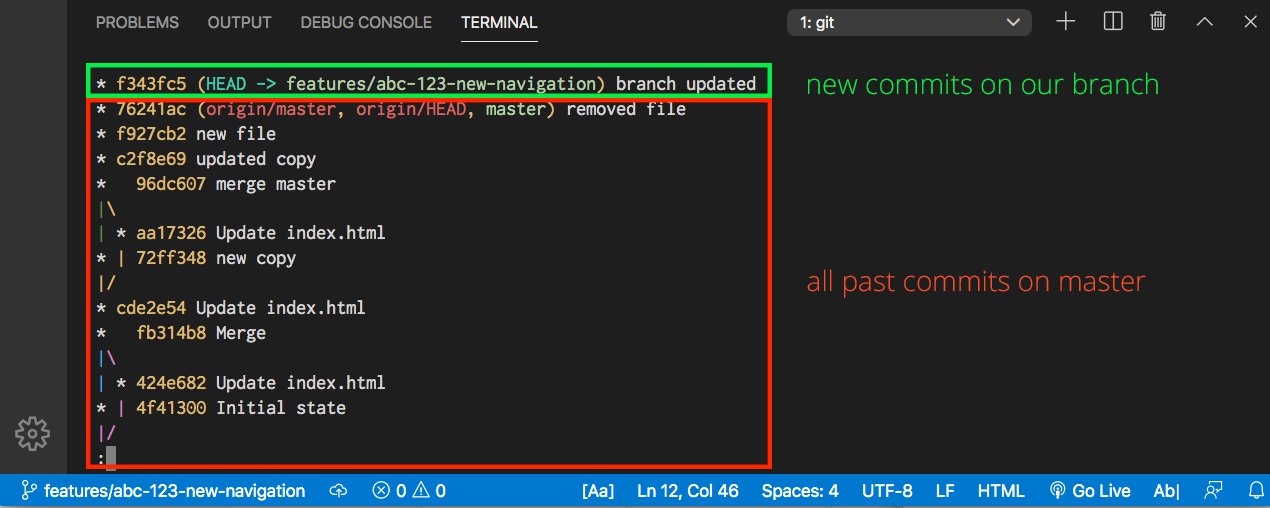
Git Branches Tutorial Ihatetomatoes

How To Switch Between Issues In Your Local Git Repository
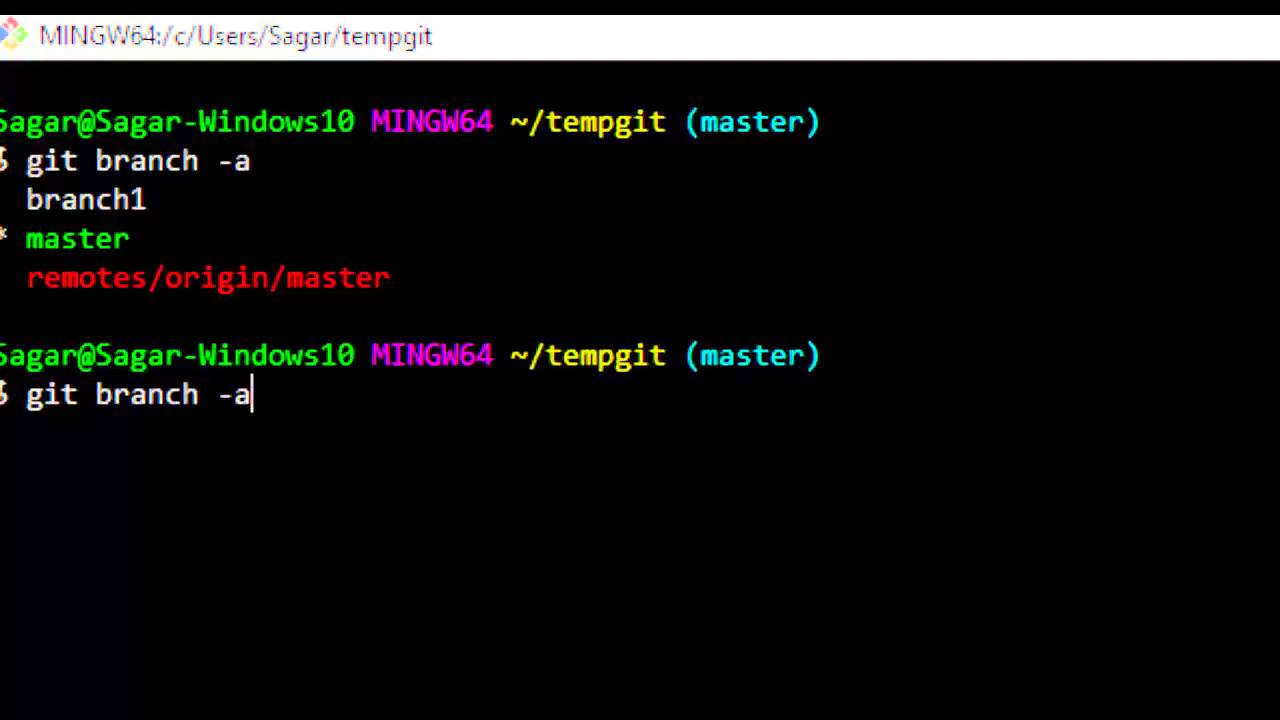
How To Switch Branch In Git YouTube
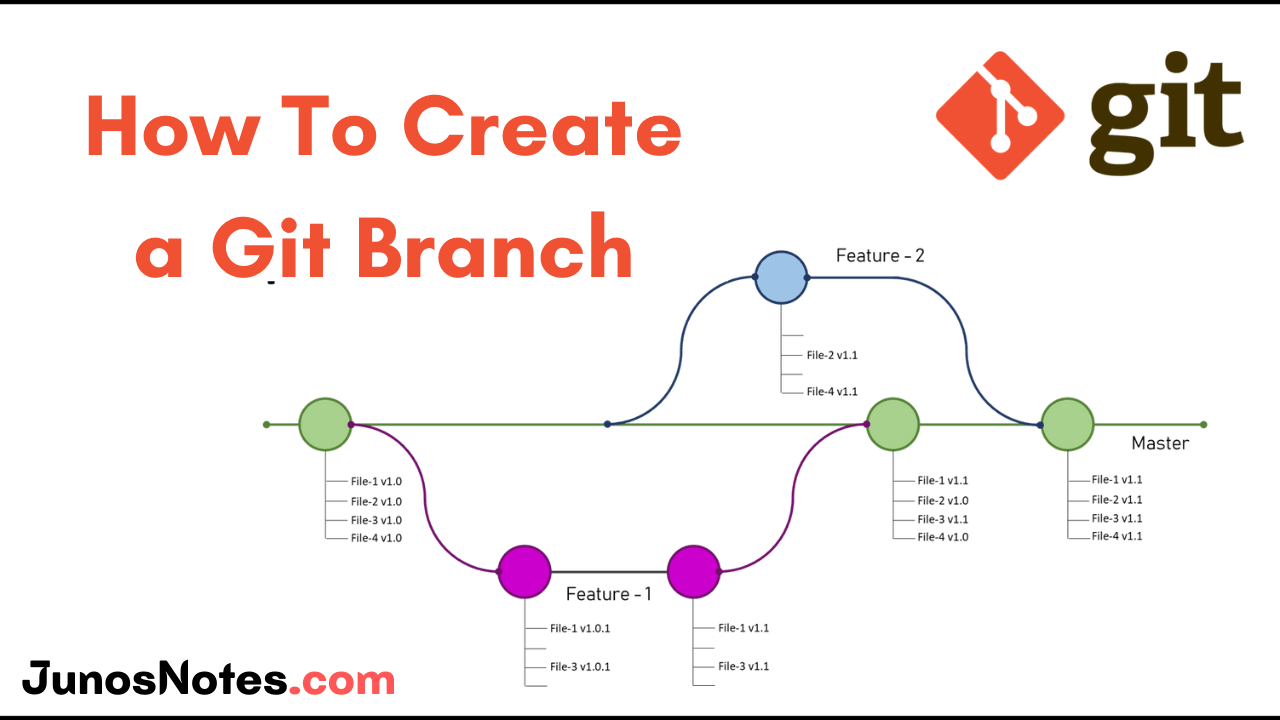
How To Create A Git Branch Learn Git Create New Branch From Current
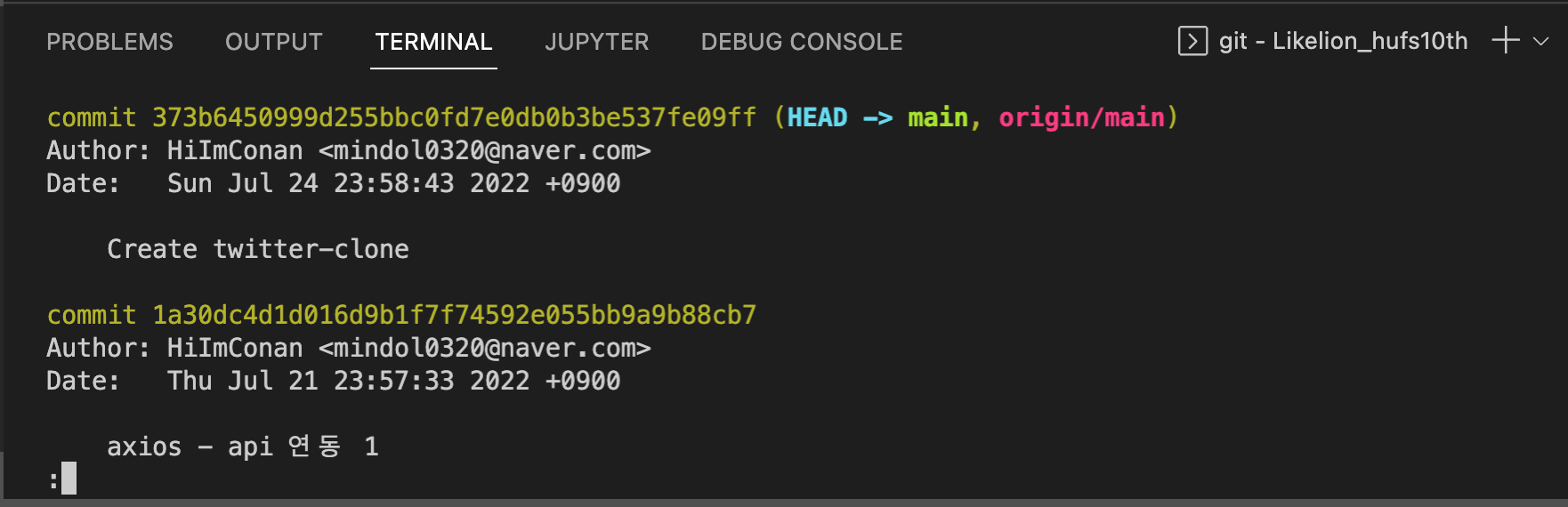
git Switch Branch Github Desktop
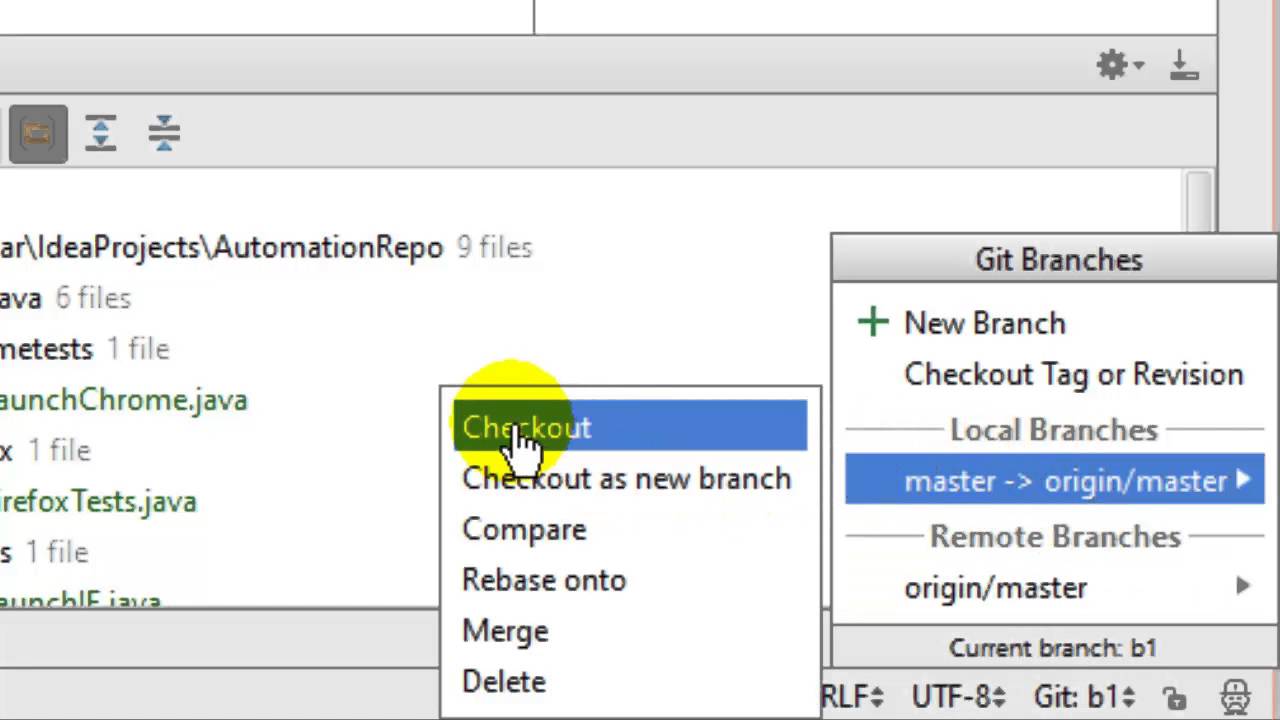
How To Switch Branch In Git In Intellij IDEA YouTube

This is often used to switch quickly between two branches or to undo a branch switch by mistake As a special case you may use A B as a shortcut for the merge base of A and B if there is exactly one merge base You can leave out at most one of A and B in which case it defaults to HEAD c new branch create new branch
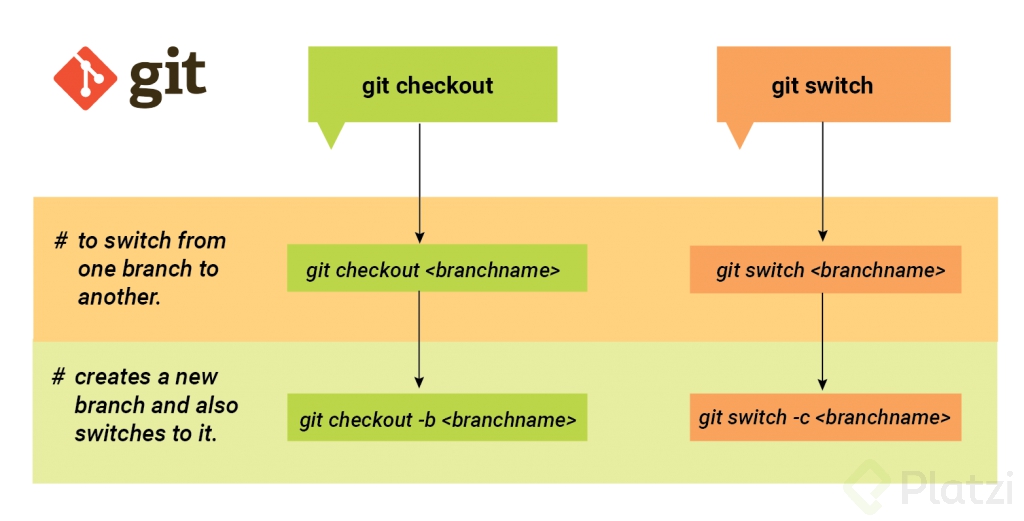
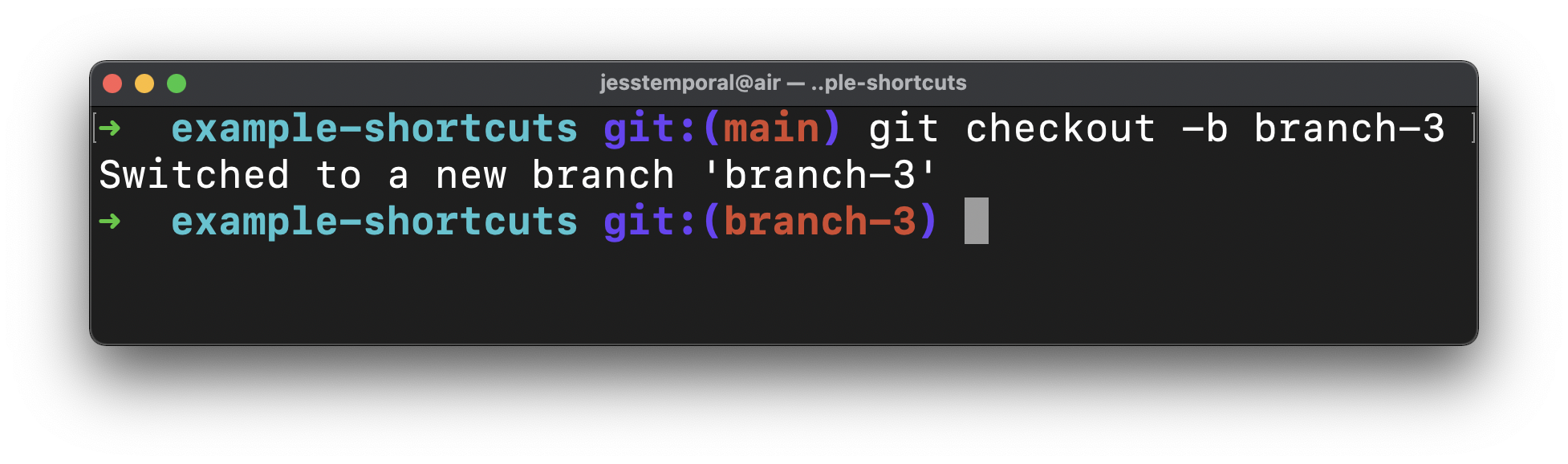
Switching branches is something you ll need to do often in Git To do this you can use the git checkout command How to create a new branch in Git To create a new branch in Git you use the git checkout command and pass the b flag with a name This will create a new branch off of the current branch
However when you re in the middle of making changes that you haven t saved yet it can be tricky to switch branches without losing your work In this guide we ll walk you through the step by step process of safely switching Git branches while keeping your unsaved code changes intact This will help you keep your work organized and your

Next let s see how to move the changes to a new branch and keep master unchanged 3 Using the git checkout Command The git checkout b BranchName command will create a new branch and switch to it Moreover this command will leave the current branch as it is and bring all uncommitted changes to the new branch
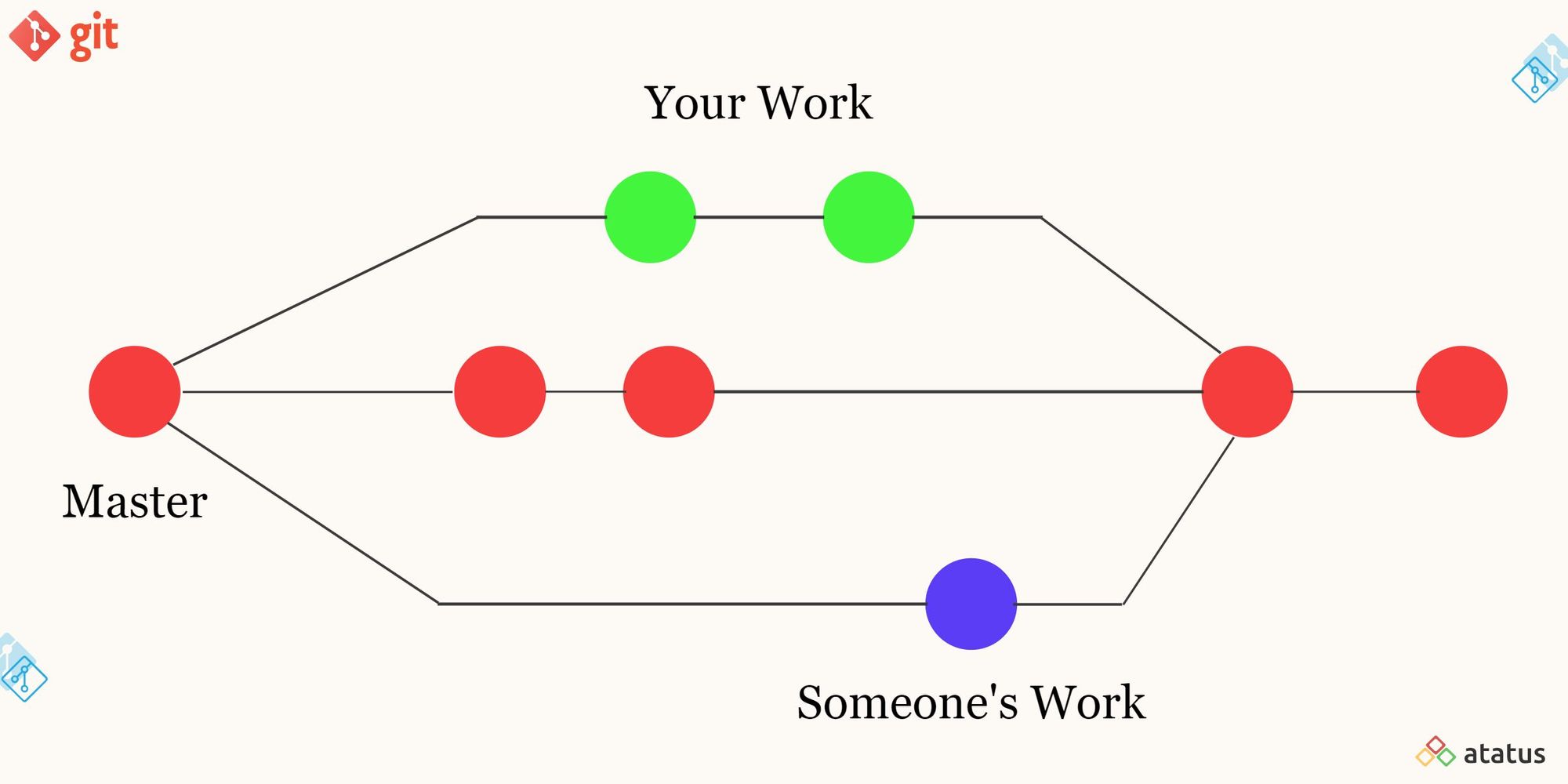
Don t worry you can easily create a new Git branch without losing your local changes Just use Git s switch or checkout commands and your new branch will be created with all of your current changes left intact Just run the following command git branchMINGW64 c example master git checkout b new git branch git branchMINGW64 c example
October 25 2023 Profile Java and Kotlin Code with the IntelliJ Profiler At JetBrains we believe that profiling Java and Kotlin code should be simple and accessible to all developers regardless of their level of expertise That s why the IntelliJ Profiler puts ease of use and seamless integration at the forefront of its mission To switch a branch and ignore any changes without committing first navigate to the local directory and view untracked changes Then save untracked or uncommitted changes using the git stash save command After that use the git checkout command and switch to the desired branch Lastly move back to the old branch and pop stash changes
Git switch branch without discarding local changes 6 answers Closed 4 years ago Changes not staged for commit use git add file to update what will be committed use git checkout file