Git Resolve Rename Delete Conflict How To Create A Git Merge Conflict Show Git Conflicts In IntelliJ Stack Overflow Git How To Resolve Conflict In Merge Request In Gitlab Stack Overflow How Do I Fix A Merge Conflict In Git O Reilly Resolve Git Conflicts PhpStorm Web Understanding merge conflicts Conflicts generally arise when two people have changed the same lines in a file or if one developer deleted a file while another developer was modifying it In these cases Git cannot automatically determine what is correct
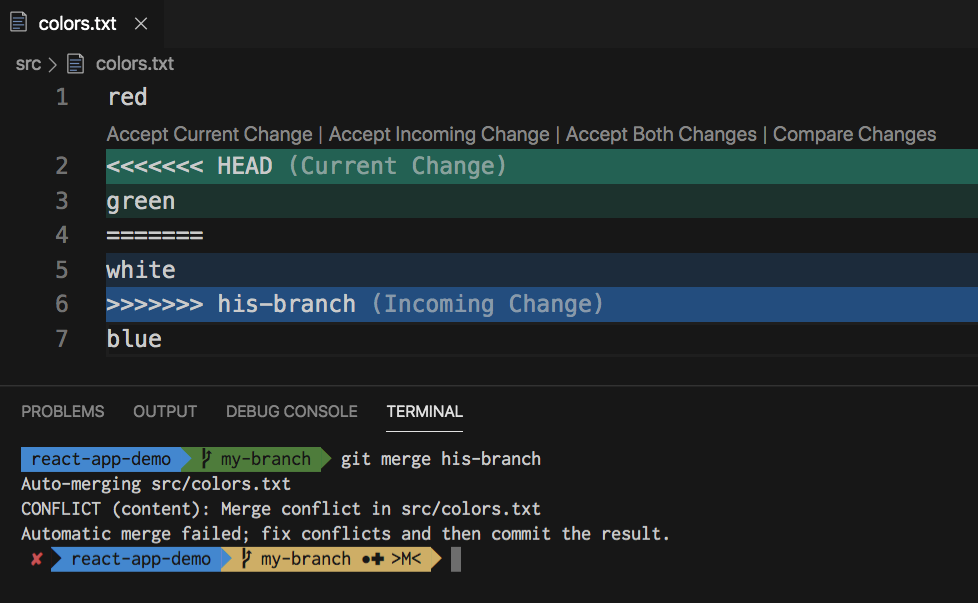
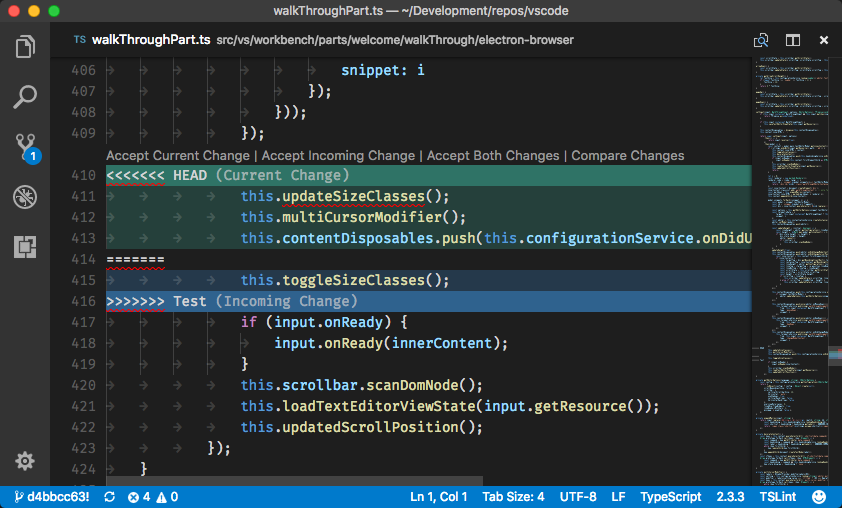
Web Sep 18 2018 nbsp 0183 32 The code between and gt amp g t gt gt gt gt is the code from the remote repository their code These two lines of code are conflicting We need to choose between the second Github repo or the third Github repo To fix the conflict you choose the correct line of code Then you delete everything else Web Jan 9 2024 nbsp 0183 32 To resolve this kind of conflict you need to decide whether you want to keep the conflicted file If you decide to keep the file run git add check system py If you decide to remove the file run git rm to remove the file from the resulting commit This also marks the conflict as resolved For this tutorial remove the file git rm check time py
Resolve Git Conflicts PhpStorm Using Visual Studio Code As Git Merge Tool Igor Kulman Mr Conflict Pixel Art Resolve Shnuff Como Resolver Conflitos De Mesclagem No Visual Studio Microsoft Learn Pove ti De Conflict Storyboard Ro examples Conflicthantering Visual Studio Code Solving Merge Conflict In Vim Stack Overflow I Business Conflict Free Stock Photo Public Domain Pictures
Git Resolve Rename Delete Conflict
 Git Resolve Rename Delete Conflict
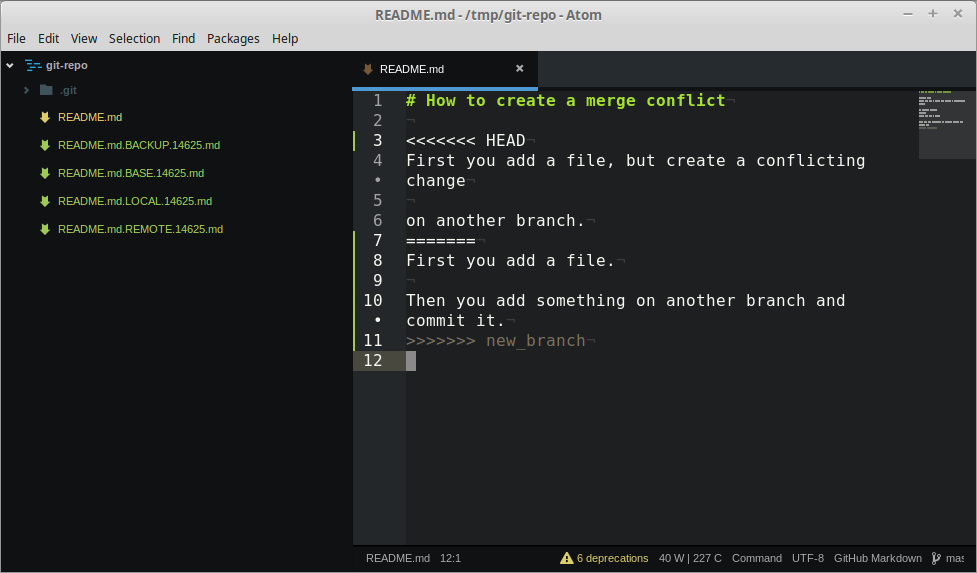
https://jonathanmh.com/assets/2015/temporary-git-merge-conflict-files.png
Web You can fix the conflict To fix the conflict you can follow the standard procedures for resolving merge conflicts from the command line When you re finished you ll need to call git rebase continue in order for Git to continue processing the rest of the rebase
Templates are pre-designed documents or files that can be used for different purposes. They can conserve time and effort by offering a ready-made format and layout for developing different sort of material. Templates can be used for personal or professional tasks, such as resumes, invitations, flyers, newsletters, reports, discussions, and more.
Git Resolve Rename Delete Conflict
How To Resolve A Merge Conflict
Using Visual Studio Code As Git Merge Tool Igor Kulman

Mr Conflict Pixel Art

Resolve Shnuff

Pove ti De Conflict Storyboard Ro examples

Conflicthantering
Web Apr 4 2017 nbsp 0183 32 git mv afile bfile git commit a m quot change and rename in mybranch quot git checkout master echo quot Changed first line in master quot gt afile git commit a m quot changed afile quot git merge mybranch I now want a file named bfile with both changes Changed first line in master Second line in mybranch
Web Aug 30 2021 nbsp 0183 32 when I try to push my develop it returns the CONFLICT rename delete error git push never does a merge and the conflict occurs on a merge Your output here branch master gt FETCH HEAD is from git pull not git push

Web To resolve a merge conflict caused by competing changes to a file where a person deletes a file in one branch and another person edits the same file you must choose whether to delete or keep the removed file in a new commit

Web Under your repository name click Pull requests In the quot Pull Requests quot list click the pull request with a merge conflict that you d like to resolve Near the bottom of your pull request click Resolve conflicts Note If the Resolve conflicts button is deactivated your pull request s merge conflict is too complex to resolve on GitHub
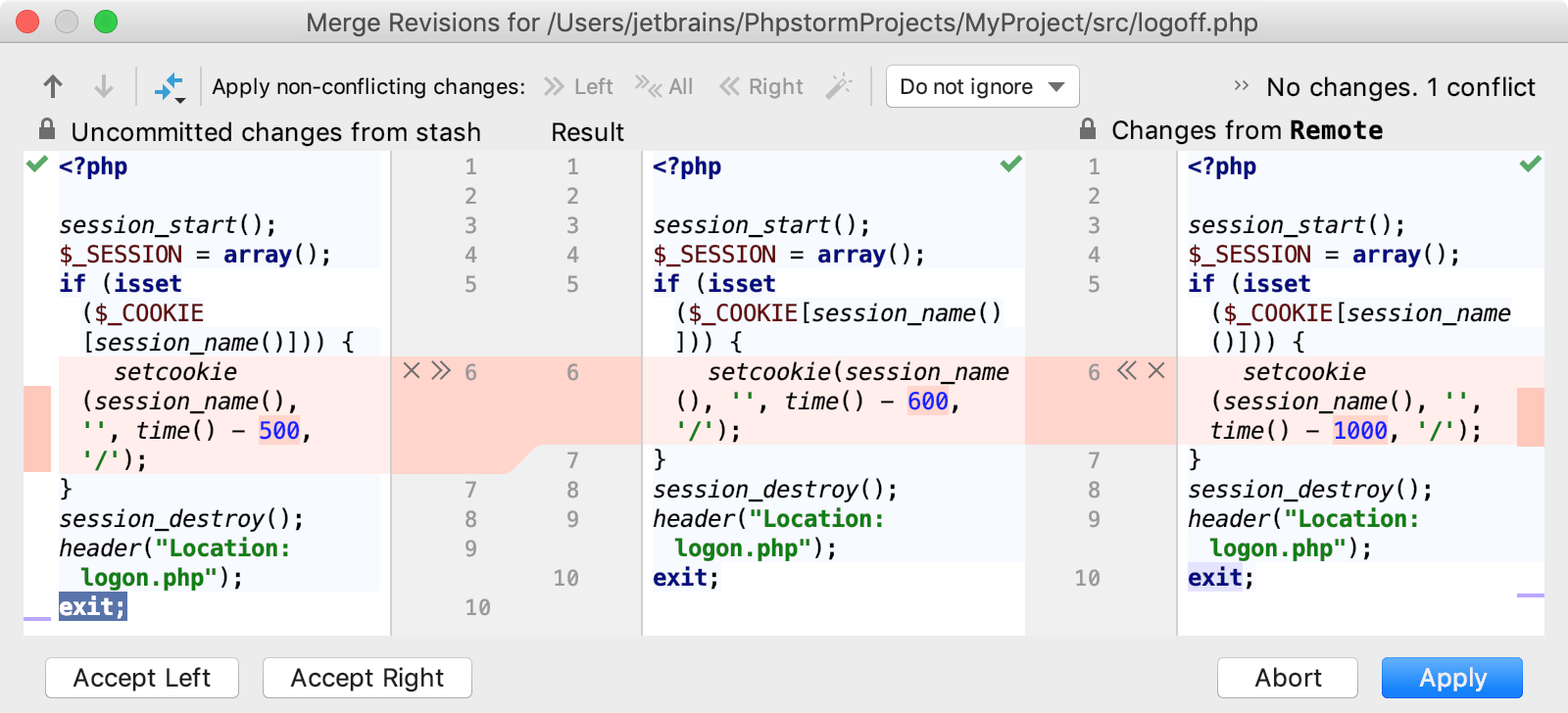
Web One helpful tool is git checkout with the conflict option This will re checkout the file again and replace the merge conflict markers This can be useful if you want to reset the markers and try to resolve them again
Web Oct 22 2021 nbsp 0183 32 A delete modify merge conflict often occurs when a file is moved or renamed Git has no way to distinguish between moving and renaming a file and from deleting a file If a file is modified in one branch and moved in another branch Git has no way to propagate the changes from the original file to the moved copy of the file Note Web 1 In your local repository check out the contributing branch git checkout my feature branch 2 Fetch the latest from the shared main branch with git fetch origin main 3 This will assign the latest commit of main to a git variable called FETCH HEAD 4 Now it s time to merge changes from main
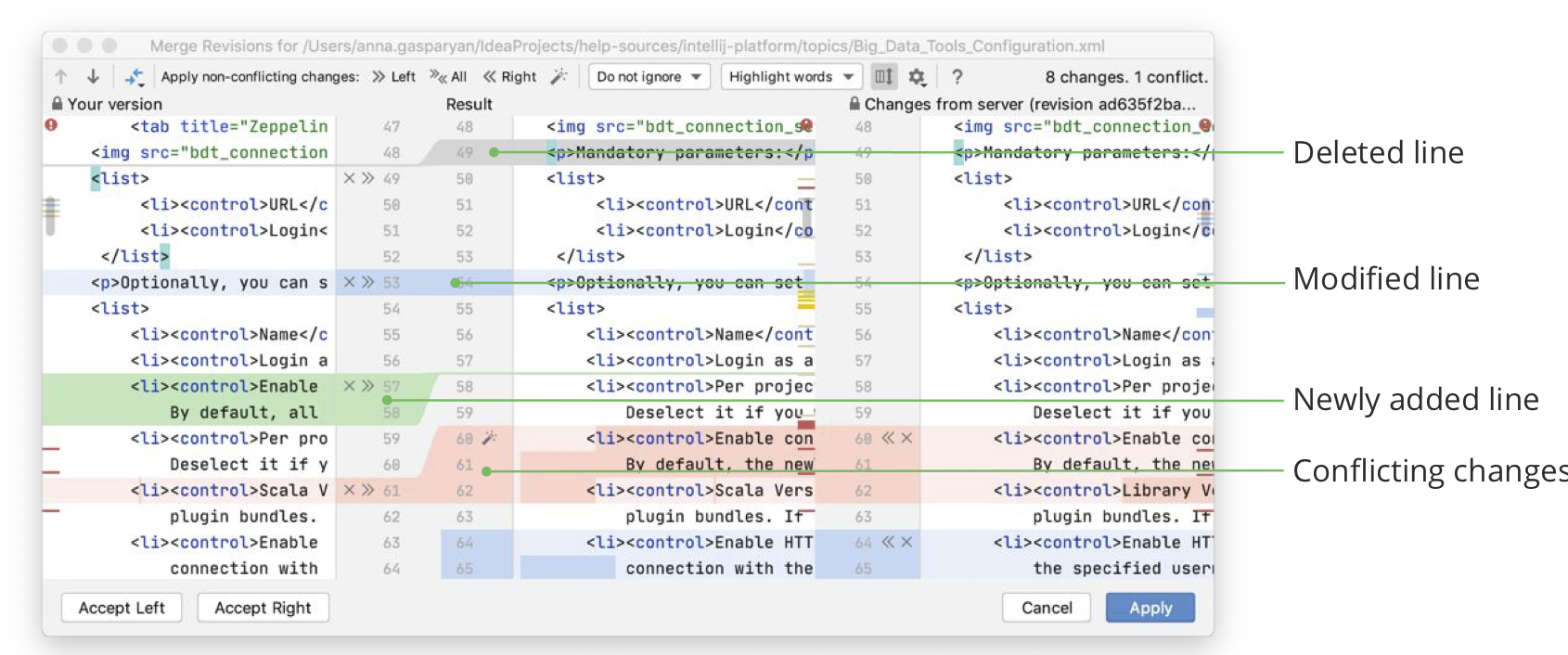
Web Nov 24 2020 nbsp 0183 32 Git GUI Tools Some of the graphical user interfaces for Git can be helpful when solving conflicts The Tower Git GUI for example offers a dedicated quot Conflict Wizard quot that helps visualize and solve the situation Dedicated Merge Tools For more complicated conflicts it can be great to have a dedicated quot Diff amp Merge Tool quot at hand