Git Remove From Repo But Keep File Subashselvan Git Interview Questions Git How To Link A Local Repo To A Remote In Github Stack Overflow How To Use Git Delete File For Git Users EaseUS Initialize A GitHub Repo Git RM Uses Purpose A No Nonsense Git RM Tutorial Is there a way to just remove the file from versioning without deleting it from any filesystem Edit Clarified I hope git version control gitignore git rm Share Improve this question Follow edited Jun 24 2015 at 7 30 Nick Volynkin 14 3k 6 46 69 asked Apr 9 2010 at 1 52 Fletcher Moore 13 6k 11 40 58 Perhaps you could expand on your use case
How to Remove Files from Git Repository without Deleting Local Copies How to Remove Files from Git Repository without Deleting Local Copies By Rahul April 11 2023 3 Mins Read In certain situations you may want to remove a file from your Git repository but keep the local copy of the file The rm command helps you to remove files from a Git repository It allows you to not only delete a file from the repository but also if you wish from the filesystem Deleting a file from the filesystem can of course easily be done in many other applications e g a text editor IDE or file browser
Git RM Uses Purpose A No Nonsense Git RM Tutorial GitHub GerritCodeReview git repo Repo The Multiple Git Repository Git Remove From Repo History A Large Subdirectory That Was Removed Git Delete Repo GitHub Delete Repo Deleting Git Repo Deleting How To Delete File On Git Removing Files From Git Repository Using How To Remove Changes From Staging Area In Git Delft Stack Did You Completely Remove Secrets From Git Repository Really Deleting Files On GitHub The GitHub Blog Did You Completely Remove Secrets From Git Repository Really
Git Remove From Repo But Keep File
 Git Remove From Repo But Keep File
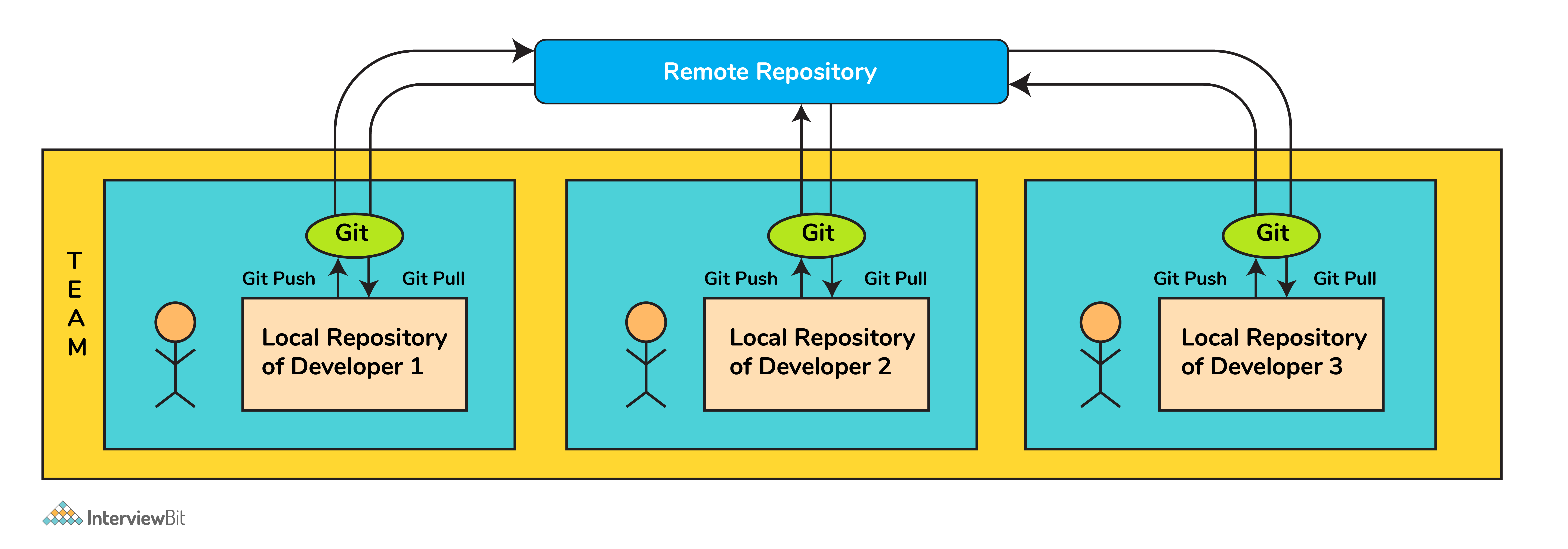
https://s3.ap-south-1.amazonaws.com/myinterviewtrainer-domestic/public_assets/assets/000/000/177/original/git_repos.png?1615875919
Remove a file from git but keep the local file First to make sure you don t add it commit it or push it in future add it to your gitignore file if you haven t added it committed it or pushed it do nothing you added it to gitignore above right
Templates are pre-designed files or files that can be used for various functions. They can conserve time and effort by supplying a ready-made format and design for creating different kinds of content. Templates can be used for individual or professional projects, such as resumes, invitations, flyers, newsletters, reports, discussions, and more.
Git Remove From Repo But Keep File
How To Delete File On Git Removing Files From Repository Using Webomate
GitHub GerritCodeReview git repo Repo The Multiple Git Repository

Git Remove From Repo History A Large Subdirectory That Was Removed

Git Delete Repo GitHub Delete Repo Deleting Git Repo Deleting
How To Remove Changes From Staging Area In Git Delft Stack
Did You Completely Remove Secrets From Git Repository Really

This is what you want to do Add all the files individually or in a folder that you want to remove from the repo but keep locally to gitignore Execute git rm cached put here your file ext for each file or git rm cached folder if they are in a folder It is because you need to escape the Commit your changes

Git remove file from repository but leave it on file system Ask Question Asked 12 years ago Modified 4 years 5 months ago Viewed 10k times 37 I try to remove unnecessary files from git repository That files were initially added and now they are in several branches

The command removes the file in my system I meant it to remove only the file from Git repository How can I remove the file from a Git repository without removing the file in my system git git rm Share Improve this question Follow edited Jun 24 2015 at 6 19 Nick Volynkin 14 2k 6 45 68 asked Aug 13 2009 at 16 29 L o L opold Hertz

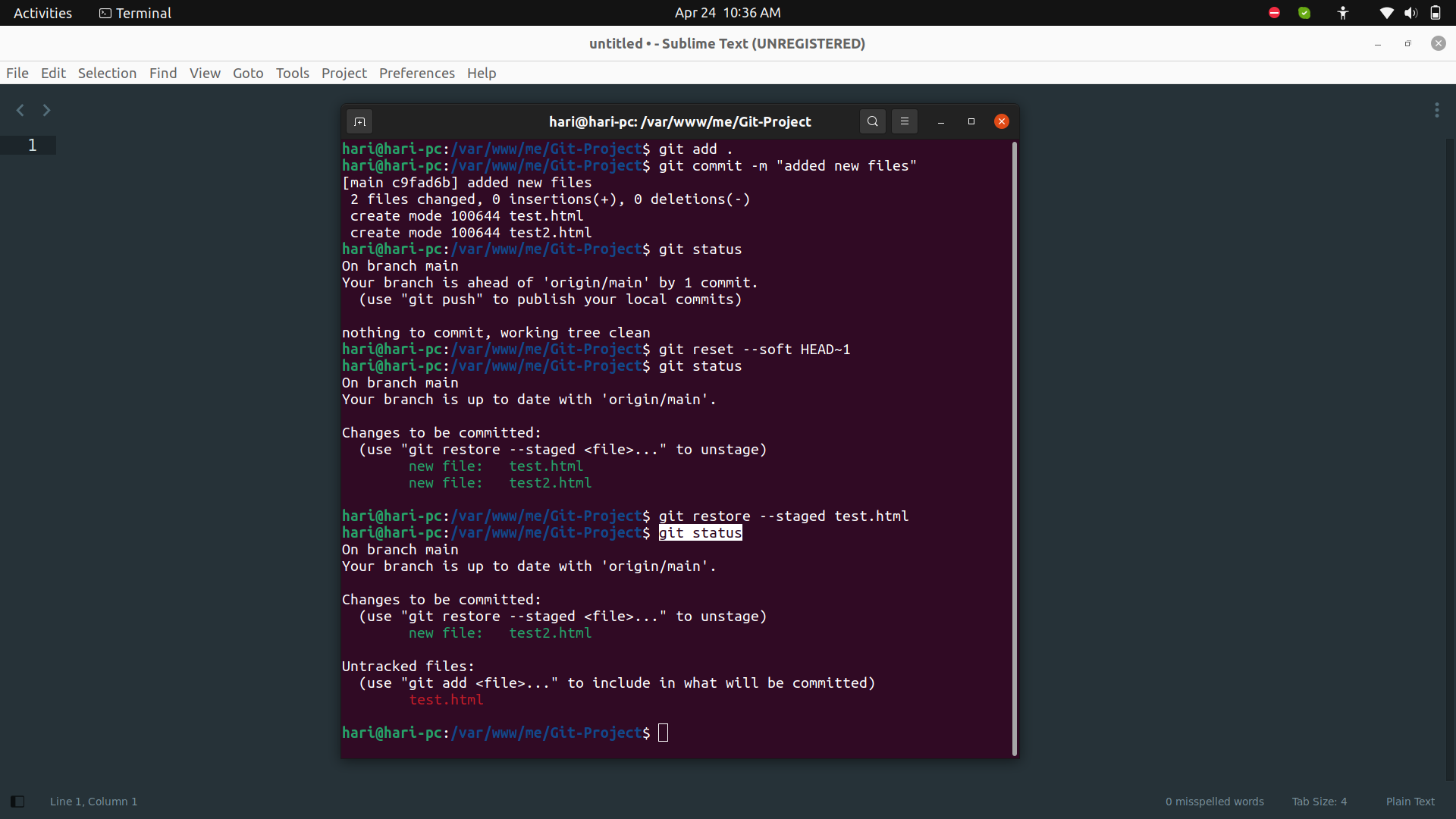
However the git rm command provides the cached option to allow us only to remove files from the repository s index and keep the local file untouched Next let s try it with the user list txt file git rm cached user list txt rm user list txt As the output above shows the user list txt file has been removed
11 Note on GitHub you now can directly delete a file from the web interface without having to even clone the repo See my answer below VonC Jul 4 2013 at 20 53 7 KeithThompson what steps might that be if I desperately want to do that lessthanl0l Feb 21 2014 at 19 09 7 lessthanl0l stackoverflow q 872565 827263 Keith Thompson
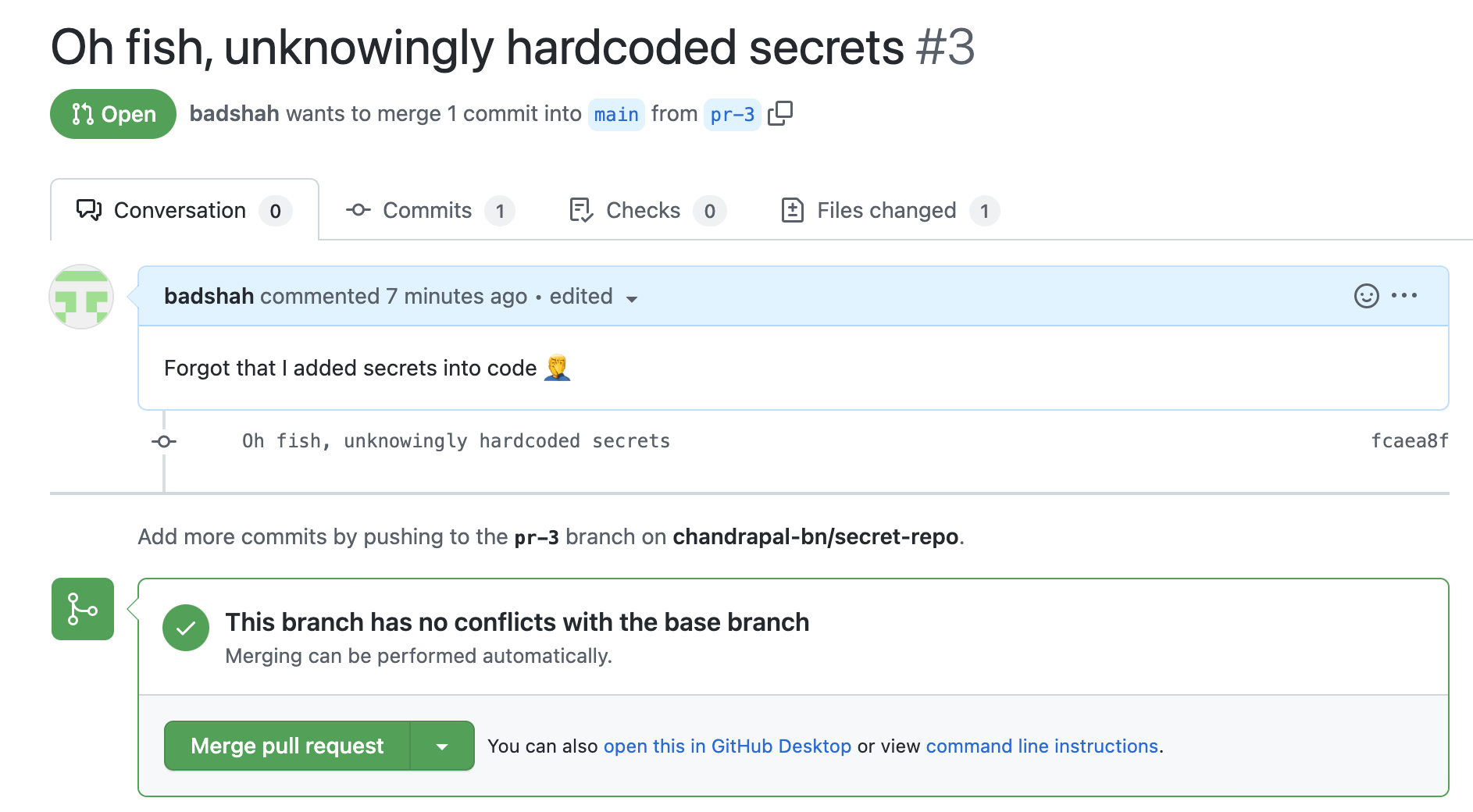
To completely remove the file from GitHub you must remove the file from your repository s history For more information see Removing sensitive data from a repository Deleting a file Browse to the file in your repository that you want to delete In the top right corner select the dropdown menu then click Delete file This is a complete guide and cheatsheet to rewrite and remove files from git history If you only need to edit one or more lines in a file without deleting the file git filter repo takes a sequence of search and replace commands Download our handy cheat sheet to keep your review practice on track Guest Expert 26 Jul 2023 6 min read
The most straightforward steps to clear such errors include committing pending code changes then running this command bash git rm r cached file followed by bash git add and bash git commit Scenario 2 Other times you work on a file with other software engineers