Git Remove File From Local History 10 Insanely Useful Git Commands For Common Git Tasks Datree io Remove Files Or Folders From Remote Git Git Clean 4 Examples To Remove Untracked Files Evasione Giudizio Peso Remove File Git Rappresentazione Palloncino How To Remove A File From Commit In Git Web Sep 14 2008 nbsp 0183 32 uggested Command for Removing Untracked Files from git docs is git clean git clean Remove untracked files from the working tree Suggested Method Interative Mode by using git clean i so we can have control over it let see remaining available options Available Options git clean d f i n q e x X can use either Explanation 1 d
Web If the file was added with the most recent commit and one has not pushed to GitHub one can delete the file and amend the commit Open GitBash and access the repository cd YOUR REPOSITORY l To remove the file enter git rm cached git rm cached GIANT FILE Stage our giant file for Web Steps 1 Find the largest files in git change 10 to whatever number of files you wanna display git rev list objects 2 Start filtering these large files by passing the path amp name of the file you would like to remove
How To Remove A File From Commit In Git Git Remove Multiple Deleted Files DiscoPosse Git Remove File How To Remove File From Git Commit Before Push ItSolutionStuff How To Remove File From Git History Fedingo How To Remove Local Untracked Files In Git Working Directory How To Git Remove File But Keep Local Version TecAdmin SOLVED Git Remove File From Tracking Practical Examples GoLinuxCloud SOLVED Git Remove File From Tracking Practical Examples GoLinuxCloud
Git Remove File From Local History
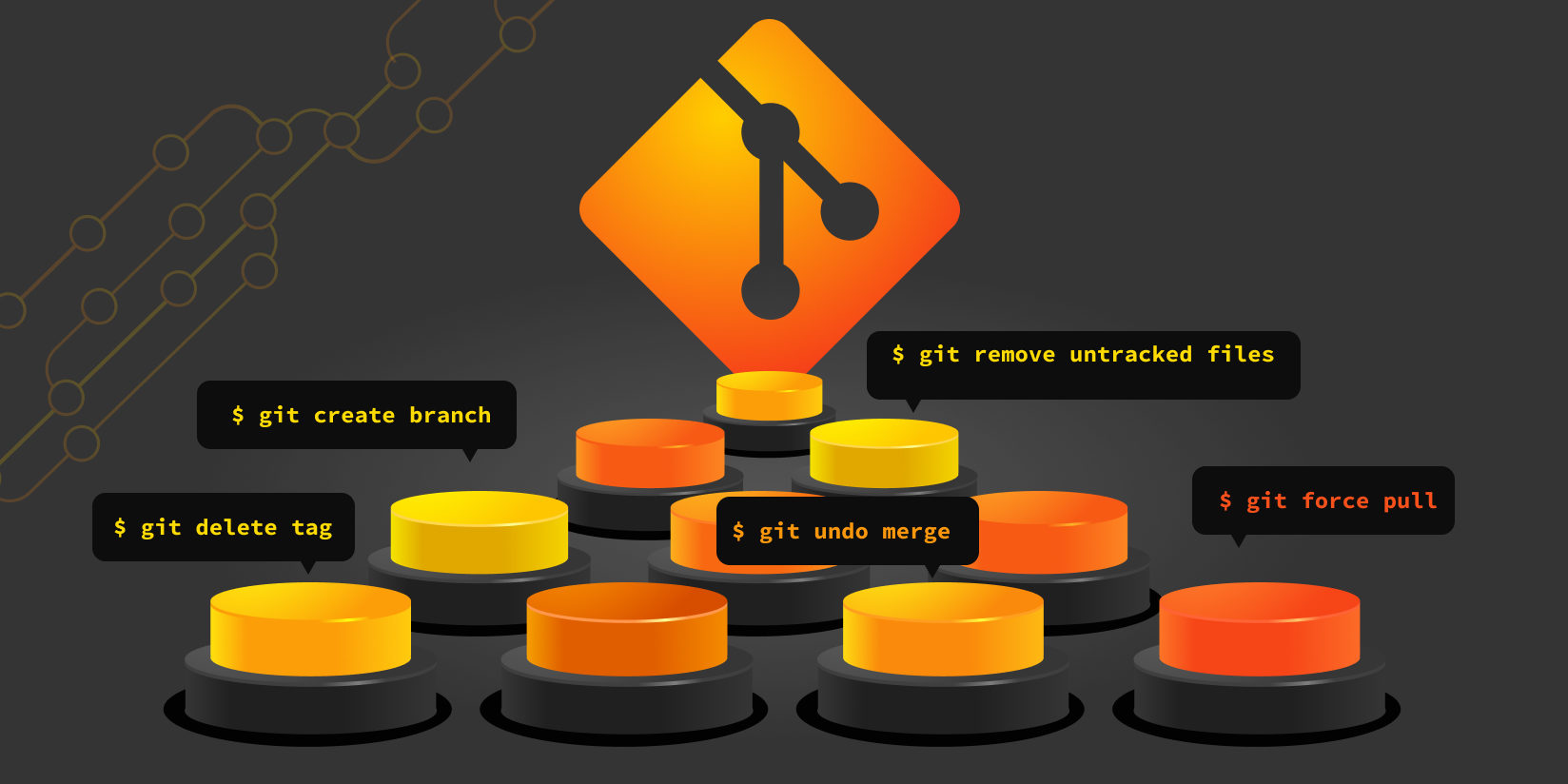 Git Remove File From Local History
https://assets-global.website-files.com/61c02e339c11997e6926e3d9/61c2e468e07f04bab44a38a0_5d664e055e626f58c6282c5a_10-git-commands-1648x824.jpeg
Web Mar 22 2012 nbsp 0183 32 Specific solution just to remove the large file in the local history GitHub offer s Git Large File Storage which stores large files always on the server and fetches them only on checkouts Very easy to setup and use in case your repository is on GitHub bitbucket or gitlab git annex allows storing big files anywhere
Pre-crafted templates use a time-saving option for creating a varied variety of files and files. These pre-designed formats and layouts can be utilized for various individual and expert jobs, including resumes, invitations, leaflets, newsletters, reports, presentations, and more, streamlining the content creation procedure.
Git Remove File From Local History

How To Permanently Remove A File From Git History Wisdom Geek

Git Remove Multiple Deleted Files DiscoPosse
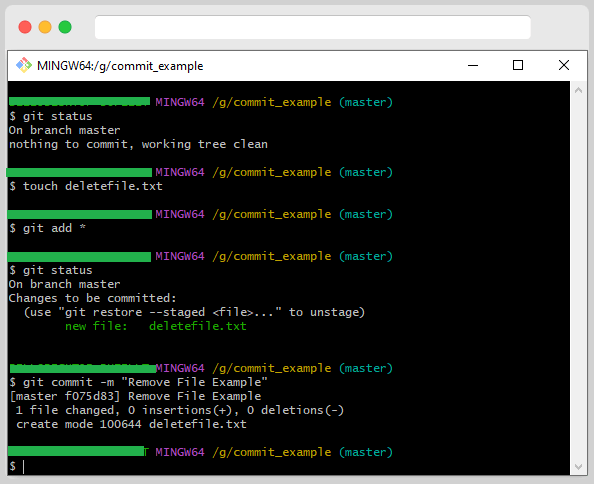
Git Remove File
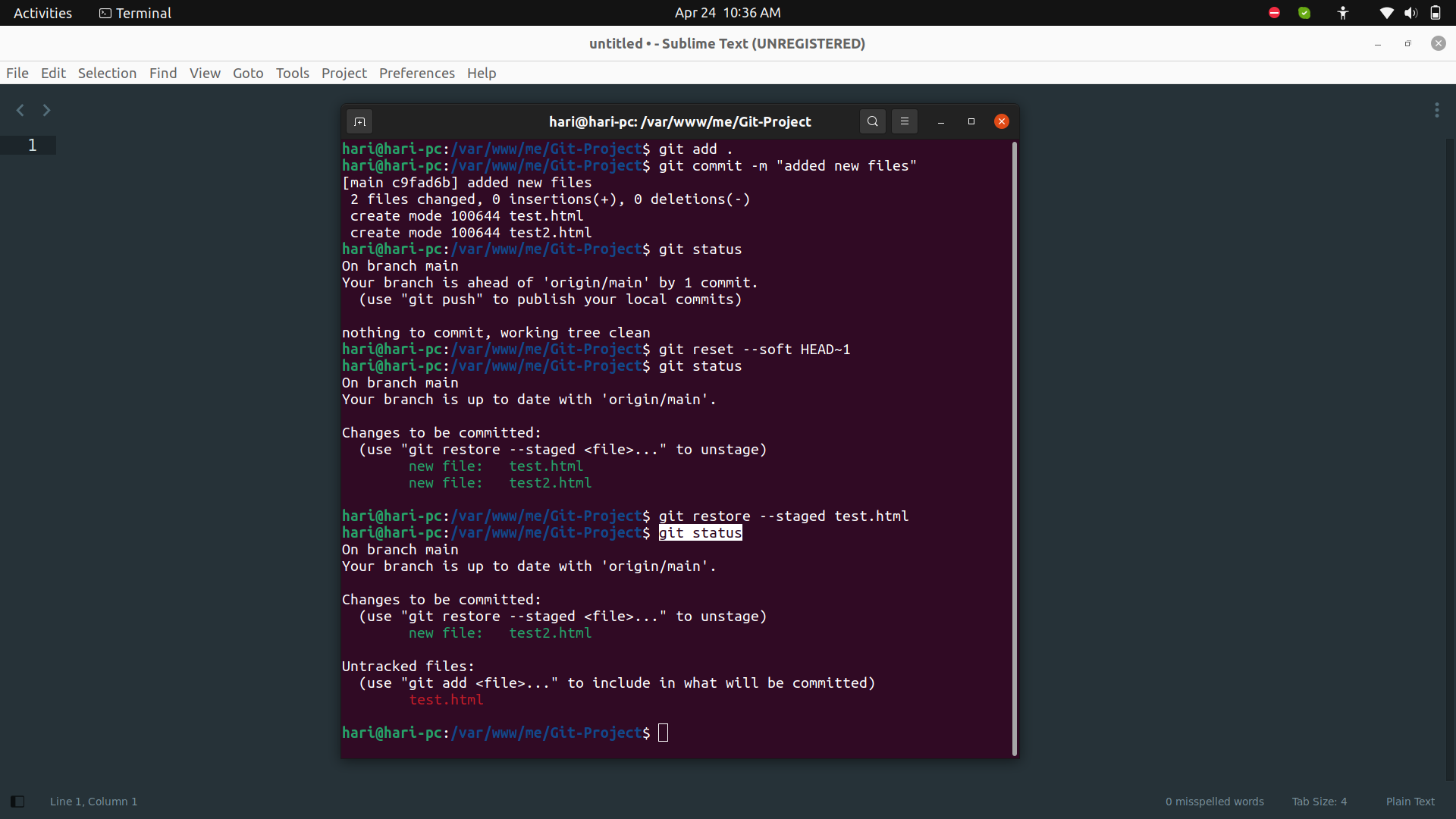
How To Remove File From Git Commit Before Push ItSolutionStuff

How To Remove Local Untracked Files In Git Working Directory

How To Git Remove File But Keep Local Version TecAdmin

Web Jan 30 2010 nbsp 0183 32 Here is a little summary of the procedure as Cupcake suggested If you have a file named file to remove to remove from the history cd path to parent dir git filter branch force index filter git rm cached ignore unmatch file to remove prune empty tag name filter cat all Share
Web Assuming no one had cloned the repository you can use git rebase i to rewrite the history and remove the file Use git rebase i lt commit hash of commit 3 gt This will open an editor with the list of commits starting at commit 4 You can choose to delete a commit by deleting the line and saving the file to edit it etc Select edit for

Web Aug 25 2022 nbsp 0183 32 Chapter 9 of the Pro Git book has a section on Removing Objects Let me outline the steps briefly here git filter branch index filter git rm cached ignore unmatch path to mylarge 50mb file tag name filter cat all Like the rebasing option described before filter branch is rewriting operation
Web According to the official git docs using git filter branch is strongly discouraged and the recommended approach is to use the contributed git filter repo command Install it via package or with package python3 pip do a pip install pip install git filter repo The command to exorcise filename is then git filter repo invert paths path

Web Jan 12 2010 nbsp 0183 32 If you have the GitHub for Windows application you can delete a file in 5 easy steps Click Sync Click on the directory where the file is located and select your latest version of the file Click on tools and select quot Open a shell here quot In the shell type quot rm filename quot and hit enter Commit the
Web Nov 9 2022 nbsp 0183 32 Is there a way to delete the commit from history git git commit Share Improve this question Follow edited Nov 9 2022 at 9 14 vvvvv 25 3k 19 49 80 asked Jun 17 2015 at 13 27 Serban Stoenescu 3 116 3 22 41 3 So here is a major suggestion Always check your commits one by one before pushing them ALWAYS ckruczek Jun 17 2015 Web Feb 9 2017 nbsp 0183 32 Here is a solution that removes all traces of the file from your entire commit history as though it never existed yet keeps the file in place on your system https help github articles remove sensitive data You can actually skip to step 3 if you are in your local git repository and don t need to perform a dry run
Web Jan 31 2017 nbsp 0183 32 Instructions Save the script above to local repository root maybe as git truncate sh Check out the branch you d like to truncate maybe master Go down history and find the first newest commit SHA you want to cut off assume it s 2c75a32 AND ensure the commit has no branches in parallel