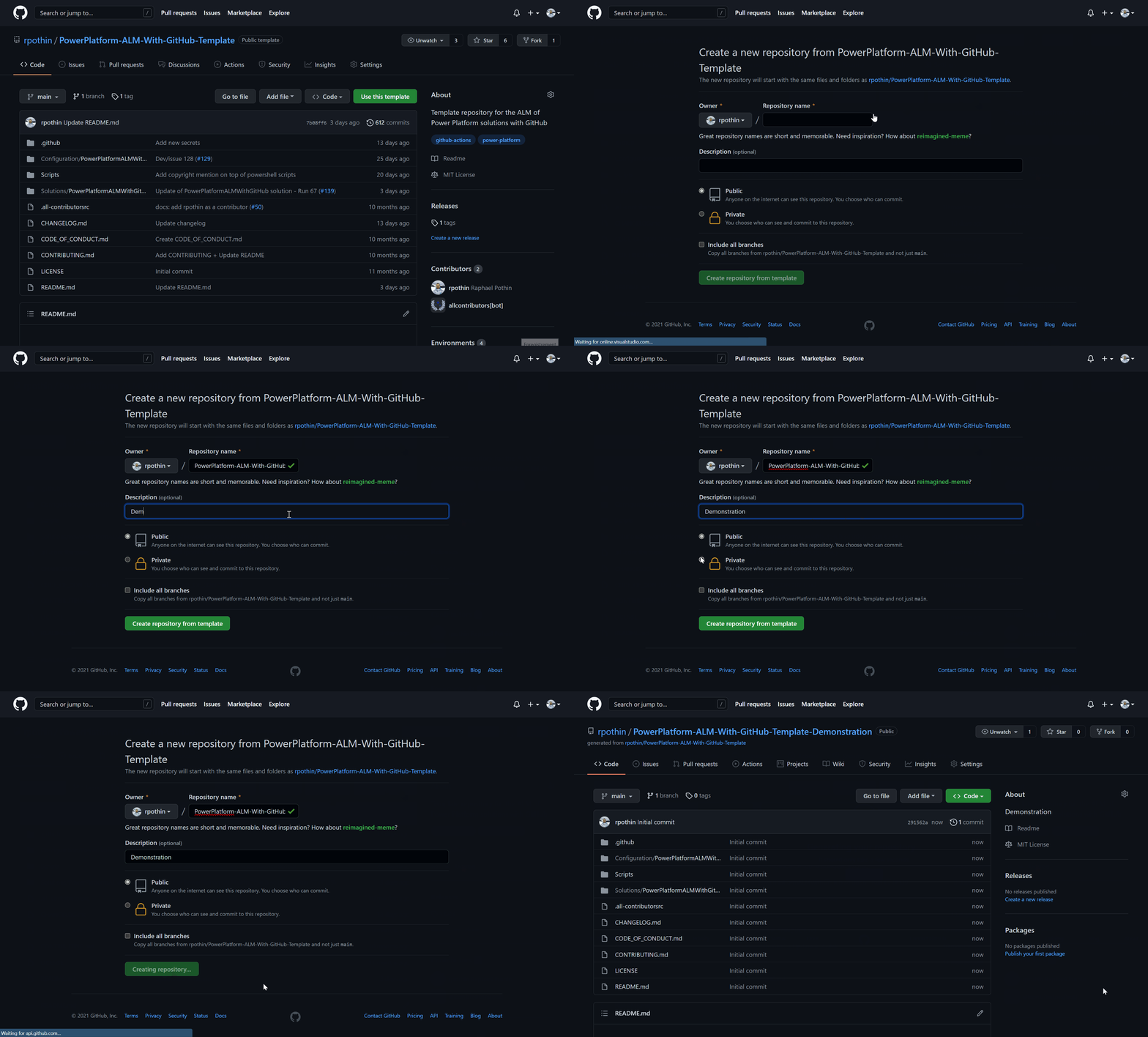
Git Remove Embedded Git Repository Subashselvan Git Interview Questions How To Use Git Delete File For Git Users EaseUS Install Git On Windows Github How Can I Unlink A Git Repository In Visual Studio Code The Powerplatform alm with github template From Garrytrinder Coder Social Web Feb 7 2020 nbsp 0183 32 To remove a remote navigate to the directory your repository is stored at and use the git remote rm or git remote remove command followed by the remote name git remote rm lt remote name gt
Web Apr 29 2022 nbsp 0183 32 You can remove a Git repository created locally by git init by simply removing the resulting git folder When this folder is removed it will no longer be a valid Git repository as that is what Git uses to Web Feb 6 2024 nbsp 0183 32 5 Conclusion In this article we ve explored how to delete Git s local and remote branches using commands Let s summarize them quickly Delete a local branch
The Powerplatform alm with github template From Garrytrinder Coder Social How To Create A New Git Repository Start A Github Repo How To Delete File On Git Removing Files From Git Repository Using How To Remove A File From Git Repository YouTube Git Fixed Command add apt repository Not Found In Ubuntu TechPiezo How To Remove A File From Git YouTube Git Warning Adding Embedded Git Repository Git Tutorial How To Add Files In Git Repository 5 YouTube
Git Remove Embedded Git Repository
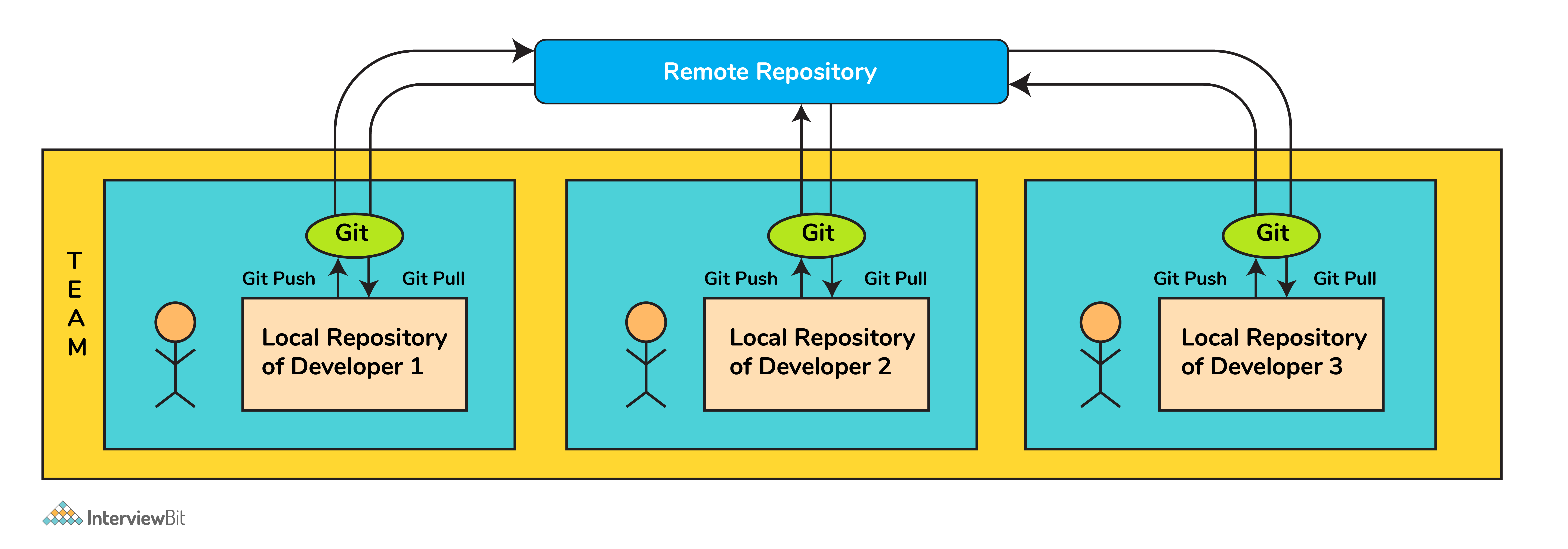 Git Remove Embedded Git Repository
https://s3.ap-south-1.amazonaws.com/myinterviewtrainer-domestic/public_assets/assets/000/000/177/original/git_repos.png?1615875919
Web Step 1 Locate the Git window For Windows the Custom Actions configuration is located in Tools gt Options gt Git For Mac the Custom Actions configuration is located in
Pre-crafted templates provide a time-saving solution for producing a varied range of documents and files. These pre-designed formats and designs can be used for different personal and professional tasks, including resumes, invitations, leaflets, newsletters, reports, presentations, and more, enhancing the content development process.
Git Remove Embedded Git Repository
Sign In GitLab
How To Create A New Git Repository Start A Github Repo
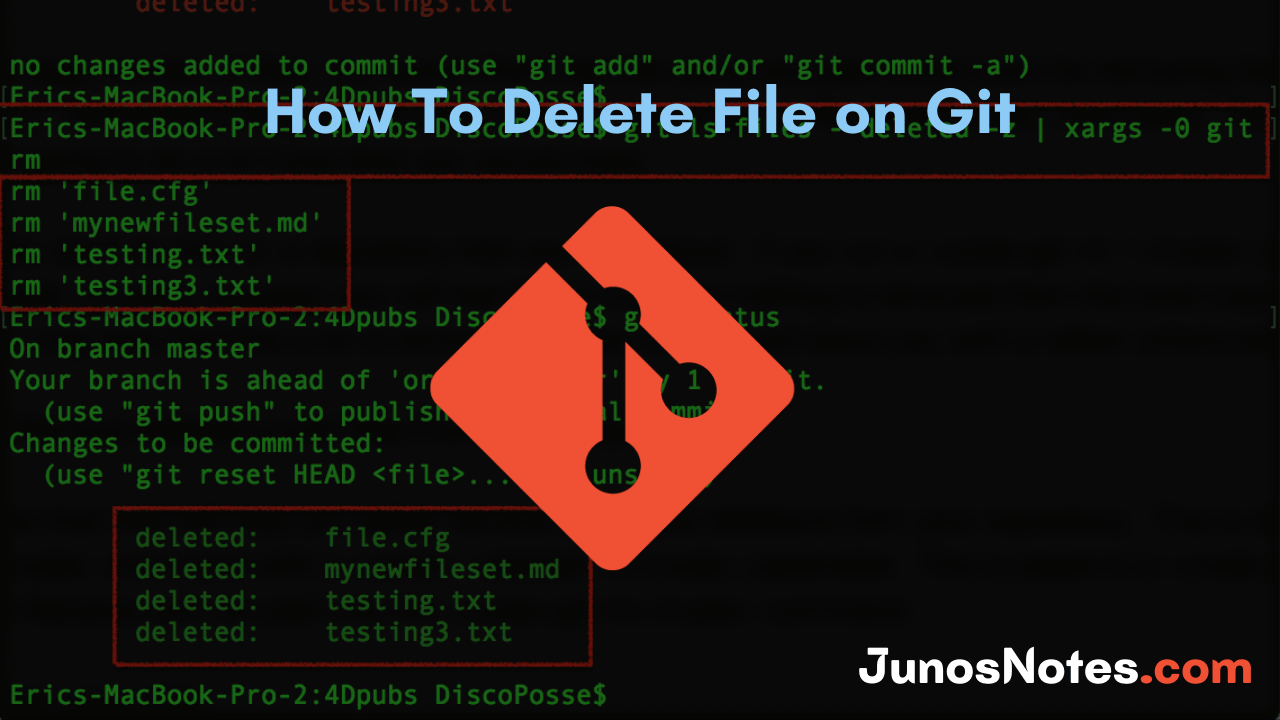
How To Delete File On Git Removing Files From Git Repository Using
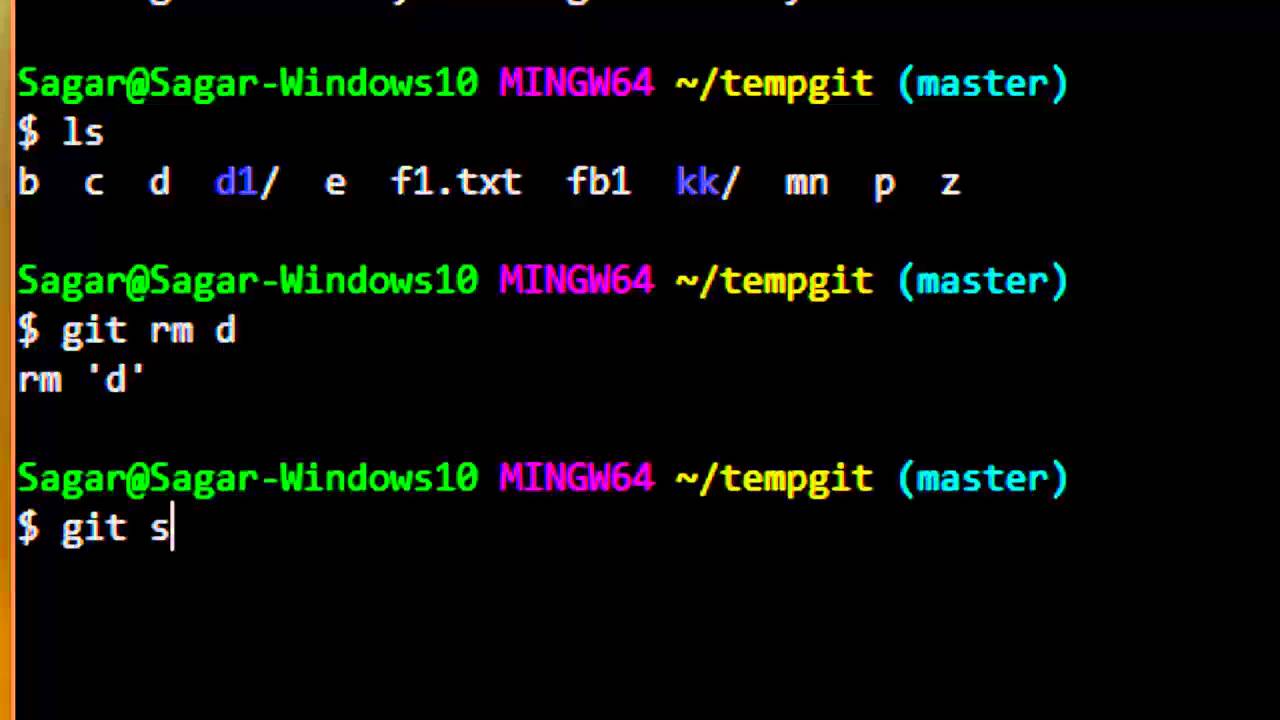
How To Remove A File From Git Repository YouTube

Fixed Command add apt repository Not Found In Ubuntu TechPiezo
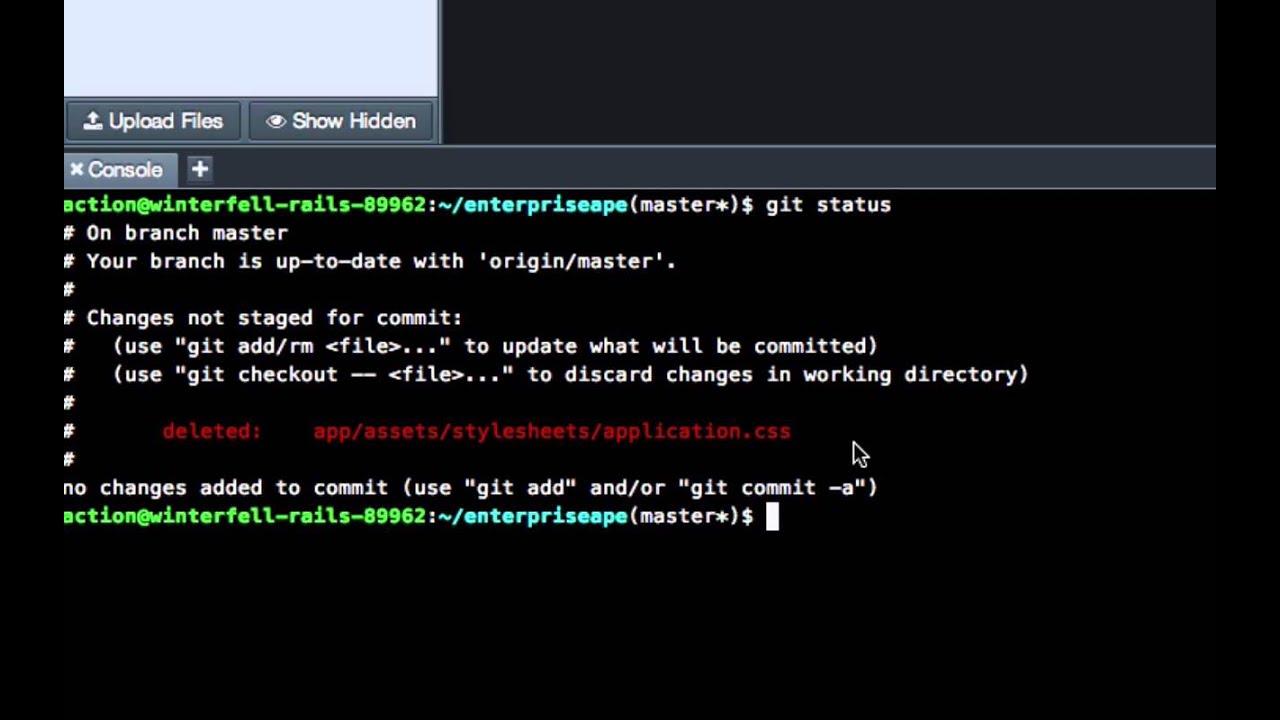
How To Remove A File From Git YouTube

Web Jun 18 2023 nbsp 0183 32 To fix this you need to remove the nested repo git rm cached nestrepo replace the nestrepo with the name of the folder that had the hidden git folder Then get

Web On GitHub navigate to the main page of the repository Under your repository name click Settings If you cannot see the quot Settings quot tab select the dropdown menu then click
Web The basic form described in DESCRIPTION with a Git directory a working directory a gitlink and a gitmodules entry quot Old form quot submodule A working directory with an

Web Nov 29 2021 nbsp 0183 32 If you re familiar with the terminal window or the DOS prompt you can easily perform a command line Git repository delete Just run the rm command with the f and
Web Mar 23 2023 nbsp 0183 32 To remove a file from the repository you can use the following command git rm lt file gt But you only want to unstage your files that is undo the git add command and not remove them from your
Web Feb 6 2024 nbsp 0183 32 3 Using the git rm cached Command We ve mentioned that git rm FILE will remove files from the index and local working tree by default However the git rm Web October 24th 2020 When you initialize a git repository with git init you create a hidden git directory git inside your project directory To uninitialize remove git from your project
Web Feb 6 2024 nbsp 0183 32 We can remove the blob file from our git history by rewriting the tree and its content with this command git filter branch tree filter rm f blob txt HEAD Here the