Git Remove Directory From Repository Without Deleting How To Remove Delete A Local Git Repository YouTube Linux How To Remove All Files From A Directory or Remove A Directory How To Delete File On Git Removing Files From Git Repository Using How To Remove Directory Folder From A Git Repository Sabe io Remove A File not Delete From A Branch Web 1 Navigate to the Git Repository First open a terminal and cd into the repository that contains the file cd path to my git repo This ensures you are working directly in that repository 2 Check the File Status
Web Jun 6 2019 nbsp 0183 32 Solution For both of these situations you might think of just deleting the file and then recreating it but git remembers that file and it will keep displaying it as an unstaged change which is not good What you want is that git should forget that file and you add it to gitignore so it doesn t get added ever again Web Feb 10 2022 nbsp 0183 32 To remove a directory from your local repository you can will have to use the git rm command The rm command standing for remove is the command you want to use to remove anything from your Git repository Since we are removing a directory we will need to specify the path to the directory that we want to remove then pass it the r flag
Remove A File not Delete From A Branch Madhu s Blog Remove Directory From Remote Repository After Adding Them Albert s Blog Git How To Remove Directory From Git Repository How To Remove Untracked Files From Git Without Deleting HOWTORMEOV How To Git Remove File But Keep Local Version TecAdmin Git Delete Local Branch And Remote Branch With Force Delete Evasione Giudizio Peso Remove File Git Rappresentazione Palloncino Deleting Files In A Repository GitHub Docs Albert s Blog Git How To Remove Directory From Git Repository
Git Remove Directory From Repository Without Deleting
 Git Remove Directory From Repository Without Deleting
https://i.ytimg.com/vi/-sdYsDumGgM/maxresdefault.jpg
Web Jul 8 2019 nbsp 0183 32 Solutions 1 Solution for both Remote repository and Local Attention This solution will not keep your old commit history around since it will delete the master branch and delivers you a
Templates are pre-designed files or files that can be used for various functions. They can save time and effort by supplying a ready-made format and layout for developing different kinds of material. Templates can be utilized for individual or expert projects, such as resumes, invites, leaflets, newsletters, reports, discussions, and more.
Git Remove Directory From Repository Without Deleting

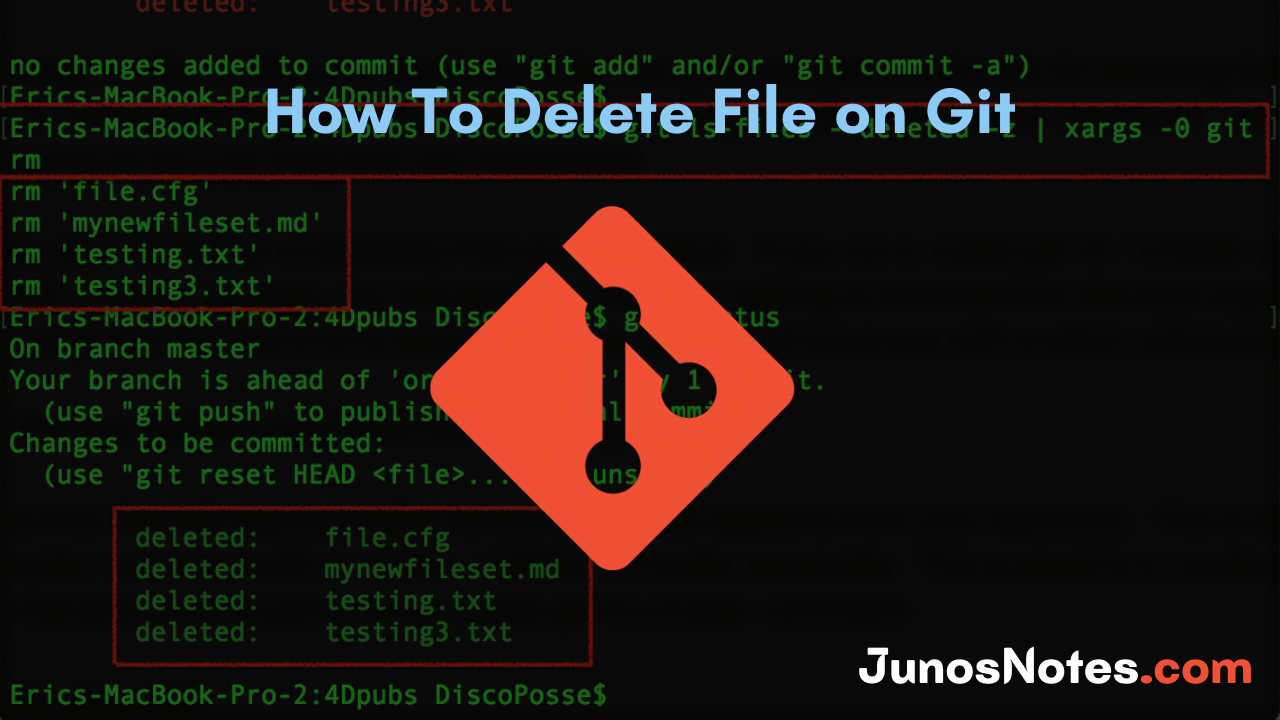
Git Remove Multiple Deleted Files DiscoPosse
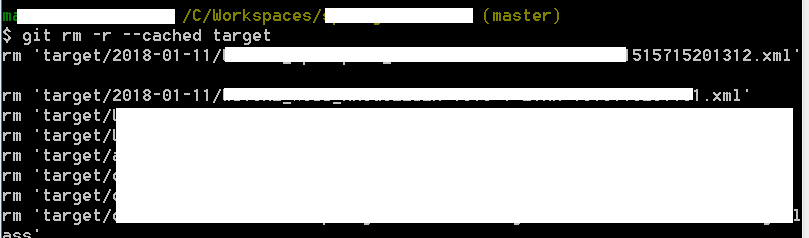
Madhu s Blog Remove Directory From Remote Repository After Adding Them
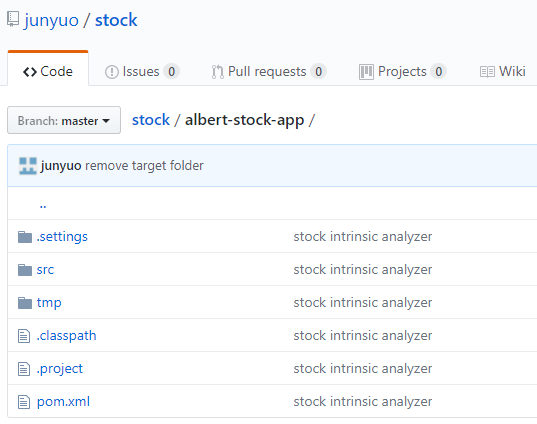
Albert s Blog Git How To Remove Directory From Git Repository
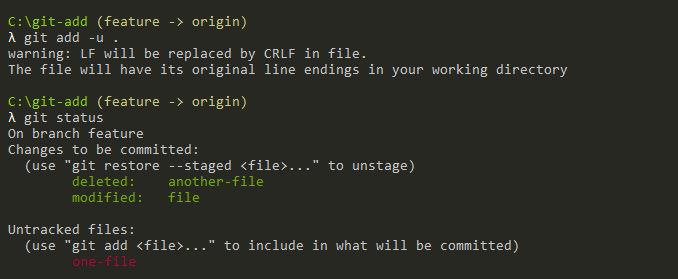
How To Remove Untracked Files From Git Without Deleting HOWTORMEOV
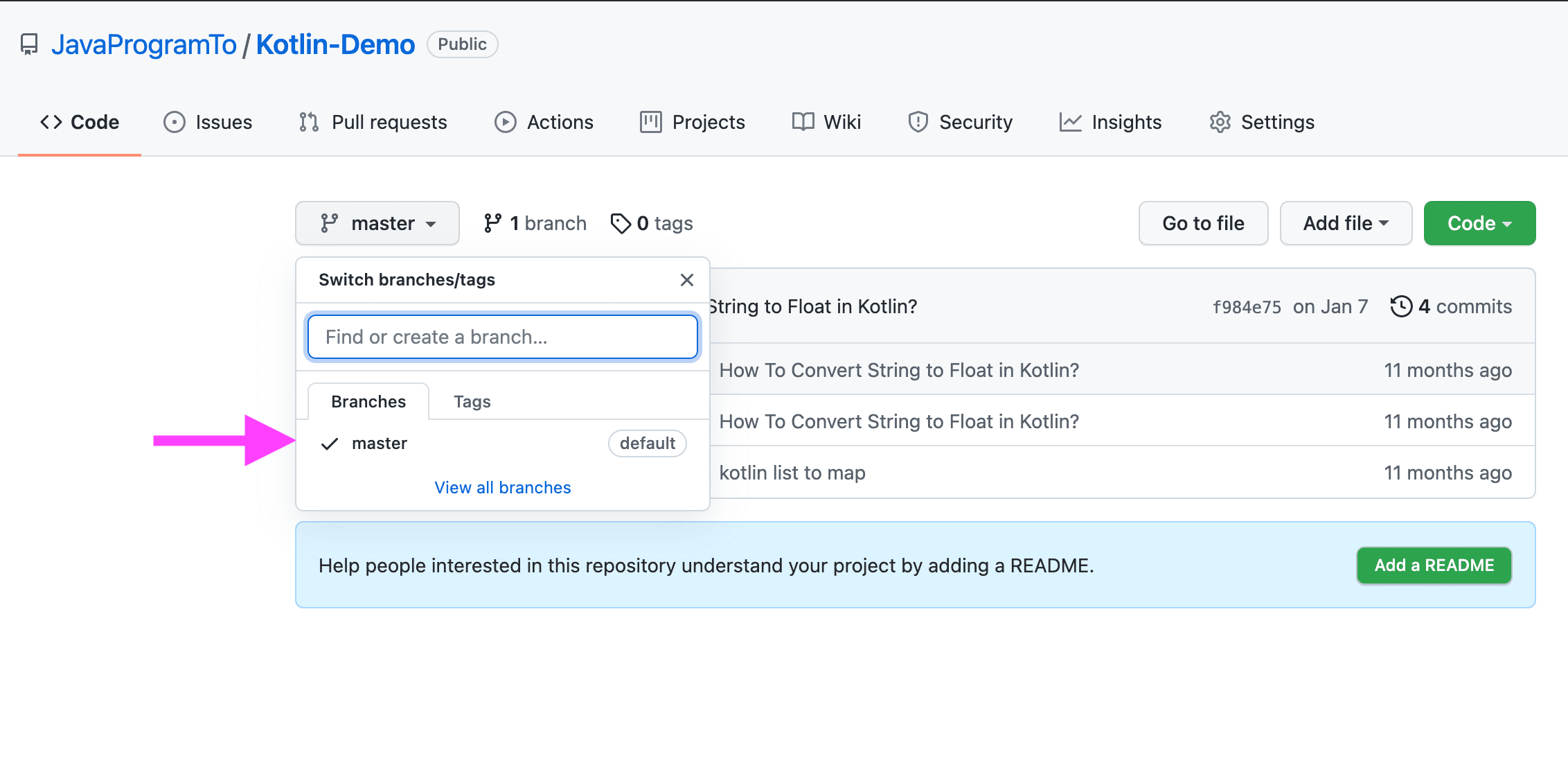
Git Delete Local Branch And Remote Branch With Force Delete
Evasione Giudizio Peso Remove File Git Rappresentazione Palloncino

Web Jun 10 2011 nbsp 0183 32 git rm r one of the directories This deletes from filesystem git commit m quot Remove duplicated directory quot git push origin lt your git branch gt typically master but not always Remove directory from Git but NOT local To remove this directory from Git but not delete it entirely from the filesystem local git rm r cached myFolder

Web Feb 6 2024 nbsp 0183 32 Now let s combine the git rm cached and git ls files commands to remove them in one shot git rm cached git ls files i c X gitignore rm logs server log rm user list txt It s worth mentioning that the command will delete all files under the logs directory so finally it will delete the empty logs directory from the index
Web Jun 18 2014 nbsp 0183 32 How do I remove a folder from my git repository without deleting it from my local machine i e development environment Answer Step 1 Add the folder path to your repo s root gitignore file path to your folder Step 2 Remove the folder from your local git tracking but keep it on your disk git rm r cached path to your folder Step 3
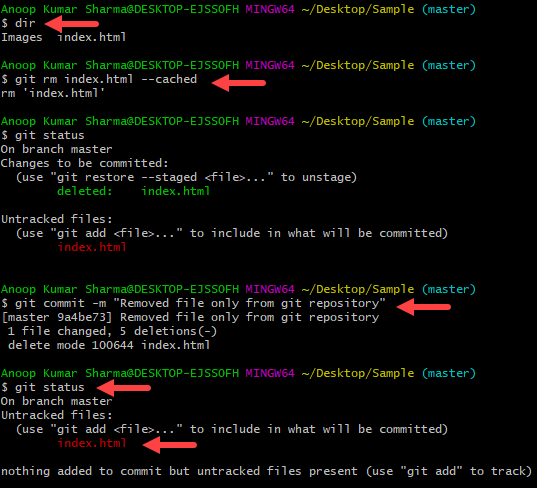
Web Apr 11 2023 nbsp 0183 32 To remove the file from your Git repository without deleting the local copy use the git rm command with the cached option git rm cached file to remove txt Replace file to remove txt with the relative path to the file you want to remove from the repository The cached option tells Git to remove the file only from the repository and

Web 2 min read 183 Sep 15 2022 Photo by RealToughCandy on Pexels Ah darn You ve added a file or directory to your Git branch or pull request and actually don t want it there However you don t want to run a command that deletes it from there and your local workspace machine laptop computer
Web Feb 19 2018 nbsp 0183 32 change your directory to the directory which you initialized git Now if you do ls la You will be able to see git folder which is the main thing to keep track of your git project To remove this you can use the following command rm rf git Web Jun 24 2021 nbsp 0183 32 Use rm r switch with the git command to remove directory recursively After removing the directory you need to commit changes to the local git repository Then push the changes to remove the directory from the remote git repository Use the command line below to remove the directory named test dir from the current directory git rm r test dir
Web Feb 4 2022 nbsp 0183 32 normally with the rm command bash No 1 git rm lt file gt OR recursively using the r option bash No 2 git rm r lt file gt OR git delete a file or directory by running the clean command with various options For example use the f