Git Push Origin Master With Username And Password Git Push f Origin Master 9GAG Push To Origin How To Git For Dummies NTU SCSE Style Login Interface Username And Password Royalty Free Vector Meme git Push Origin Master force All Templates Meme arsenal Git Push Origin Master 9GAG Thanks for contributing an answer to Stack Overflow Please be sure to answer the question Provide details and share your research But avoid Asking for help clarification or responding to other answers
A remote name for example origin A branch name for example main For example git push REMOTE NAME BRANCH NAME As an example you usually run git push origin main to push your local changes to your online repository Renaming branches To rename a branch you d use the same git push command but you would add one more argument the name of Step 1 Create Access Token on GitHub First of all you must create a personal Access Token on GitHub To do so follow the steps below Click on your GitHub profile icon on the top right corner Click Settings From the menu shown on the left click Developer Settings Click Personal access tokens
Git Push Origin Master 9GAG Github git Push Origin Master password Authentication Failed Github Git Prompts For Username And Password For Git Push Origin Git Fatal The Current Branch Has No Upstream Branch GIT Branch And Its Operations An Easy Understanding Digital Varys Meme git Push force Origin Master All Templates Meme arsenal PLEASE HELP Can t Push Code To GitHub Repository Anymore Community Git Push Origin Master N o Funciona Git E Github Controle E Lesson 19 Version Control With Git Programming Bootcamp Documentation
Git Push Origin Master With Username And Password
 Git Push Origin Master With Username And Password
https://images-cdn.9gag.com/photo/aV01W78_700b.jpg
Password for https github Check GitHub authentication ssh T git github Problem password authentication was removed on August 13 2021 Please use a personal access token
Templates are pre-designed files or files that can be used for different purposes. They can save effort and time by providing a ready-made format and layout for producing different kinds of material. Templates can be used for personal or professional tasks, such as resumes, invitations, leaflets, newsletters, reports, discussions, and more.
Git Push Origin Master With Username And Password
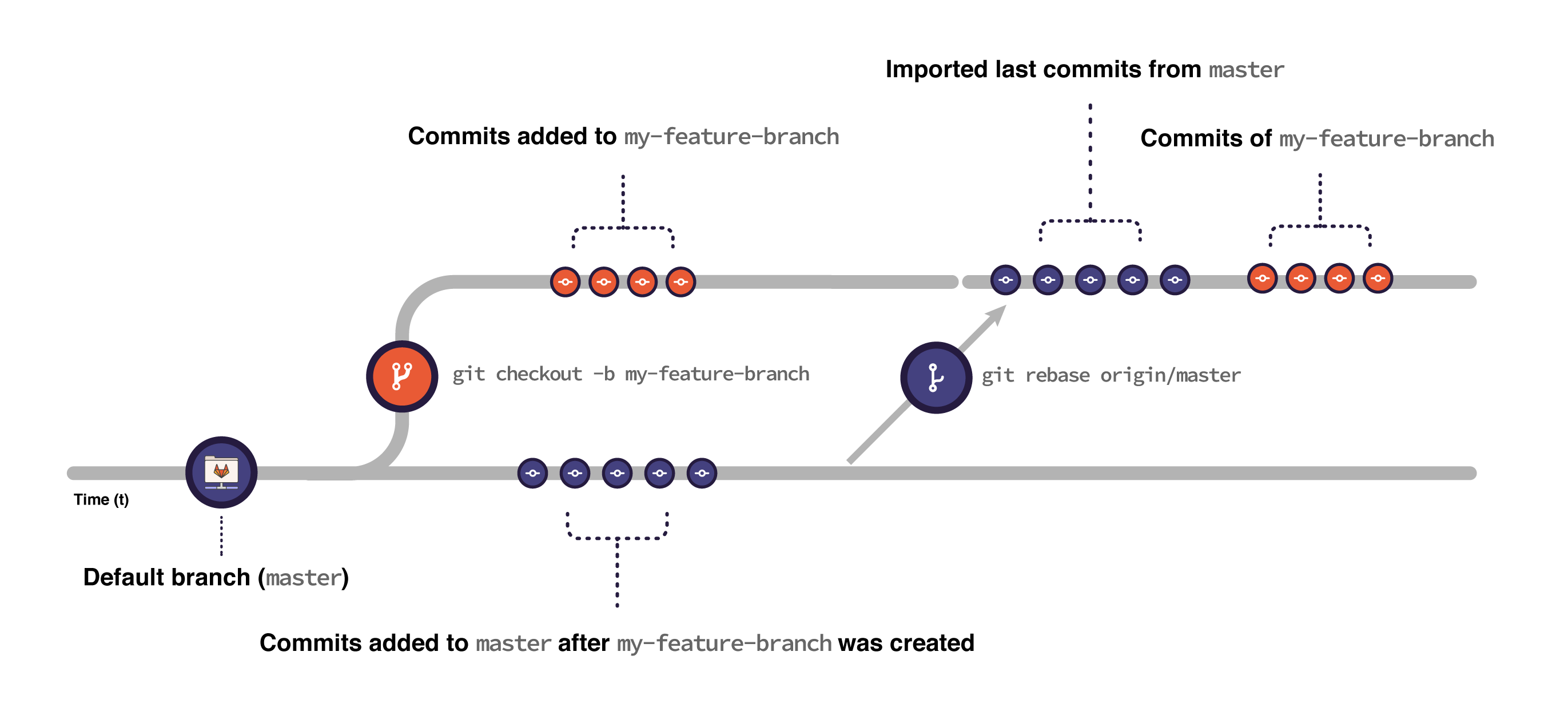
Git Rebase Git Topics Help GitLab
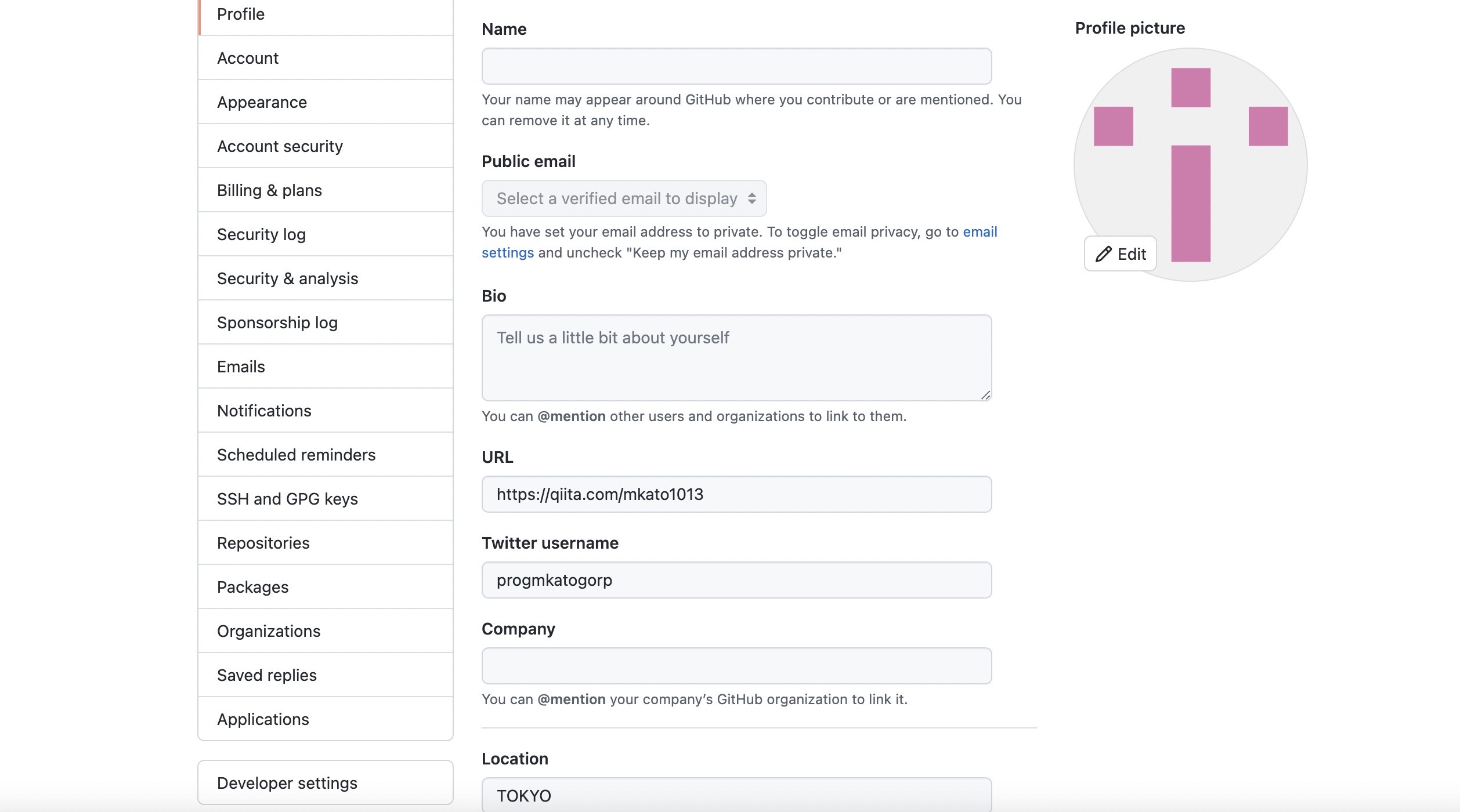
Github git Push Origin Master password Authentication Failed

Github Git Prompts For Username And Password For Git Push Origin
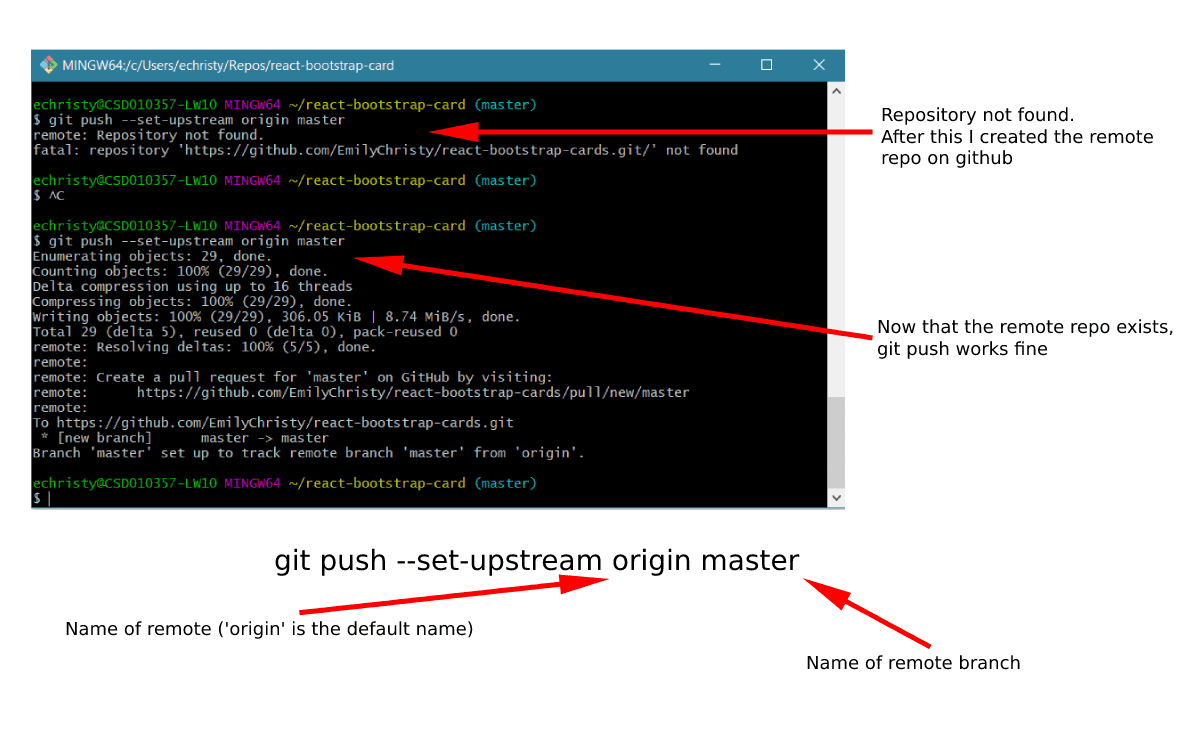
Git Fatal The Current Branch Has No Upstream Branch

Meme git Push force Origin Master All Templates Meme arsenal

PLEASE HELP Can t Push Code To GitHub Repository Anymore Community
Password for https git github remote Invalid username or password fatal Authentication failed for https git github eurydyce MDANSE git However setting my ssh key to github seems ok Indeed when I do a ssh T git github I get Hi eurydyce You ve successfully authenticated but GitHub does not provide shell access
Using token instead of password git clone https github username repo git Username your username Password your token You can also use token in url no prompt then git push https your token github my github account my repo git

2 Answers Sorted by 3 You must use your GitHub account username hannaselvaag And your GitHub account password Not create a new username and password like an ssh passphrase just for that repo Change your remote in order to add your GitHub username account in the url

Last login Sun Dec 4 10 46 35 on ttys000 Seans MBP mrseanbaines git push u origin master Username for https github mrseanbaines Password for https mrseanbaines github remote Invalid username or password fatal Authentication failed for https github mrseanbaines cartwheeling kitten git Seans MBP mrseanbaines

repository The remote repository that is the destination of a push operation This parameter can be either a URL see the section GIT URLS below or the name of a remote see the section REMOTES below refspec Specify what destination ref to update with what source object
n n n The next time you git fetch git pull or git push to the remote repository you ll be asked for your GitHub username and password data reusables user settings password authentication deprecation n You can use a credential helper so Git will remember your GitHub username and data variables product pat generic every time it talks to GitHub 1 Photo by Roman Synkevych on Unsplash Sometimes while doing the work you might have come to a requirement that you need to push a first time commit to GitHub remote But whenever you are trying
Password authentication was removed Even if we enter the correct username and password Github still does not allow for pushing because the password authentication was removed on August 13 2021 Please use a personal access token instead Terminal