Git Push Local Branch To Remote With Same Name Git Reset Origin How To Reset A Local Branch To Remote Tracking Branch Git Push Local Branch To Remote How To Publish A New Branch In Git Git Push Local Branch To Remote How To Publish A New Branch In Git Git Push Local Branch To Remote How To Publish A New Branch In Git Git Push New Local Branch To Remote Web Mar 30 2023 nbsp 0183 32 Introduction Branches in Git are independent development lines in a project When working on a local copy of the repository you can create new branches in the local repository that don t yet exist in the remote one until you push the changes In this tutorial you will learn how to push a branch to a remote repository in Git Prerequisites
Web lt repository gt The quot remote quot repository that is the destination of a push operation This parameter can be either a URL see the section GIT URLS below or the name of a remote see the section REMOTES below lt refspec gt Specify what destination ref to update with what source object Web Feb 15 2020 nbsp 0183 32 In order to push your branch to another remote branch use the git push command and specify the remote name the name of your local branch as the name of the remote branch git push lt remote gt lt local branch gt lt remote name gt As an example let s say that you have created a local branch named my feature
Git Push New Local Branch To Remote Push A New Local Branch To A Remote GitHub Repo With Git YouTube Git Create Branch Based On Current Nanaxtales H vni A Nev ben Gy gyszer Git Add Remote Server Sz dav z Csak Csin ld Sinis Techmaster Vi t Nam H c L C Vi c Learn How To Git Push Git Push Local Branch To Remote 2022 Learn How To Git Push Git Push Local Branch To Remote Push Local Branch To Remote Repository JDev ADF Goodies Learn How To Git Push Git Push Local Branch To Remote 2022
Git Push Local Branch To Remote With Same Name
 Git Push Local Branch To Remote With Same Name
https://www.freecodecamp.org/news/content/images/size/w2000/2022/06/tanner-van-dera-oaQ2mTeaP7o-unsplash.jpg
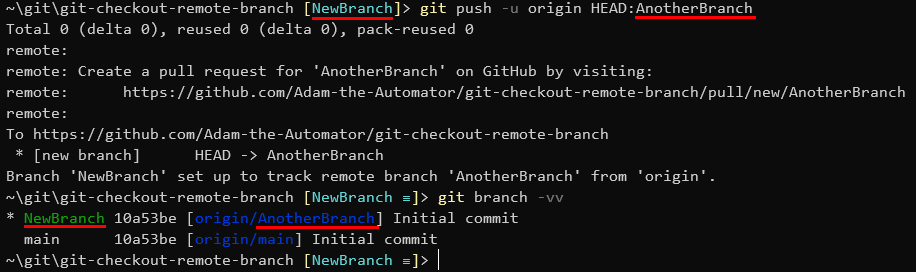
Web Apr 13 2020 nbsp 0183 32 Shortcut for pushing local branch to a new remote branch with the same name git checkout b lt new branch name gt making changes commit the changes git push u origin lt new branch name gt
Pre-crafted templates provide a time-saving option for creating a diverse variety of files and files. These pre-designed formats and designs can be used for numerous personal and expert projects, including resumes, invites, flyers, newsletters, reports, presentations, and more, improving the content production procedure.
Git Push Local Branch To Remote With Same Name

Git How To Push Local Branch To Origin

Push A New Local Branch To A Remote GitHub Repo With Git YouTube
Git Create Branch Based On Current Nanaxtales
H vni A Nev ben Gy gyszer Git Add Remote Server Sz dav z Csak Csin ld Sinis
Learn How To Git Push Git Push Local Branch To Remote 2022
Learn How To Git Push Git Push Local Branch To Remote

Web Feb 21 2012 nbsp 0183 32 Modified 4 months ago Viewed 125k times 161 I m trying to push a new local branch product 0 2 to remote where there is already a tag with the same name but the branch itself does not exist git push v tags set upstream origin product 0 2 product 0 2 Pushing to https github mycompany product git error src

Web Apr 30 2015 nbsp 0183 32 On git if I delete the local branch and create a new one with the same name All the commits from the new branch will be pushed to the same remote since they have the same name Is it correct

Web Apr 26 2021 nbsp 0183 32 You will usually push your local branch to a remote branch of the same name but not always To push to a branch of a different name you just need to specify the branch you want to push and the name of the

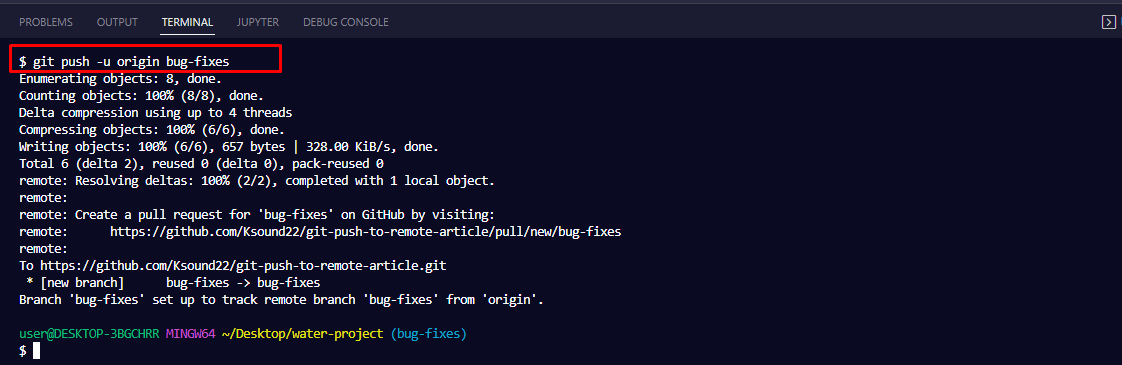
Web Sep 9 2022 nbsp 0183 32 To push the branch to the remote server run git push u origin lt branch name gt In my case the name of that branch is bug fixes So I have to run git push u origin bug fixes To confirm that the branch has been pushed head over to GitHub and click the branches drop down You should see the branch there Conclusion
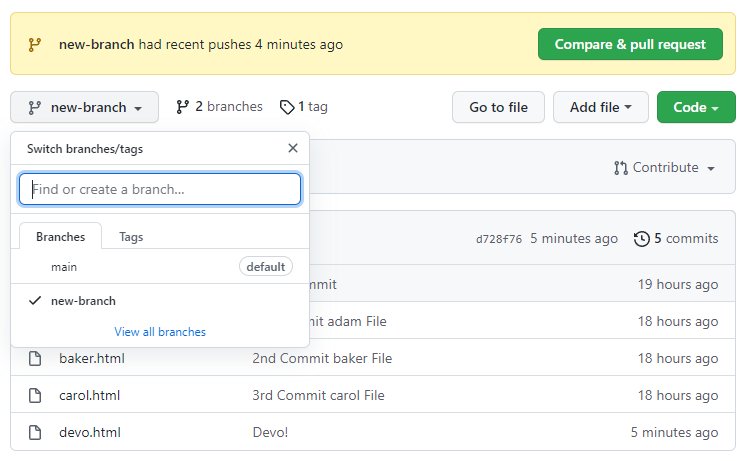
Web Renaming branches To rename a branch you d use the same git push command but you would add one more argument the name of the new branch For example git push REMOTE NAME LOCAL BRANCH NAME REMOTE BRANCH NAME This pushes the LOCAL BRANCH NAME to your REMOTE NAME but it is renamed to REMOTE
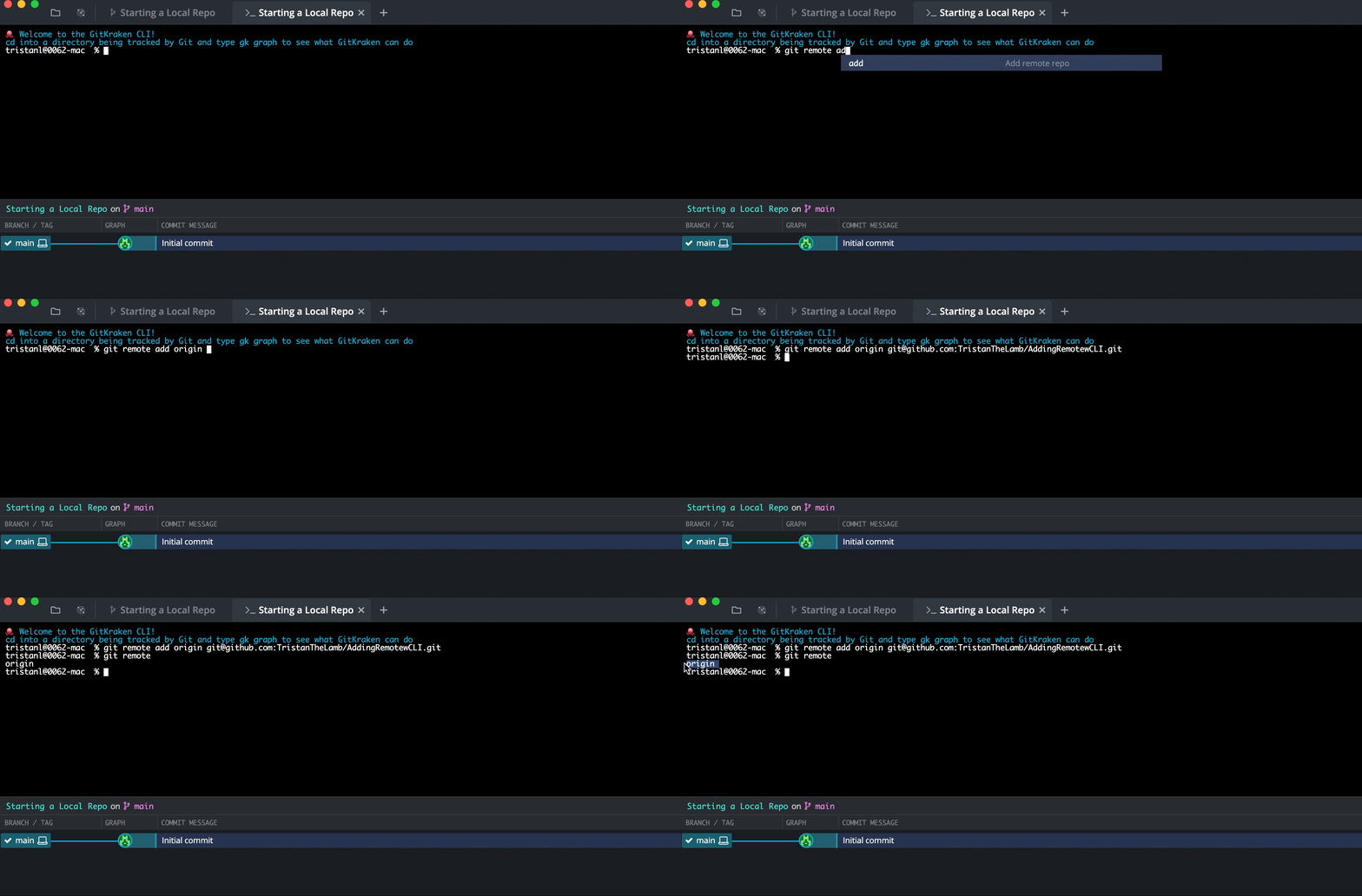
Web Oct 24 2023 nbsp 0183 32 The Prerequisites Push the Main Branch to a Remote Repository Step 1 Check git status Step 2 Commit the Changes to the Local Branch Step 3 Add the Remote Repository Step 4 Switch to the Master main Branch Step 5 Push the Branch How to Push a New Local Branch to the Remote Repository Web By default git pushes the local branch to a remote branch with the same name For example if you have a local called new feature if you push the local branch it will create a remote branch new feature as well If you want to use a different name for the remote branch append the remote name after the local branch name separated by
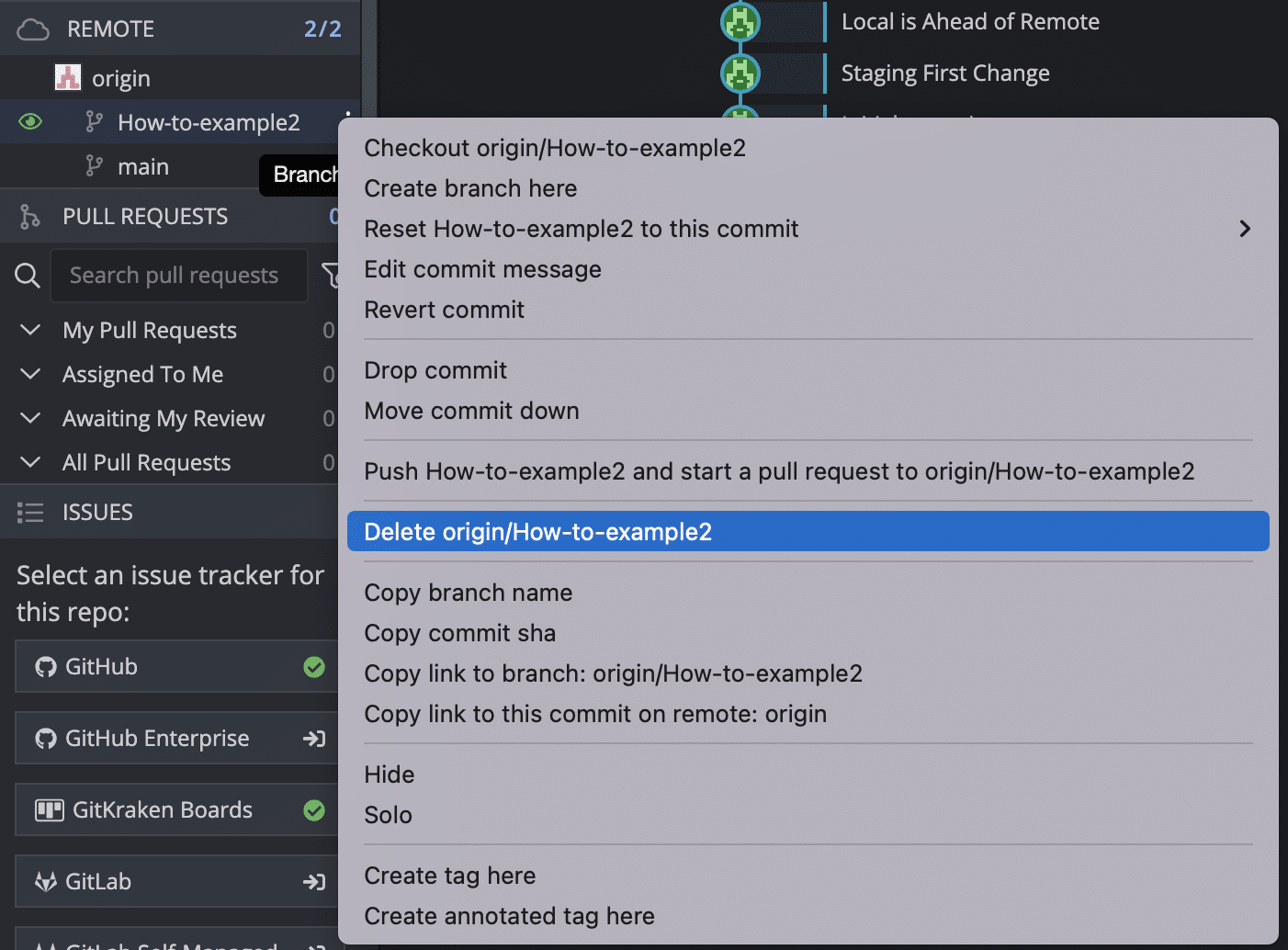
Web Remote tracking branch names take the form lt remote gt lt branch gt For instance if you wanted to see what the master branch on your origin remote looked like as of the last time you communicated with it you would check the origin master branch