Git Pull From Remote Branch Hard Gits Lokales Repository Und Entferntes Repository Verwirrende GIT Branch And GIT Merge Example Git Branching Diagram Github Gambaran How To Create New Branch Git Pull Remote Branch How To Fetch Remote Branches In Git Git Difference Between Git Fetch And Git Pull GeeksforGeeks The git pull command first runs git fetch which downloads content from the specified remote repository Then a git merge is executed to merge the remote content refs and heads into a new local merge commit To better demonstrate the pull and merging process let us consider the following example Assume we have a repository with a main branch and a remote origin
Git pull gitreponame branchname Usually if you have only repo assigned to your code then the gitreponame would be origin If you are working on two repo s like one is local and another one for remote like you can check repo s list from git remote v this shows how many repo s are assigned to your current code BranchName should exists into corresponding gitreponame 3 Answers Sorted by 19 First update your remote tracking branches local replicas of the remote branches with which you can t interact in the same way you do with your own local branches It s typically done with git fetch without any parameters all is implied
Git Difference Between Git Fetch And Git Pull GeeksforGeeks Pull Changes From Another Branch In Git Delft Stack Git Rebase Vs Git Merge Git Coding How To Apply Git Pull Force Scaler Topics Modifying Git History 3 3 Pulling A Shared Branch With Rebase To A Step by step Guide For Navigating Through The Unavoidable Pull Git In Easy Steps Branch Quan Mai s Blog 1 Git Checkout Remote Branch How It Works And When It Is Good To Use GIT 1 CodingBucks Dev Blog
Git Pull From Remote Branch Hard
 Git Pull From Remote Branch Hard
https://www.viresist.org/wp-content/uploads/1643110687_472_Gits-lokales-Repository-und-entferntes-Repository-–-verwirrende-Konzepte.png
Git pull Update your local working branch with commits from the remote and update all remote tracking branches git pull rebase Update your local working branch with commits from the remote but rewrite history so any local commits occur after all new commits coming from the remote avoiding a merge commit
Pre-crafted templates offer a time-saving service for developing a diverse variety of documents and files. These pre-designed formats and designs can be made use of for different personal and professional jobs, consisting of resumes, invitations, flyers, newsletters, reports, discussions, and more, simplifying the content production process.
Git Pull From Remote Branch Hard
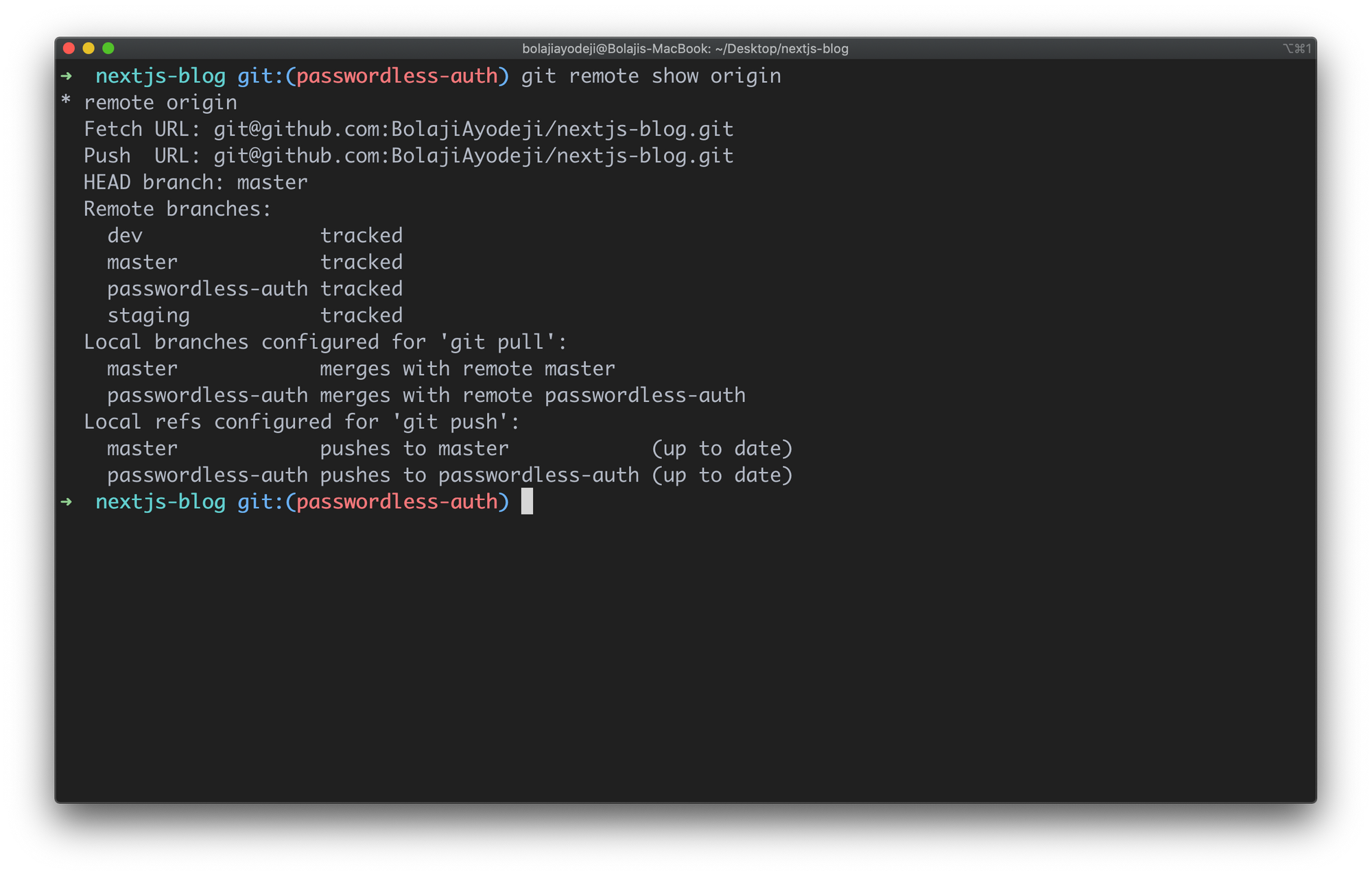
Git Clone Branch Come Clonare Un Branch Specifico

Pull Changes From Another Branch In Git Delft Stack

Git Rebase Vs Git Merge Git Coding How To Apply
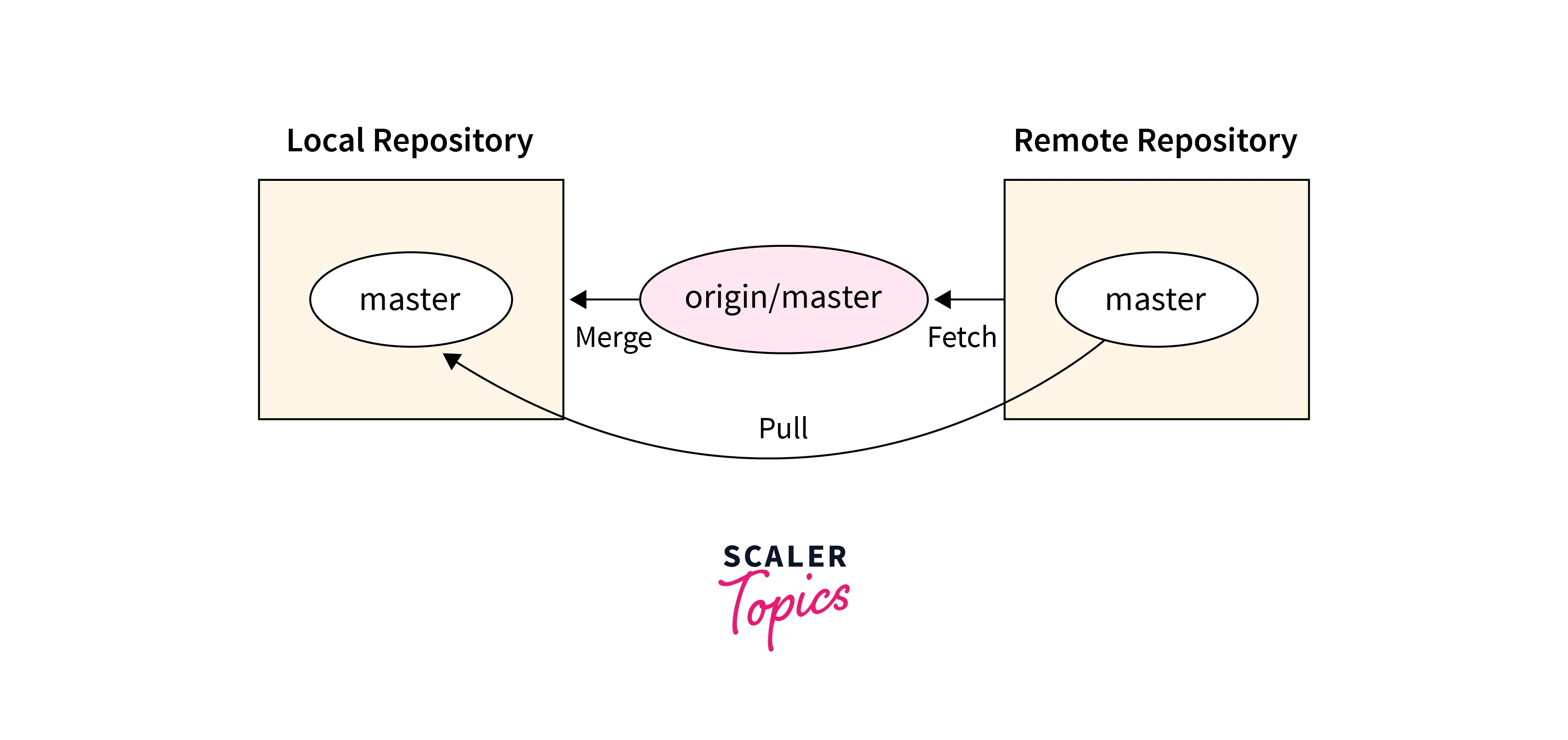
Git Pull Force Scaler Topics

A Step by step Guide For Navigating Through The Unavoidable Pull

Git In Easy Steps Branch Quan Mai s Blog

DESCRIPTION Incorporates changes from a remote repository into the current branch If the current branch is behind the remote then by default it will fast forward the current branch to match the remote
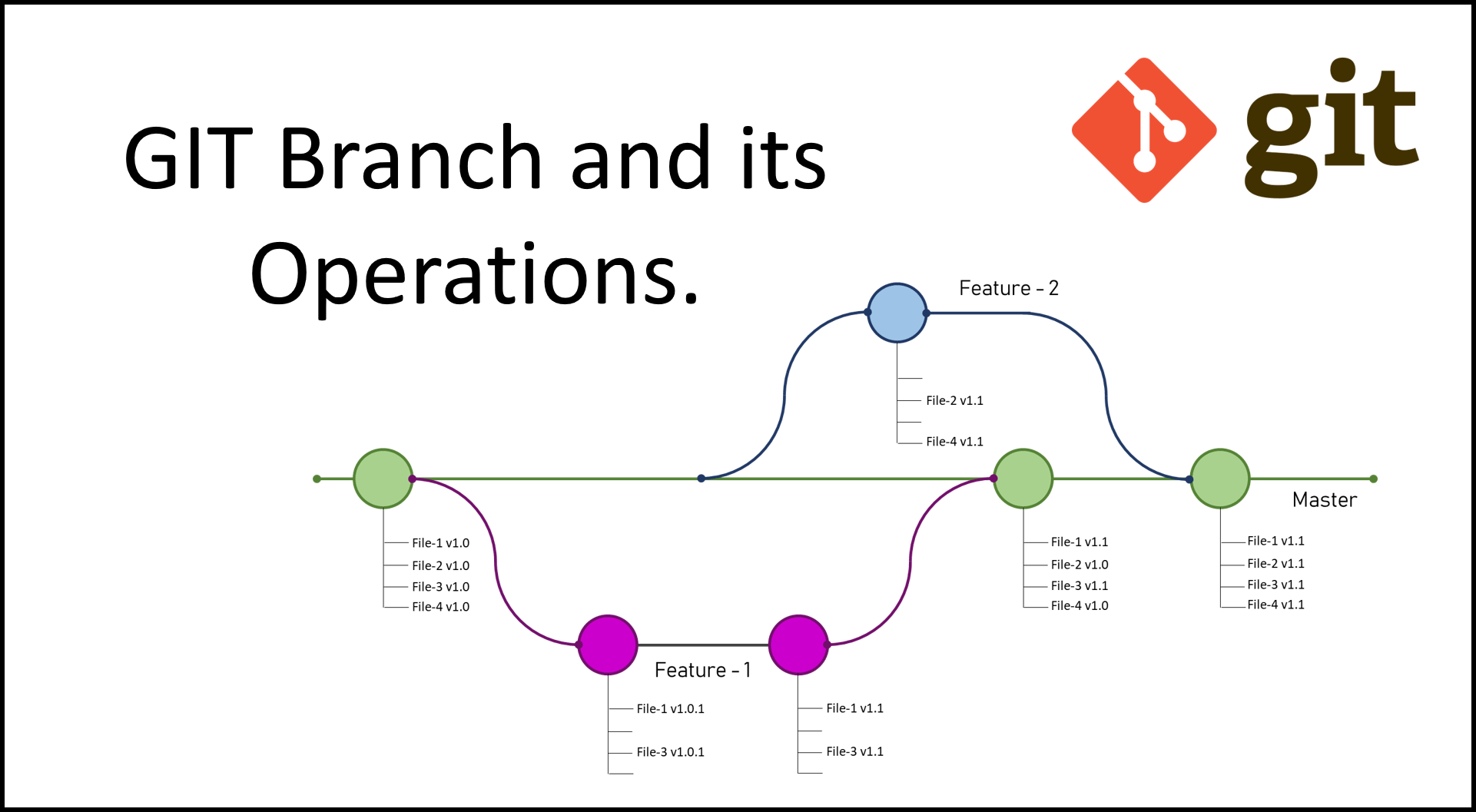
The question in the title How do I pull down a remote branch is a separate question from the one in the body of the text Why isn t frontend in the list returned by git branch When you did the git pull you did pull down the remote branch That relates to the question in the title
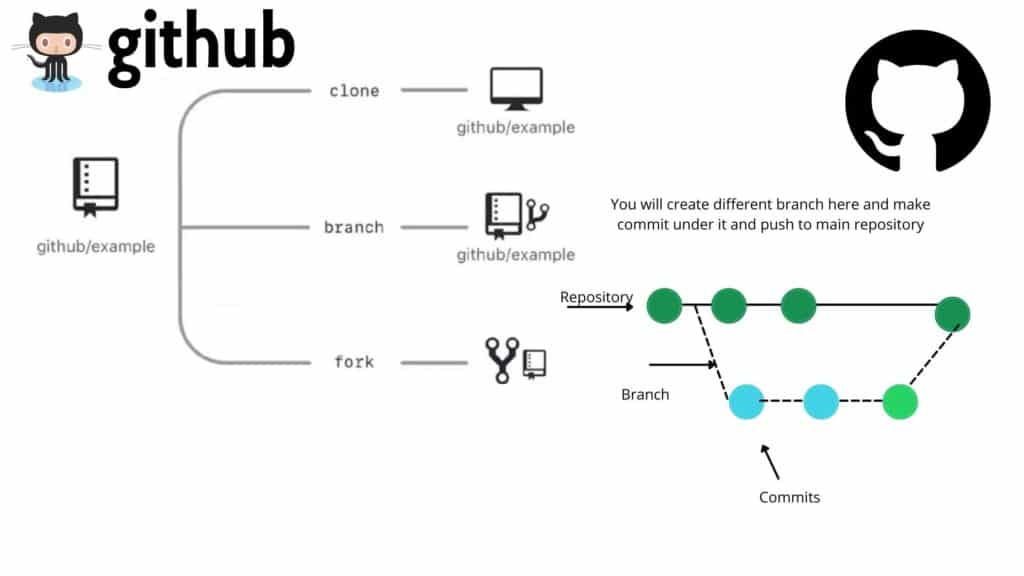
To achieve this use the following command git pull all You can then run the git branch r to verify if the remote repository has been added Wrapping Up Fetching remote branches in Git is a crucial aspect of collaboration in a development environment

1 git pull fetches from remote repositories git reset deals with the local tree How are they even comparable zerkms Mar 27 2017 at 3 05 2 if your local branch differs from remote git pull does the merge git fetch with git reset hard only checkouts it ymonad Mar 27 2017 at 3 05 7

How Exactly does Git Pull Work Pull is not a single operation It consists of fetching data from the remote server and then merging the changes with the local repository These two operations can be performed manually if you want git fetch git merge origin CURRENT BRANCH The origin CURRENT BRANCH part means that
16 Aug 2022 When multiple users are working with the same Git files and folders you can run into conflict issues that might be tricky In most cases you want to resolve the conflicts manually However there might be cases where you want to git force pull to overwrite your local changes October 3 2023 If you re a developer you re likely familiar with Git and its powerful features that make version control a breeze One of the most common tasks you ll perform with Git is pulling changes from a remote repository to your local copy
Git pull git pull does two things git fetch and then git merge origin branch This is useful if someone else has made new commits on your branch and you want to merge them into