Git Move A Commit To A Branch Solved Git Move A Commit on Top 9to5Answer Git Move Last Commit To Another Branch How To Switch Branch In Git Youtube Riset Pushing A Commit To A Different Repo Renata s Blog Git Revert Studytonight Web Move the current branch back by the number of the mistaken commits git reset keep HEAD N The keep option preserves the uncommitted changes in unrelated files or aborts if the changes would have to be overwritten
Web Sep 17 2020 nbsp 0183 32 To move the commit to a new branch we must first create a new branch git branch new feed This command creates a branch containing all the code currently on the master branch Now that we have a new branch we can move our master branch back by one commit so it does not contain the code we ve written toward the new Web Dec 14 2023 nbsp 0183 32 One feature of Git that confuses many new users is the ability to move commits from one branch to another This task while seemingly straightforward can be tricky if not properly understood In this educational piece we will demystify the process of moving a commit to another branch in Git
Git Revert Studytonight How To Cherry Pick Git Commits When How To Use A Git Cherry Pick Commit Junos Notes Deber a Auto R o Arriba Run Git Acceso Caja De Cart n Peque o Git Create Branch From Another Branch Console Lasopaireland How To Move Commit To Another Branch In Git Scaler Topics Difference Between Commit And Push Difference Between How To Move A File In Git YouTube How To Revert To Last Commit In Git YouTube Git Anleitung Hot Sex Picture
Git Move A Commit To A Branch
 Git Move A Commit To A Branch
https://sgp1.digitaloceanspaces.com/ffh-space-01/9to5answer/uploads/post/avatar/398840/template_git-move-a-commit-quot-on-top-quot20220606-3238123-1td1nnb.jpg
Web Sep 20 2019 nbsp 0183 32 Using git reset hard will remove all the commit referencing the changes and all the changes themselves from feature a branch while leaving that commit on feature b git checkout feature a git reset hard z1b2c3d You can do this with multiple commits too just cherry pick several then reset back to the last commit you want to keep
Templates are pre-designed documents or files that can be used for numerous functions. They can save time and effort by providing a ready-made format and design for creating various kinds of content. Templates can be utilized for personal or professional tasks, such as resumes, invitations, leaflets, newsletters, reports, presentations, and more.
Git Move A Commit To A Branch

GIT Branch And Its Operations An Easy Understanding Digital Varys
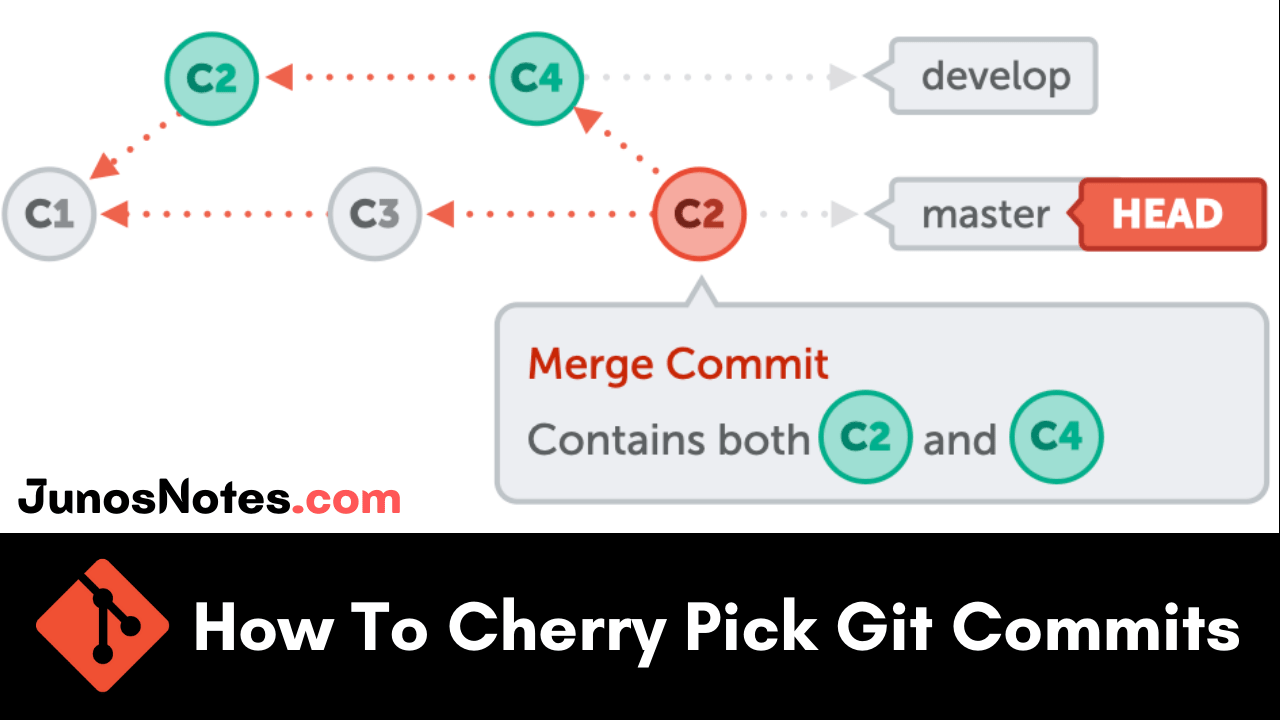
How To Cherry Pick Git Commits When How To Use A Git Cherry Pick Commit Junos Notes
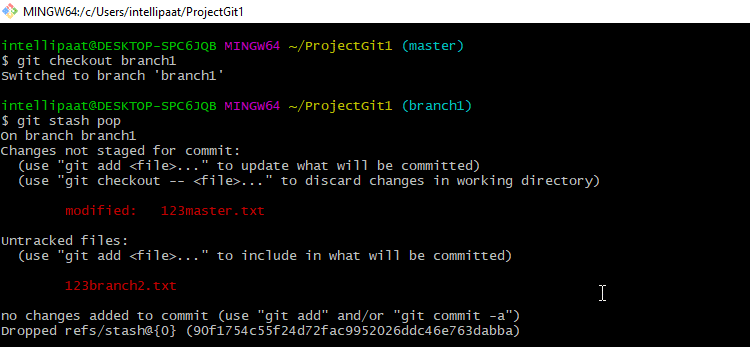
Deber a Auto R o Arriba Run Git Acceso Caja De Cart n Peque o
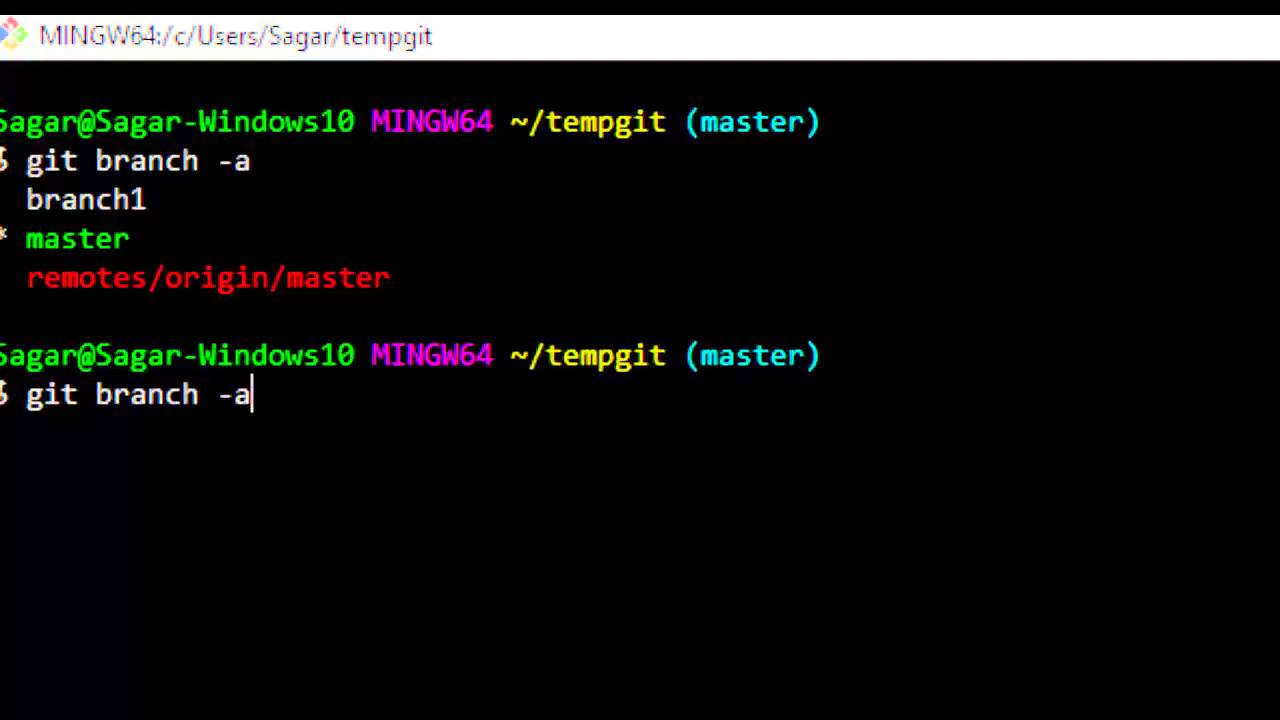
Git Create Branch From Another Branch Console Lasopaireland

Difference Between Commit And Push Difference Between
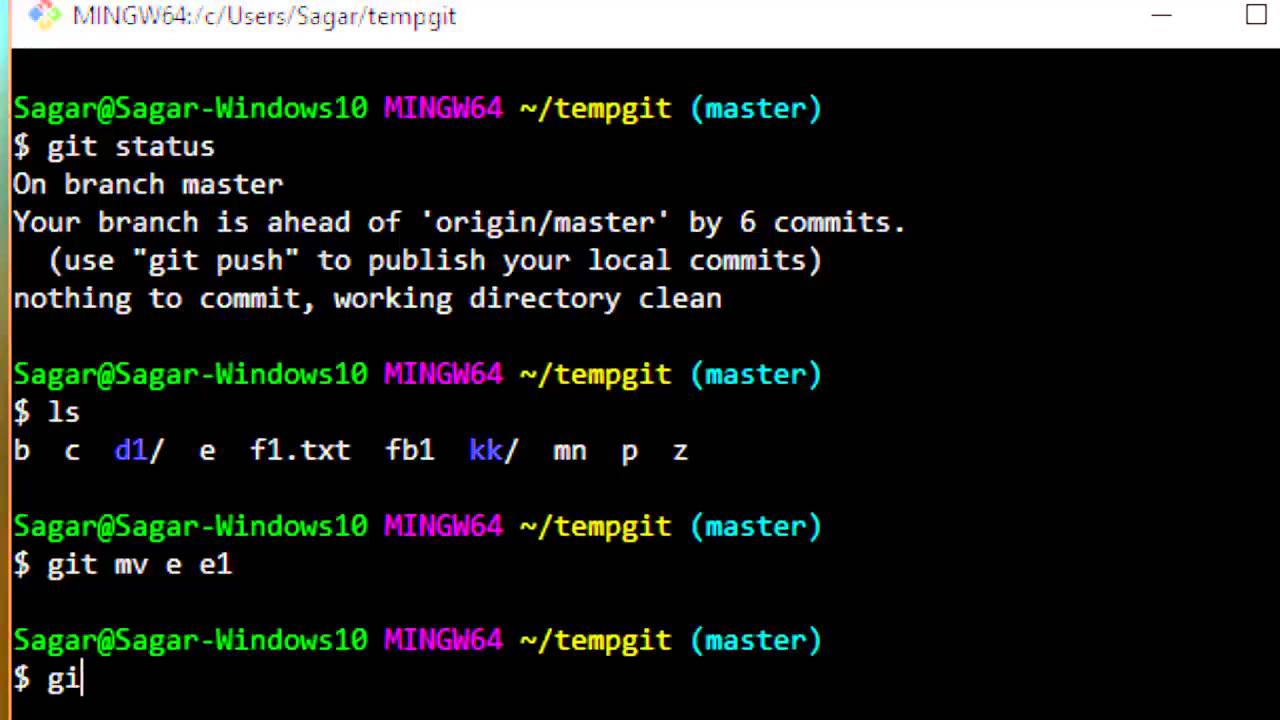
How To Move A File In Git YouTube

Web Aug 22 2023 nbsp 0183 32 In this guide we ll learn how to move our latest commits to another branch leaving our original branch unchanged If you ve never used these tools before visit our guide on how to commit and push in Git You may also find our guide on how to check out a remote branch useful

Web Mar 28 2023 nbsp 0183 32 Commits A branch is just a label for one commit You can move a branch attaching it to any commit you like with git reset Let s start with a two branch situation git log oneline all graph 102fa13 br z 7e0ddf5 HEAD

Web Feb 5 2013 nbsp 0183 32 1 Answer Sorted by 49 In the case you ve described where all commits on the staging branch are also on the master branch it s very easy git checkout staging git merge master git checkout master git reset hard c7 hash The merge will be a

Web Move Commits Between Branches in Git Watch on 1 Move to a new branch This is the easiest scenario and is exactly what is described above You did a commit on main but you actually wanted to move to a new branch Think about it when you create a new branch you basically start from the current situation of the branch you re on

Web git checkout iss53 Switched to branch quot iss53 quot vim index html git commit a m Finish the new footer issue 53 iss53 ad82d7a Finish the new footer issue 53 1 file changed 1 insertion Instead of just moving the branch pointer forward Git creates a new snapshot that results from this three way merge and automatically creates
Web Step 1 Verify Current Branch The first step is to verify the branch you are currently on Open a terminal or command prompt and navigate to your Git repository Use the following command to check the current branch git branch The branch you are currently on will be highlighted with an asterisk Step 2 Create a New Branch Web Jun 13 2017 nbsp 0183 32 If you want to move a non checked out branch to another commit the easiest way is running the git branch command with f option which determines where the branch HEAD should be pointing to git branch f lt branch name gt lt sha1 commit hash gt or lt branch name gt
Web Feb 2 2024 nbsp 0183 32 Move Commits to a New Branch in Git Move Commits to an Existing Synchronized Branch in Git Move Commits to an Existing Branch in Git This tutorial will see how to save commits to a new or existing branch in Git The article covers how to move commits to A new branch An existing branch