Git Merge One Commit From Branch To Master How To Merge A Branch Into Master Branch In Git YouTube Git Rebase Git Topics Help GitLab Git Revert Studytonight Make A Git Commit In Visual Studio Microsoft Learn Git Merging Branches With Git In IntelliJ IDE ITecNote WEB One helpful tool is git checkout with the conflict option This will re checkout the file again and replace the merge conflict markers This can be useful if you want to reset the markers and try to resolve them again You can pass conflict
WEB Download Now for Free Usage Examples Before using quot git merge quot make sure the correct local branch is checked out Then to perform the merge simply specify which branch s commits you want to integrate git checkout develop git merge feature login Tip Easy Branching amp Merging in Tower WEB Apr 27 2023 nbsp 0183 32 Recap What is a Merge in Git Merging is the process of combining the recent changes from several branches into a single new commit that will be on all those branches
Git Merging Branches With Git In IntelliJ IDE ITecNote Git Merge GeeksforGeeks Git How Do I Merge Featured Branch Into Master When Master Have How Do You Correct A Commit Message In Git O Reilly To Write Git Vrogue Github While Merging Does Git Only Consider The Timestamp Of A GIT How To Cherry Pick Git Commits When Use A Picking With Vs Code Part 2 Top 5 Git Commands For Experienced Developers Become Front End Expert GIT Branch And Its Operations An Easy Understanding Digital Varys
Git Merge One Commit From Branch To Master
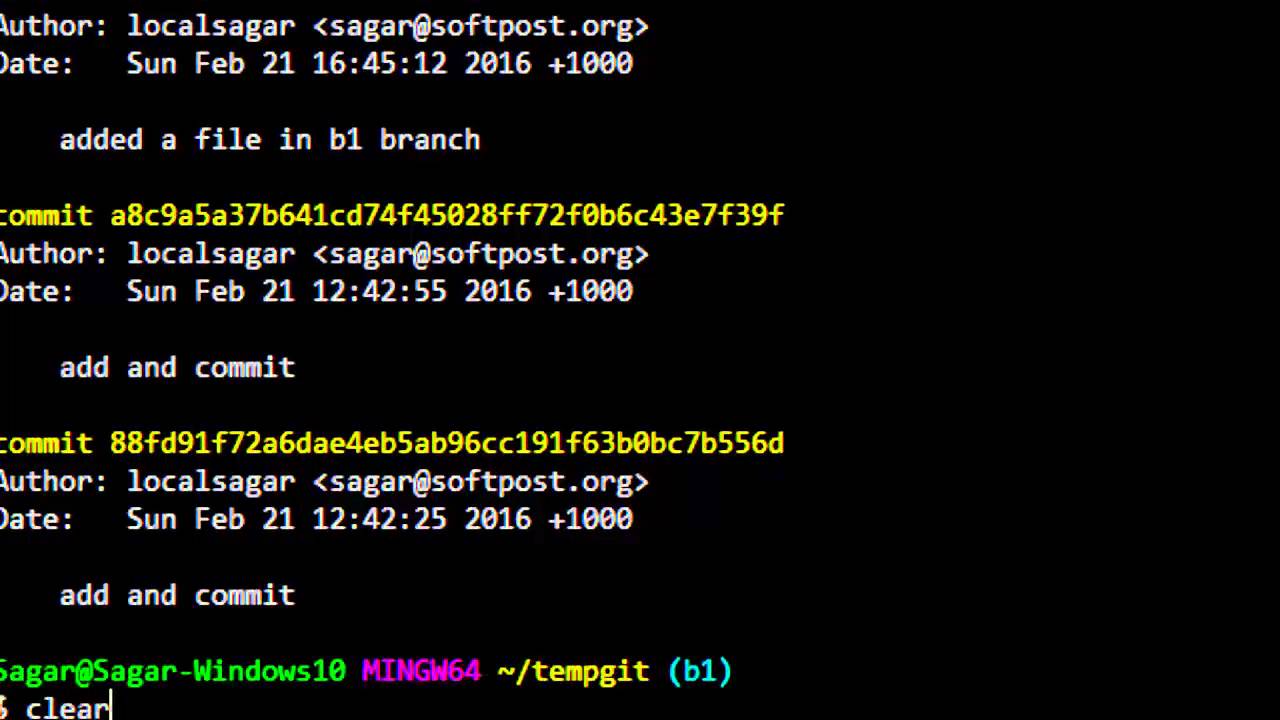 Git Merge One Commit From Branch To Master
https://i.ytimg.com/vi/lsLjxSkGSDE/maxresdefault.jpg
WEB Feb 15 2018 nbsp 0183 32 First you checkout the branch you want to merge the commits into git checkout lt the branch gt Then git cherry pick lt the branch you ve been working on gt What this does is quot It applies the change introduced by the commit at the tip of the working branch and creates a new commit with this change quot
Pre-crafted templates offer a time-saving solution for producing a varied range of files and files. These pre-designed formats and layouts can be made use of for different individual and expert projects, consisting of resumes, invites, leaflets, newsletters, reports, presentations, and more, enhancing the content production procedure.
Git Merge One Commit From Branch To Master
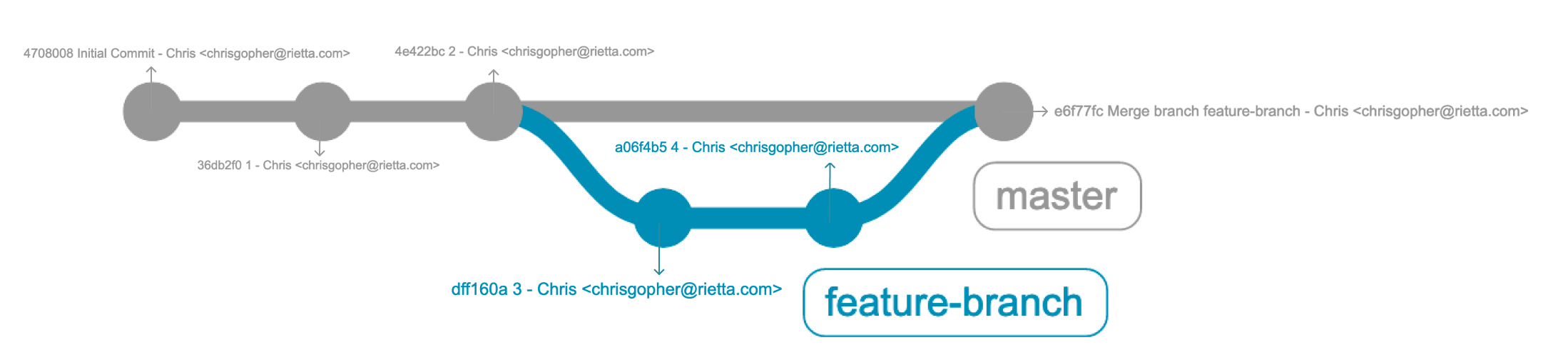
What s The Difference Between The 3 Github Merge Methods

Git Merge GeeksforGeeks
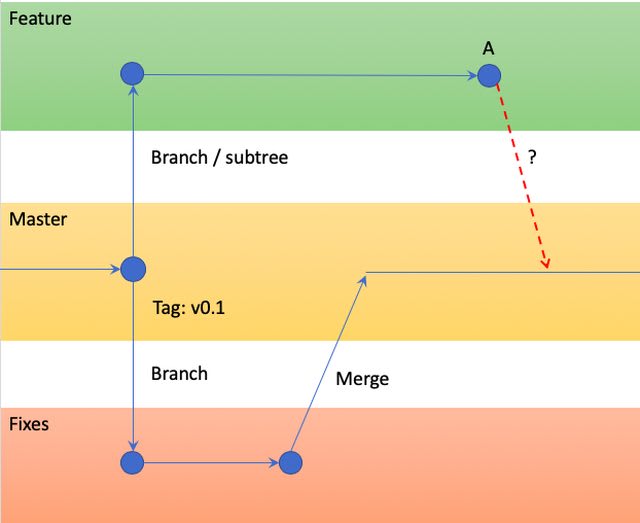
Git How Do I Merge Featured Branch Into Master When Master Have
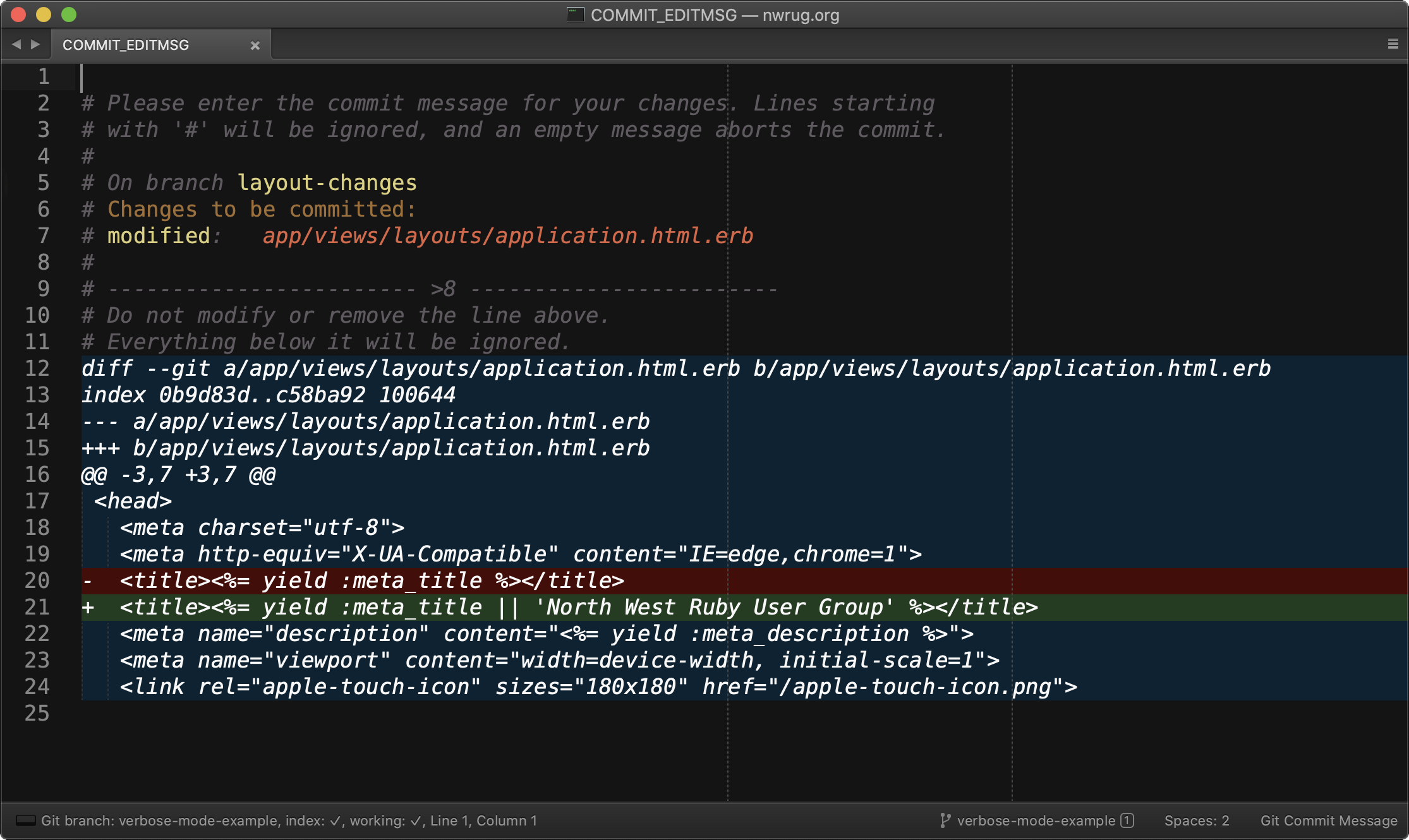
How Do You Correct A Commit Message In Git O Reilly To Write Git Vrogue
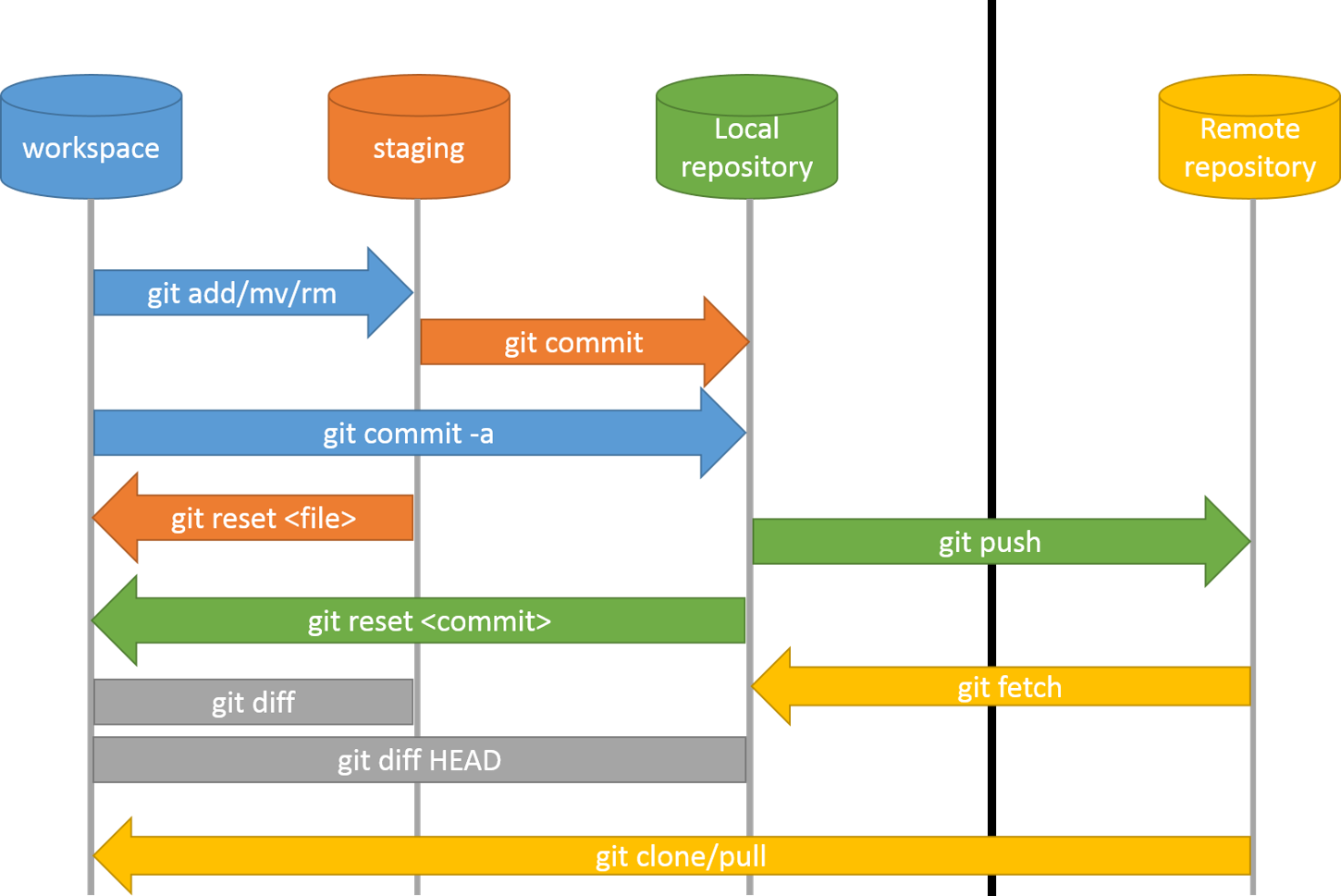
GIT

How To Cherry Pick Git Commits When Use A Picking With Vs Code Part 2

WEB Nov 22 2011 nbsp 0183 32 6 Answers Sorted by 840 Sure being in master branch all you need to do is git merge lt commit id gt where commit id is hash of the last commit from newbranch that you want to get in your master branch You can find out more about any git command by doing git help lt command gt It that case it s git help merge

WEB Jun 16 2011 nbsp 0183 32 How do I merge a specific commit from one branch into another in Git Asked 12 years 11 months ago Modified 5 years 1 month ago Viewed 223k times 241 I have BranchA which is 113 commits ahead of BranchB But I only want the last 10 or so commits from BranchA merged into BranchB Is there a way to do this github edited

WEB In order to do that you ll merge your iss53 branch into master much like you merged your hotfix branch earlier All you have to do is check out the branch you wish to merge into and then run the git merge command git checkout master Switched to branch master git merge iss53

WEB DESCRIPTION Incorporates changes from the named commits since the time their histories diverged from the current branch into the current branch This command is used by git pull to incorporate changes from another repository and can be used by hand to merge changes from one branch into another

WEB 1 Git merging combines sequences of commits into one unified history of commits 2 There are two main ways Git will merge Fast Forward and Three way 3 Git can automatically merge commits unless there are changes that
WEB Apr 30 2018 nbsp 0183 32 Click the Merge button From the popup that appears select the commit you want to merge into your feature branch Check the Create a commit even if merge resolved via fast forward option at the bottom Click OK Your feature branch now has the same commits as your master branch Last modified on Apr 30 2018 Was this helpful WEB Merge lt feature branch gt into the above using git merge squash Merge the newly created branch into master This way the feature branch will contain only one commit and the merge will be represented in a short and tidy illustration
WEB Dec 31 2022 nbsp 0183 32 What Is a Merge in Git Preparing to Merge a Branch in Git Performing a Merge Performing a Fast Forward Merge in Git How to Resolve Merge Conflicts in Git Everything Merges Eventually Key Takeaways To merge a development branch into the current branch use quot git merge dev branch name quot