Affinity Designer Marquee Tool Selection with Rectangular Marquee in Affinity Photo - YouTube How to rotate the selection made by the rectangle marquee tool? - Affinity on Desktop Questions (macOS and Windows) - Affinity | Forum Selection with Row and Column Marquee tools in Affinity Photo - YouTube How to Make Selections in Affinity Photo - Lenscraft Affinity Photo Marquee , Gradient , Paint Brush Tool, Free hand selection || Beginner Guide 4 - YouTube Fixed Sized Selection in Affinity Photo Choose the Rectangular Marquee Tool from tools or press M Select any area on the Canvas Change
In Affinity Designer Desktop How do i select shapes that are not completely bounded by marquee area similar to Adobe Illustrator marquee tool In the Photo Persona in the left column pick the Rectangular Marquee tool M and create a rectangle On the right choose the layer tab and then click on the
Affinity Photo Marquee , Gradient , Paint Brush Tool, Free hand selection || Beginner Guide 4 - YouTube Selection Brush Marquee Tool - Convert The Marquee To Path/Curve - Affinity on Desktop Questions (macOS and Windows) - Affinity | Forum Marquee move selected section - Tutorials (Serif and Customer Created Tutorials) - Affinity | Forum Is there any freehand/lasso selection tool in AD ? - Affinity on Desktop Questions (macOS and Windows) - Affinity | Forum Selecting and aligning nodes High GPU usage when using the marquee tool - Pre 1.10 Photo Bugs found on Windows - Affinity | Forum Select & Find Objects in Affinity Designer | Design Bundles Affinity photo marquee move function is missing. - Feedback for Affinity Photo on Desktop - Affinity | Forum Using the Corner Tool in Affinity Designer | Design Bundles
Affinity Designer Marquee Tool
 Affinity Designer Marquee Tool
https://i.ytimg.com/vi/a42YzXvU4oc/maxresdefault.jpg
In this tutorial we will learn how to create a blueprint effect in Affinity Photo A blueprint is a reproduction of a technical drawing or
Pre-crafted templates use a time-saving service for creating a varied series of documents and files. These pre-designed formats and designs can be made use of for different personal and expert tasks, including resumes, invitations, leaflets, newsletters, reports, presentations, and more, simplifying the material production procedure.
Affinity Designer Marquee Tool

Apply a Stroke to Marquee selection from photo in Affinity Designer to create this effect. - Affinity on Desktop Questions (macOS and Windows) - Affinity | Forum
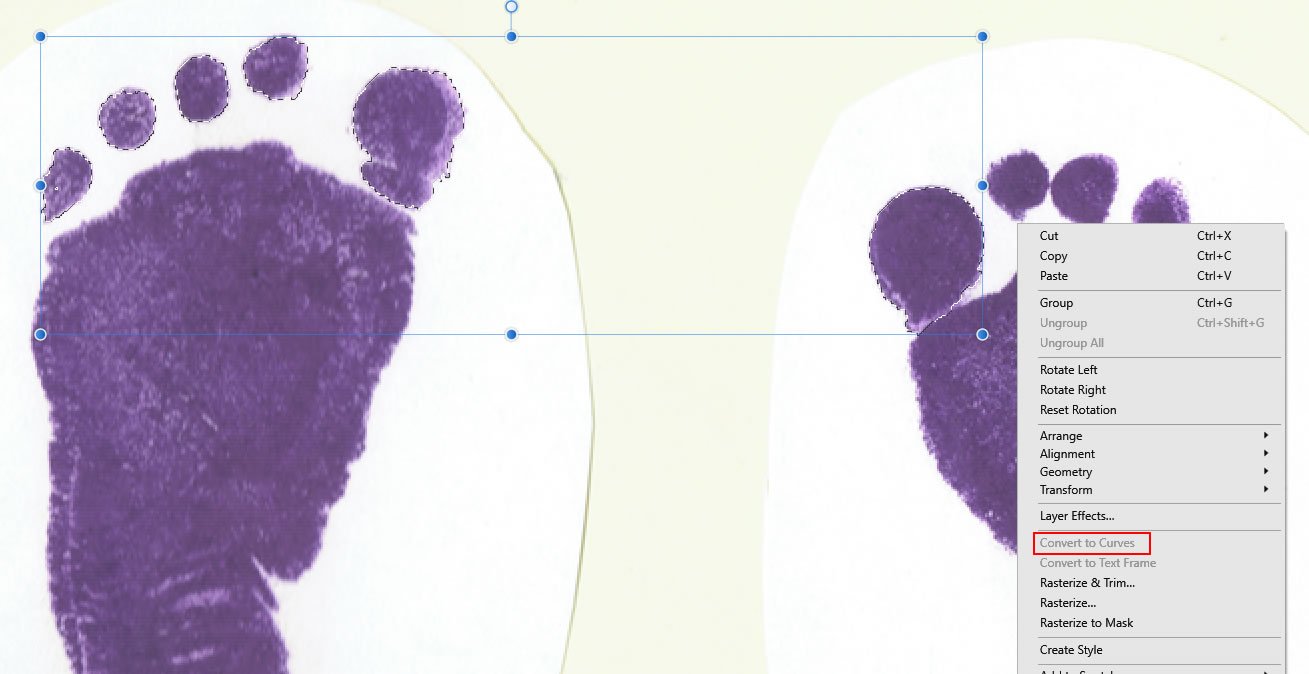
Selection Brush Marquee Tool - Convert The Marquee To Path/Curve - Affinity on Desktop Questions (macOS and Windows) - Affinity | Forum
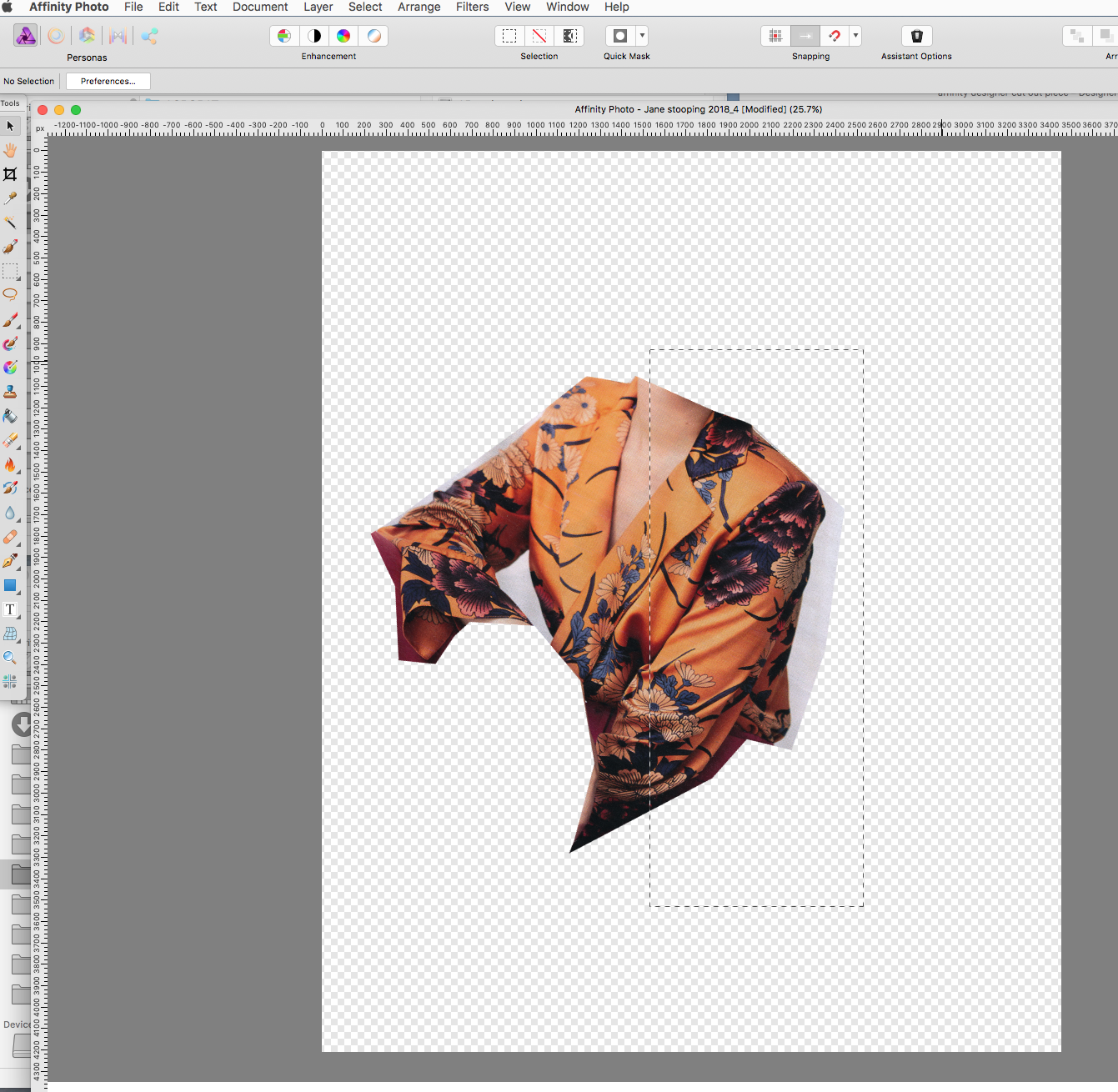
Marquee move selected section - Tutorials (Serif and Customer Created Tutorials) - Affinity | Forum

Is there any freehand/lasso selection tool in AD ? - Affinity on Desktop Questions (macOS and Windows) - Affinity | Forum

High GPU usage when using the marquee tool - Pre 1.10 Photo Bugs found on Windows - Affinity | Forum
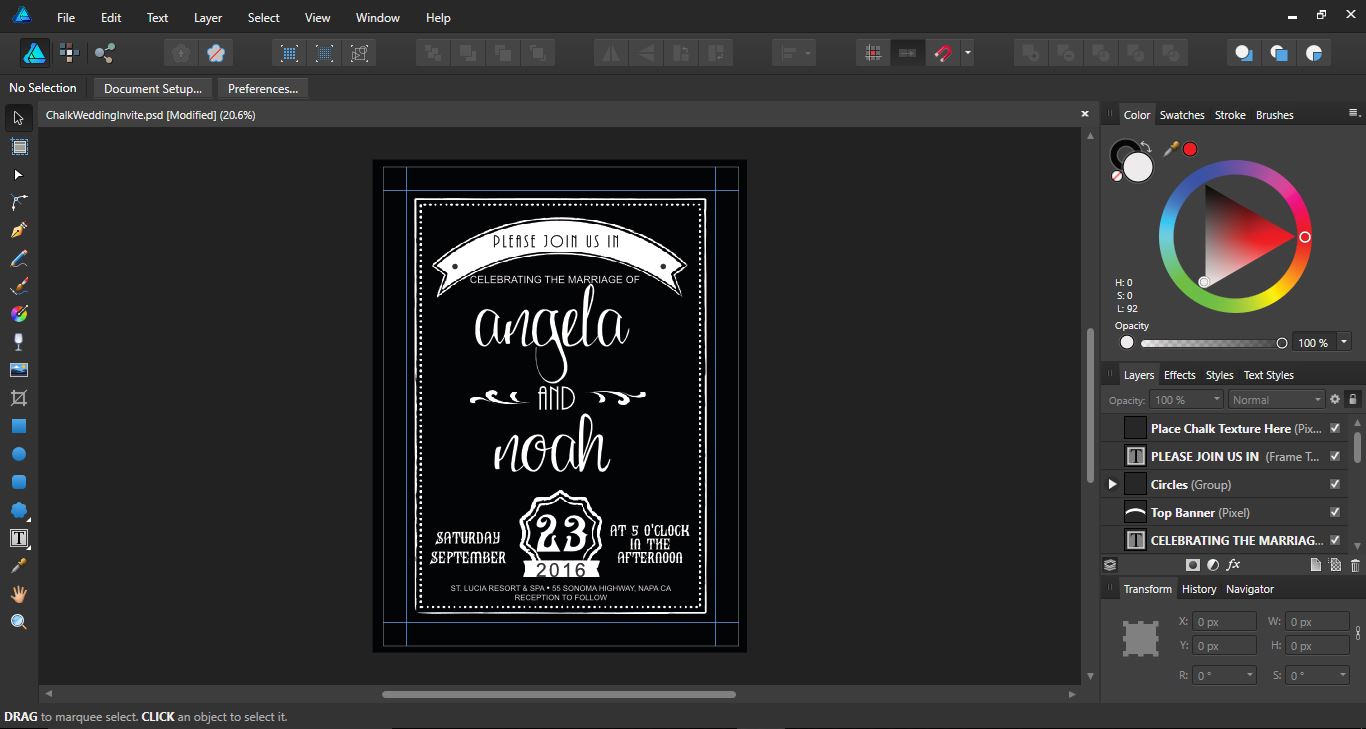
Select & Find Objects in Affinity Designer | Design Bundles
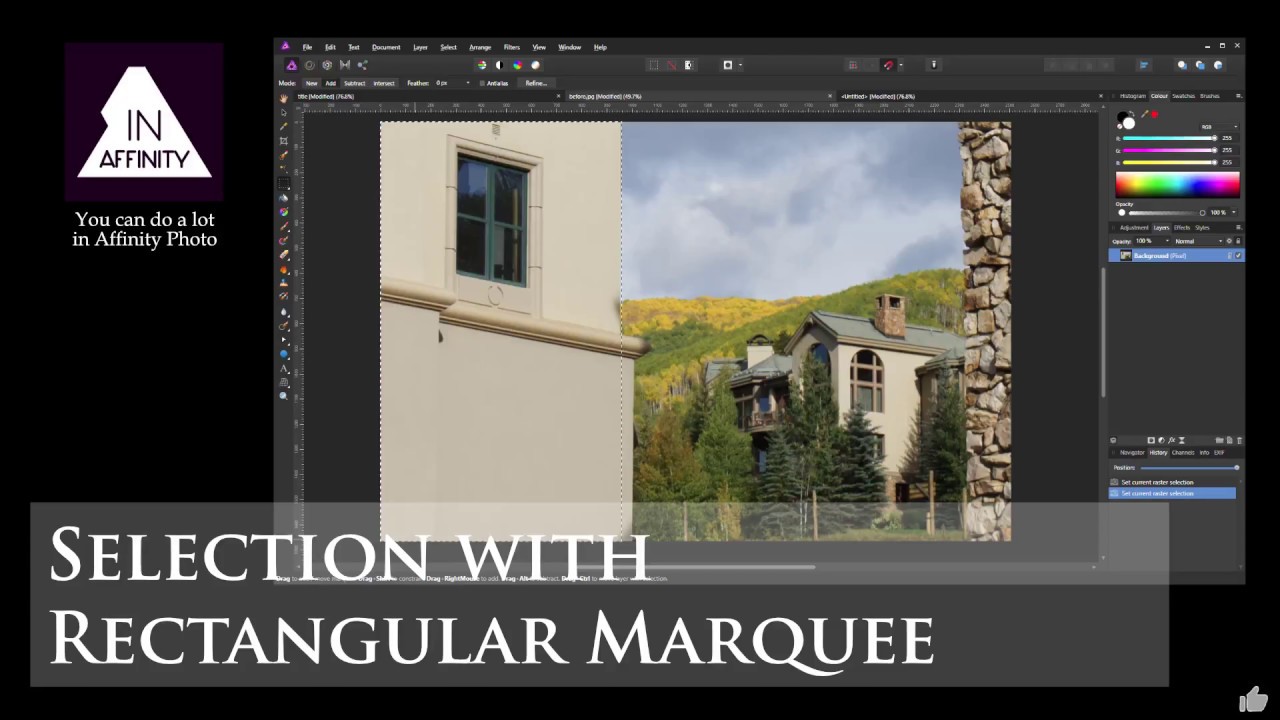
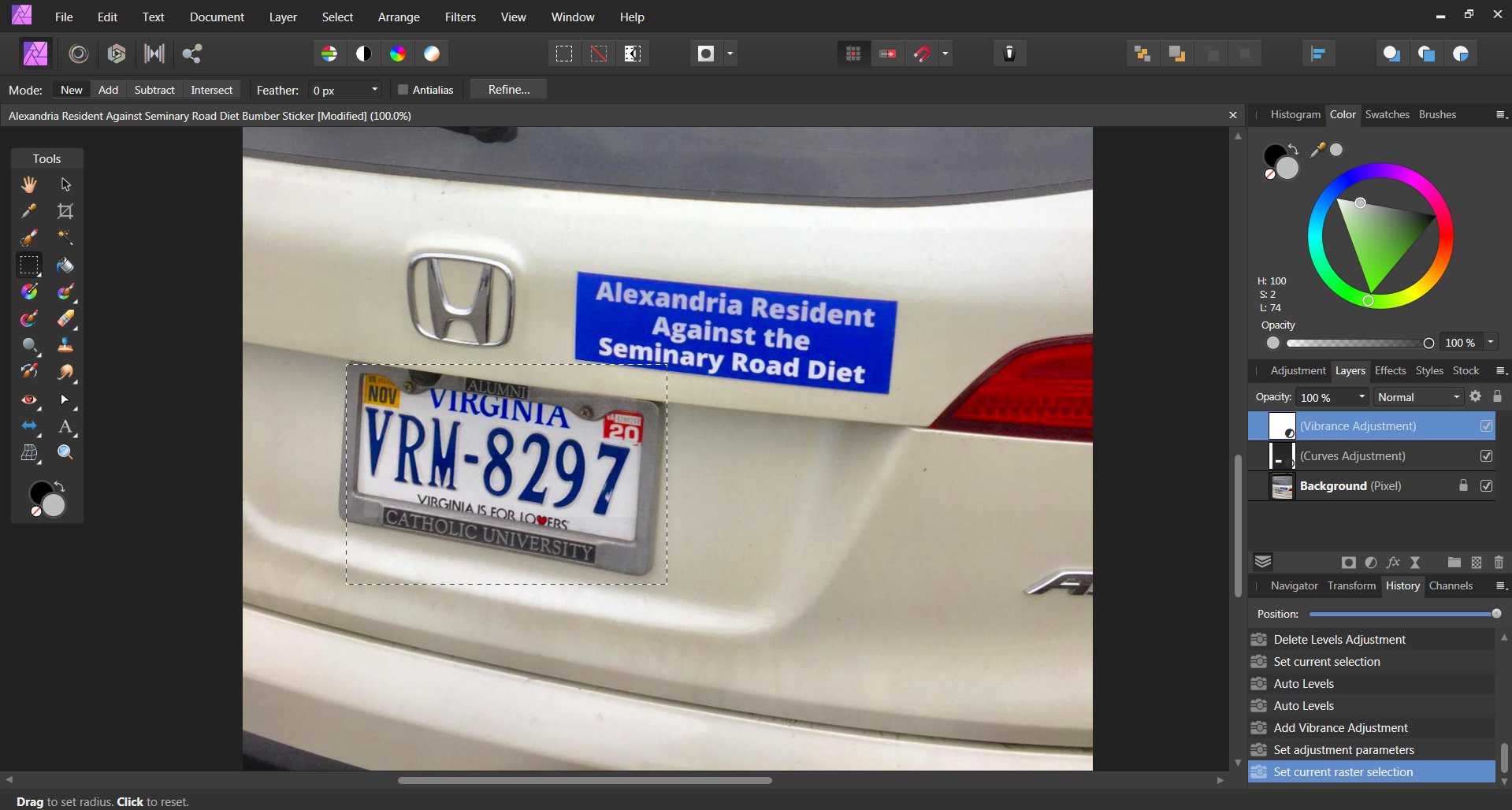
Here s how to use the Rectangular selection marquee tool in Affinity Photo It s a very
Here s how to use the Elliptical Marquee tool in Affinity Photo It is useful for selecting round

Yes it s possible To access the selection marquee tools you must switch to Pixel Persona menu Affinity Designer Pixel Persona if you are

Affinity Photo Marquee Tool to Delete Section of Pixels Goal To knock out a section of pixels so the Affinity Photo document s transparent background shows

You will find the Freehand Selection Tool in the Affinity Photo Tools Palette on the left of the screen It s part of a larger group of
The marquee tool draws from corner to corner If you hold a second finger down it constrains that to a perfect square Photoshop supports 3D and time based media whilst Affinity Photo does not marquee tool Elliptical marquee tool Single row marquee tool
Here are videos on using Selection in Affinity Photo Selection with the Flood Select Tool magic wand Selection with Rectangular Marquee