Git How To Replace Remote Branch With Local How To Push Local Git Repository To Github YouTube Git Push To A Different Remote Branch Tutorial 15 How To Create A Git Push To A Different Remote Branch Tutorial 15 How To Create A Git How To Replace The Master Branch DEV Community Git Delete Local Branch And Remote Branch With Force Delete 2 Unable to force push into protected branch GitHub has a protected branch feature To proceed you will need to have high level permissions at least write permissions I think Now go to your repository on GitHub Settings Branches and under Protected Branches click on Edit for the branch you want to force push into
Remote tracking branch names take the form remote branch For instance if you wanted to see what the master branch on your origin remote looked like as of the last time you communicated with it you would check the origin master branch If you were working on an issue with a partner and they pushed up an iss53 branch you might have your own local iss53 branch but the branch on the server Git is a decentralized version control system which means your local repo is the same thing as the remote repository on a site like Github Once set up you can push and pull from it by specifying the remote name and remote branch git push remote master git fetch pull remote master Pushing a Branch to a Different Remote
Git Delete Local Branch And Remote Branch With Force Delete How Do I Check Out A Remote Branch With Git O Reilly Git Guides Git Push GitHub Git Delete Remote Branch How To Delete A Remote Git Branch How To Replace Part Of String In Update Query In MySQL Fedingo Git Push To A Different Remote Branch Tutorial 15 How To Create A push autoSetupRemote Auto Setup Remote Branch With Push Aniekwensi Chisom On LinkedIn HOW DOES GIT PULL AND PUSH WORK GIT DIY How To Replace Remote Fob Battery In Audi A4 A5 Q7 And TT YouTube
Git How To Replace Remote Branch With Local
 Git How To Replace Remote Branch With Local
https://i.ytimg.com/vi/ajxPz9x_q04/maxresdefault.jpg
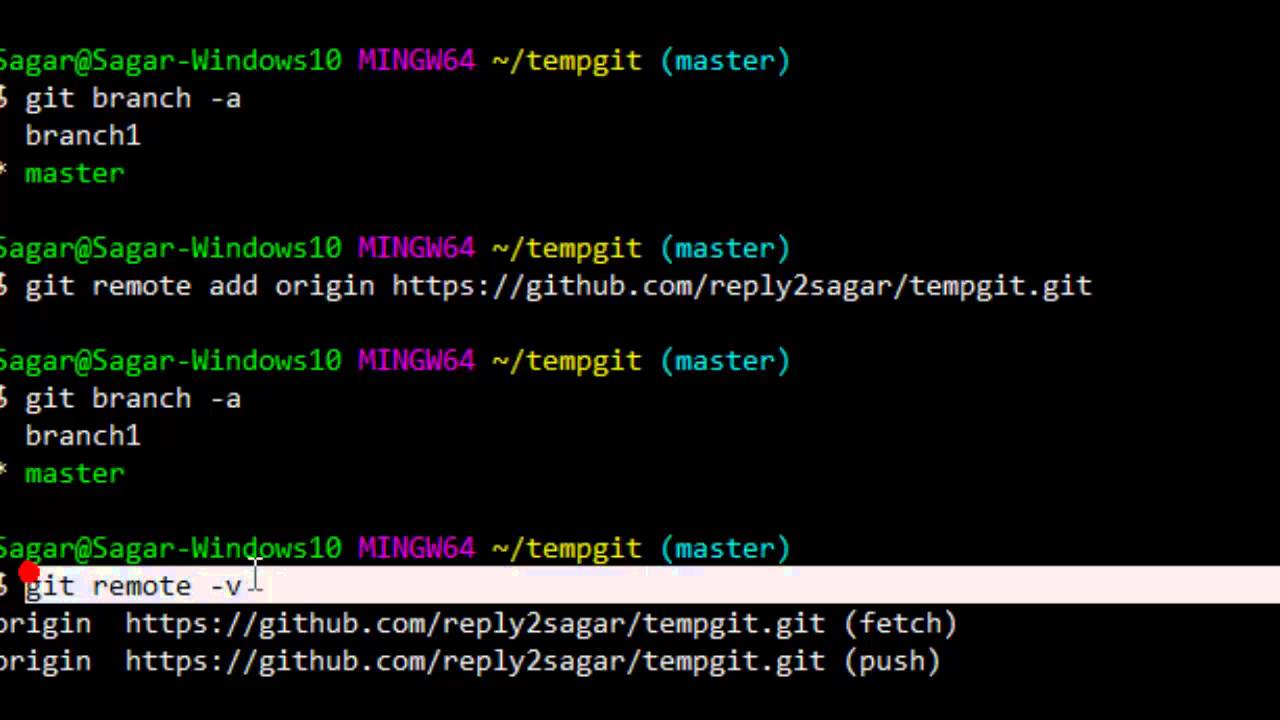
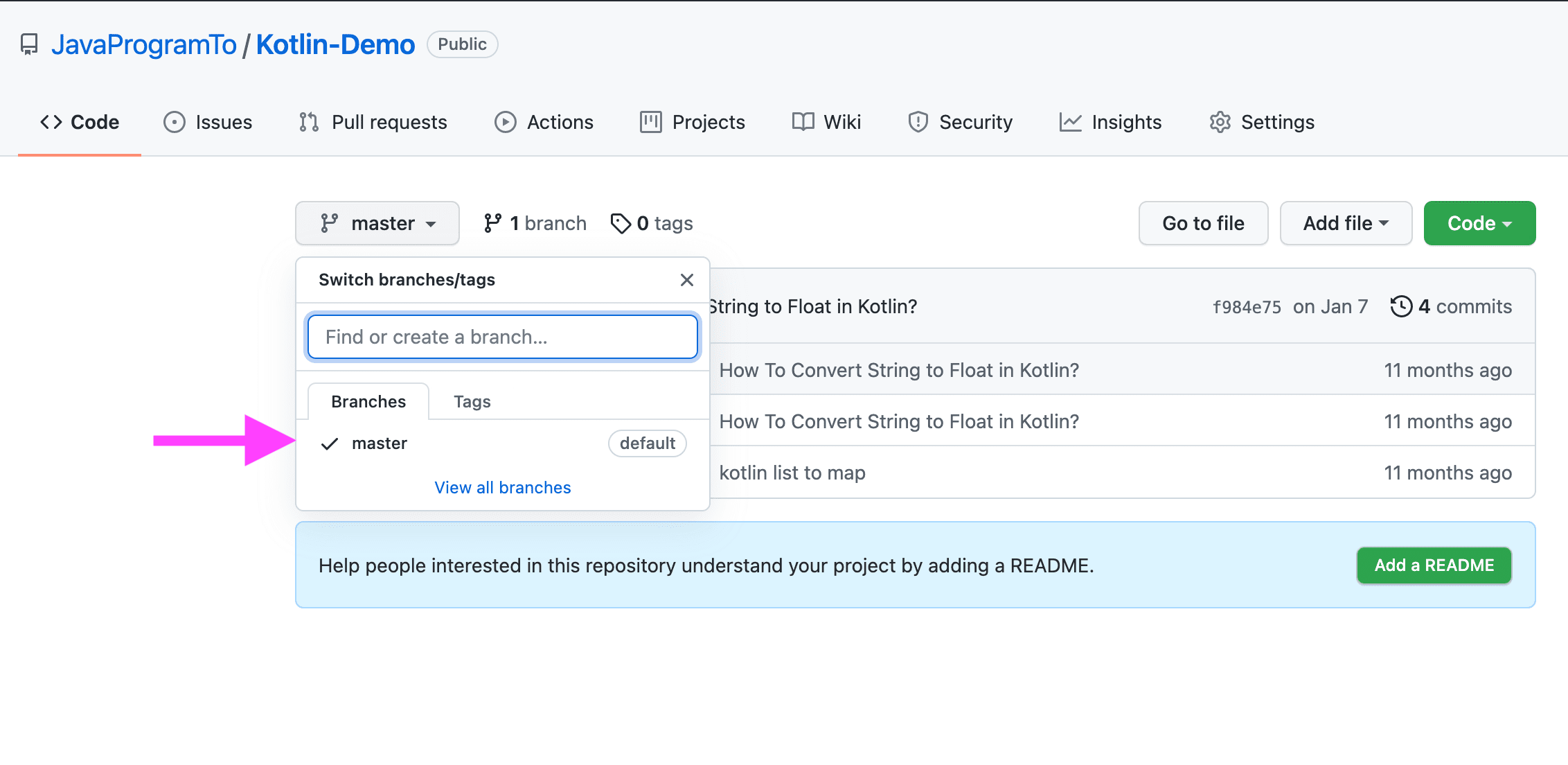
However when I list the branches using git branch only the default branch is listed The other branches are listed when I use git branch all but they are prefixed with remotes origin indicating that they are remote tracking branches not local branches
Templates are pre-designed files or files that can be utilized for different functions. They can save effort and time by offering a ready-made format and design for developing various sort of content. Templates can be used for personal or expert jobs, such as resumes, invites, flyers, newsletters, reports, discussions, and more.
Git How To Replace Remote Branch With Local

Git

How Do I Check Out A Remote Branch With Git O Reilly

Git Guides Git Push GitHub

Git Delete Remote Branch How To Delete A Remote Git Branch
Git Push To A Different Remote Branch Tutorial 15 How To Create A

push autoSetupRemote Auto Setup Remote Branch With Push
1 Answer Sorted by 125 You can use the local name remote name syntax for git push git push origin newBranch oldBranch This pushes newBranch but using the name oldBranch on origin Because oldBranch probably already exists you have to force it git push origin newBranch oldBranch I prefer the instead of f but f will work too

1 git reset HEAD hard 2 git reset hard origin dev 3 git checkout dev git fetch git reset hard origin dev But reviewing the local code after the executing the above git commands I can still see leftover files and folders from the plugin Using git status I get Your branch is up to date with origin dev

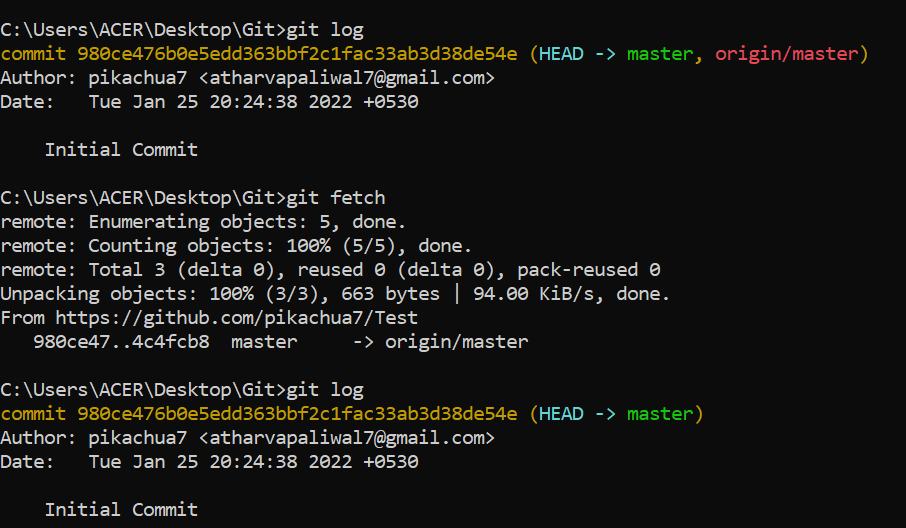
Like git push git fetch allows us to specify which local and remote branch do we want to operate on git fetch origin feature 1 my feature will mean that the changes in the feature 1 branch from the remote repository will end up visible on the local branch my feature When such an operation modifies the existing history it is not permitted by

If your current branch is set up to track a remote branch see the next section and Git Branching for more information you can use the git pull command to automatically fetch and then merge that remote branch into your current branch This may be an easier or more comfortable workflow for you and by default the git clone command automatically sets up your local master branch to track the
In this situation I want to discard my local copy of the Pull Request branch and replace it with the version on GitHub or wherever the remote branch is being stored To accomplish this we can run the following line from the command line git fetch all git reset hard origin git rev parse abbrev ref HEAD
Follow the steps below to overwrite the local branch using git reset 1 Use git checkout to switch to the branch you want to overwrite The syntax is git checkout branch name For example 2 Fetch the remote changes to get the latest version of the remote branch Run the following command git fetch 3 We can first delete our local branch git branch d local branch We can then fetch the remote branch git fetch origin remote branch Finally we can checkout that branch locally git checkout b local branch origin remote branch Using git reset First we need to check out the branch we plan on replacing git checkout local branch
To replace a local branch with a remote branch in Git follow these steps Fetch the latest changes from the remote repository git fetch origin Checkout the remote branch you want to replace your local branch with git checkout b local branch origin remote branch Force update your local branch with the remote branch